Builder profiles
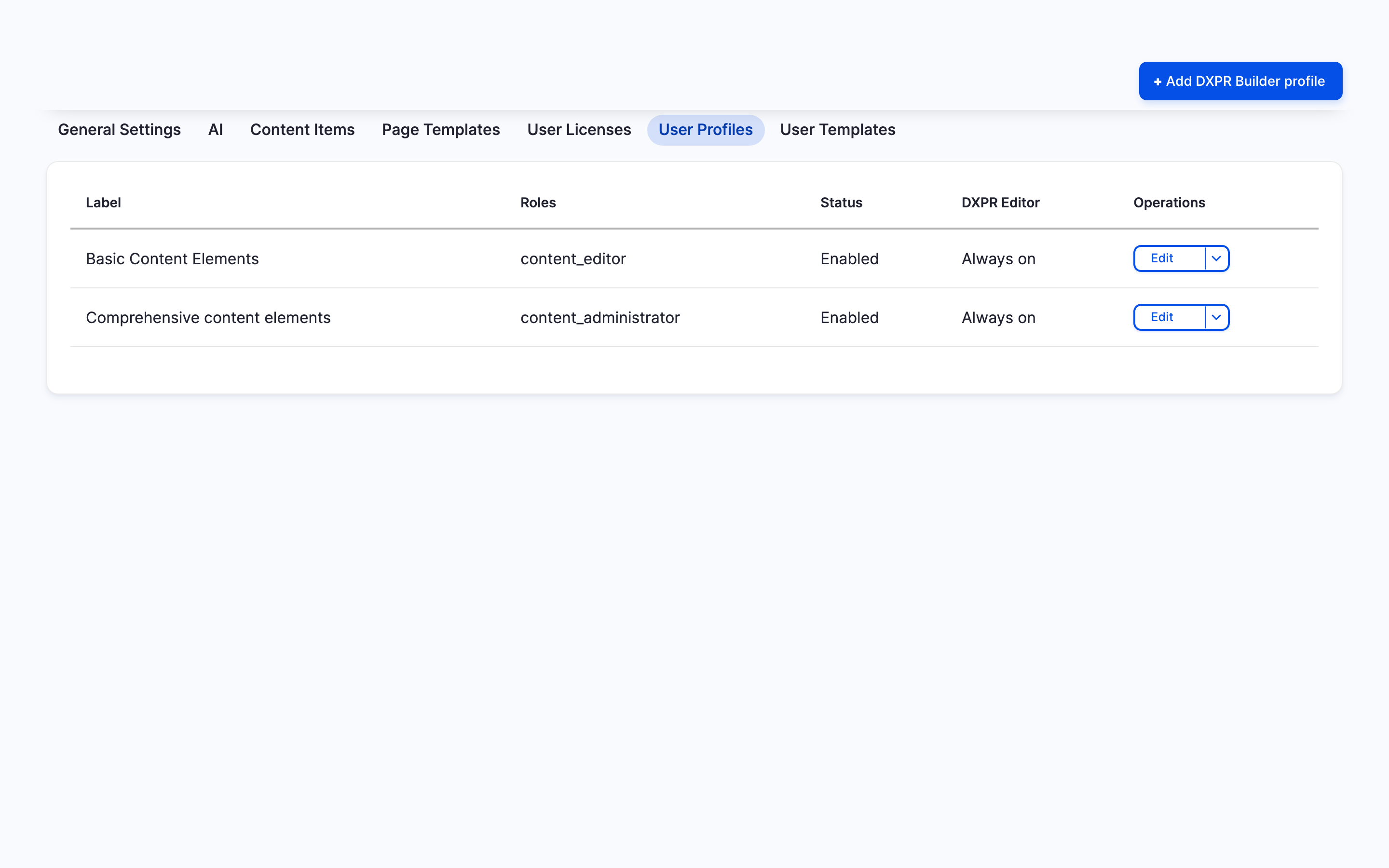
A builder profile decides what people with certain roles see in DXPR Builder. You can give content editors a short list of elements and keep everything for site administrators. Profiles change what editors see, not how many licences you use. This page explains how profiles work; the User profiles page shows how to create one.
What a profile controls
- Start editor when page loads: whether the editing controls show at once, or only after a click on the eye icon of the main container.
- Control bars: where editors find the control bar of an element.
- Elements: which elements the element picker offers.
- Blocks and Views: which Drupal blocks and Views displays editors can place.
- Page templates and Global user templates: which templates editors can insert.
- Icon sets: which icon sets the icon pickers offer.
- Text editor buttons (inline editing) and Text editor buttons (modal editing): the text editor toolbars.
Newly created blocks, views displays and templates stay hidden from a profile until you tick them, or tick Check/Uncheck all for that group.
Which profile applies
Each profile lists the Roles it applies to. When an editor opens a page, DXPR Builder walks the enabled profiles from the lowest Weight to the highest. The first profile that shares a role with the editor applies. If no profile matches, the editor sees every element, block, view, template and icon set.
A field can also force one profile for everyone who edits it: the Editing Profile setting of the DXPR Builder formatter, under Manage display of the content type.
Profiles and licences
Profiles do not lower your licence count. Every account with the Edit with DXPR Builder permission uses a licence, whatever its profile shows. To stop an account from counting, take away the permission or exclude the account, as Keep your editors within your licence explains.
Plan a profile per role
- Content marketers build pages from approved parts: give them Text, Image, Button, Card and Video, the page templates you approve and a short inline toolbar.
- Webmasters set up layouts: tick Check/Uncheck all in every group, so new blocks, views and templates appear for them automatically.
Managing profiles needs the Administer dxpr builder profile permission.
What's next?
- User profiles: create and edit a profile
- Keep your editors within your licence: control who uses a licence