Update DXPR Builder
Update DXPR Builder to get bug fixes, new features and security fixes.
You update the code with Composer, then let Drupal convert settings and
content with drush updatedb. Use this page for updates within the 3.x
series. Coming from 1.x or 2.x? Follow
Migrating from DXPR Builder 1.x or 2.x instead.
Before you start
-
Back up the database:
bash drush sql:dump > backup-$(date +%Y%m%d).sql -
Read the Changelog and the GitHub releases page for changes that need action, such as the move to Font Awesome 7.
- Try the update on a staging copy of the site first.
Update the module
-
Update the code:
bash composer update drupal/dxpr_builder --with-dependencies -
Run the database updates. You can also visit
/update.phpinstead:bash drush updatedbSome updates convert every DXPR Builder field value in batches. On large sites they take minutes, not seconds.
-
Rebuild the caches, so browsers receive the new style sheets and scripts:
bash
drush cache:rebuild
What you see
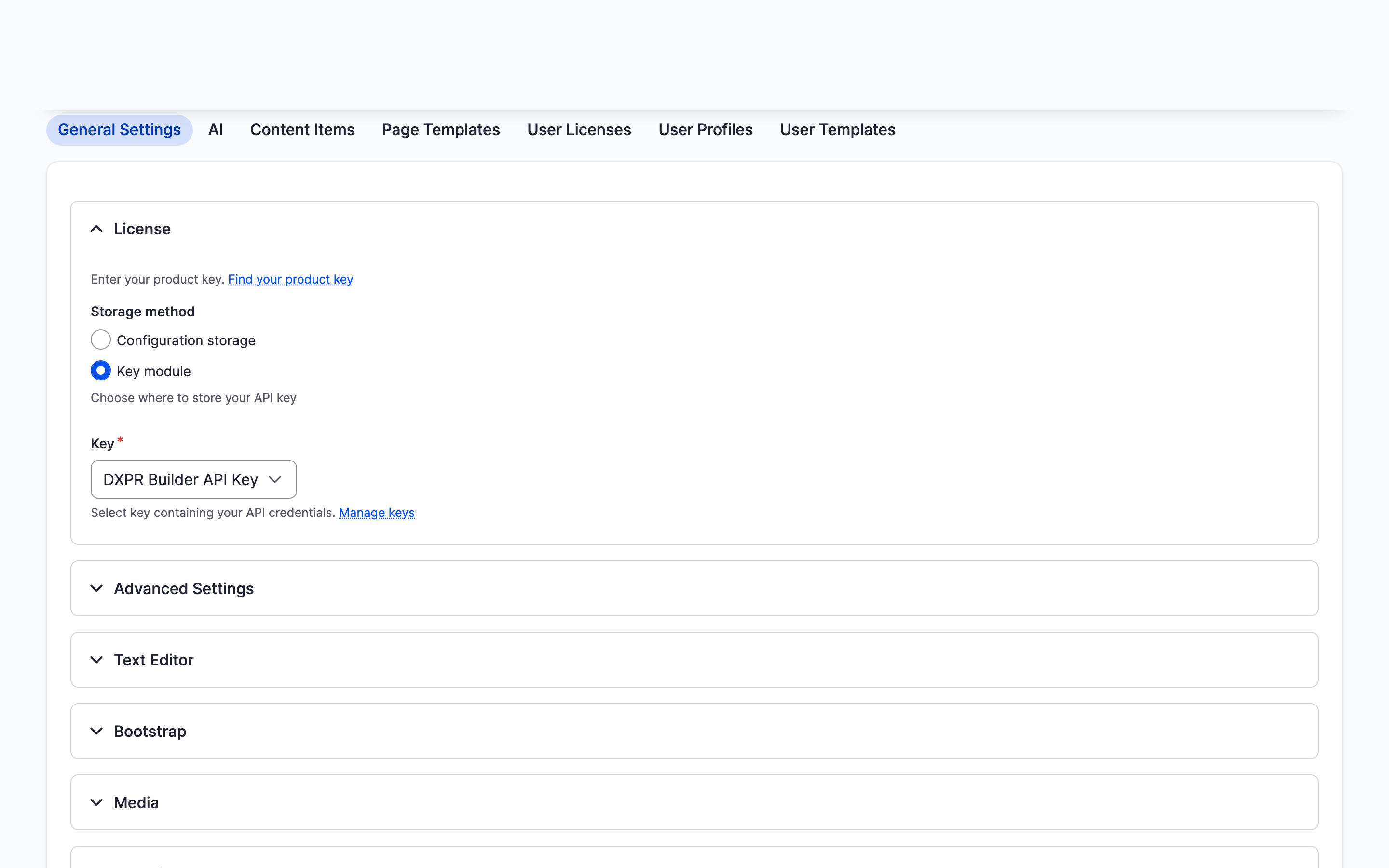
Pages with DXPR Builder content look as they did before. Hover one as an editor and the control bars appear; make a small change and click Save to check that saving works. General Settings still shows your product key under License.
Then open Reports > Status report (/admin/reports/status).
Next to DXPR Builder content migrations it says All migrations
completed.
If you don't see the new version
- The editor still behaves like the old version. The browser keeps the old editor files. Reload with Ctrl+Shift+R, or Cmd+Shift+R on a Mac.
- The status report says "Some DXPR Builder content migrations have not been completed". Content still waits for conversion. Open View migration status in that message, or go to
/admin/dxpr_studio/dxpr_builder/migration-status, and click Run all pending migrations. - Pages look wrong or elements are missing. See Problems after updating for the causes and fixes.
If the update breaks the site and nothing above helps, roll back:
-
Restore your database backup:
bash drush sql:cli < backup-20260901.sql -
Restore the version you were on, for example 3.0.0-beta19:
bash composer require 'drupal/dxpr_builder:3.0.0-beta19' -
Rebuild the caches:
bash
drush cache:rebuild
What's next?
- Backup and restore: a backup routine for builder content before major updates.
- Changelog: what changes in each release.
- Problems after updating: fixes for the most common update issues.