Font Awesome 7 in DXPR Builder
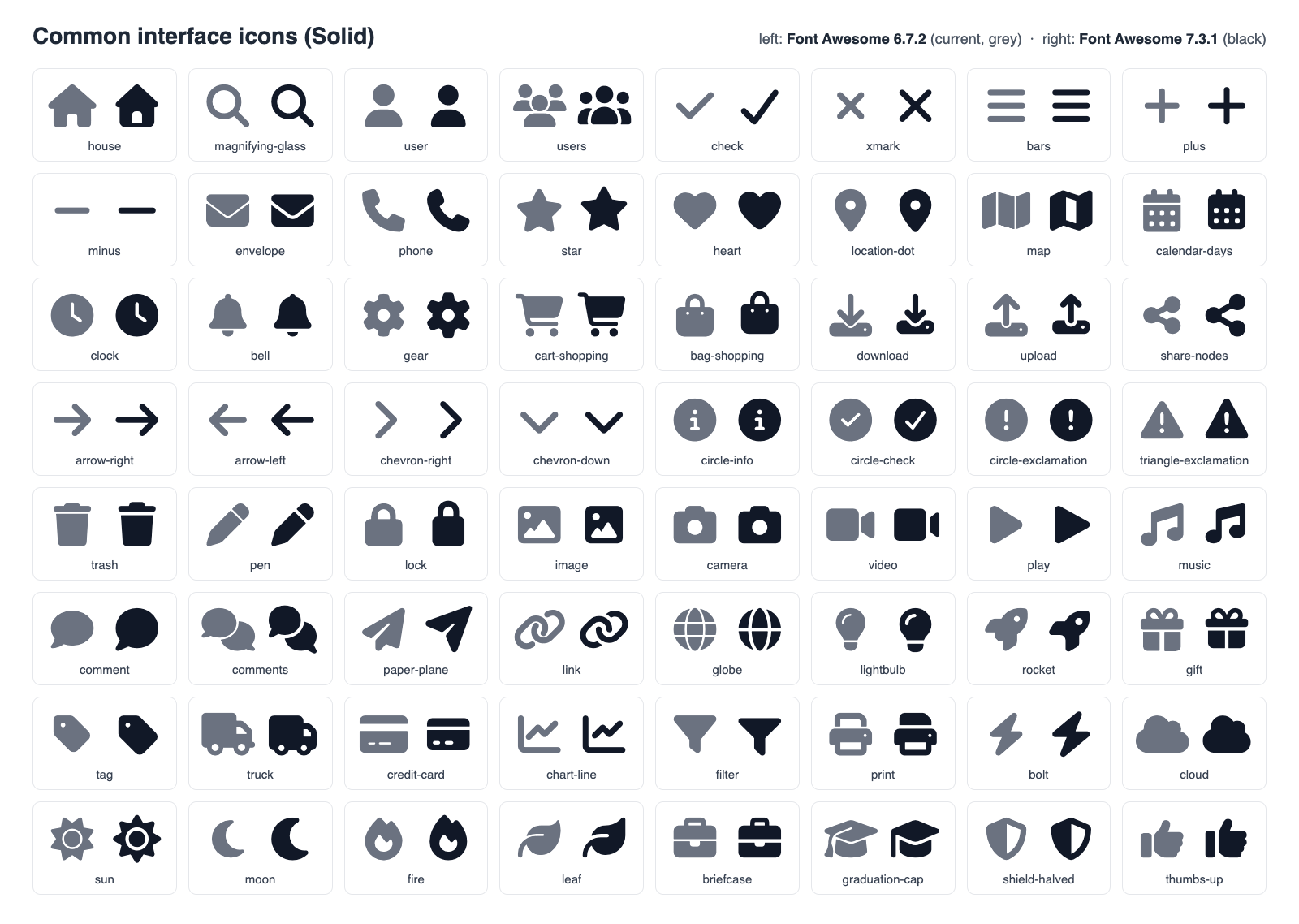
DXPR Builder updates its bundled Font Awesome Free icons from version 6.7.2 to 7.3.1. Pages keep working without any edits: every icon on a saved page still renders, in the same size and position. The icons themselves are redrawn, so they look slightly different. This page shows the change and lists the few cases that need a check after updating.
What changes on your pages
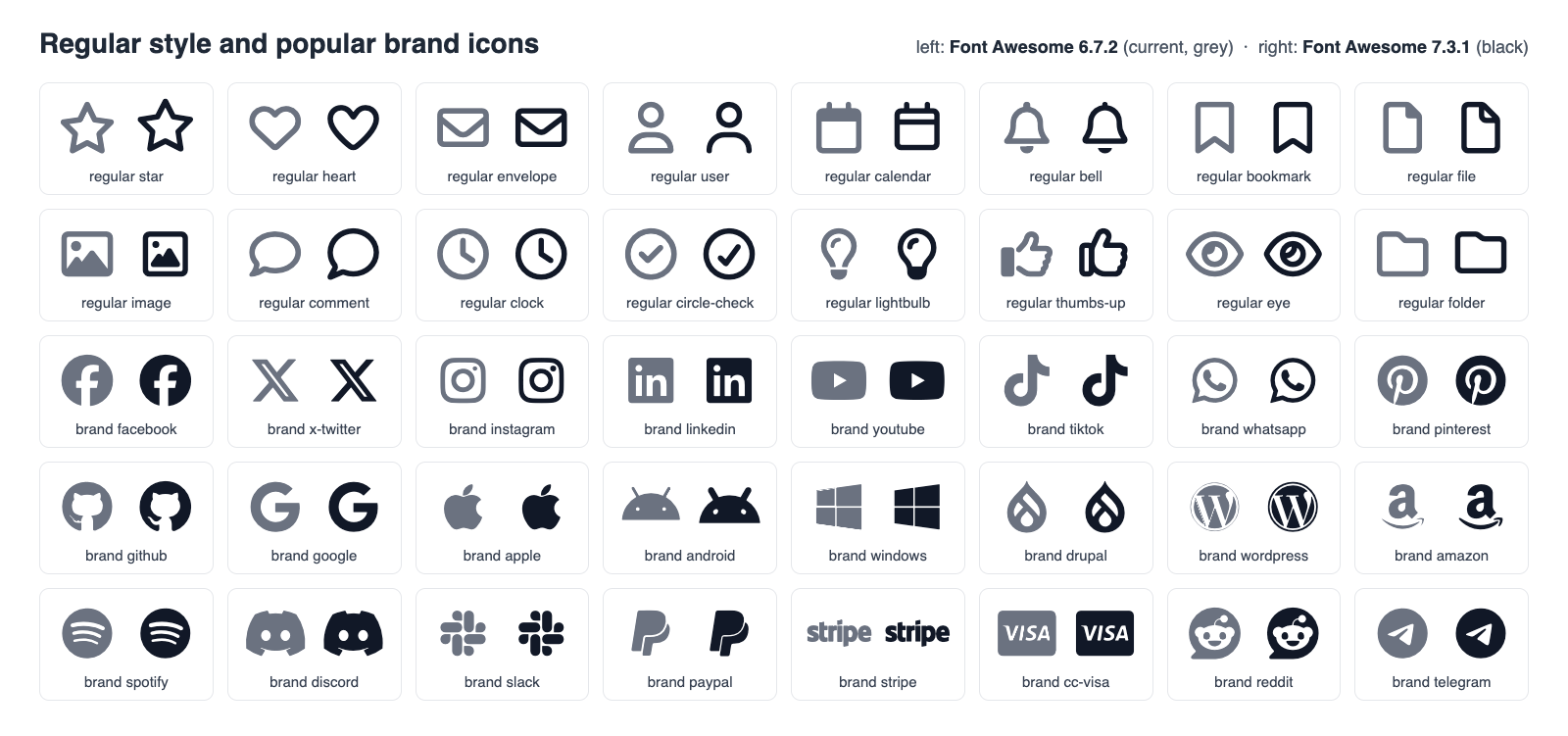
- New icon designs. Font Awesome 7 redraws its icons with heavier, rounder shapes. Regular (outline) icons get thicker lines. Brand logos are almost unchanged.
- Same layout. Font Awesome 7 gives every icon a fixed width by
default, which would move narrow icons to the right. DXPR Builder
keeps the Font Awesome 6 behaviour on its pages and in the editor,
so icons keep their position and spacing. A few redrawn icons are
slightly narrower, such as house and truck. Icons with the
fa-fwclass, such as social links, stay fixed width as before. - Same class names. Saved pages keep their icon classes, such as
fas fa-house. Classes from Font Awesome 4 and 5 keep working through the compatibility styles, which still cover the same 464 old names.
Before and after
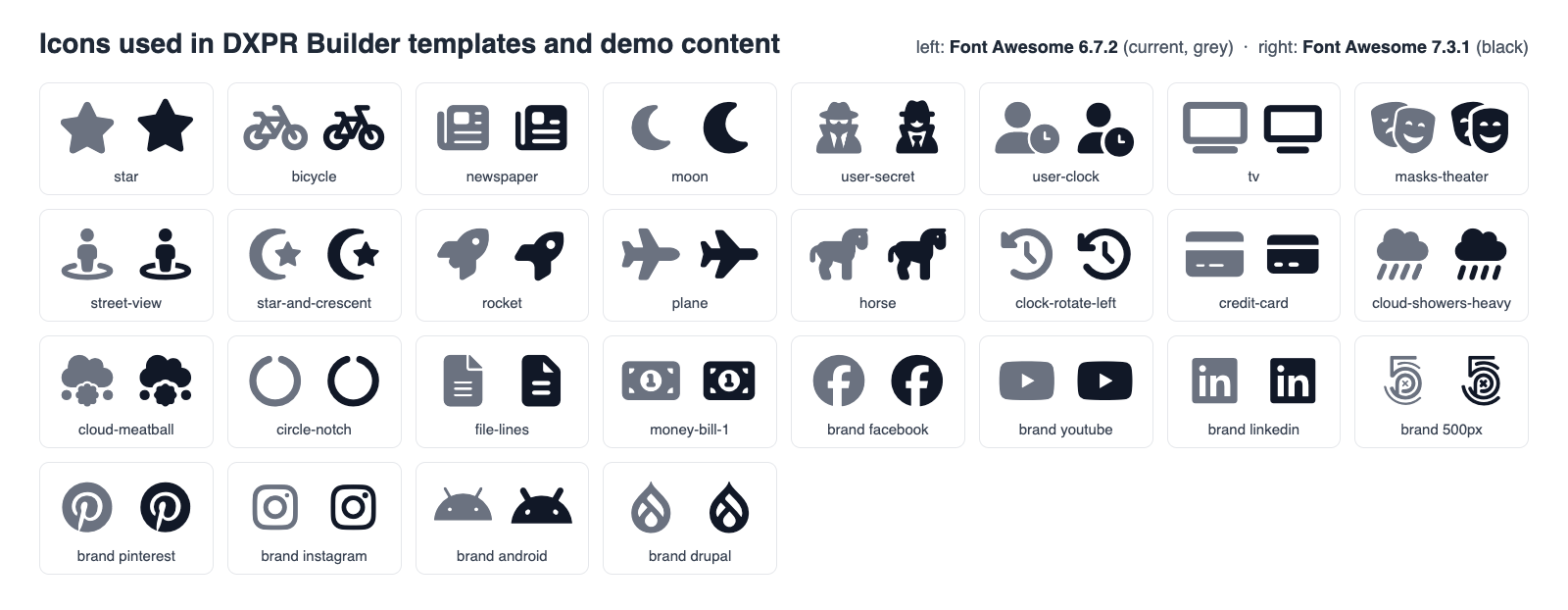
Each tile shows one icon twice. The grey icon on the left is Font Awesome 6.7.2; the black icon on the right is Font Awesome 7.3.1.
New icons
The icon picker now lists 1992 free icons, up from 1895.
| Style | Font Awesome 6.7.2 | Font Awesome 7.3.1 |
|---|---|---|
| Solid | 1402 | 1422 |
| Regular | 163 | 169 |
| Brands | 495 | 572 |
The 103 new icons include brand logos such as Claude, Copilot, Gemini, Fediverse, Codeberg and Forgejo, and the zodiac signs.
Renamed and removed icons
Five icons have new names. Pages that use the old names keep showing the icon, because Font Awesome 7 still accepts them. The icon picker offers the new names only.
| Old name | New name |
|---|---|
user-large |
user |
user-large-slash |
user-slash |
headphones-simple |
headphones |
handshake-simple |
handshake |
handshake-simple-slash |
handshake-slash |
One icon leaves the free set: vector-square. Font Awesome 7 only
offers it in its paid Pro edition, so a page that uses
fa-vector-square shows no icon after the update. Replace it with a
free icon such as draw-polygon or object-group.
What stays the same
- Licence. Font Awesome Free keeps the same terms. The icons use CC BY 4.0, the fonts SIL OFL 1.1 and the code MIT.
- Library names. The Drupal library keeps its machine name,
dxpr_builder/elements.font_awesome_6_free, because saved pages and custom code refer to it. It now loads Font Awesome 7. - Browser support. Font Awesome 7 only ships WOFF2 fonts. Every browser DXPR Builder supports reads WOFF2.
Check your site after updating
- Search your content for
fa-vector-squareand replace it as described above. - Check custom theme CSS that draws Font Awesome icons itself.
Font Awesome 7 renames its fonts to "Font Awesome 7 Free" and
"Font Awesome 7 Brands". CSS that sets
font-familyto "Font Awesome 6 Free" or "Font Awesome 6 Brands" together with acontentcode point stops showing the icon. Use the new names, or the--fa-family-classicand--fa-family-brandscustom properties that Font Awesome 7 provides. - Check theme markup that relies on
sr-only. Font Awesome 6 defined ansr-onlyclass and Font Awesome 7 does not. Text a theme hid with it becomes visible. Bootstrap 5 themes can usevisually-hiddeninstead. - Check theme icons outside DXPR Builder content. Icons that
your theme renders outside a DXPR Builder page, such as in a menu
or footer, follow Font Awesome 7's fixed width. To keep the old
widths there too, set
--fa-width: autoon their container. - Clear caches. Run
drush crand purge any CDN or reverse proxy cache so visitors receive the new style sheets and fonts.
What's next?
- Icon libraries: the icon sets DXPR Builder ships and how to restrict them per role.
- Adding an icon: place and style icons on a page.
- Updating DXPR Builder: update the module safely.
- Changelog: what changes in each release.