Tour DXPR Builder and choose your setup
Take a short tour of DXPR Builder and see where DXPR Theme fits in. You open the element picker, build one styled section and preview it. The rest of this page shows what each product adds, so you can choose between the builder on its own, the builder with DXPR Theme, or DXPR CMS with both.
The video tours DXPR Builder on a new, empty page and builds one section.
Tour the editor
Start on a saved, empty page of a content type that shows the builder.
- Click Add Elements to open the element picker.
- Look through its tabs: Content, Drupal Blocks, Drupal Views, Saved templates and Layout.
- Pick Section from the Layout tab.
- Hover the section, open More, choose Settings and pick a Background in the Style panel.
- Click + on the section to add a Row, then add a Button and Text to its columns. Pick a Font color for the text in its Style panel.
- Click Save on the toolbar, then open the view menu and choose Preview.
What you see
In Preview, a light grey section shows two columns. The left one holds a heading, a line of text and a Learn more button; the right one holds a purple heading and its text. Preview hides the control bars and plus buttons, so you see the page as visitors will.
What each product adds
DXPR Builder is the Drupal module you just toured. It works with any theme and adds:
- 22 content elements and 6 layout elements
- Editing on the page itself, with a preview
- AI text, page creation and images, with the AI modules installed
- Reusable page templates and user templates
- User profiles that set what each role can use
- Drupal blocks and views inside your layouts
DXPR Theme is a Bootstrap 5 theme by DXPR. It adds settings for colours, fonts, the header and the page layout, and it adapts to phones and tablets. It needs no product key of its own.
| DXPR Builder with another theme | DXPR Builder with DXPR Theme | |
|---|---|---|
| Bootstrap 5 | From your theme, or Sideload Bootstrap files set to Bootstrap 5 | Provided by the theme |
| Colour swatches in the builder | Your theme's palette, if it defines one | The DXPR Theme colour palette |
| Smooth scrolling below a sticky header | Set Scroll offset selector to your header | Works as installed |
| Product key | Needed | Needed for DXPR Builder only |
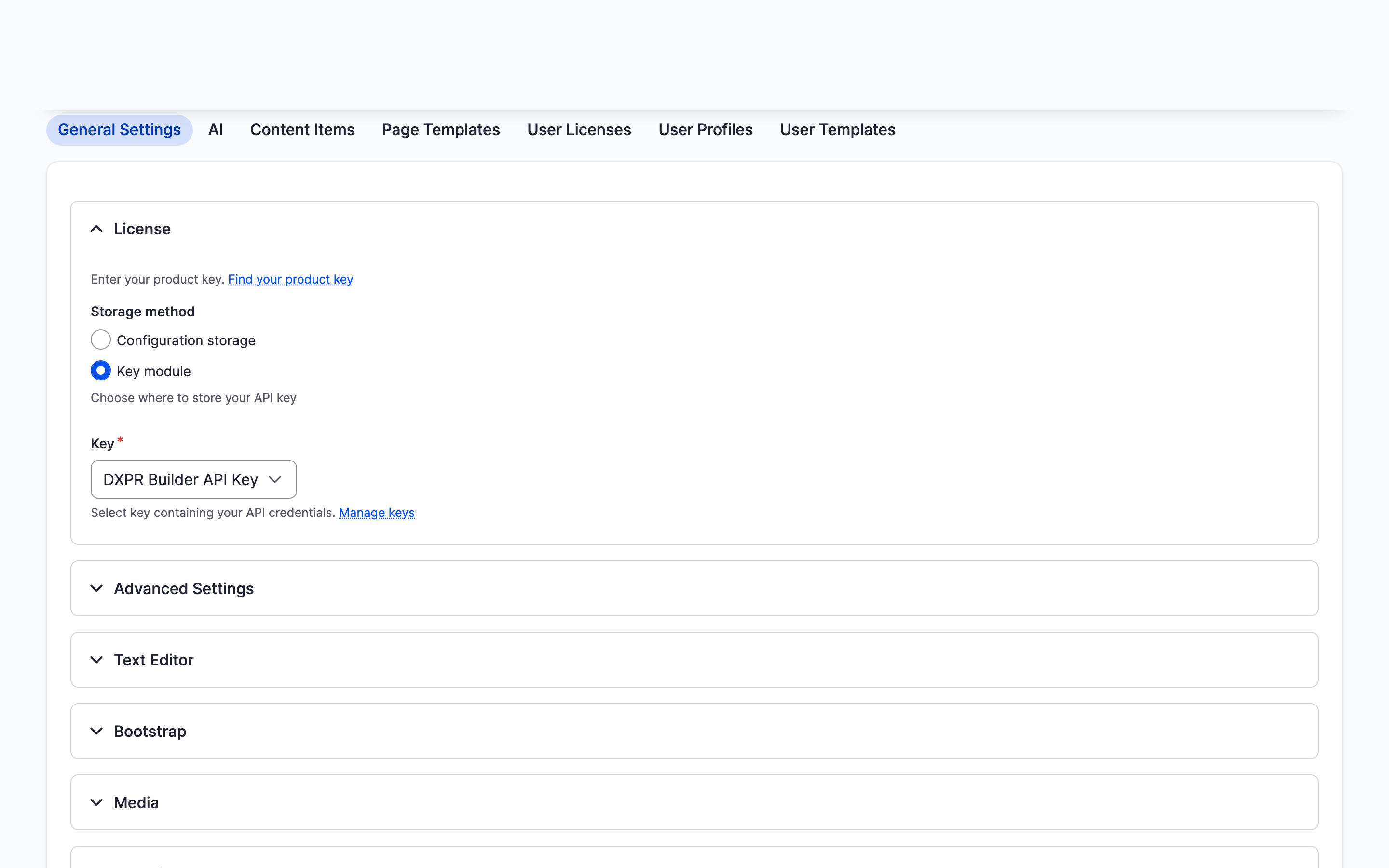
Both settings are on the DXPR Builder General Settings page, under Bootstrap and Advanced Settings.
Choose your setup
| I want to ... | Use | Needs |
|---|---|---|
| start a new site with everything set up | DXPR CMS | A new Drupal 11 site |
| add visual page building to a site I already run | DXPR Builder on its own | Bootstrap 5 from the theme or the sideload setting |
| match the builder to a custom theme | DXPR Builder plus Theming | A developer |
Content marketers who start fresh get the most from DXPR CMS: both products and demo pages arrive ready to use. Webmasters with an existing site add DXPR Builder and keep their theme.
If you don't see the element picker
- The empty page shows "Choose a template" but no Add Elements button. Enable page creation assistant is off at
/admin/dxpr_studio/dxpr_builder/ai_settings. Click + on the builder toolbar to open the picker instead. - Buttons and columns look unstyled. Your theme does not load Bootstrap 5. Set Sideload Bootstrap files to Bootstrap 5 under Bootstrap at
/admin/dxpr_studio/dxpr_builder/settings. - The colour picker shows no swatches. Your theme defines no colour palette. Pick the colour in the picker itself, or use a theme with a palette, such as DXPR Theme.
What's next?
- Build your first page: a full page, step by step.
- Who uses DXPR Builder: what marketers, webmasters and developers each do with it.