URL aliases
Give content its alias on each site it belongs to, and keep the list of your site's aliases.
Needs Sites path alias
Part of Sites path alias.
Every alias belongs to one site and answers on that site only. Valtora and Hydrion can each have an /about, one for About Valtora, one for About Hydrion. When content leaves a site, its alias there is deleted. An alias cannot start with /preview/, which is reserved for previews.
The aliases of a content item
The URL alias section in the sidebar of the edit form holds the alias on the content's origin site. Its note names that site: "The alias on Hydrion, the origin site."
To edit the aliases on all its sites:
Needs Sites Pathauto
Part of Sites Pathauto.
- Edit the item on the hub and follow the URL aliases link under URL alias.
- Under each site's name, like Hydrion UK for the X5 page, enter the alias in URL alias, or tick Generate automatic URL alias.
- Click Save.
The page lists the sites where you hold Create URL aliases or Administer URL aliases: the alias of content you edit takes the same permission as on a plain site.
The URL alias section of the edit form holds the alias on that site.
A site that shows its own version of the content sets the alias in that version (Adjust content for one site).
Your site's aliases
Before you start
- Administer URL aliases on the site.
Steps
On the site's dashboard, open URL aliases in the Search and metadata group.
Go to Configuration > Search and metadata > URL aliases.
- Click Add path alias.
- Enter the System path, like
/node/5, and the URL alias, like/pumps/x5. The site's address stands in front of the alias. - Click Save.
Filter aliases narrows the list; the Operations of a row edit or delete that alias.
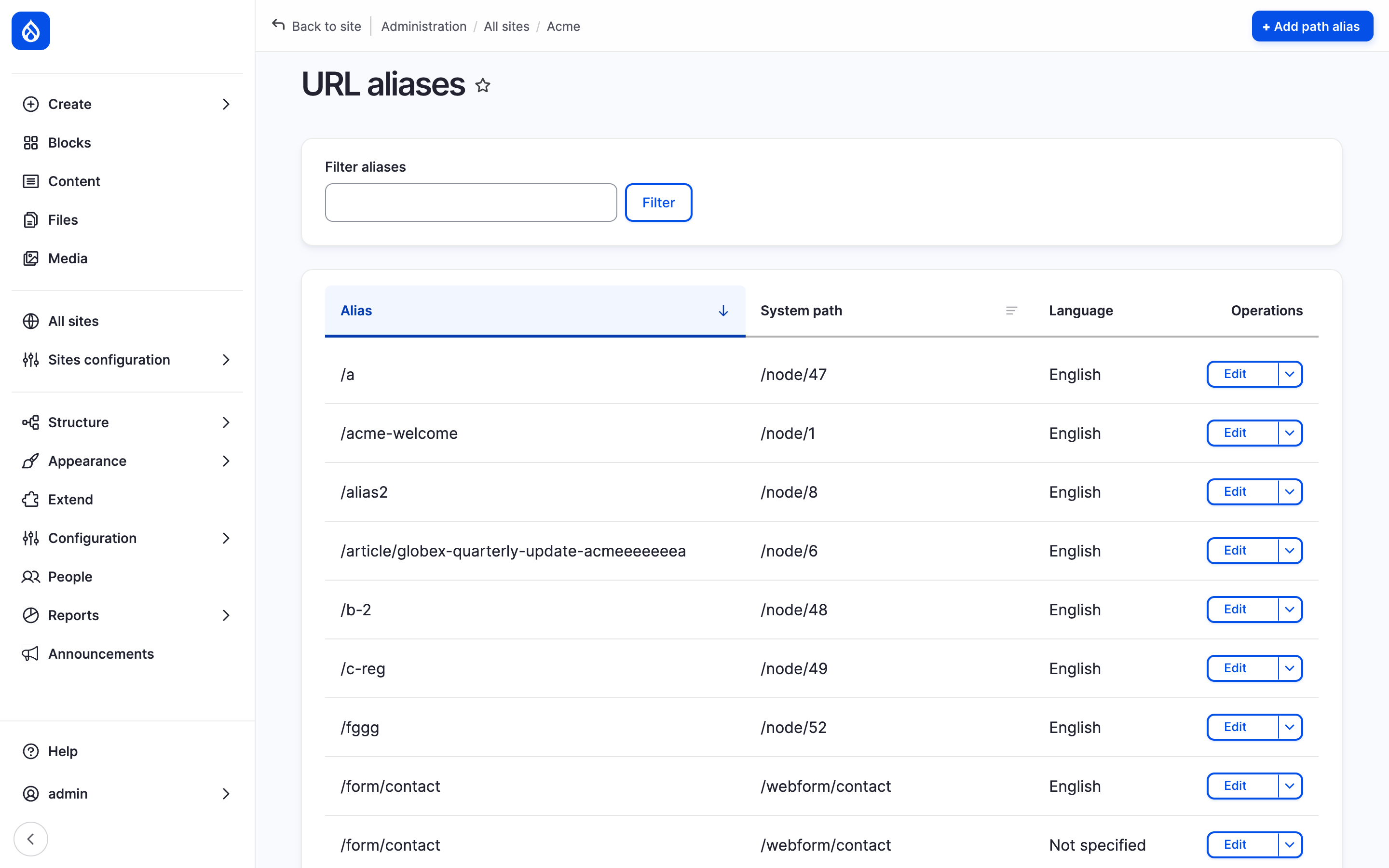
Hydrion's URL aliases section with the Add path alias button.
Automatic aliases
Needs Sites Pathauto
Part of Sites Pathauto.
With Generate automatic URL alias ticked, every site gets its alias from the platform's patterns when the content is saved, built from that site's version of the content. Content added to a site gets its alias there at once. A platform administrator sets up the patterns (Sites Pathauto).
A changed or deleted alias can leave a redirect from the old address (Redirects).
Last updated 2026-10-27