Languages
Give each site its own languages, default language and language detection.
Needs Sites language
Part of Sites language.
Before you start
- Install the module with
drush en sites_language. It brings the core Language module. - Add every language any site needs on the hub at
/admin/config/regional/language. When the page asks whose languages to edit, choose Global. - A site's language pages need Manage site settings on that site or Administer languages.
Languages per site
A site's Languages section (/admin/sites/{site}/language, card in the
Regional and language group of the dashboard) lists the platform's
languages. Check Enabled for each language the site speaks and pick the
Default.
A new site speaks every platform language and uses the platform's default language. A site type changes that with defaults on its Enabled languages and Default language rows.
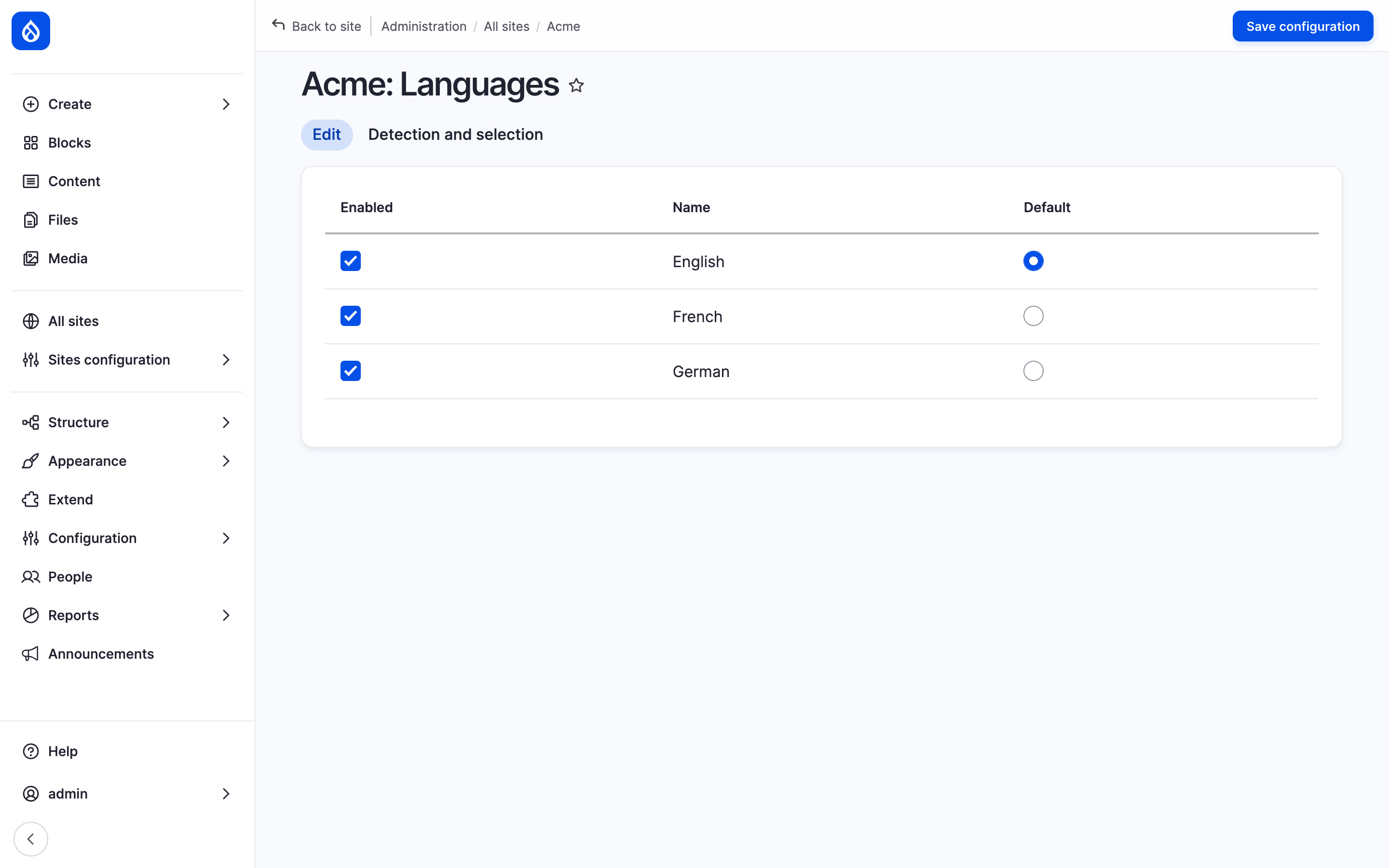
The Languages section of Hydrion with the Enabled and Default columns.
Language isolation
On a site's hostname, a language the site does not speak does not exist:
- the language switcher, language detection and translation fallback use the site's languages only;
- a content page in a language the site does not speak answers 404;
- views list rows in the site's languages and language-neutral rows only;
- hreflang links name only languages their target site speaks.
Translations in other languages stay stored and show on the sites that speak them. The hub speaks every language.
Language detection per site
The Detection and selection tab of the Languages section
(/admin/sites/{site}/language/detection) is core's detection page for this
site: which methods detect the language, in which order. Configure next to
a method opens its settings for this site: the URL path prefixes or domains,
the session parameter, the selected language. A value left at the platform's
follows the platform.
The Account administration pages method does not work with per-site languages.
A domain per language
- Open the Detection and selection tab and click Configure next to URL.
- Set Part of the URL that determines language to Domain.
- Under Domain configuration, enter a domain per language, like
fr.hydrion.examplefor French. - Click Save configuration.
Each domain reaches this site like its hostname, and the site's hostname serves its default language. A domain cannot be another site's hostname or an alias of this site. Domains can differ per environment on the page's Environments tab, when the site type allows Value per environment for URL language domains. Sites adds the domains to the trusted hosts.
Last updated 2026-10-16