Launch a site
Work through a new site's launch checklist, enable the site, and later switch it off and on.
Needs Sites UI
Part of Sites UI.
A new site starts disabled: while Velmora is set up, www.velmora.example answers visitors with "Not Found". Its people see it in the preview meanwhile.
Before you start
- Access the site dashboard on the site, to see the checklist.
- Manage site settings on the site, for the guided steps and the switch.
The launch checklist
The Launch checklist panel on the site's dashboard counts the done rows, like "4 of 6". An open row links to where you finish it, if you may open that page. The panel disappears once every row is done.
| Row | Done when | Link |
|---|---|---|
| Site created | always | |
| Set the site's hostname | the site has a hostname; main sites only | Visit |
| Invite the site owner | someone is a member of the site or holds a role on it | People (Members and roles) |
| Add the first content | content belongs to the site | Content, for platform administrators |
| Set the front and error pages | the site has its own front page; shown where the site holds content | Set up |
| Enable the site | the site is enabled | Set up |
Set up opens the step in a dialog; after Save the row turns done in place. The DNS entry is the hosting's work, the hostname a platform administrator's (Create a site).
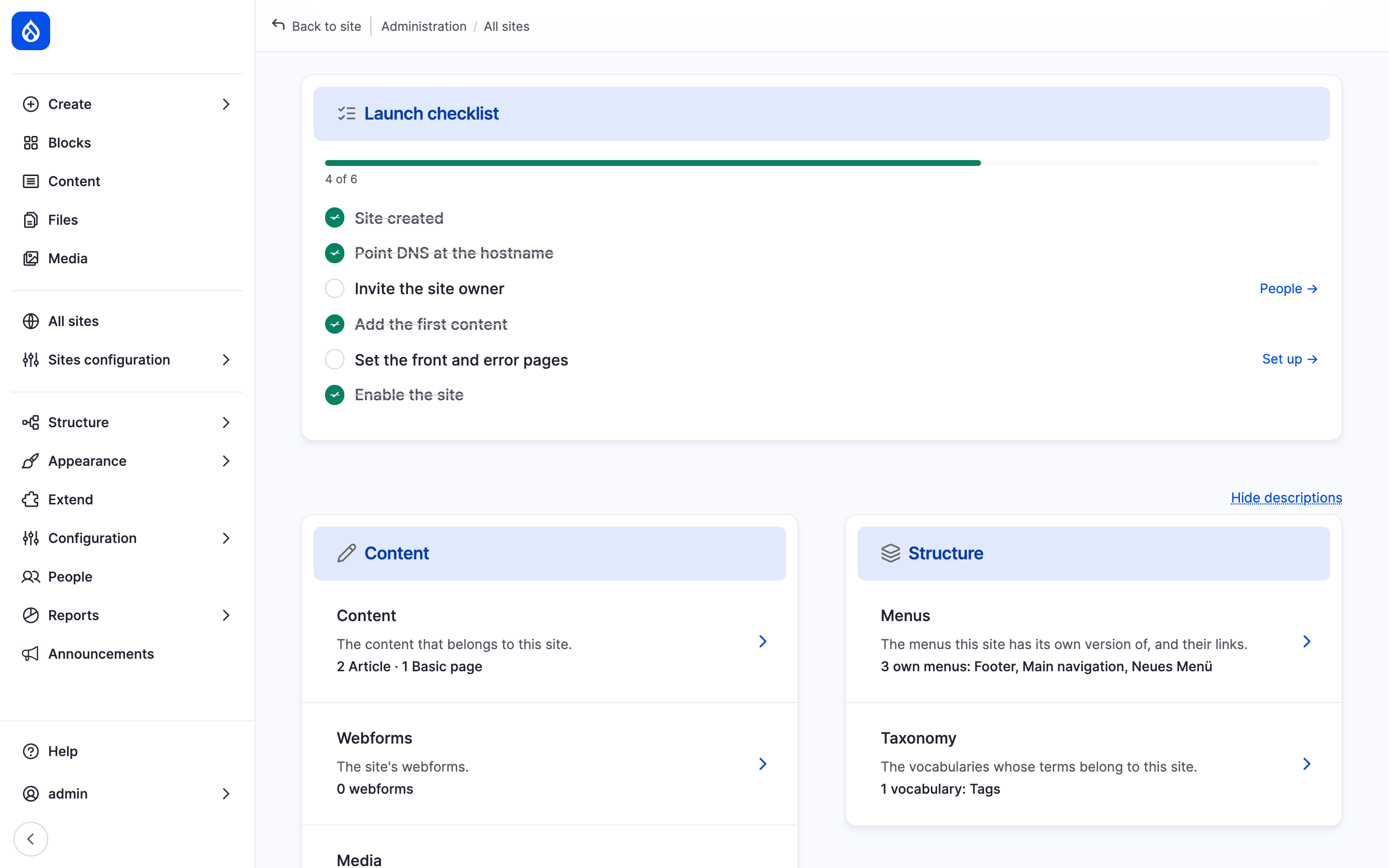
Velmora's launch checklist with the steps still open, each with its link.
Set the front and error pages
- Click Set up in the Set the front and error pages row.
- In Front page, type the title of a page and pick it, like About Velmora.
- Optionally pick the 403 (access denied) page and the 404 (not found) page.
- Click Save.
A page of another site is added to this site on save. Site information holds the same values (Site settings).
Enable the site
- Click Set up in the Enable the site row.
- Tick This site is enabled.
- Click Save.
Switch a live site off and on
The Status in the dashboard's Site panel reads Enabled or Disabled. Where you may switch the site, the badge is a link titled "Enable or disable the site":
- With Manage site settings it opens Enable or disable the site (Enable the site while disabled). Clear or tick This site is enabled and click Save.
- With Administer sites it opens the site's Identity section (Disable and delete a site).
A disabled site keeps its content, settings and people. Only accounts with Access disabled sites or Administer sites in a platform role reach its address; its people still open it in the preview.
Last updated 2026-10-16