Webforms
Assign webforms to sites, so that each site lists and offers its own.
Needs Sites Webform
Part of Sites Webform.
A webform belongs to sites like content: its origin site, whose people manage it, plus additional sites that may use it as well. A webform for every site is assigned to every site. A contact webform of Hydrion, for example, can serve Hydrion UK and Hydrion US as well.
Before you start
- On the webform's origin site, Edit any webform or Administer webforms.
- To add webforms, Create webforms or Administer webforms on the site.
Find a site's webforms
On the site's dashboard, click Webforms under Content. Structure > Webforms lists the webforms of the sites you work on, with a Sites column and a Site filter; when you work on one site, it opens that site's list.
A webform field in content offers the webforms of the sites you work on.
Structure > Webforms lists the site's webforms. A webform field in content offers them.
Add a webform
- In the site's Webforms list, click Add webform. The form starts with that site. On the hub, Add webform first asks for the site, as adding content does (Create content).
- Enter the Title.
- Click Save.
Use a webform on more sites
- Open the webform and go to Settings > Sites.
- Under Additional sites, choose the sites. The list offers the sites you may add webforms to; on a site's address, only that site.
- Click Save.
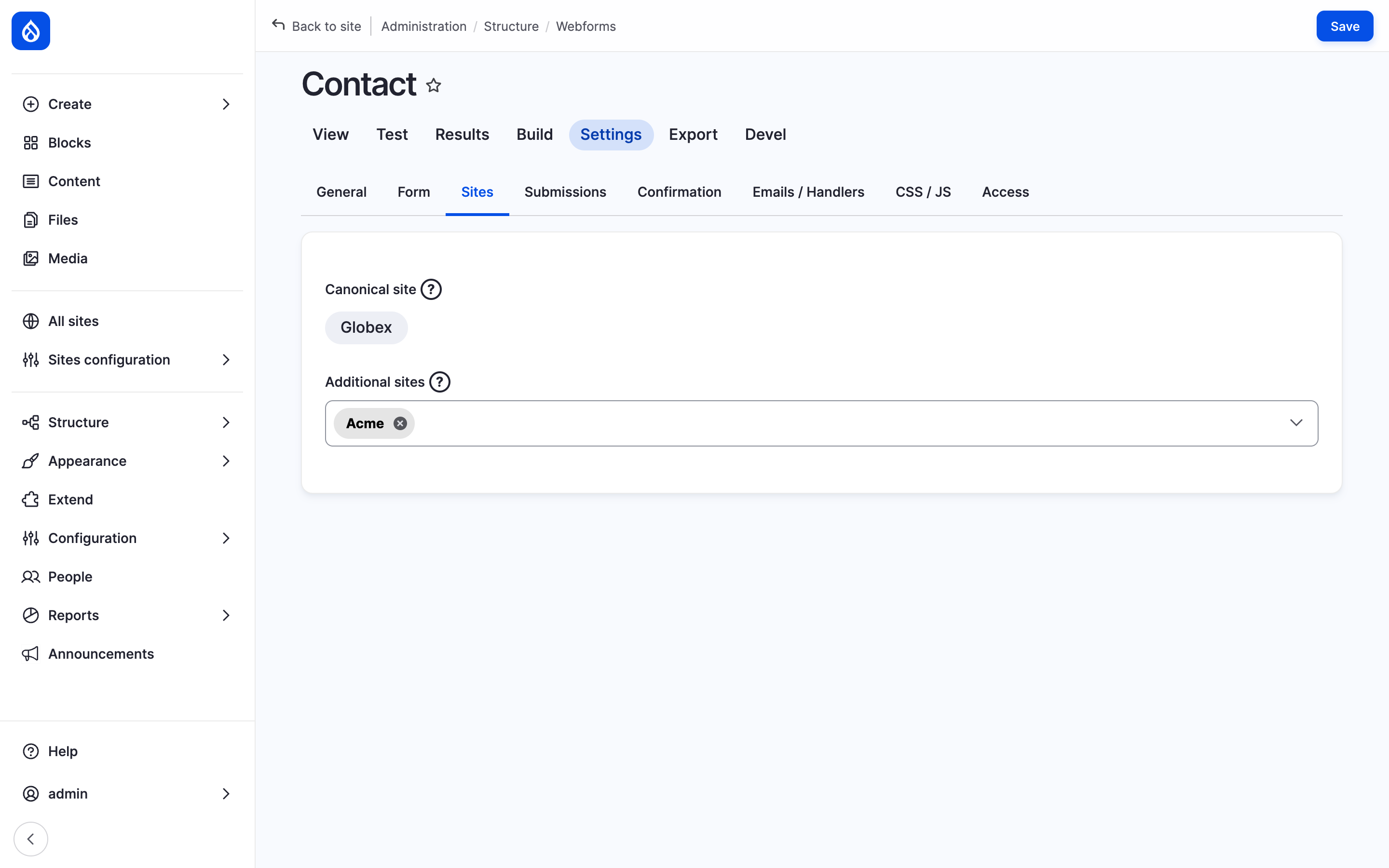
The Sites tab of the Contact webform: Hydrion's, offered on Hydrion UK and US too.
The Origin site is locked on this tab once the webform has one. To hand the webform to another site, use Change origin site in its operations on the hub's webform list; that site's people manage it from then on.
A webform assigned to no site shows in no site's list and in no webform field.
The results of a webform used on several sites list the submissions of all of them.
Where a webform shows
A webform shows on the addresses of its sites only. On another site's address, its page, its confirmation and its submissions answer "Page not found", and a webform field or webform block there shows nothing in its place. A webform assigned to no site is found on no site's address.
The hub shows every webform. The webform's administration pages, like Build, Settings and Results, open for those who manage it on the hub and on a site's address.
Last updated 2026-10-16