Media and files
Give media the sites that show it, and know on which site a file downloads.
Needs Sites content
Part of Sites content.
Media
A media item belongs to sites like any content: one origin site, plus the sites that also show it. Whether a media type belongs to sites at all is up to the site type (Content on sites).
- When you add media, you choose its sites as for content (Create content). In the media library, the choice shows below the uploaded item.
- Content > Media lists the media of the sites you work on, with a Sites column and, on the hub, a Sites filter. On a site's address, it lists that site's media.
- On a site's address, media that belongs only to other sites does not show, not even inside a page. When you share content with another site, share the media it uses as well, like the photo in the group's press release (Share content).
- On a site's address, the media library offers the site's media, as the media overview lists it. On the hub it offers the media of the sites you take part in.
Files
Needs Sites file
Part of Sites file.
A file has no sites of its own: it belongs to the sites of the content that uses it, like the page or media item whose field holds it, or the site whose settings hold it, like a logo. A file inserted through the text editor, like an uploaded image, belongs to the sites of the content whose text holds it. There is nothing to assign. When the content gets another site, its files follow.
Where a file downloads depends on how its field stores it:
- Private files: on a site's address, a private file that belongs only to other sites is refused, image styles included, and a form there cannot attach it. A private file that no site's content uses is refused on every site's address. The hub serves them all.
- Public files download on every address, whatever their sites. Where a site must keep its files to itself, ask a platform administrator to store the field's files as private.
In a site's version of shared content (Adjust content for one site), a private file of that version downloads for the site's visitors.
Content > Files lists every file, without a site filter. Its Used in column leads to the content that uses each file.
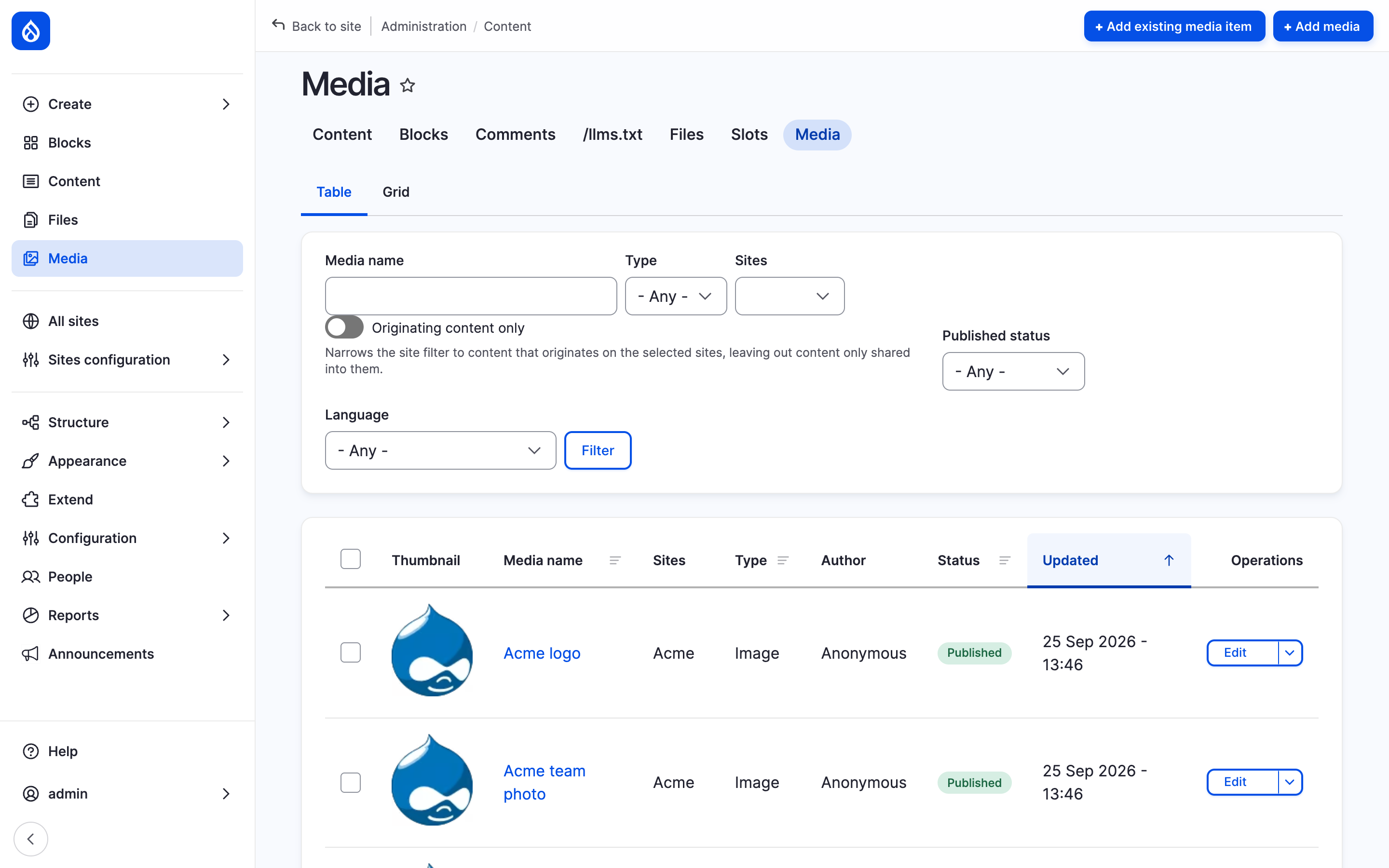
The media overview with the Sites column and the Sites filter.
Last updated 2026-10-17