Taxonomy terms
List, add and order your site's terms in the shared vocabularies without touching other sites' terms.
Needs Sites taxonomy
Part of Sites taxonomy.
Vocabularies like Tags are shared, and a platform administrator manages them on the hub. Their terms belong to sites, usually to one site each (Content on sites). Each site keeps its own list of terms in a vocabulary: Hydrion's Tags and Torqline's Tags are separate lists.
A vocabulary whose terms take Unlimited sites on a site is different: its terms belong to several sites at once, and the one list of them lives on the hub. The site's Taxonomy section shows the site's share; the full list opens from Structure > Taxonomy on the hub.
Before you start
- On the site, Access the taxonomy vocabulary overview page or Administer vocabularies and terms.
- To add terms, the vocabulary's create permission, like Tags: Create terms, and Add Taxonomy term: Tags content to a site.
- To reorder or reset terms, Administer vocabularies and terms or the vocabulary's edit permission, like Tags: Edit terms.
Open the site's terms
On the site's dashboard, click Taxonomy under Structure. Structure > Taxonomy leads there as well, after you choose the site if you work on several.
If one of your sites takes a vocabulary with Unlimited sites, Structure > Taxonomy lists the vocabularies instead. List terms on that vocabulary opens the hub overview with the terms of every site; on a vocabulary of one of your sites, it opens that site's overview. The vocabularies' settings stay with the platform administrator.
Go to Structure > Taxonomy.
The page lists the vocabularies whose terms belong to the site. Next to a vocabulary, click List terms: the overview shows the site's terms only. A term whose parent term belongs to another site does not show in it.
Add a term
- In the site's term overview, click Add term. The term belongs to your site; on the hub, the form shows it selected.
- Enter the Name, like "Circulation pumps", and click Save.
Reorder the terms
- In the site's term overview, drag the terms into place.
- Click Save.
Reset to alphabetical order
- In the site's term overview, click Reset to alphabetical.
- Confirm with Reset to alphabetical.
Only your site's terms are sorted again; other sites' terms keep their order, like Torqline's when Hydrion resets its Tags.
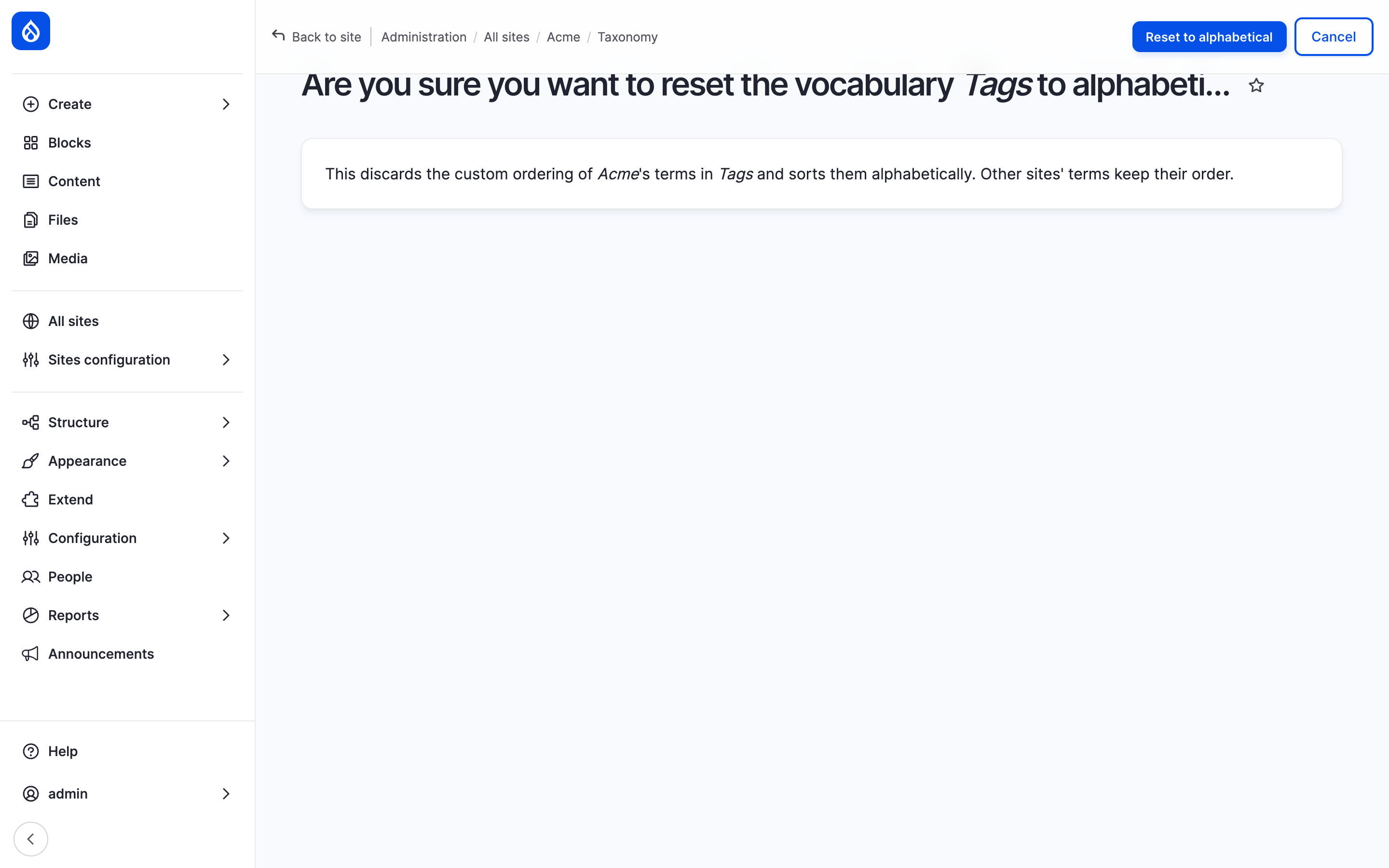
The confirmation of Reset to alphabetical names the site and the vocabulary.
Last updated 2026-11-02