Content overrides
Set up overrides, so that a site can change shared content for itself, and decide which fields each site may change.
Needs Sites content overrides
Part of Sites content overrides.
An override is a site's own version of content whose canonical site is another site. Only the fields the site may override differ; the others follow the canonical version. Editors work with overrides as Adjust content for one site describes. Each override stores a full copy of the content as a revision, so the database grows with every site that overrides an item.
Install
composer require drupal/sites_content_overrides
drush en sites_content_overrides
This also installs Sites preview and core's Navigation module, whose top bar carries the override controls. Optional submodules:
| Module | Adds |
|---|---|
sites_content_overrides_layout_builder |
A layout per site, where the display has Allow each content item to have its layout customized. |
sites_content_overrides_content_moderation |
A moderation state per site version. |
sites_content_overrides_revisions_ui |
A revision history per site. |
sites_content_overrides_behaviors |
Overridable Entity Type Behaviors. |
Choose the entity types
- Open Content overrides at
/admin/sites/configuration/content-overrides(Sites configuration > Content authoring). It takes Administer sites configuration. - Under Overridable entity types, tick the types that may carry overrides.
- Choose how the override form shows fields a site may not change: Hide fields a site cannot override hides them, Show fields a site cannot override as read-only locks them (the default). With both off they stay editable and are marked (all sites); the override form does not save changes to them.
- Click Save configuration.
Removing a type deletes every override of that type.
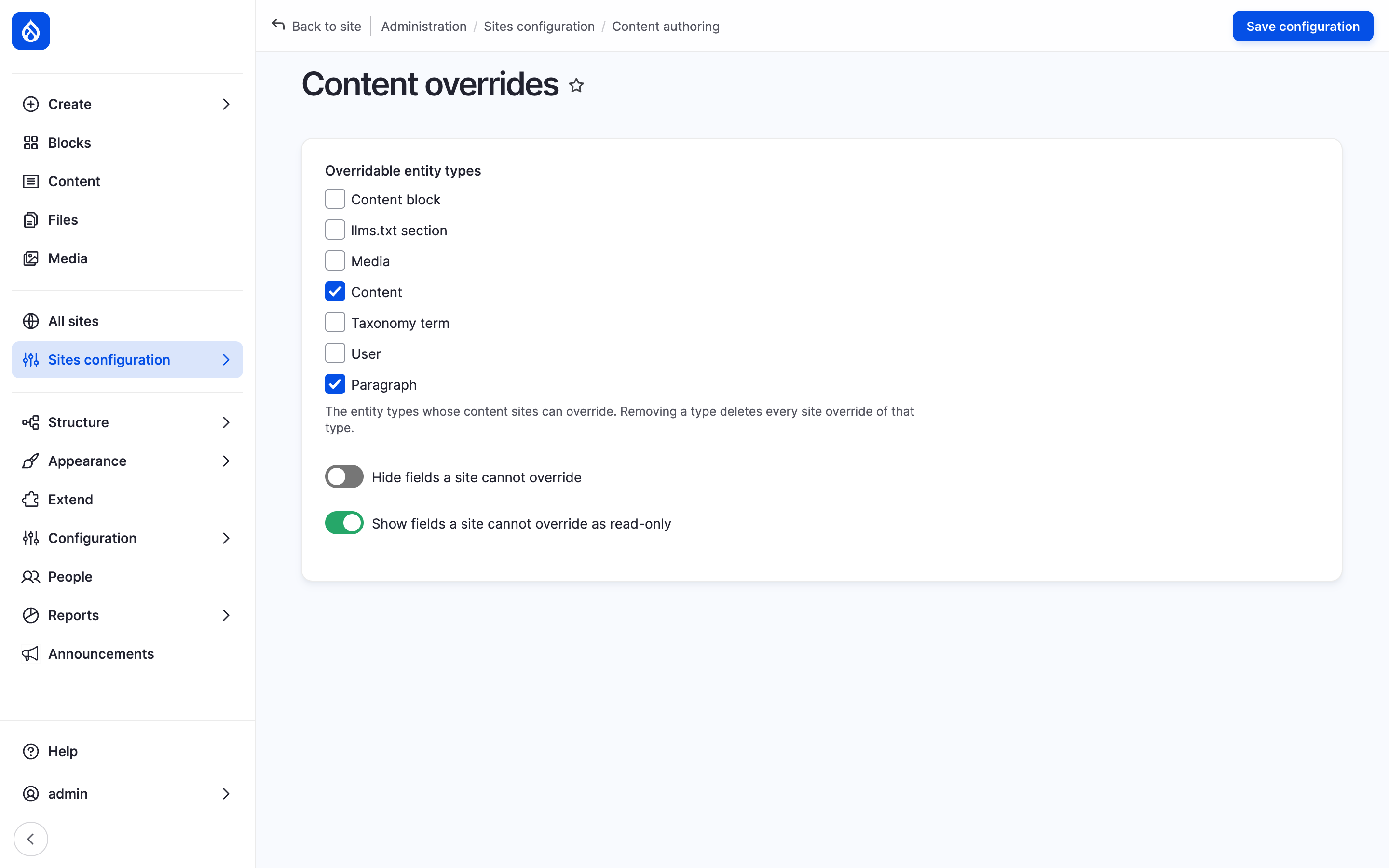
The Content overrides form with Content ticked and the two field display options.
Choose the overridable fields
A field is overridable on a site when either of these says so:
- Allow per-site overrides on the field's edit form: on every site.
- The site's Overridable fields section
(
/admin/sites/{site}/content-overrides, a card on the site dashboard): a comma-separated list of field machine names per entity type, liketitle,field_teaser, without spaces. It takes Manage site settings.
The Overridable fields rows of a site type give its sites a default; clear Available there to keep sites from changing it.
The layout, the moderation state and the behaviors field are overridable whenever their submodule is installed.
Paragraphs
A paragraphs field shows the same paragraphs in the same order on every site. A site overrides fields inside a paragraph, never the list.
- Add
paragraphto the overridable entity types. The form does not offer it; set the full list with Drush:drush config:set --input-format=yaml sites_content_overrides.settings override_entity_types '[node, paragraph]' - Tick Allow per-site overrides on each paragraph field a site may change, or list it under Paragraph: fields this site may override in a site's Overridable fields.
Warning
Saving the Content overrides form keeps only the types it lists. It removes Paragraph again, with every paragraph override.
Behaviors
With the behaviors submodule, each enabled behavior in a bundle's Behavior settings has an Overridable checkbox. A site overrides each ticked behavior on its own; the others stay locked.
Aspects
A site's URL alias (Sites Pathauto), menu link (Sites menu) and sitemap settings (Sites Simple XML Sitemap) for a content item are part of its override: edited on the override form and reverted with it. They need no setup.
Permission
Override site content counts through a per-site role on that site, or through a platform role on the sites the user belongs to. Administer sites counts on every site. Overriding and editing are separate rights. The canonical site has no override: its people edit the content itself.
A site's layout also takes one of Layout Builder's layout permissions. See Roles and permissions and the permission list.