Assigning Permissions to a Role
Goal
Change the permissions for the Vendor role so that users can create, edit, and delete Recipe and Vendor content, format the content, and contact each other.
Prerequisite knowledge
Site prerequisites
The Vendor role must exist on your site. See Creating a Role.
Steps
- In the Manage administrative menu, navigate to People > Roles (admin/people/roles). The Roles page appears.
- Click Edit permissions in the dropdown for the Vendor role. The Edit role page appears where you can see all the available actions for the website such as, for example, Post comments or Administer blocks. The available permissions depend on the modules that are installed in the site. Note: Some permissions may have security implications. Be cautious while assigning permissions to roles.
-
Check the boxes for the following permissions, listed by module:
Module Permission Contact Use users' personal contact forms Filter Use the Restricted HTML text format Node Recipe: Create new content Node Recipe: Edit own content Node Recipe: Delete own content Node Vendor: Edit own content 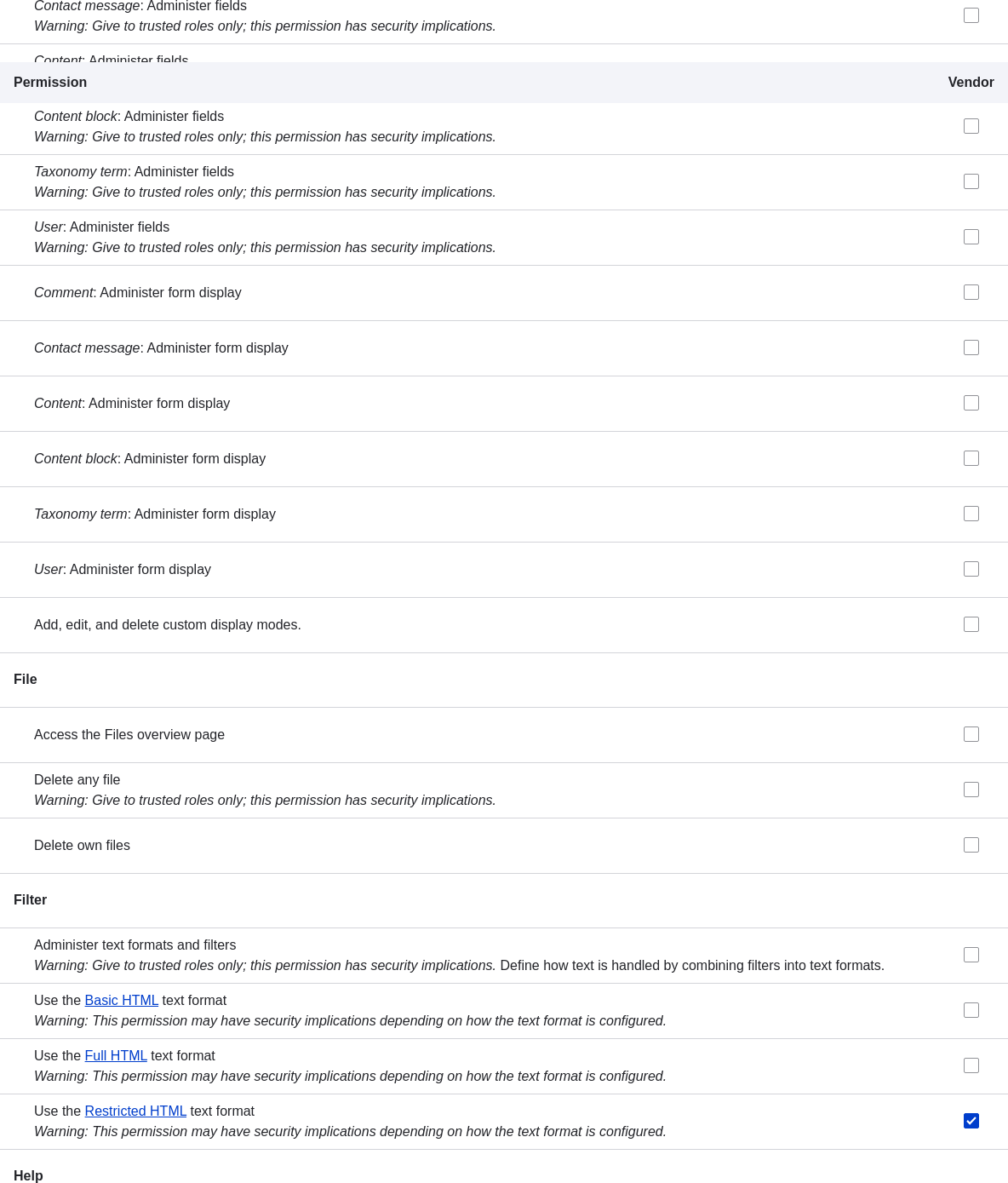
-
Click Save permissions. You will get a message saying your changes have been saved.

Expand your understanding
- Log in as one of the new users you created in Creating a User Account. Verify whether you have the correct permissions.
- Changing a User's Roles
Related concepts
Videos
Additional resources
Drupal.org community documentation page "Managing Users"
Attributions
Adapted and edited by Boris Doesborg, Brian Emery, and Jojy Alphonso at Red Crackle, and Joe Shindelar at Drupalize.Me, from "User Roles", copyright 2000-2026 by the individual contributors to the Drupal Community Documentation.