Adding a Language
Goal
Add one or more languages to your site and define which one is used by default.
Prerequisite knowledge
Concept: User Interface, Configuration, and Content translation
Steps
- Install the four core multilingual modules (Language, Interface Translation, Content Translation, and Configuration Translation), by following the steps in Installing a Module.
- In the Manage administrative menu, navigate to Configuration > Region and language > Languages (admin/config/regional/language).
- Click Add language.
- Select Spanish (or your preferred language) from the Language name select
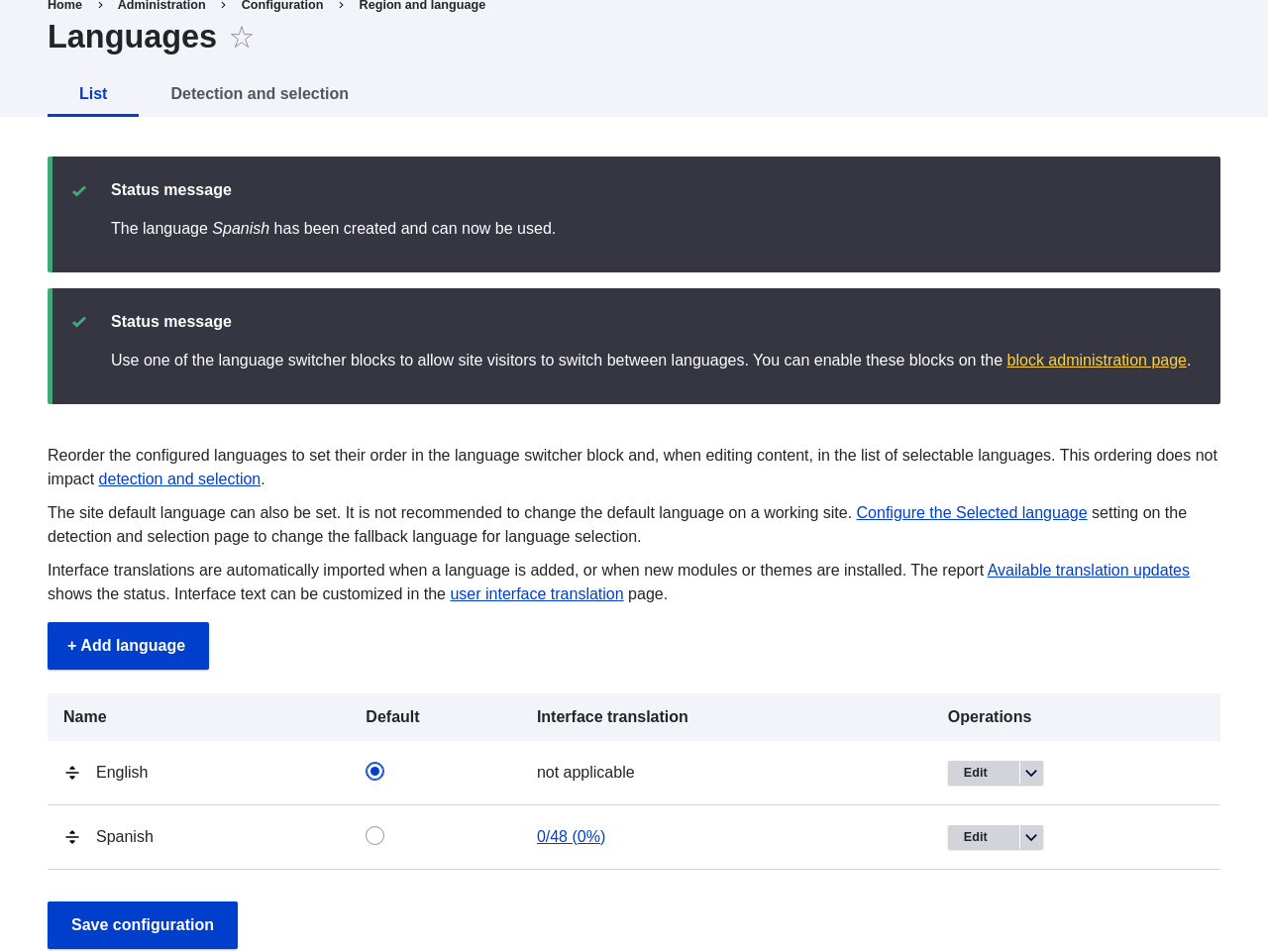
list. Click Add language. After waiting for translations to finish
downloading, you will be returned to the Languages page, with a confirmation
message and the new language shown.
- Follow the steps in Placing a Block in a Region to place the Language switcher block in the Sidebar second region. This will enable site visitors to switch between languages, once the site has been translated.
Expand your understanding
Videos
Additional resources
Drupal.org community documentation page "Multilingual guide"
Attributions
Written and edited by Leila Tite, Jennifer Hodgdon, and Boris Doesborg.