Designating a Front Page for your Site
Goal
Configure which content item is displayed as the front page of your website.
Site prerequisites
The content item that you want to designate as the front page of your site must exist. See Creating a Content Item.
Steps
- In the Manage administrative menu, navigate to Configuration > System > Basic site settings (admin/config/system/site-information).
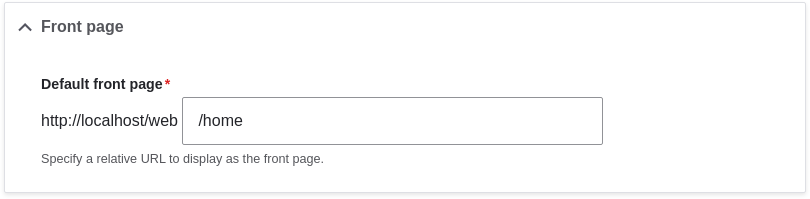
- Under Front page, replace /node with the name of the page you
would like to make the home page. To use the home page that was previously
created, provide its path /home. Click Save configuration.
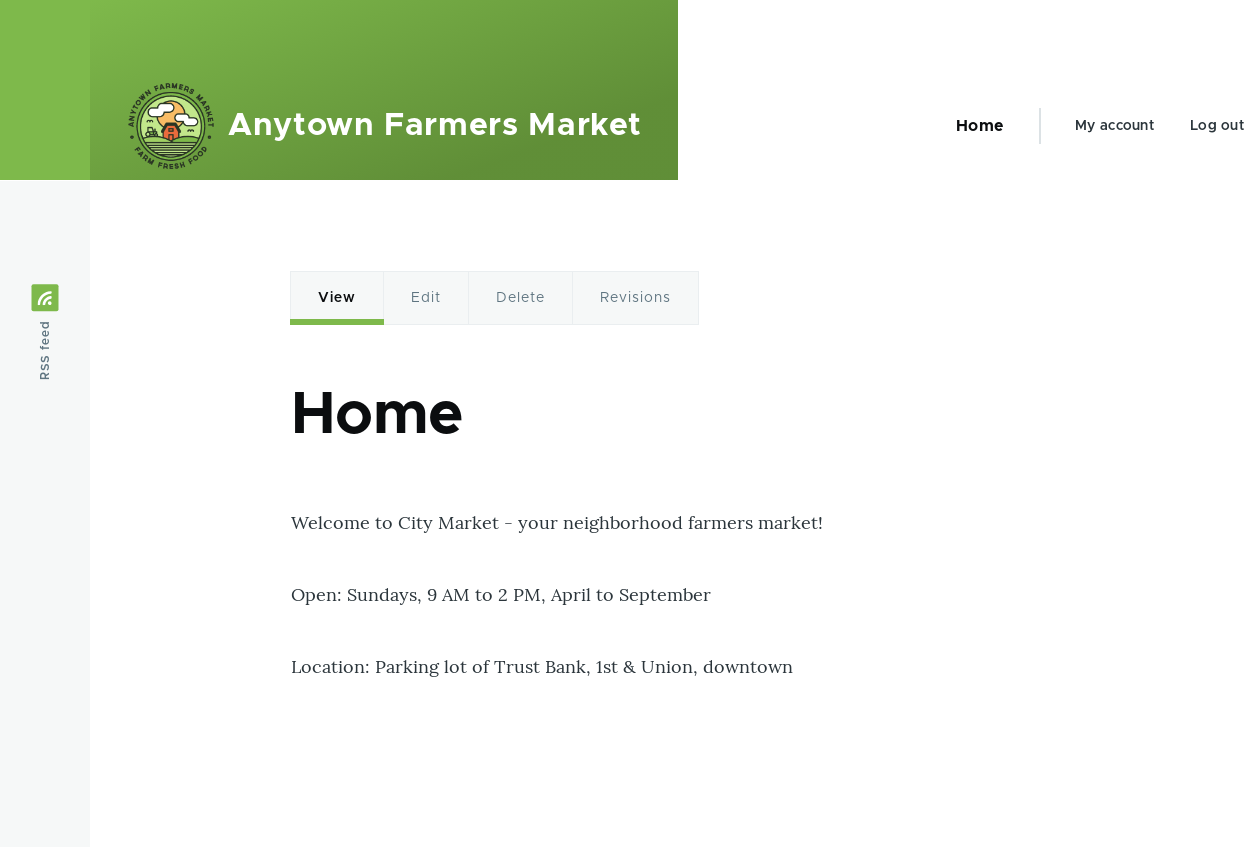
- Navigate to the home page to verify that it displays content as configured by
you.
Expand your understanding
- Adding a Page to the Navigation
- Follow Creating a Content Item to create an error page to be used as a 404 (page not found) or 403 (not authorized) response on your site. Then following the steps here, you can designate it as the error response, in the Error pages section of the configuration.
Related concepts
Videos
Attributions
Written and edited by Ann Greazel, Jack Haas, and Jojy Alphonso at Red Crackle.