Uninstalling Unused Modules
Goal
Uninstall the core Search and History modules, as well as the core Ban module if you installed it in Installing a Module, to reduce overhead.
Prerequisite knowledge
Site prerequisites
- You must have at least one unused module on your site that you want to uninstall, such as the core Search module.
- If you want to use Drush to uninstall modules, Drush must be installed. See Concept: Additional Tools.
Steps
You can use the administrative interface or Drush to uninstall modules.
Using the administrative interface
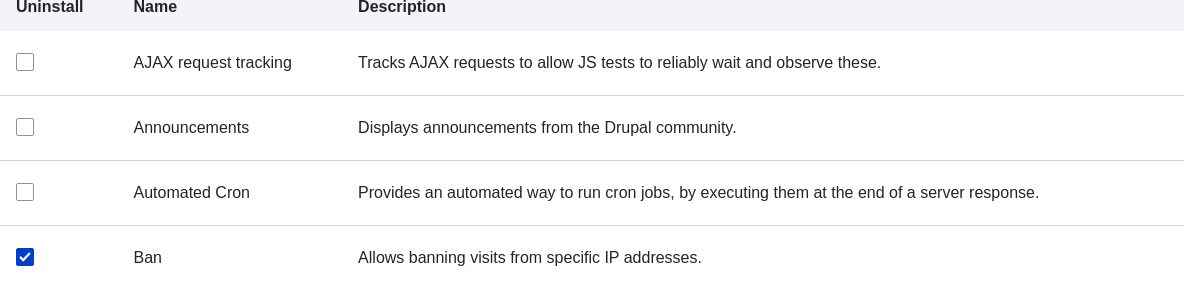
- In the Manage administrative menu, navigate to Extend > Uninstall (admin/modules/uninstall) where you will find the list of modules that are ready to be uninstalled.
- Check the boxes for the modules you are uninstalling (Ban, History, and Search). Click Uninstall at the bottom of the page.