Changing Content Display
Goal
Make the content items more readable, accessible, and visibly attractive by reordering the fields, hiding labels, and tuning the output of the fields.
Prerequisite knowledge
Site prerequisites
The Vendor content type must exist, it must have Main Image and Vendor URL fields, and your site must have at least one Vendor content item. See Adding a Content Type, Adding Basic Fields to a Content Type, and Creating a Content Item.
Steps
- Find and view a Vendor content item you created in Adding Basic Fields to a Content Type.
Notice that there are several things that could be done to improve how the page
looks:
- The Main Image and Vendor URL fields should not have labels.
- The order of the fields should be changed so that the image comes first.
- The image should be smaller.
- To fix the first two problems, and update some additional settings, in the
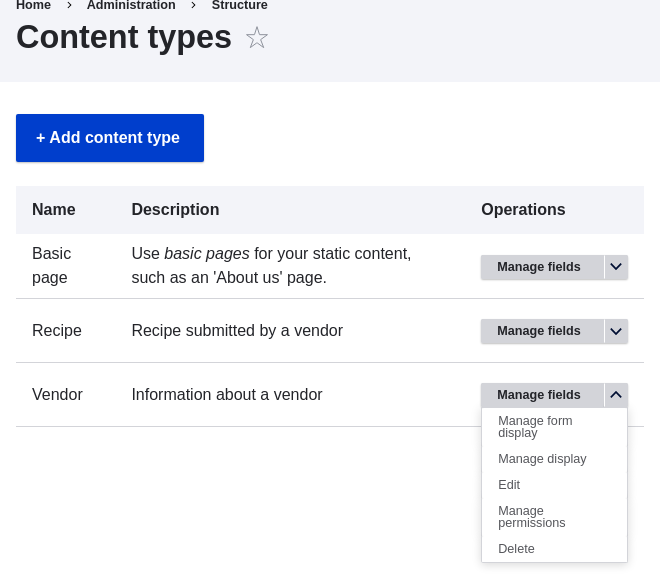
Manage administrative menu, navigate to Structure > Content types
(admin/structure/types). Then click Manage display in the dropdown button
for the Vendor content type.
- Under the Label column, select Hidden for Main image. Do the same
for Vendor URL.
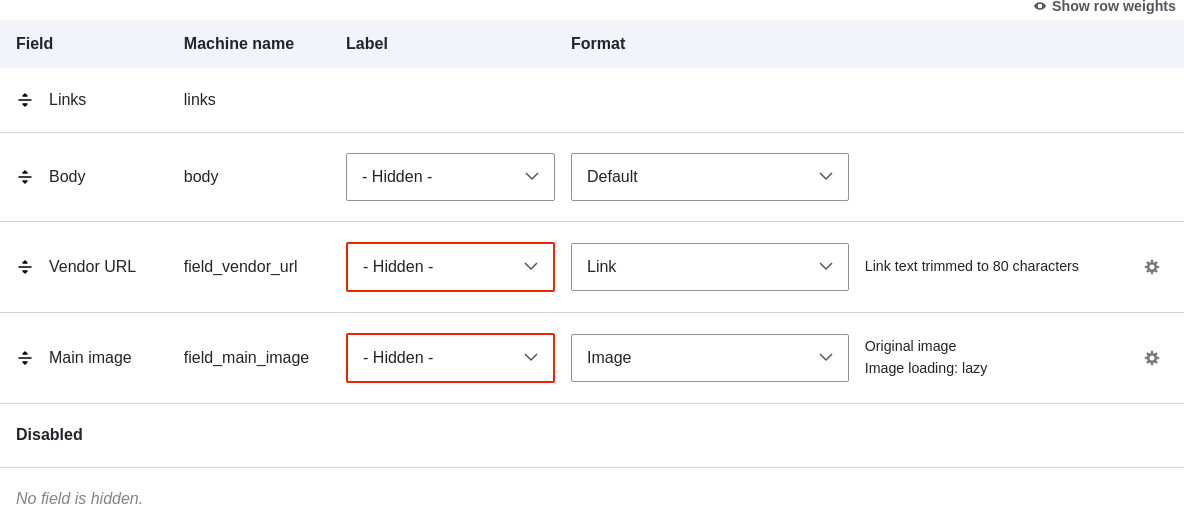
- Click the gear wheel for the Vendor URL field, to open the configuration options.
-
Fill in the fields as shown below.
Field name Explanation Example value Trim link text length Maximum displayed length for link text Blank (no trimming) Open link in new window Whether links should open in a new window or the same window Checked 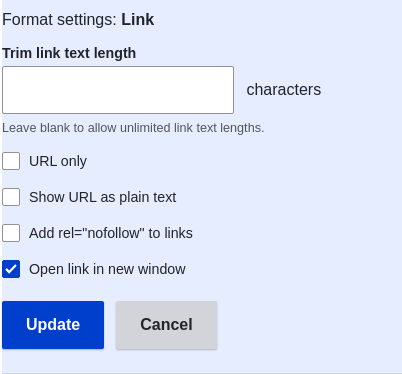
-
Click Update.
- Drag the cross bar handles of the fields to reorder as Main image, Body,
Vendor URL, and Links. As an alternative to dragging, you can click the Show
row weights link at the top of the table and enter numerical weights (fields
with lower or more negative weights will be shown first).
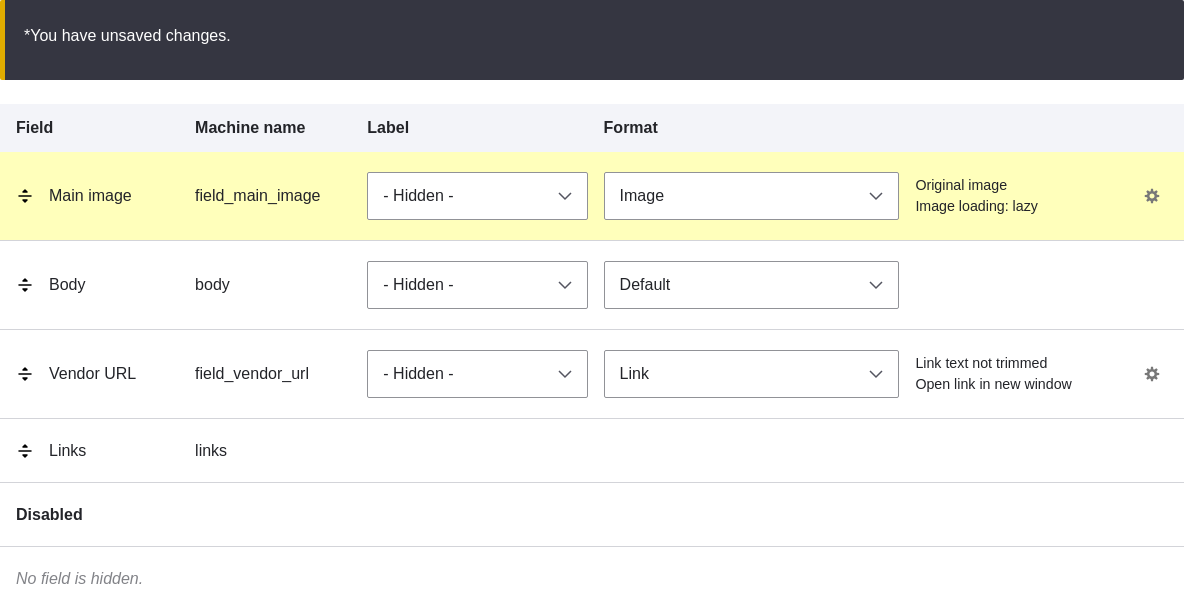
- Click Save.
- Find the Vendor content item from step 1 again, and verify that the updates have been made.
- Repeat similar steps to manage the display of the Recipe content type fields.
Expand your understanding
- Make the main image smaller. See Setting Up an Image Style.
- If you do not see the effect of these changes in your site, you might need to clear the cache. See Clearing the Cache.
Related concepts
Videos
Additional resources
- Drupal.org community documentation page "Specify how fields are displayed"
- Drupal.org community documentation page "Rearrange the order of fields"
- Drupal.org community documentation page "View modes"
Attributions
Written by Ann Greazel and Boris Doesborg.