
Structure
What it does
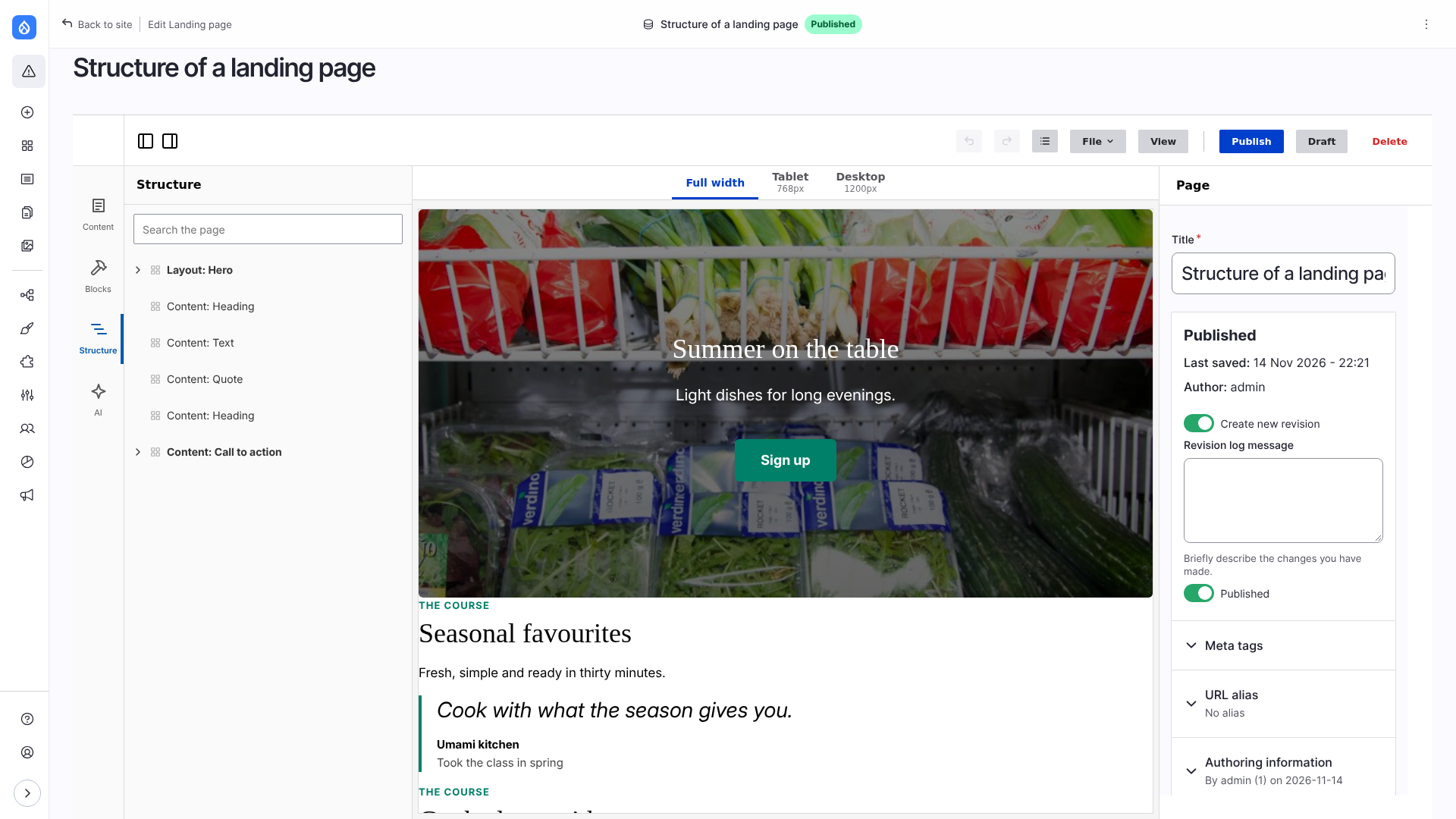
The Structure panel on the left shows the components of the page as a tree. Use it to select what is hard to hit on the canvas, to find a component by its text, and to work on several components at once: move them, delete them, or put them into a layout together.
Limitations
- On a translation that shares its structure with the original (Translation), components can be selected but not moved, put together or deleted.
- After a paste of several components only the first is selected.
- Nested paragraphs are listed in the tree but are edited only in the form of their Paragraph block.
- What is inside a linked block of the library is one item: its parts cannot be selected.
Select and find
A click selects a component, as a click on the canvas does.
The field Search the page at the top finds a component by its name or its text: as you type, the first one found is opened in the tree, selected and scrolled to on the canvas. Enter or down goes to the next one, up to the one before, Escape empties the field.
Several at once
| To | Do |
|---|---|
| add one to the selection, or take it away | Ctrl + click (Cmd + click on a Mac) |
| select all from the last one clicked | Shift + click |
| go through the tree | up and down; with Shift the selection grows |
| put them into a new layout component (Columns, Stack, Section…) | + in the panel's title and the component: it takes the place of the first one, and they are in its first slot, in their order |
| move them together | drag one of them, in the tree or on the canvas: the others follow it; or the arrows next to Collapse all in the panel's title, or Alt + up and down |
| save them to the library | the bookmark button next to +: they are put into a layout component first, which is saved |
| delete them | the bin next to Collapse all, the Delete key, or Delete n in the header |
| select one again | a click on a component without a key, in the panel or on the canvas; Escape |
Each of these is one step of Undo. The selected components are outlined on the canvas.