FrameThe Last Page Builder You'll Ever Need. Drupal Edition.
Editors build pages by dragging the components your theme already has. Drupal renders them. Works with SDC and UI Patterns 2 components, Paragraphs, Token, Metatag and an AI chat that builds the page for you. Free and open source.
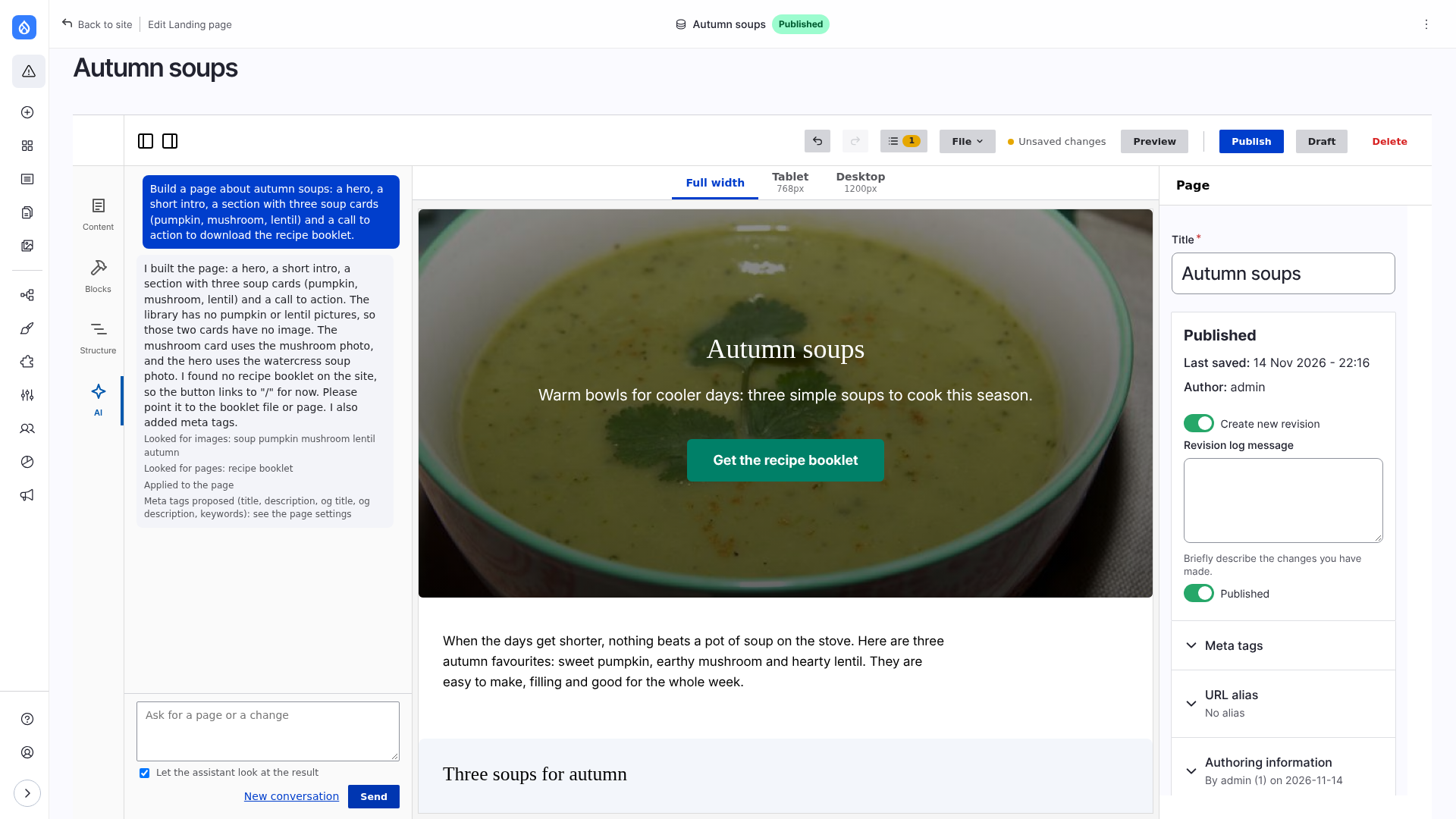
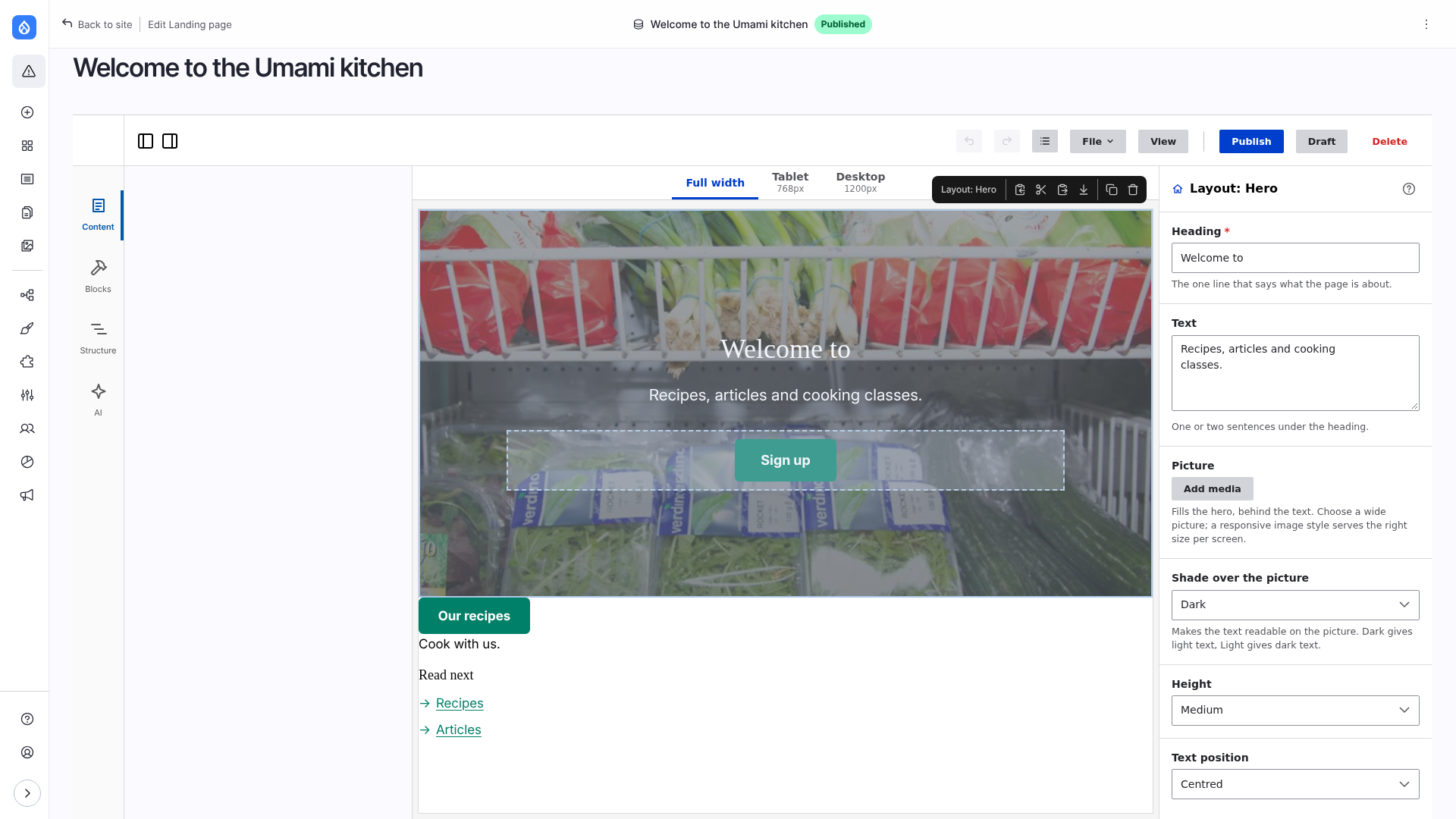
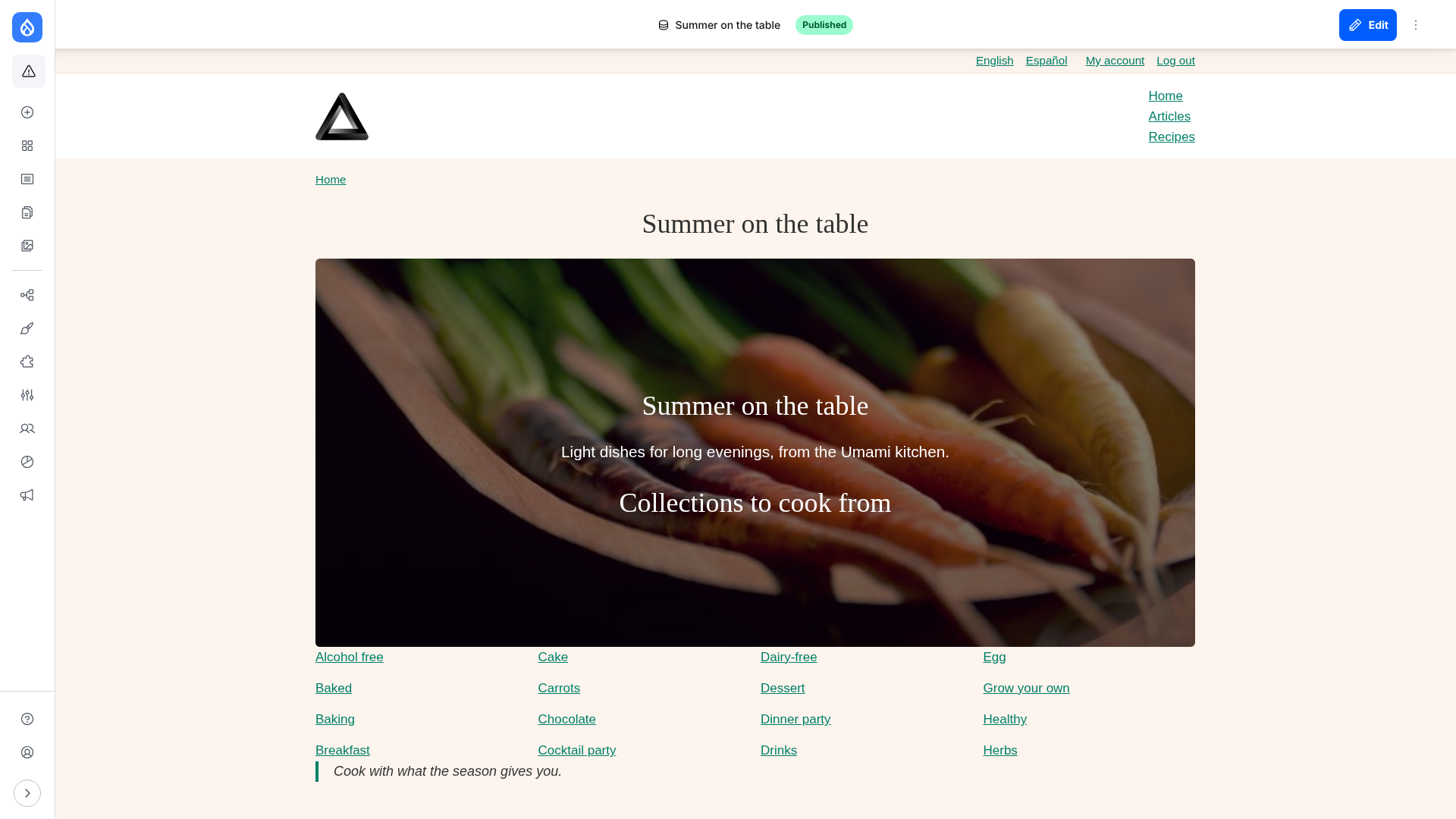
The AI assistant rebuilds the homepage of Umami from the theme's components. A React component is dragged into the middle of it and set up with the mouse, copied to a new page, and two editors work on that page at once. Then the files of the component: YAML, Twig and React. Turn the subtitles on for the narration.
Frame does the rest from the component's schema: fields in the editor, storage, rendering, translations, versions and migrations, the AI assistant.
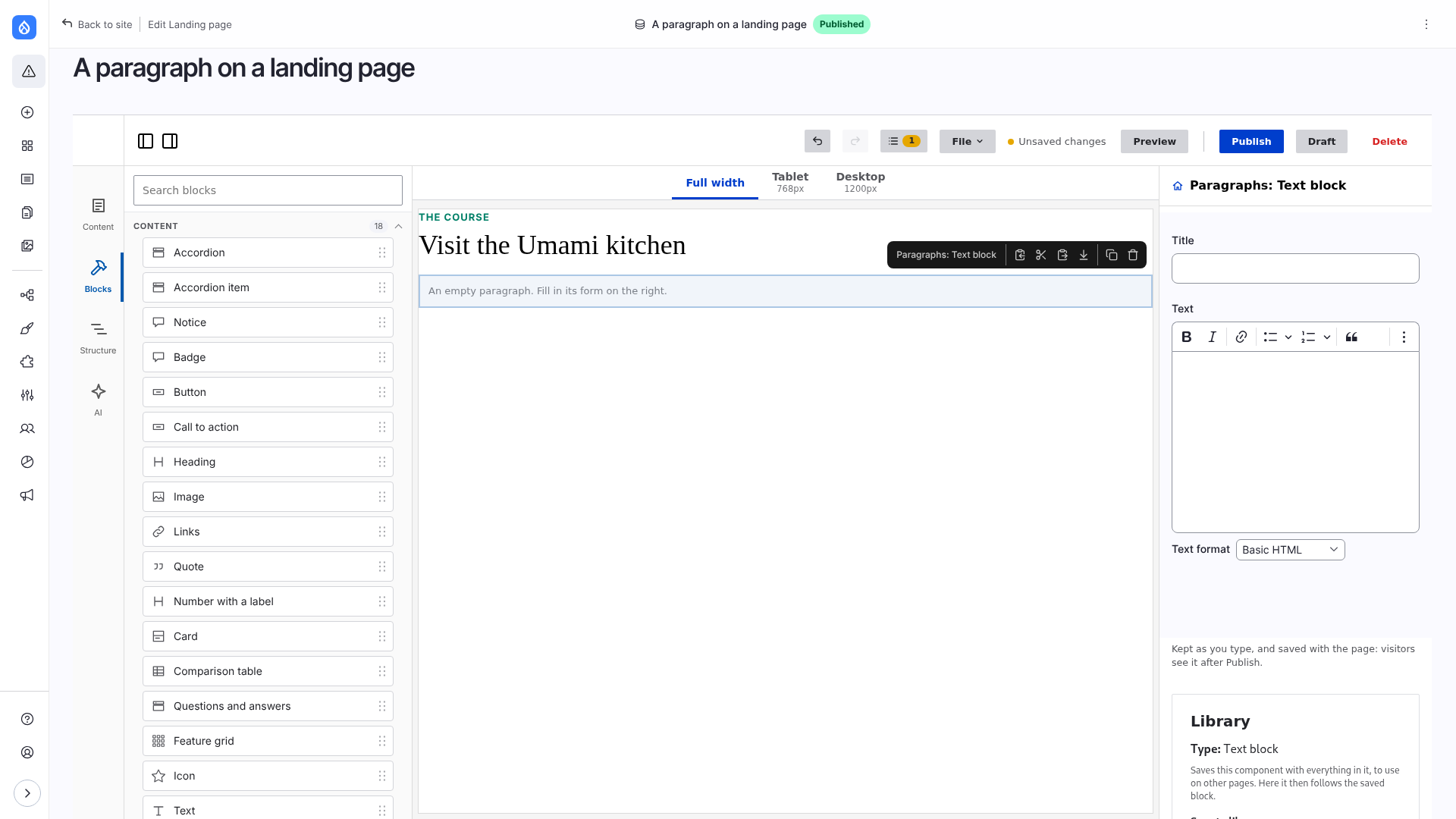
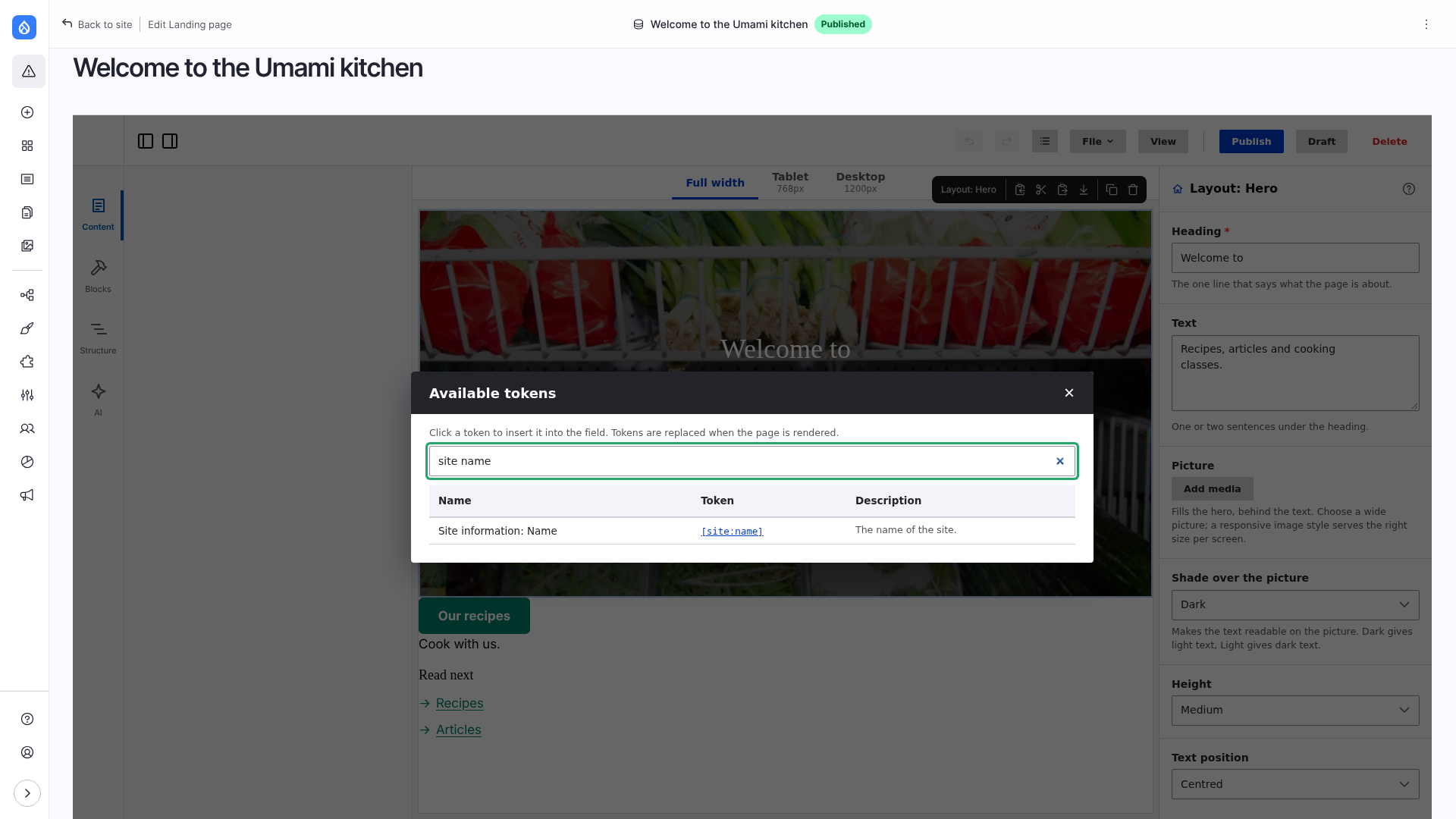
The old way keeps working: paragraph types are blocks of the editor, edited with their own form and rendered by their templates. Use it where content needs Drupal fields, revisions or reuse outside pages. For the rest, write the component once and place it.
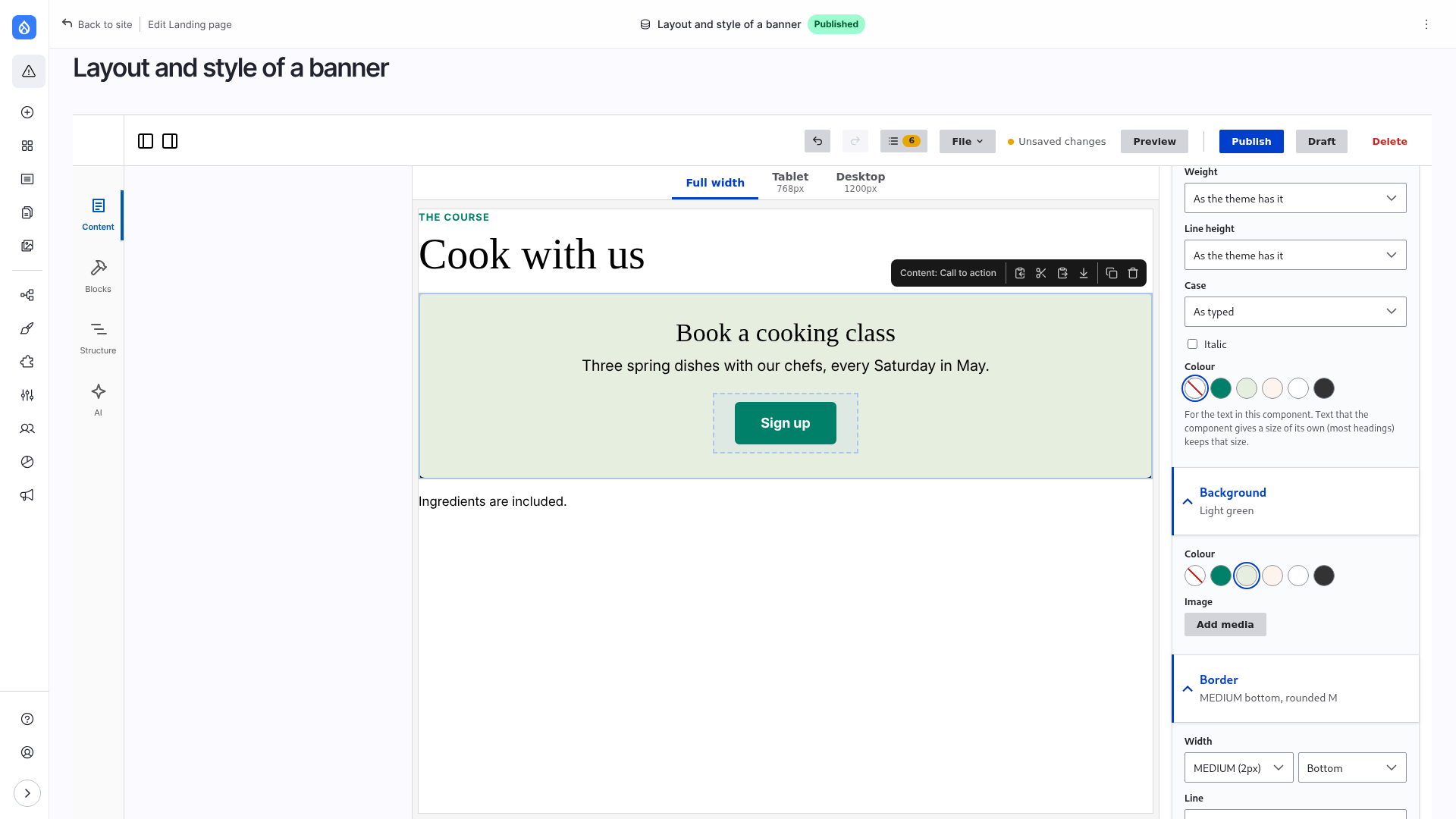
The editor has no blocks of its own to restyle. It reads the components of your theme, and spacing, colours, type scale, sizes and breakpoints from the theme's design tokens. Editors can only pick what the design allows, and your SCSS uses the same values.
Fields with any formatter, views, blocks, the Media Library, responsive images, translations, revisions, content moderation. The content form in the editor is Drupal's node form, with every widget.
Components are core SDCs and work in Twig without the editor. Content in paragraphs and fields stays in paragraphs and fields. The layout is JSON on the page, with versions and migrations for your components.
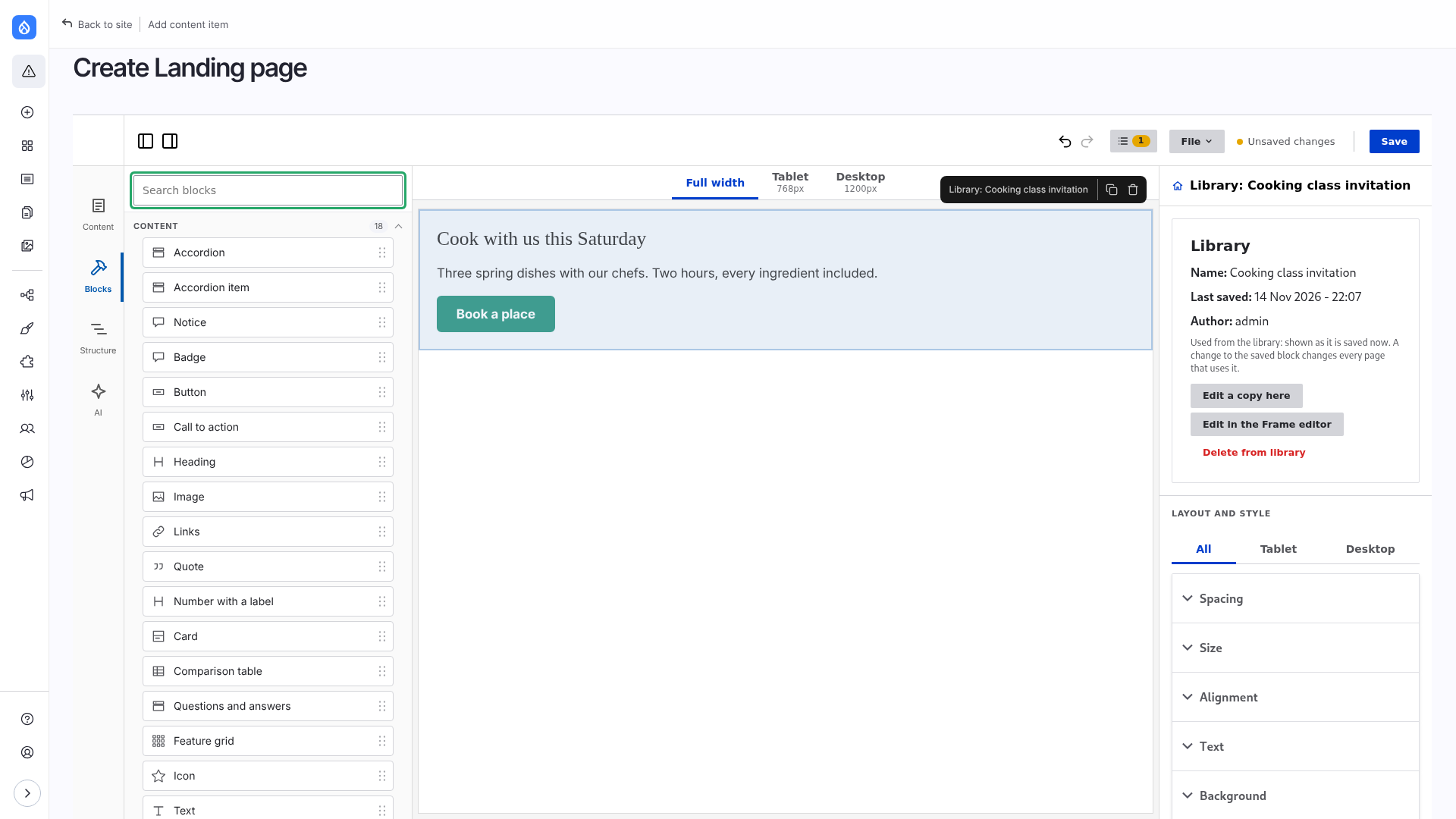
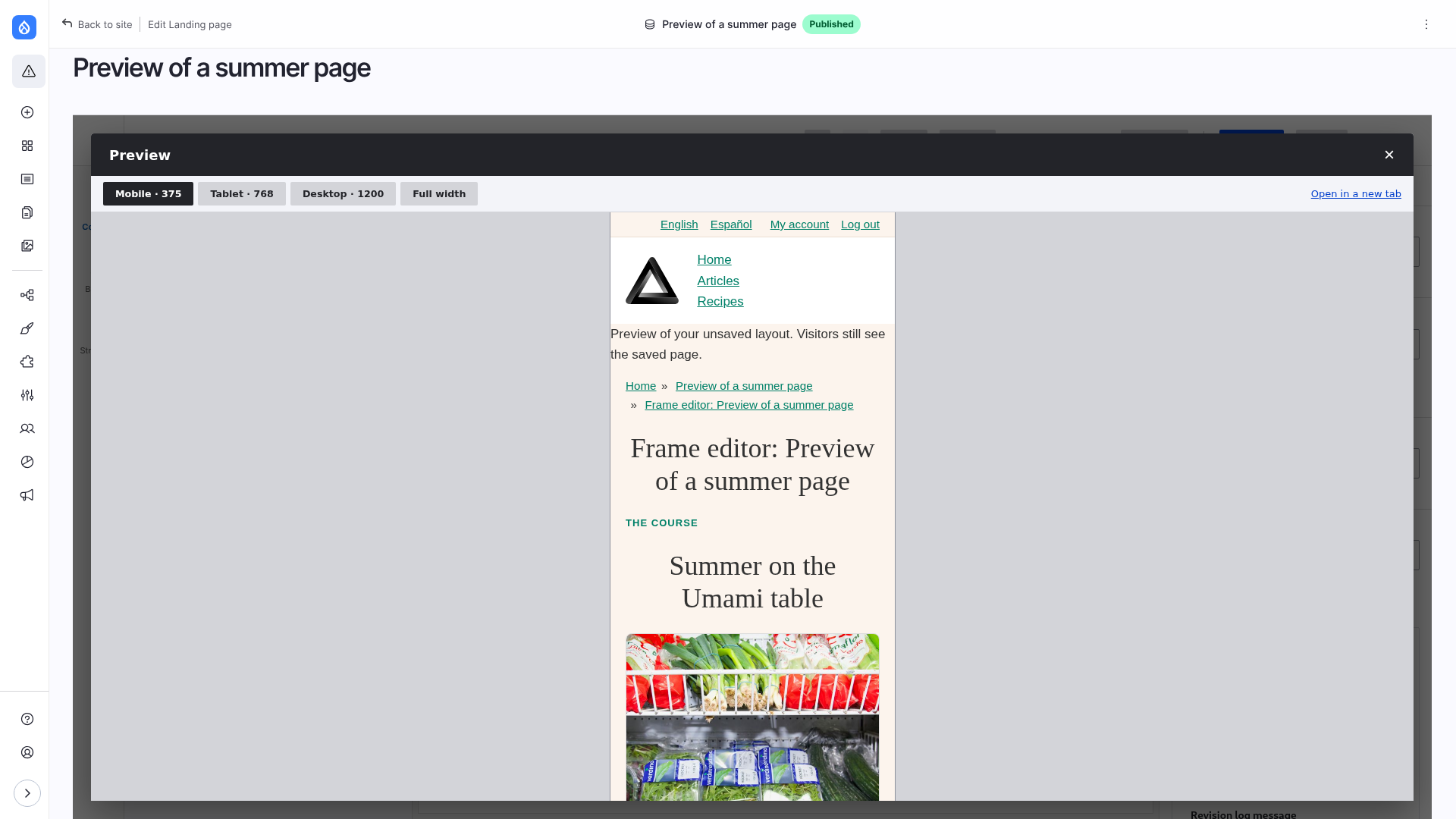
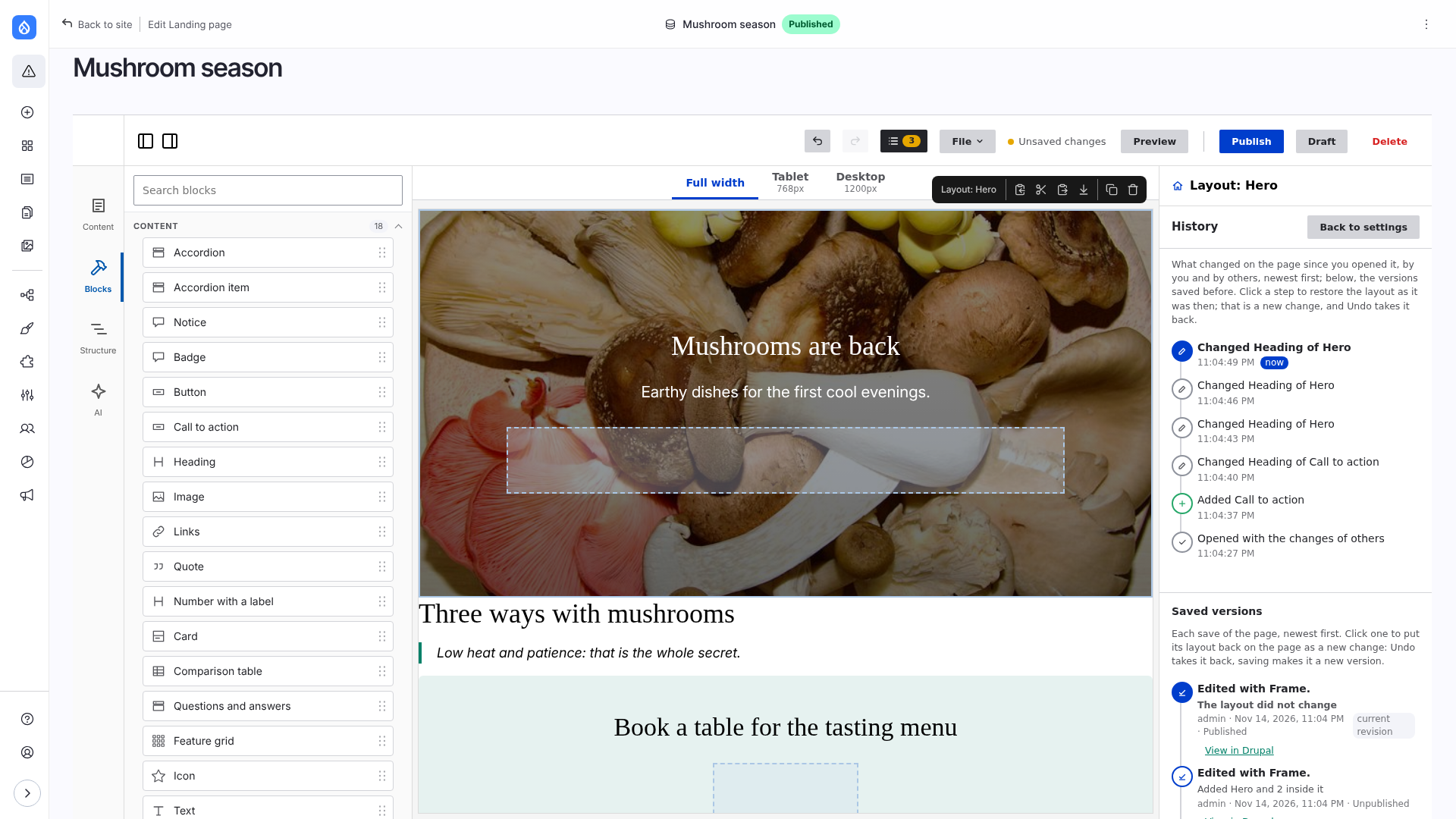
AI assistantAsk for a page, get one made of your components.Fields from propsEach prop of a component is a field.Layout and styleSpacing, size, alignment and background from the theme's tokens.ParagraphsA paragraph, edited with its own form.TokensThe token browser.LibrarySaved blocks, reused on other pages.PreviewThe page at the theme's breakpoints.HistoryEvery change, one click to go back.PublishedThe page, rendered by Drupal.
With the theme in themes/contrib/frame (Getting started), a recipe adds the Landing page content type, media, responsive images, paragraphs with the library, meta tags, the assistant and a role for editors:
Components that need behaviour in the browser (filters, tables, tooltips) are written in React and stay normal Drupal components: place them in the editor or in Twig. A React component is a *.component.yml, a Twig file with the mount point and an index.jsx with a Drupal behavior. Nothing else to register: the build finds the folder. See Creating a component and React + Drupal behaviors.