
Preview
What it does
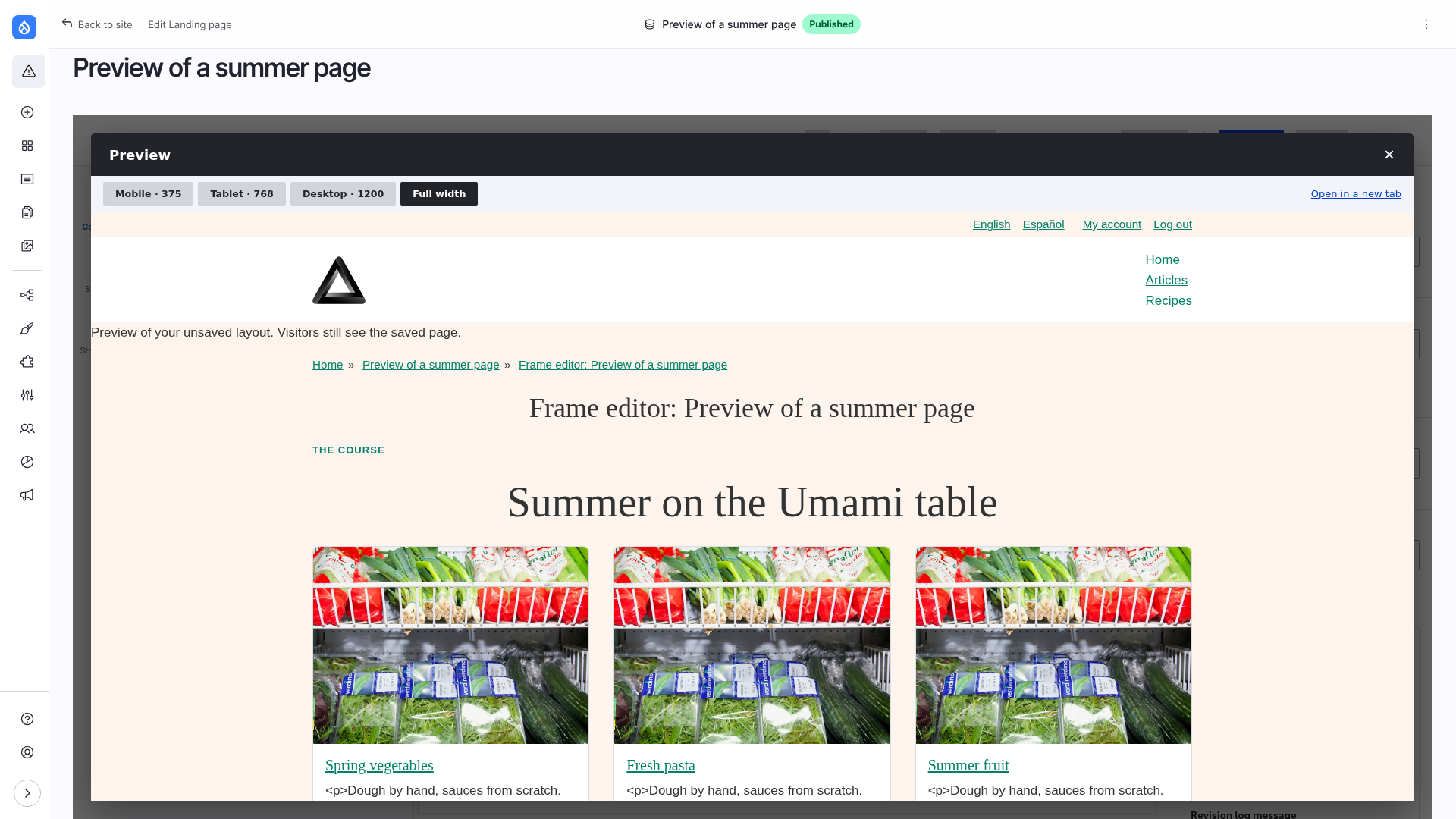
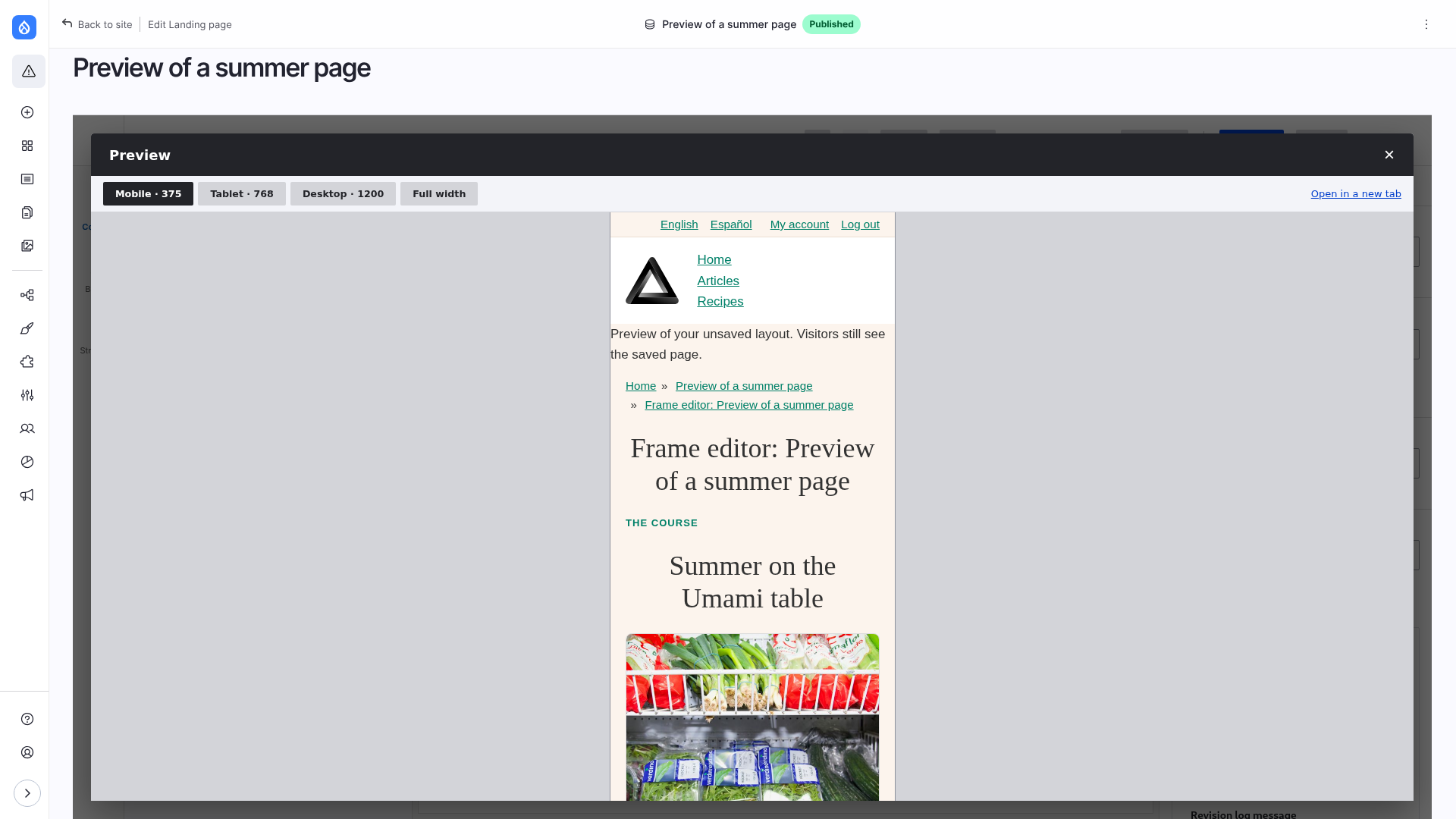
Preview in the top bar shows the page as visitors would see it, with the unsaved layout and the unsaved values of the forms. Its buttons give the frame the width of each breakpoint of the theme, and Full width. The page really is that wide, so the theme's own media queries apply. Open in a new tab shows the same page on its own. When nothing is unsaved, the button is View and opens the page.
Limitations
- The widths are those of the theme's breakpoints (
<theme>.breakpoints.yml); a breakpoint without amin-widthis shown at a phone width (375px). - Nothing is saved by a preview, and it shows only your own unsaved changes to the forms.
- The canvas of the editor is a frame as wide as the breakpoint chosen (scaled down to fit the column), so the theme's own media queries,
vwunits, container queries andposition: fixedelements act as on a page of that width, and the layout and style per breakpoint follow the same choice. It still is not the preview: it shows the editor's outlines and placeholders, and the page is made of one frame, not of the regions of the theme (the root is a size container of its own where.page__bodyis one on the site).
How it works
The editor first stores the latest change, then opens /node/N/frame-editor/preview in a frame: the page rendered with the layout and field values kept for you. See Architecture: unsaved changes and Breakpoints.