
Content and page settings
What it does
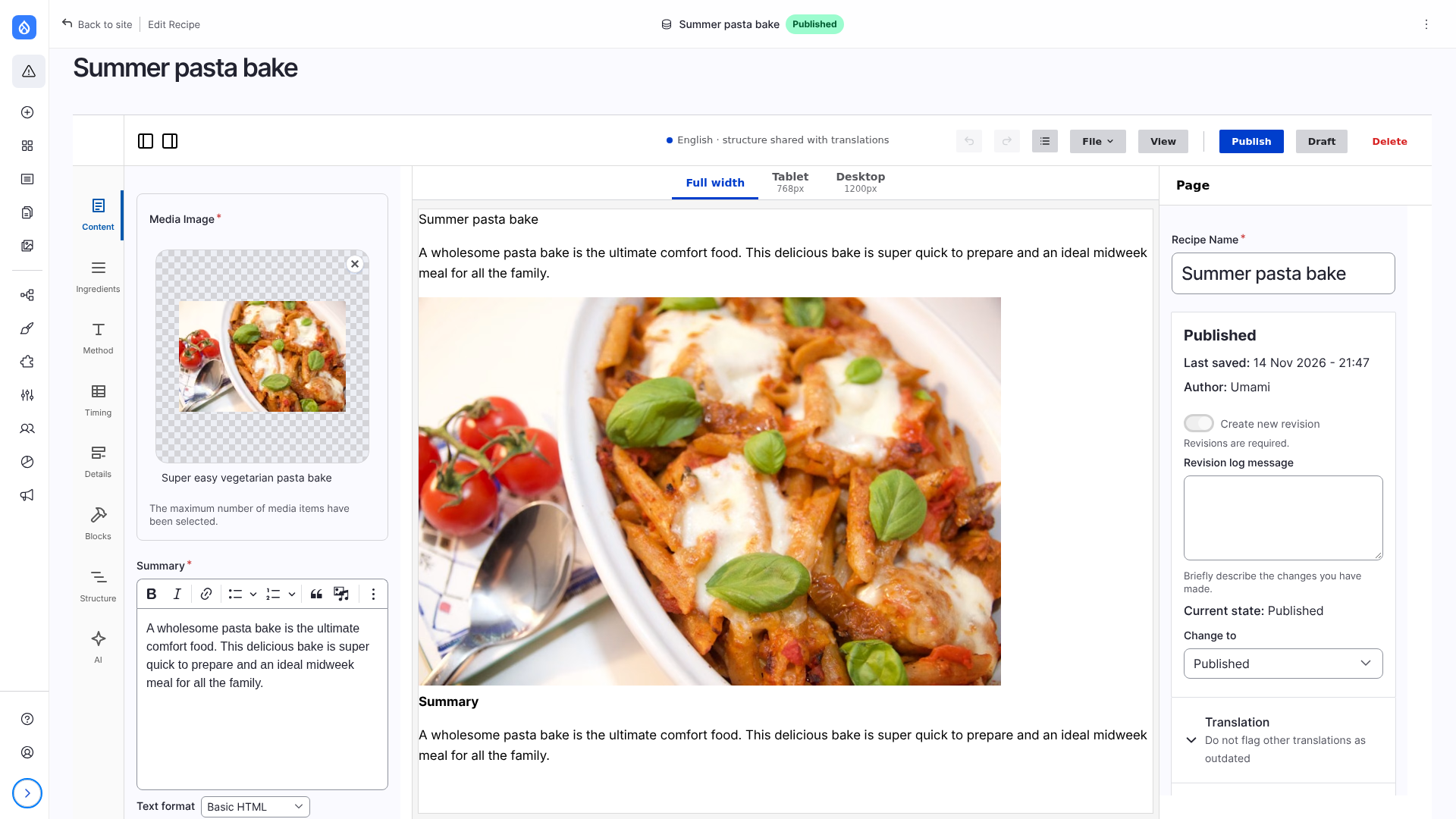
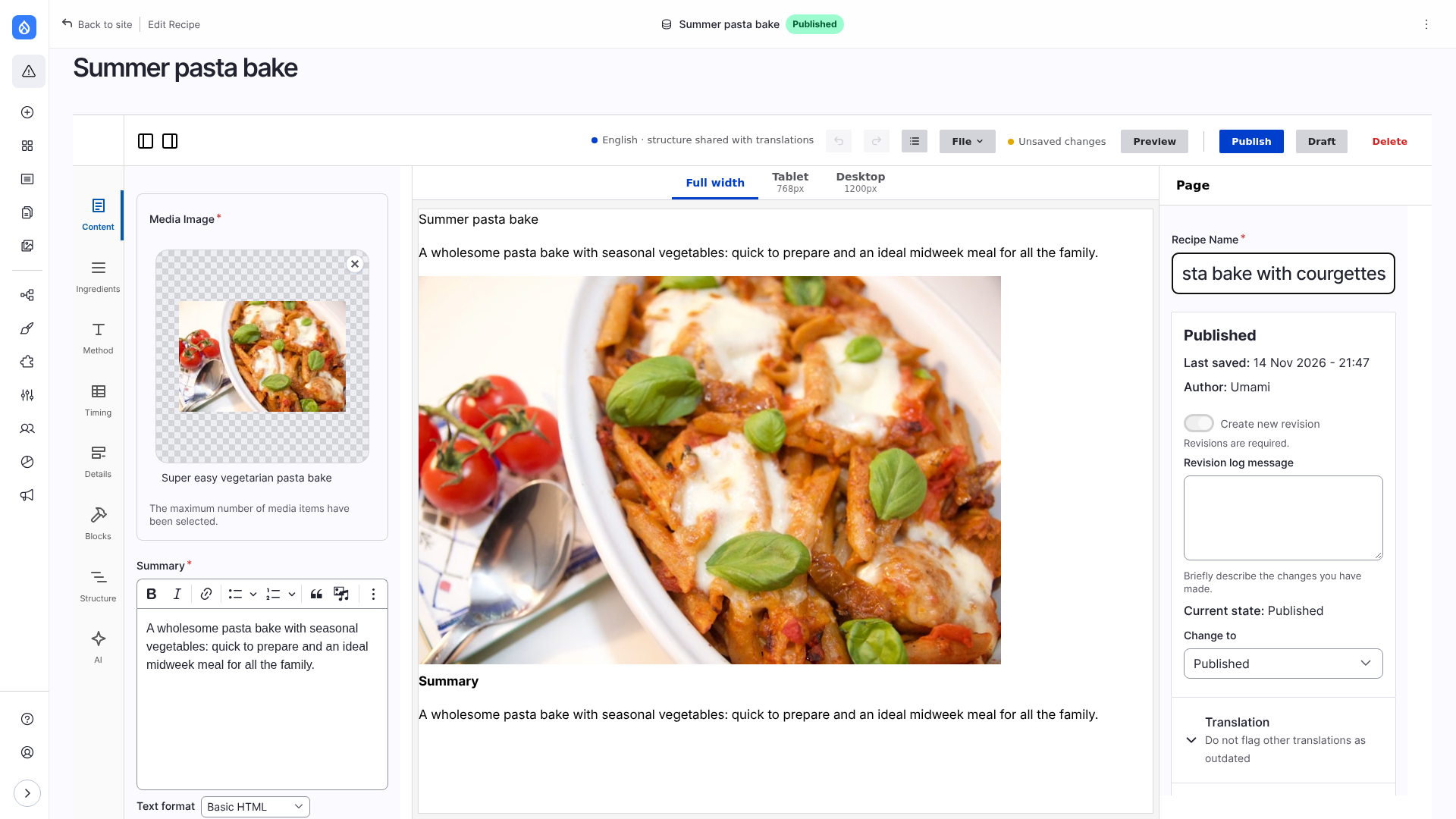
The fields of the page and its settings are Drupal's own node form, shown inside the editor with every widget that modules add. Content and Menu on the left have the fields and the menu settings. With nothing selected, the right column has the page settings: title, state, revision log message, URL alias, authoring, promotion, translation, meta tags, and whatever else modules put in the sidebar of the edit page. The canvas follows what is typed.
With a theme that declares html_attributes (a colour scheme, for example) the page settings have Page appearance right under the Title, before the state, the URL alias and the rest: a choice for each of them. It is kept in the layout (root.props.html), not in the node form, and the canvas follows it at once. The place is in the form itself (the form has an empty element after the title that the editor fills with the choices, and the choice is passed to the editor, so nothing is added to what the form submits). A page without a title there (a template, a saved block) shows the choices at the top of the panel instead. See html_attributes.
Limitations
- Undo and the History cover the layout, not the node form. Use the undo of the field you are in.
- A content type without fields of its own (Landing page: its title is in the page settings) has no Content panel.
- The form is shown in the language of the page being edited.
- A save can make up to three revisions: the fields, the page settings and the layout.
How it works
- The fields show where an editor places them: a field is a block of the Blocks panel, and the full view of the page shows only its layout.
- Values typed in the form are kept per user in the background, so the canvas and the Preview show them before the page is saved, and a reload brings them back. Validation errors do not stop that: a half-filled form still previews.
- Publish and Draft submit every part of the form that changed. Drupal validates it; an error stops the save and shows in the form.
- The revision log message typed in the page settings is the message of the revision that holds the layout.
Long forms can be split into panels with the Field Group module: see Field groups. How the form is built and saved: Architecture: the node form.