
Field groups
What it does
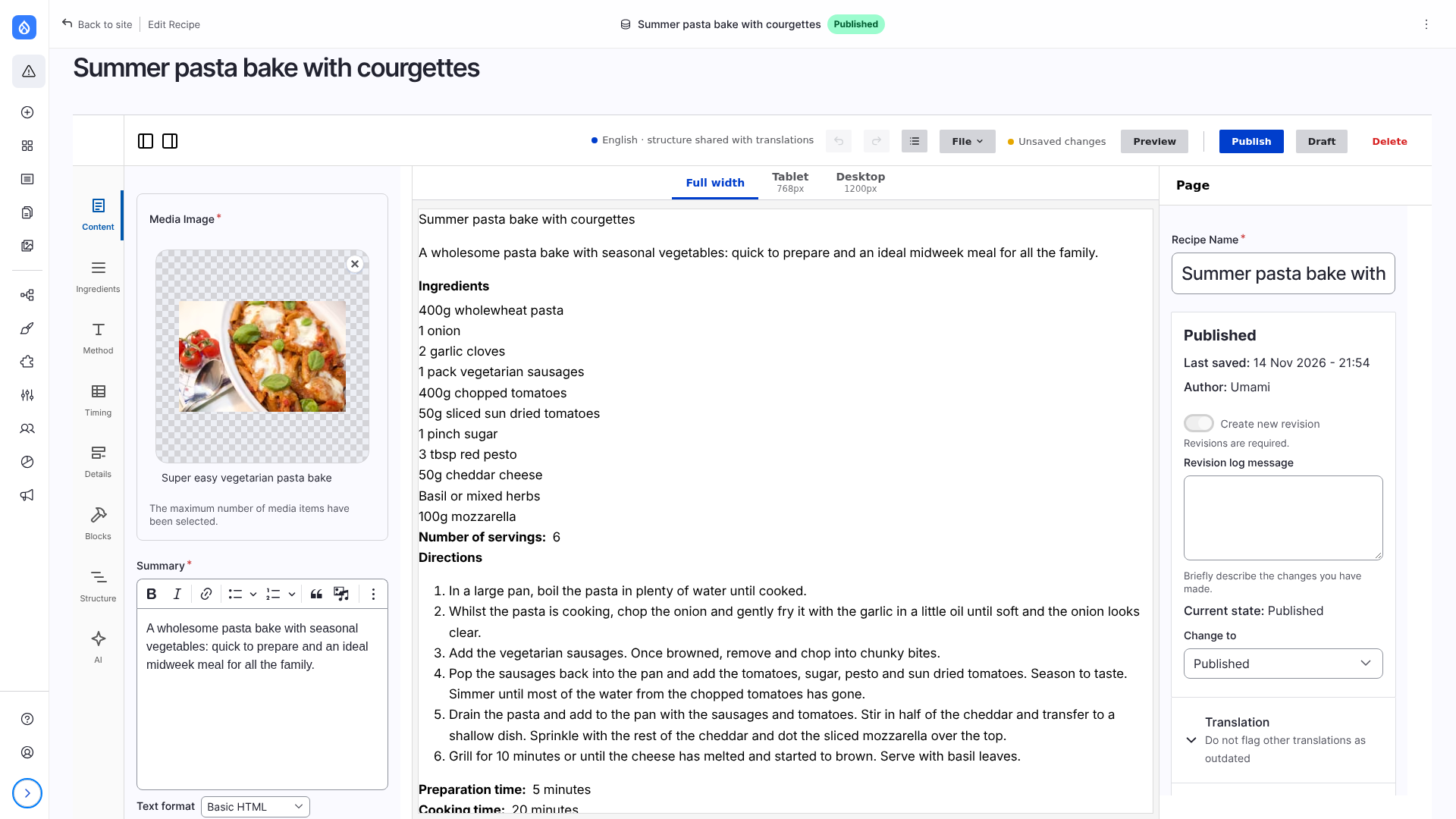
A content type with many fields is easier to edit in parts. With the Field Group module, every top-level group of the form display is a panel of the editor, with a button in the rail on the left, after Content. The canvas follows what is typed in any of them, and one Publish saves them all.
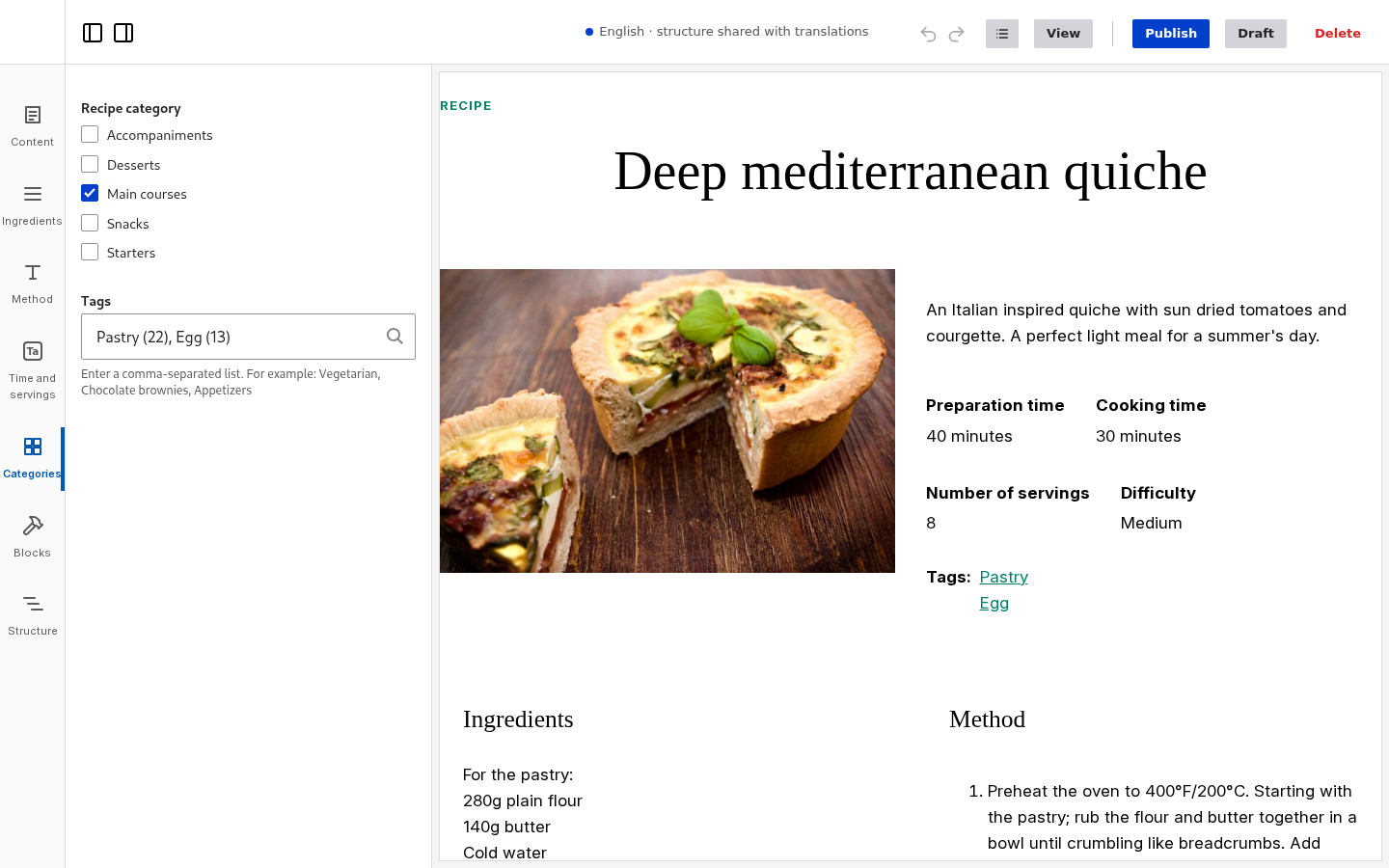
In the video: the recipes of the Umami demo, with the fields of the form in four groups: Ingredients, Method, Time and servings and Categories.
Limitations
- Only top-level groups become panels. Groups inside a group keep their format, inside the panel.
- The format of a top-level group (details, fieldset, HTML element) is not used: the panel replaces it.
- A group with nothing to show (no fields, or none the user may edit) has no panel.
- Without an icon, the button of a panel shows the initials of its label.
Set up
Install Field Group (the recipe frame_editor_field_group does) and group the fields on Manage form display of the content type.
- Fields in no group stay in Content. When every field is in a group, there is no Content panel.
- Of a top-level Tabs group, each tab is a panel.
- A Details sidebar group is where the sidebar of the edit page is: in the page settings on the right.
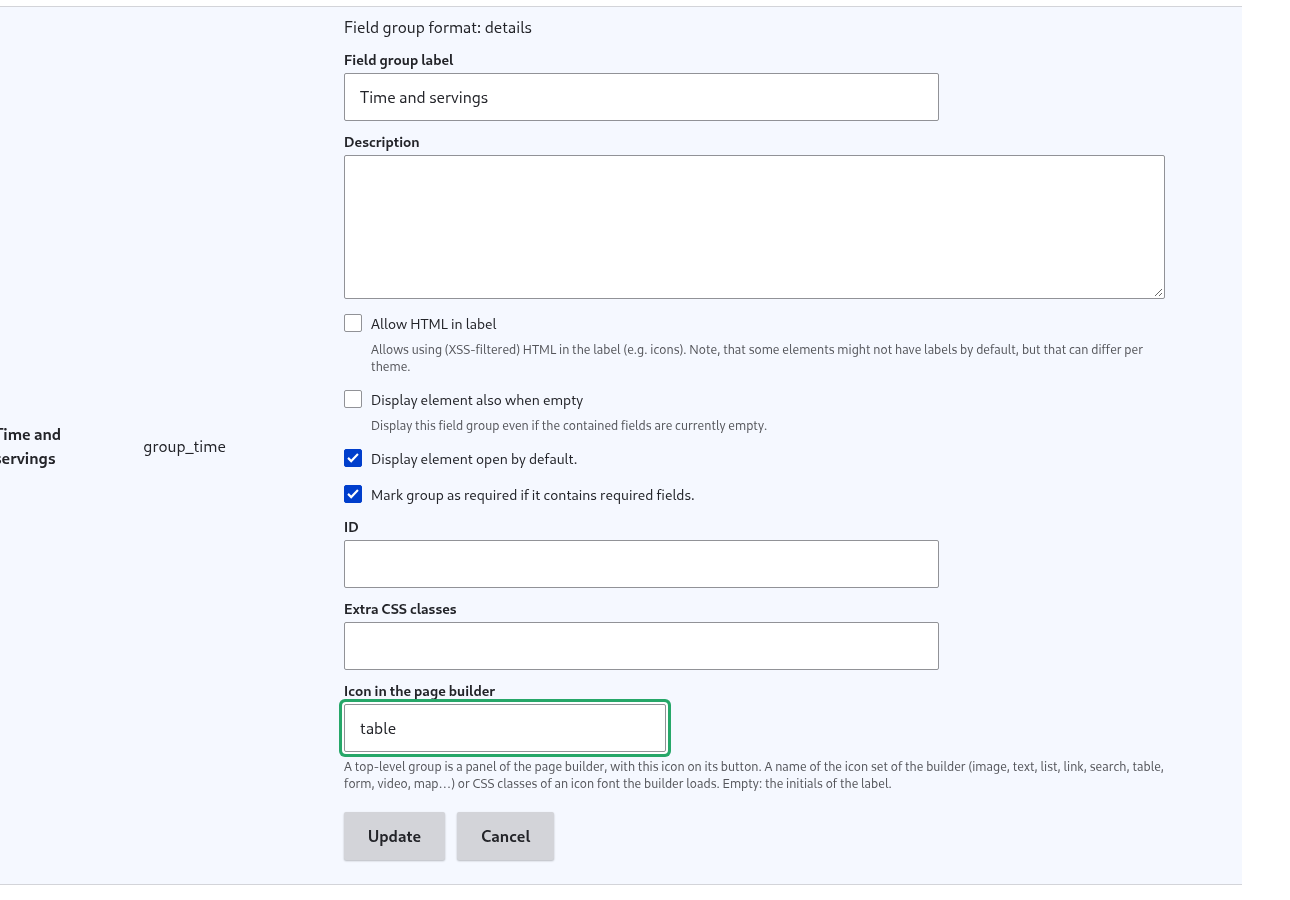
To give a panel an icon, open the settings of the group (the cog on Manage form display) and fill Icon in Frame: a name of the editor's set (search, image, list, link…) or the CSS classes of an icon font.
list.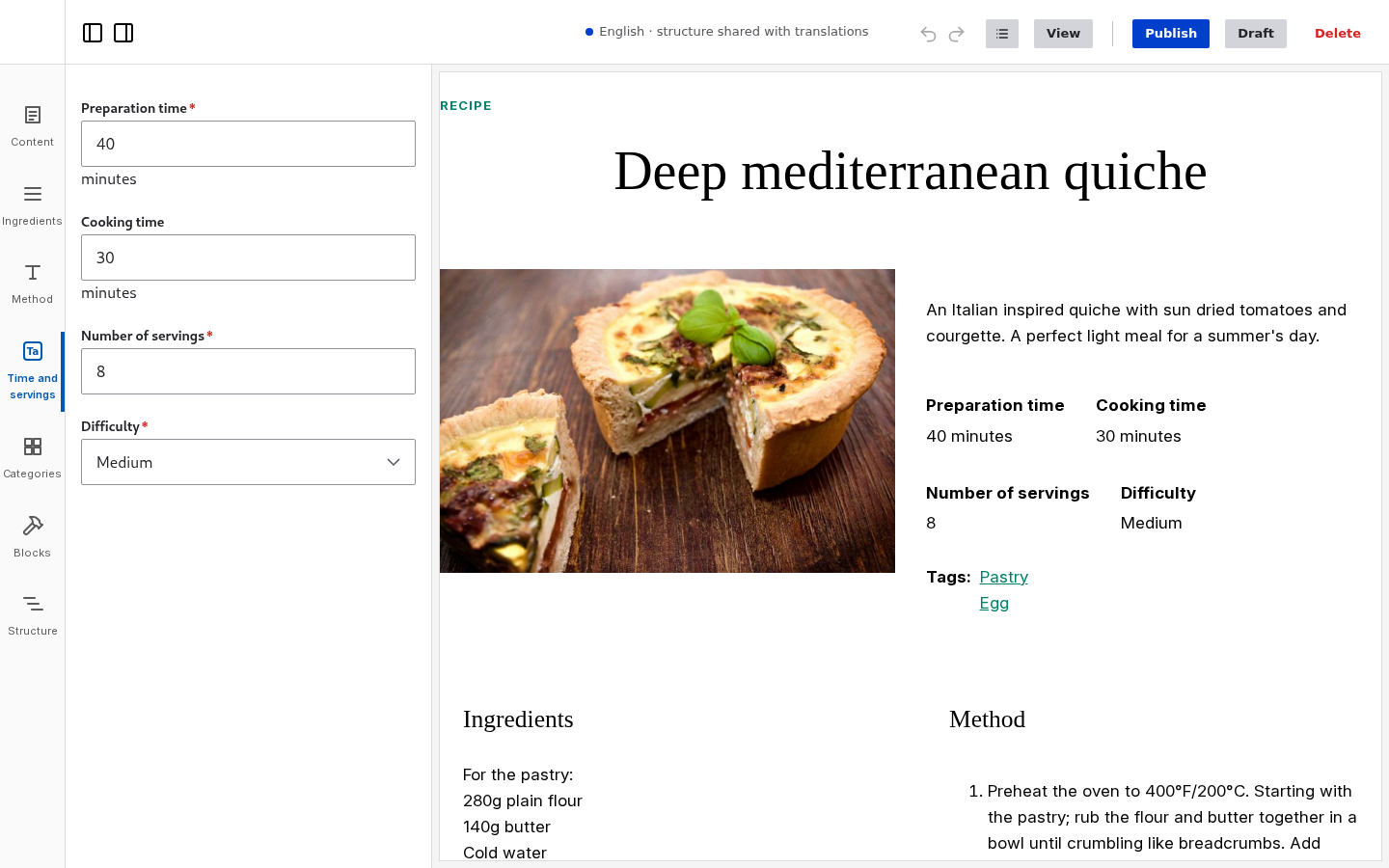
How the groups become panels: Architecture: the node form.