States between siblings
Children can use #states to react to other children. Write the selector as if the element had a single row. The module rewrites it for each row, so a row reacts only to its own inputs.
The selector uses the name of the element, then the name of the child, here links[type].
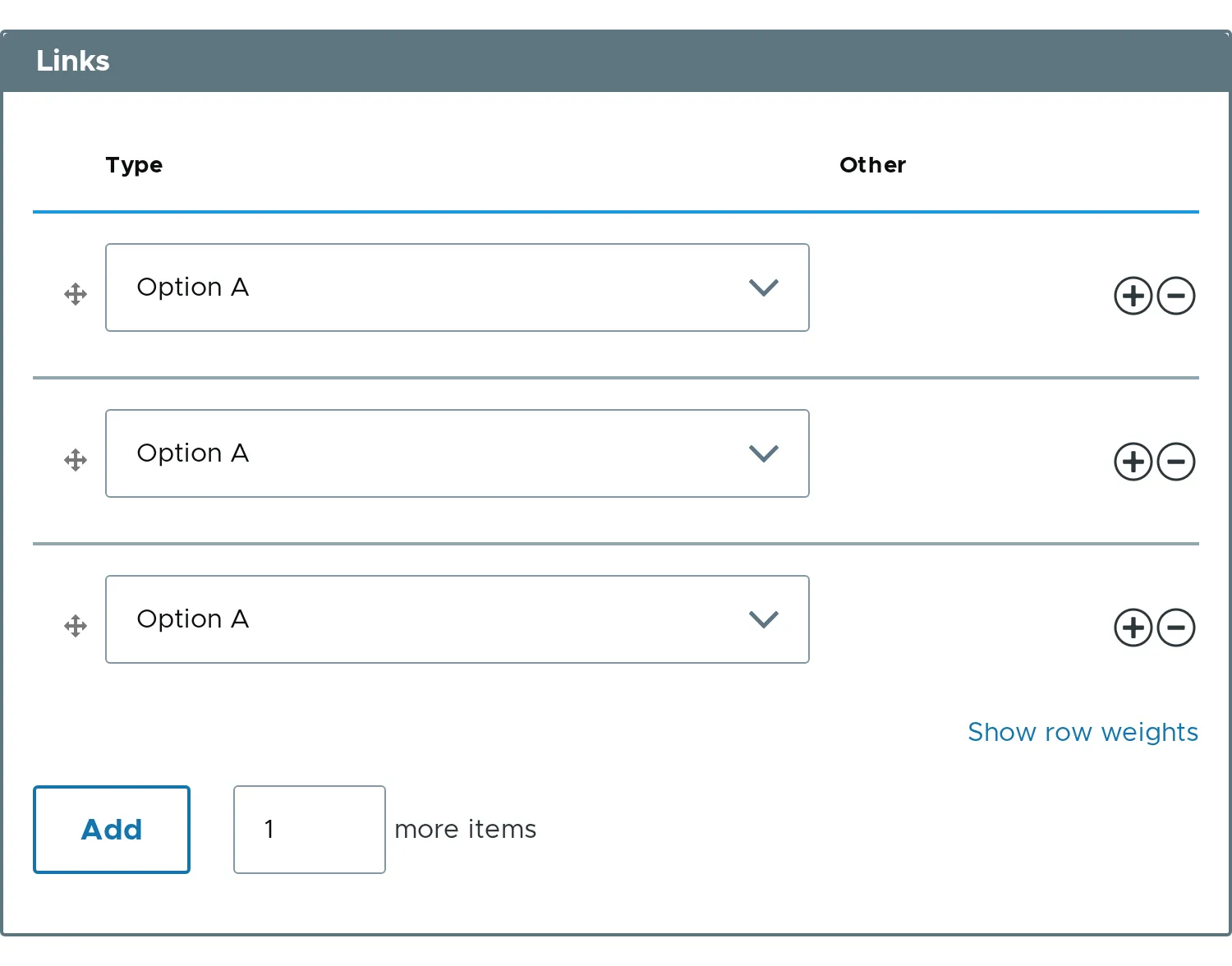
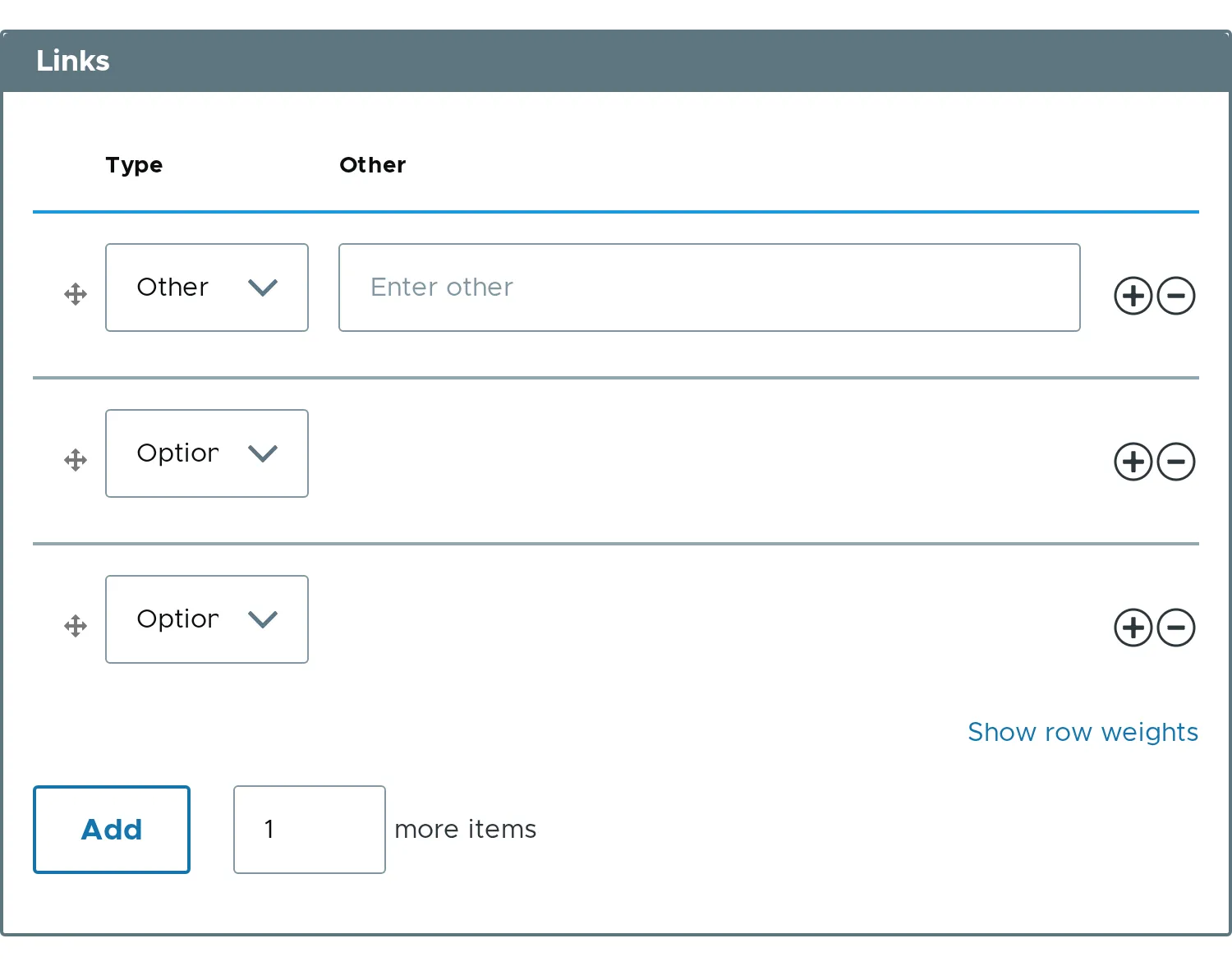
$form['links'] = [ '#type' => 'element_multiple', '#title' => $this->t('Links'), '#header' => TRUE, '#element' => [ 'type' => [ '#type' => 'select', '#title' => $this->t('Type'), '#title_display' => 'invisible', '#options' => [ 'a' => $this->t('Option A'), 'b' => $this->t('Option B'), 'other' => $this->t('Other'), ], ], 'other' => [ '#type' => 'textfield', '#title' => $this->t('Other'), '#title_display' => 'invisible', '#placeholder' => $this->t('Enter other'), '#states' => [ 'visible' => [ ':input[name="links[type]"]' => ['value' => 'other'], ], ], ], ], '#default_value' => [ ['type' => 'a', 'other' => ''], ['type' => 'a', 'other' => ''], ],];In row 3 the real name is links[items][2][type]. The module makes that change for you.
The text field is hidden until the select of the same row is set to Other.
States on the whole element
Section titled “States on the whole element”#states on the element itself works too. The module moves it to a wrapper around the list. A child with #required becomes required only while the list is visible.
$form['links']['#states'] = [ 'visible' => [':input[name="show_links"]' => ['checked' => TRUE]],];- A child can also be shown or hidden by a checkbox of the same row, with
['checked' => TRUE]in place of['value' => 'other']. - When the element sits inside another tree, use its full name, for example
settings[links][has_link]. - The rewrite works for composite elements.
- Related property:
#states.