Sorting
Sorting is on by default. Each row has a drag handle. The order of the rows on screen is the order of the submitted value.
$form['steps'] = [ '#type' => 'element_multiple', '#title' => $this->t('Steps'), '#default_value' => ['One', 'Two', 'Three'],];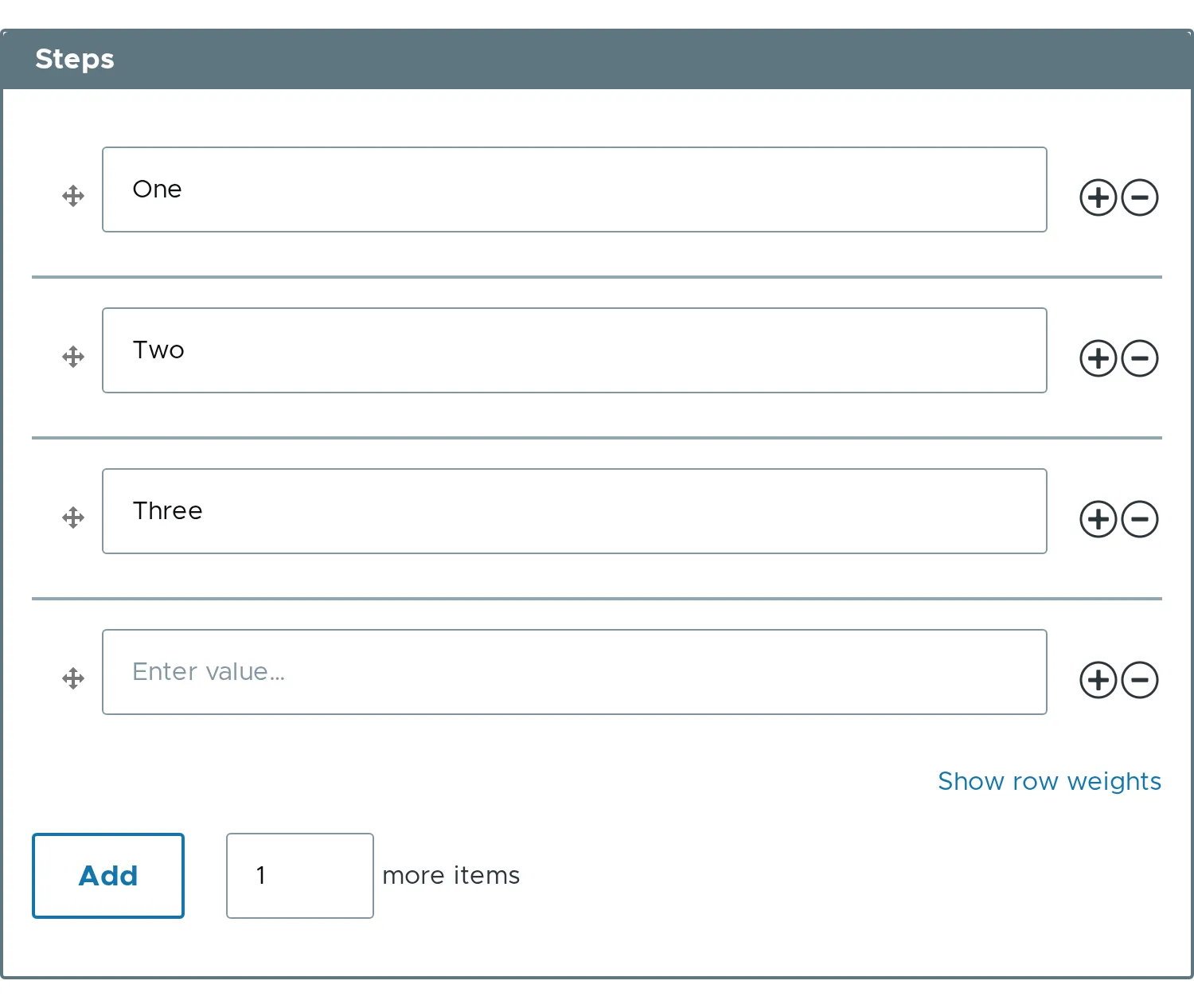
Dragging
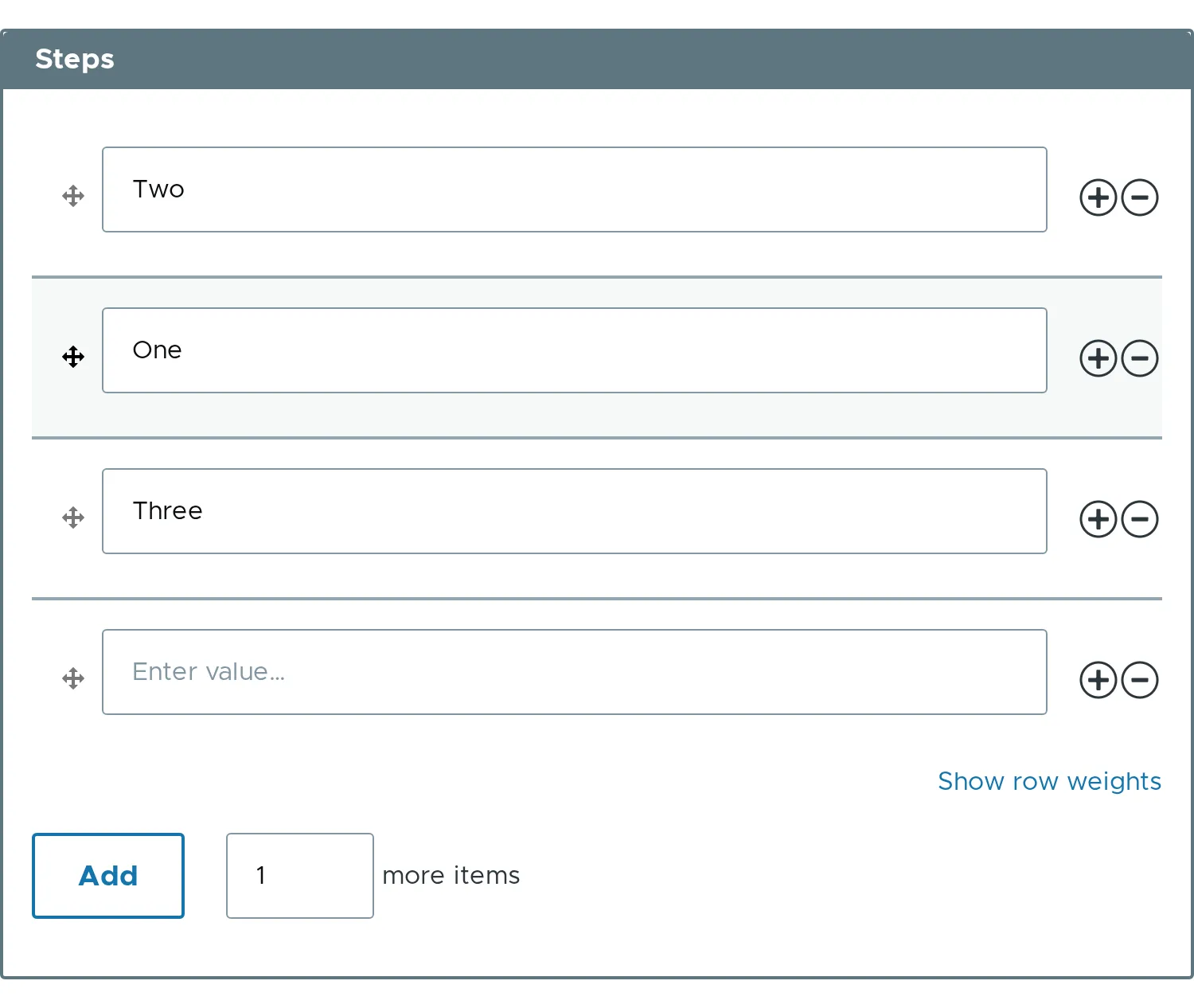
Section titled “Dragging”Press the handle of a row and move it. The row follows the pointer, and the rows around it make room. When the row is released, the weights change and the order is saved with the form.
Row weights
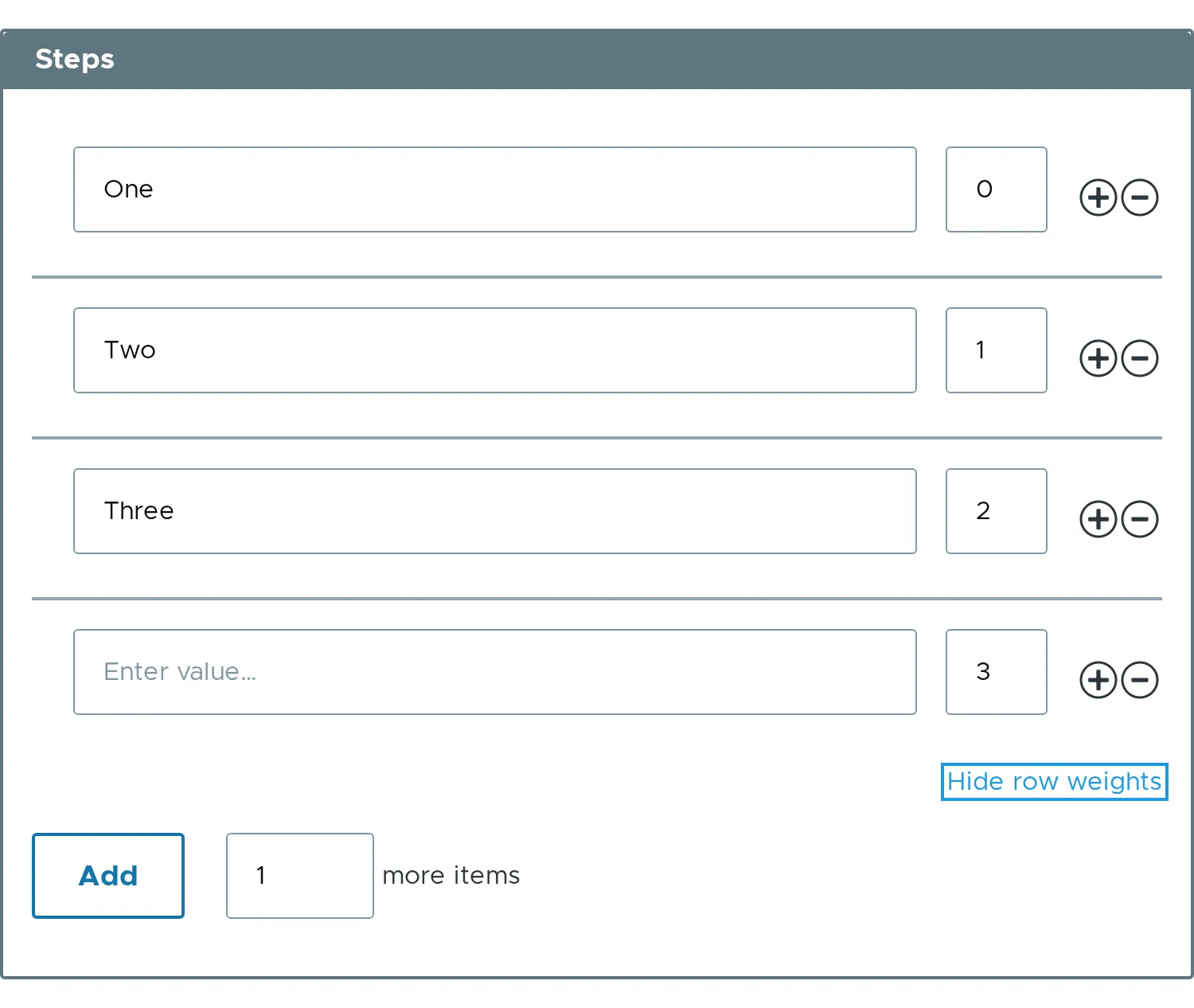
Section titled “Row weights”Each row has a hidden weight input. The “Show row weights” link reveals it. It is the way to reorder without a pointer. The weight is a number, and a row with a lower weight comes first.
Sorting off
Section titled “Sorting off”With #sorting => FALSE there are no handles and no weights. Rows keep the order of the values.
$form['steps'] = [ '#type' => 'element_multiple', '#title' => $this->t('Steps'), '#sorting' => FALSE, '#default_value' => ['One', 'Two', 'Three'],];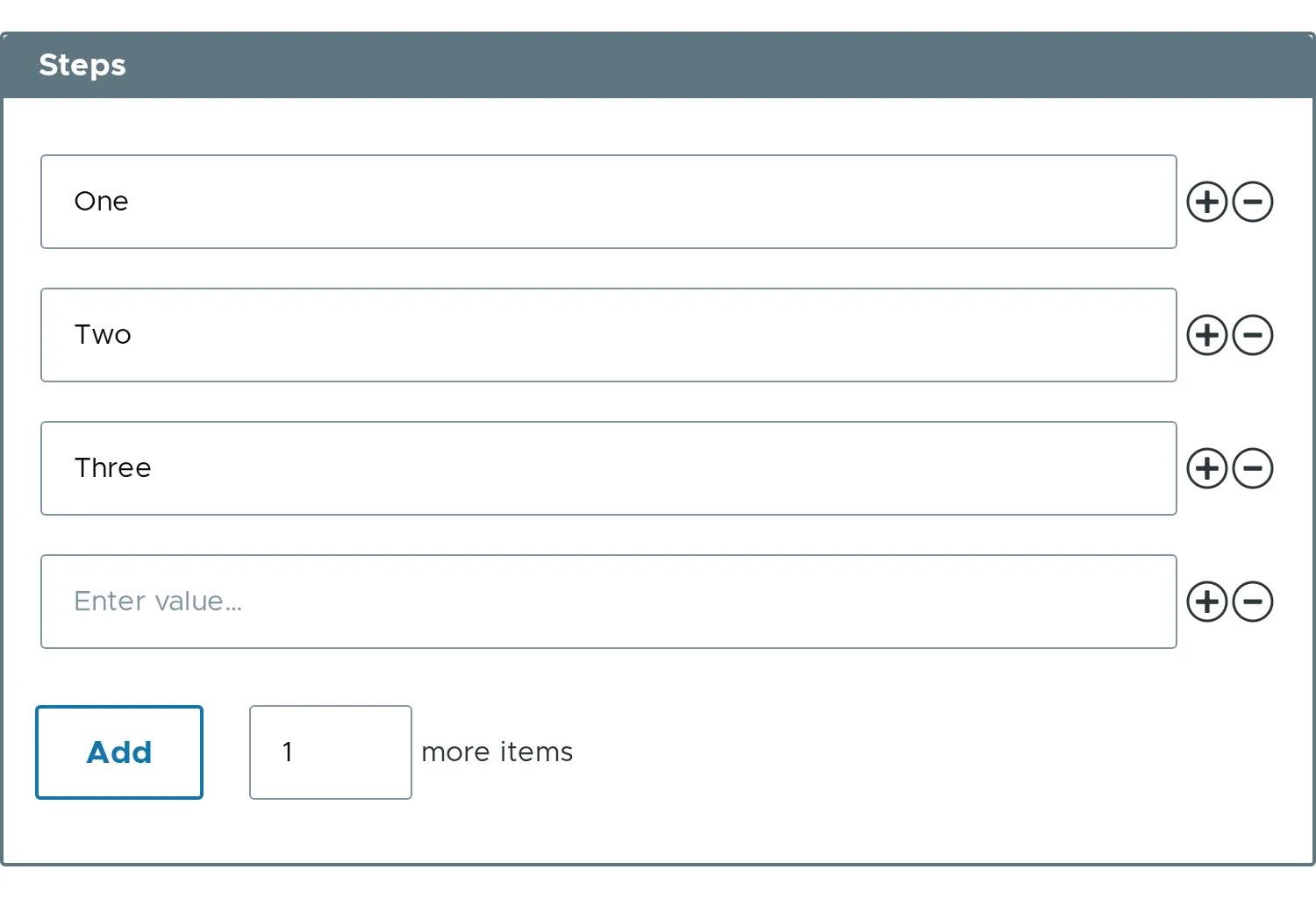
- Related property:
#sorting.