Composite with header
#header turns a composite element into a real table with one column per child. It also controls the header row. Every example below uses the same two children.
$children = [ 'textfield' => [ '#type' => 'textfield', '#title' => $this->t('Name'), ], 'email' => [ '#type' => 'email', '#title' => $this->t('Email'), ],];No header
Section titled “No header”Without #header, one header cell spans the table and the children share one cell per row.
$form['contacts'] = [ '#type' => 'element_multiple', '#title' => $this->t('Contacts'), '#element' => $children,];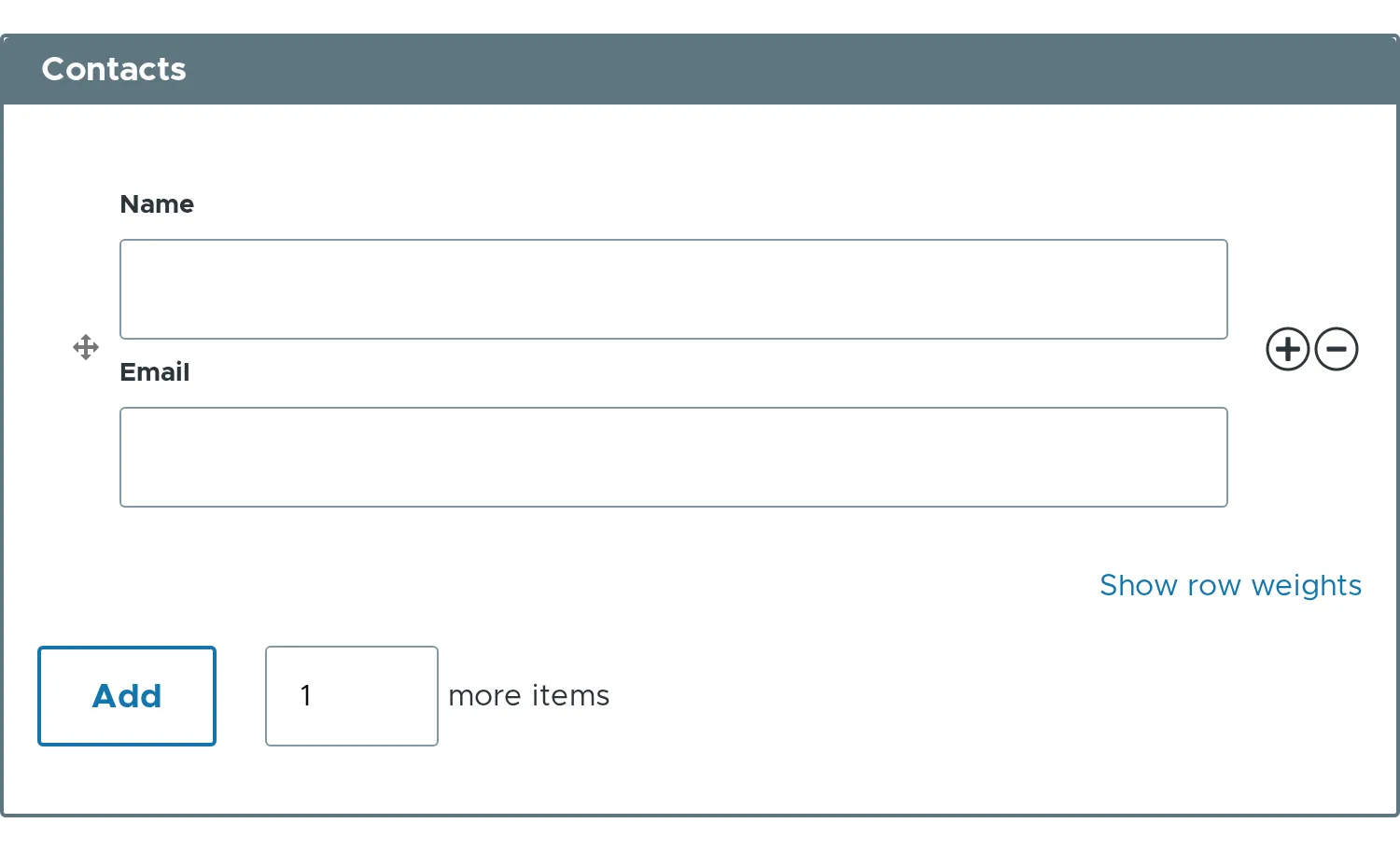
#header => TRUE
Section titled “#header => TRUE”One column per visible child. The column title is the #title of the child. The titles are hidden inside the cells.
$form['contacts'] = [ '#type' => 'element_multiple', '#title' => $this->t('Contacts'), '#header' => TRUE, '#element' => $children,];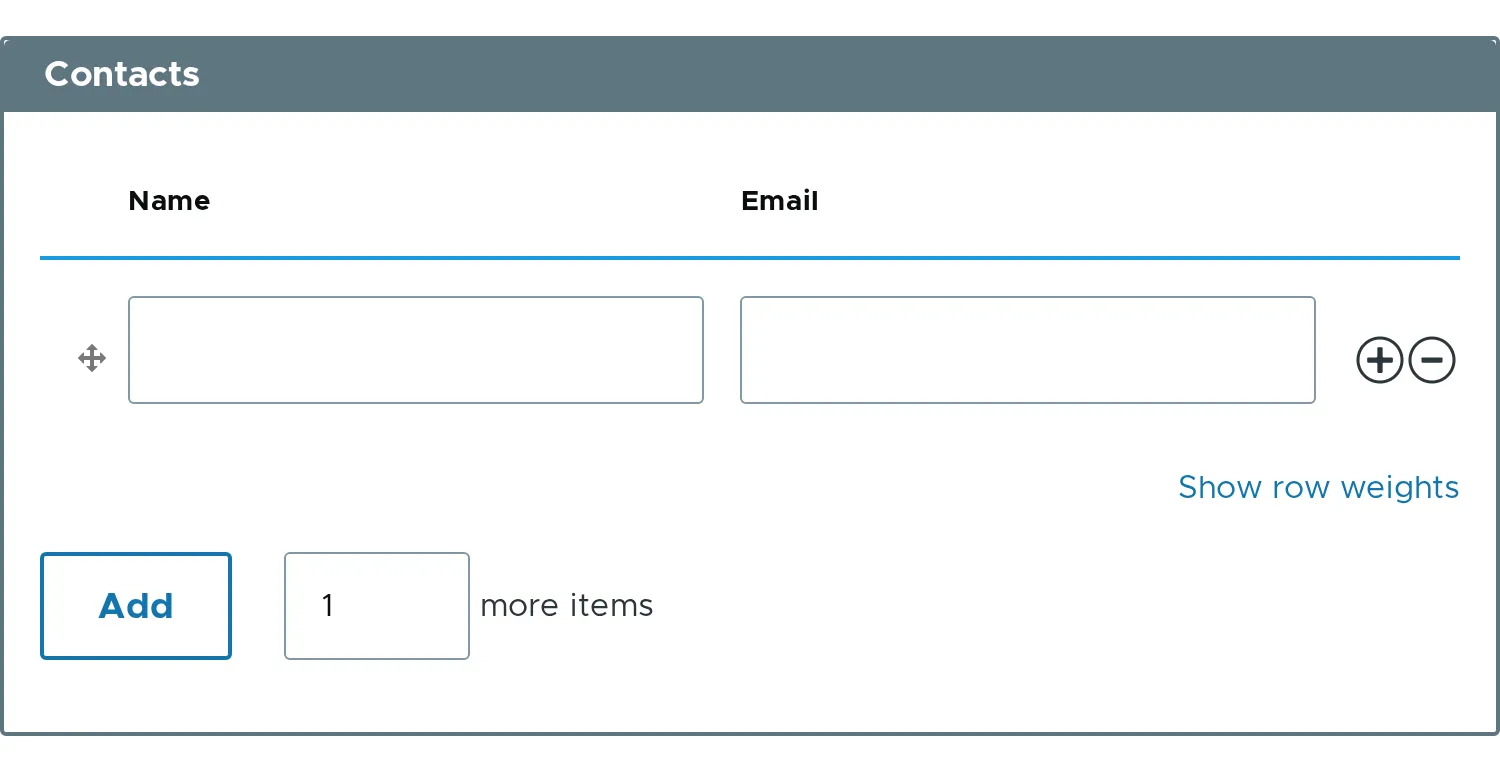
#header as a string
Section titled “#header as a string”A single header cell spans all columns.
$form['contacts'] = [ '#type' => 'element_multiple', '#title' => $this->t('Contacts'), '#header' => $this->t('Header text'), '#element' => $children,];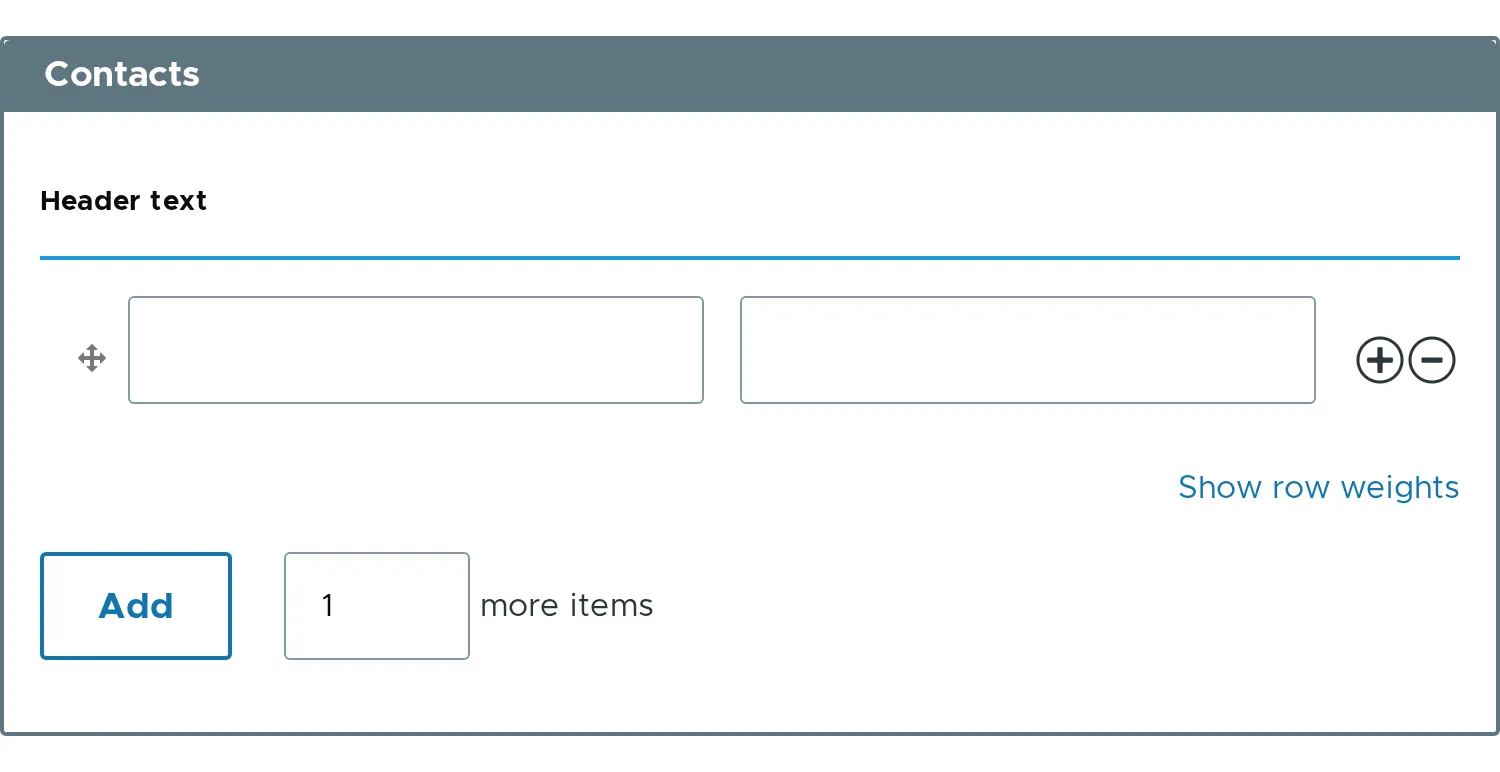
#header as an array
Section titled “#header as an array”Give one entry per visible child. An entry is a string or a header cell array, for example ['data' => $this->t('Full name'), 'width' => '30%'] to size the column.
$form['contacts'] = [ '#type' => 'element_multiple', '#title' => $this->t('Contacts'), '#header' => [ $this->t('Full name'), $this->t('Email address'), ], '#element' => $children,];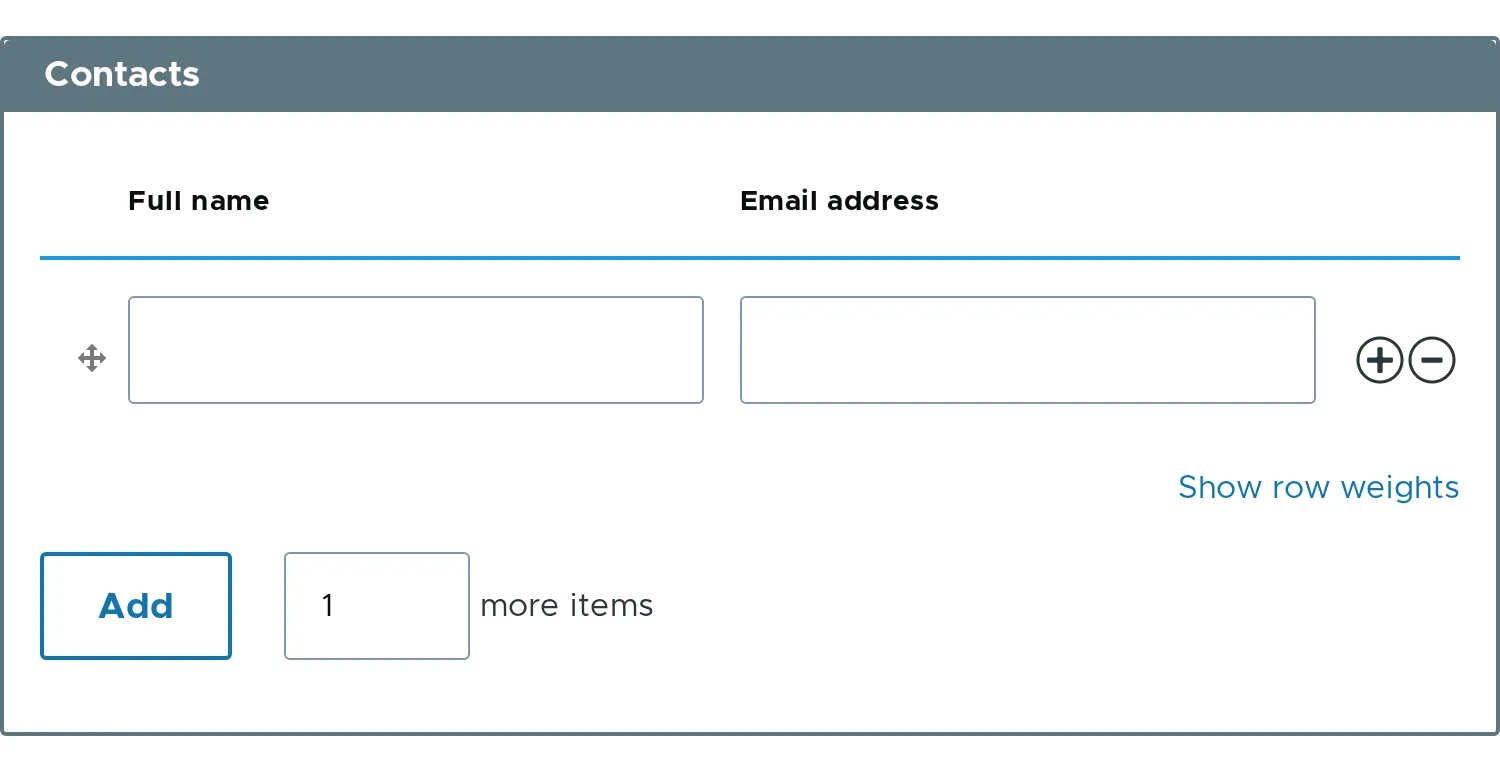
#header_label
Section titled “#header_label”A single header cell with your text, spanning all columns.
$form['contacts'] = [ '#type' => 'element_multiple', '#title' => $this->t('Contacts'), '#header' => TRUE, '#header_label' => $this->t('Header label'), '#element' => $children,];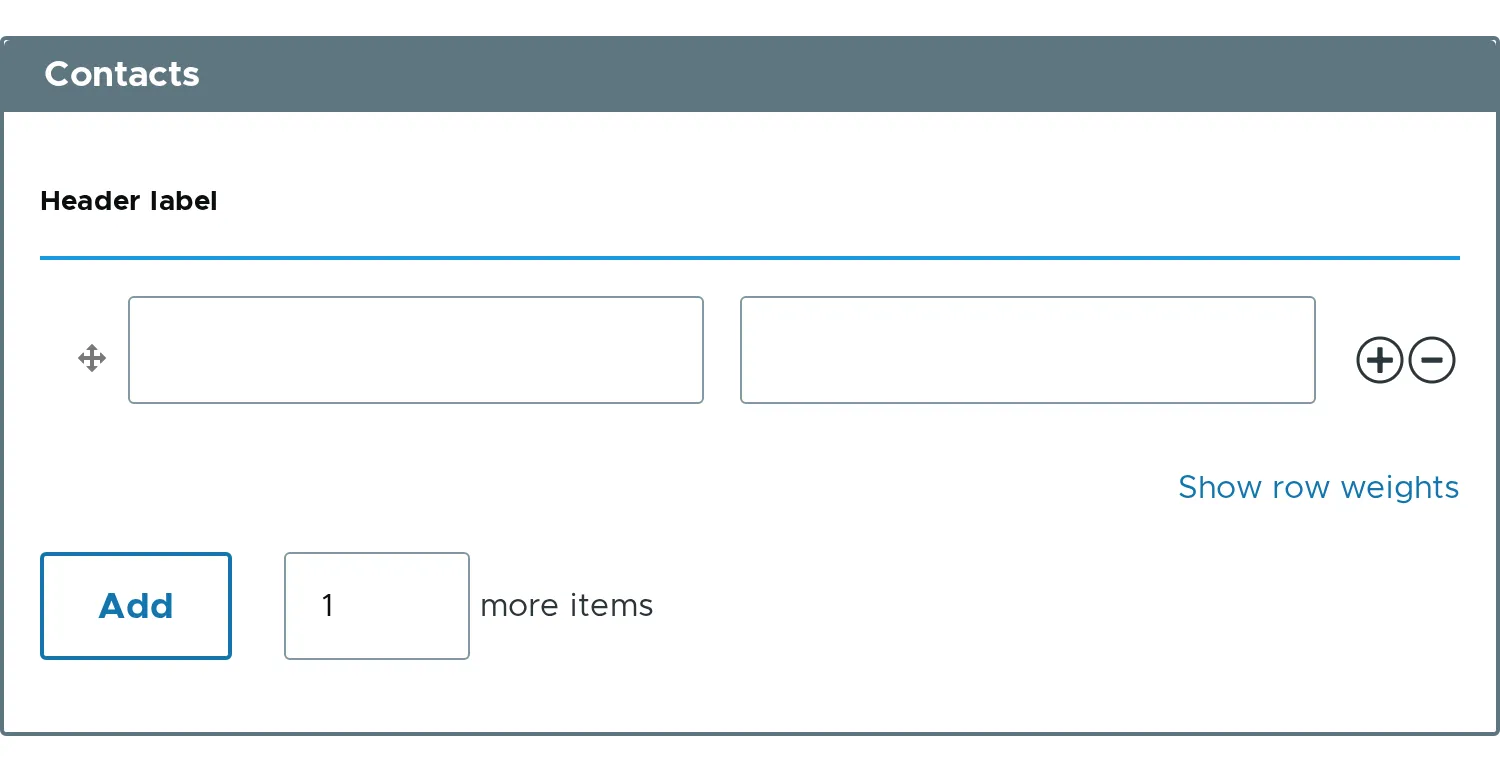
- Children that are hidden do not get a column. See Hidden and server-only children.
- For a single element,
#header => TRUEgives one column titled with the#titleof#element. - Related properties:
#header,#header_label.