Required
Required child
Section titled “Required child”A required child must be filled in every row. The module does not add a blank row when the default values already fill the list, because a blank row would fail validation.
$form['names'] = [ '#type' => 'element_multiple', '#title' => $this->t('Names'), '#element' => [ '#type' => 'textfield', '#title' => $this->t('Name'), '#required' => TRUE, ], '#default_value' => ['One', 'Two', 'Three'],];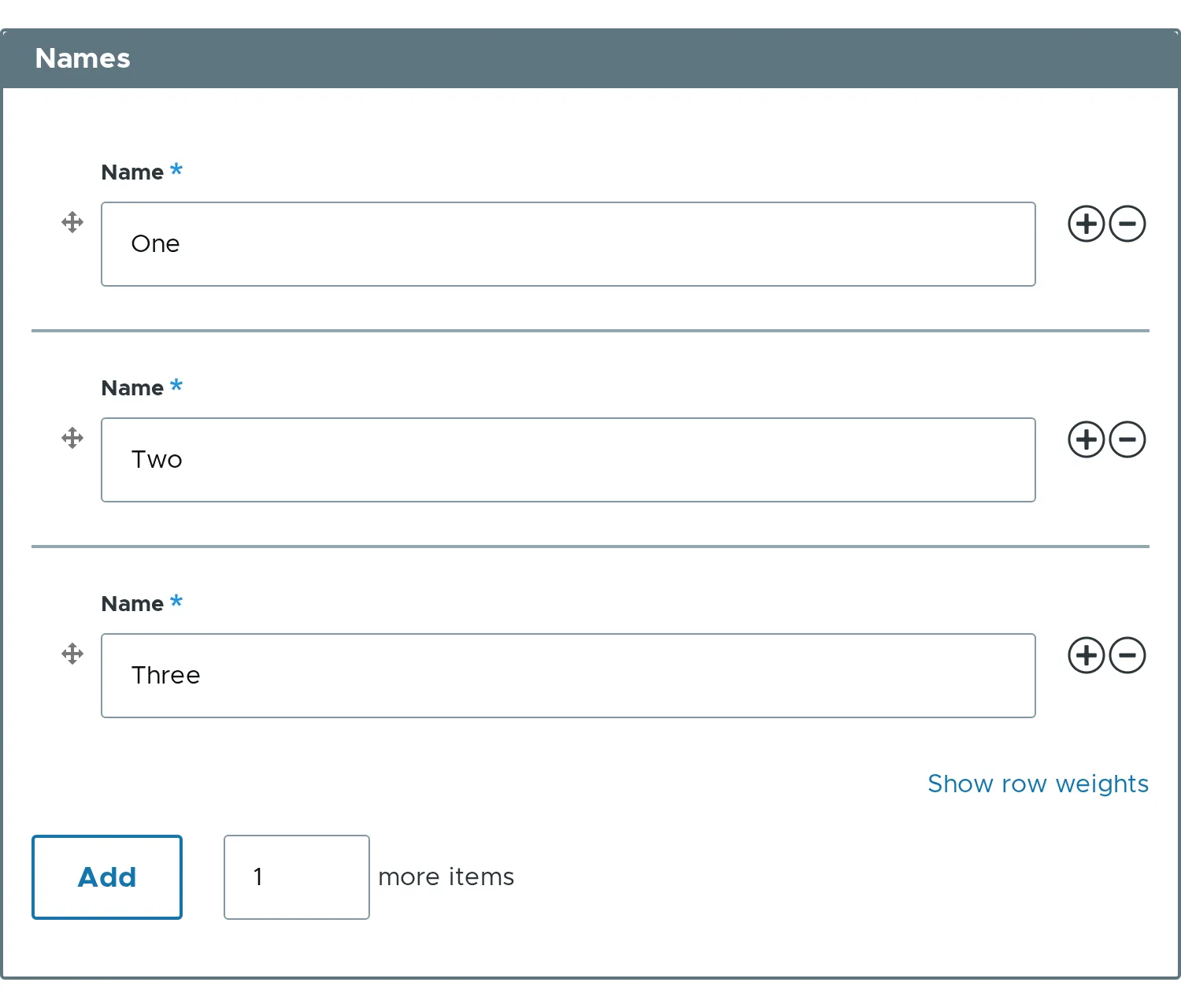
Required list
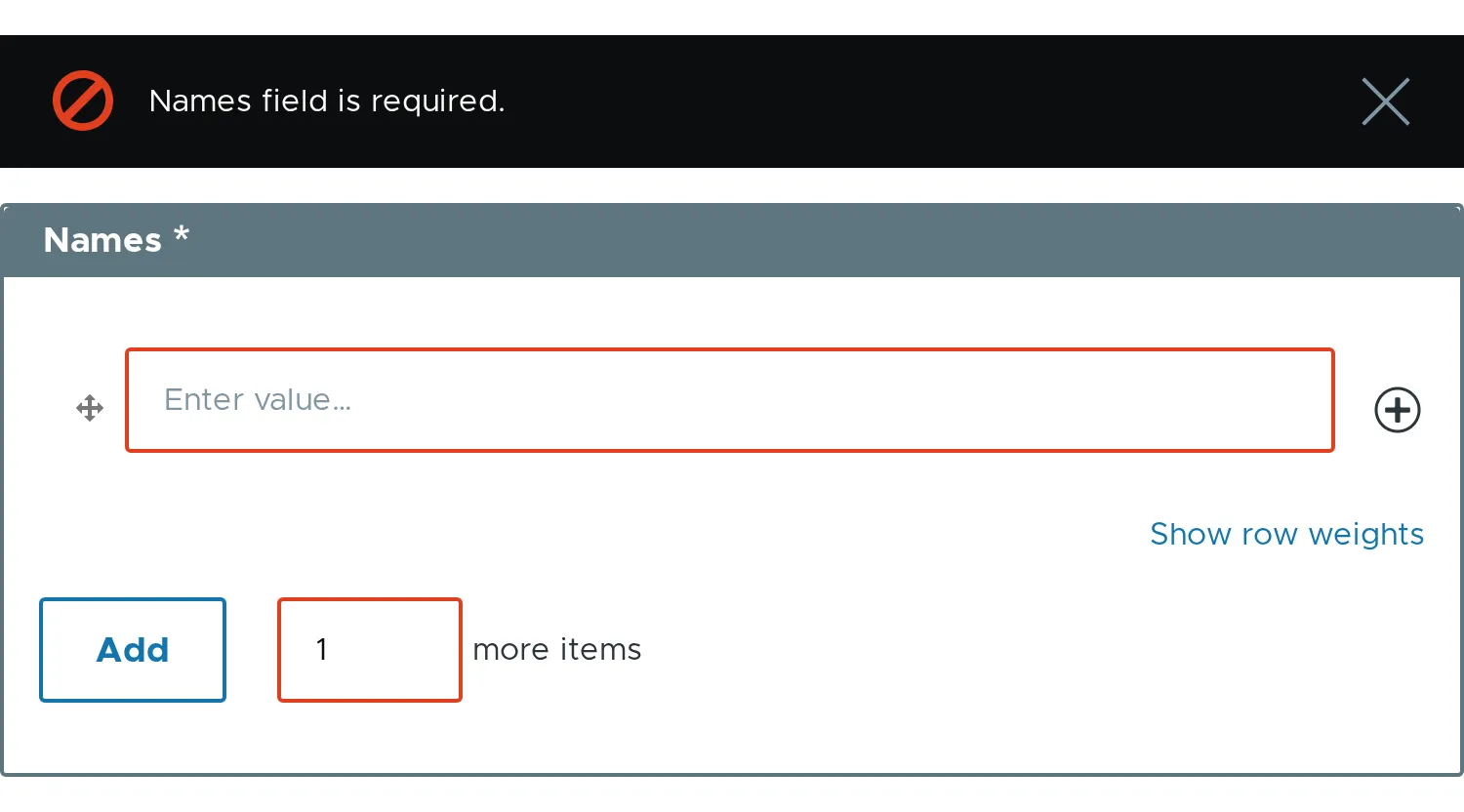
Section titled “Required list”#required => TRUE on the element asks for at least one non-empty row. It also sets #min_items to 1.
$form['names'] = [ '#type' => 'element_multiple', '#title' => $this->t('Names'), '#required' => TRUE,];Submit the form with an empty list to see the error.
Custom error
Section titled “Custom error”$form['names']['#required_error'] = $this->t('Add at least one name.');- A required child inside an element with
#statesis required only while the element is visible. - Related properties:
#required,#min_items.