Cardinality and unlimited
Limited
Section titled “Limited”#cardinality is the maximum number of rows. Here the limit is five and two rows exist, plus one empty row.
$form['emails'] = [ '#type' => 'element_multiple', '#title' => $this->t('Email addresses'), '#cardinality' => 5, '#element' => [ '#type' => 'email', '#title' => $this->t('Email address'), '#title_display' => 'invisible', '#placeholder' => $this->t('Enter email address'), ], '#default_value' => ['example@example.com', 'test@test.com'],];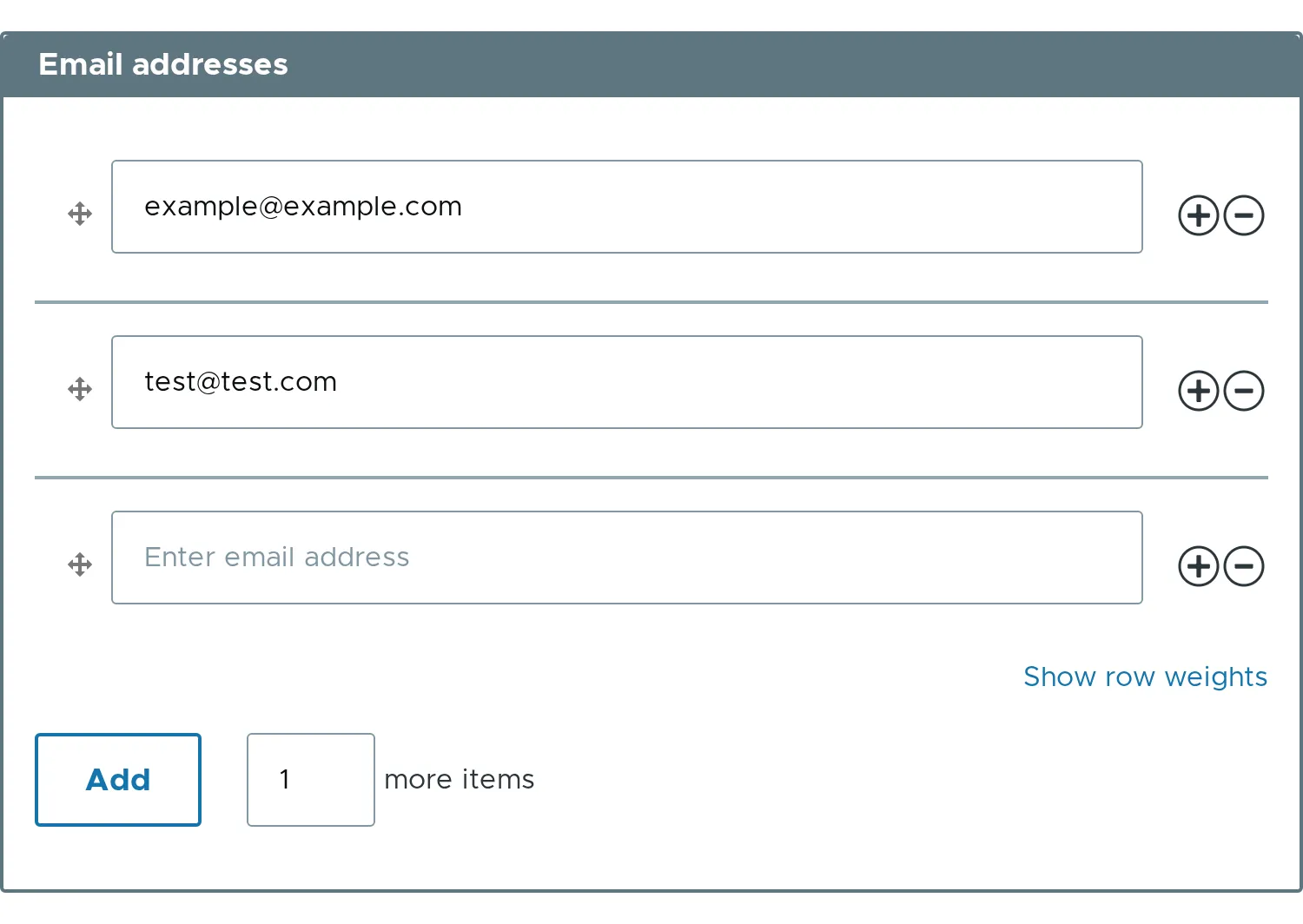
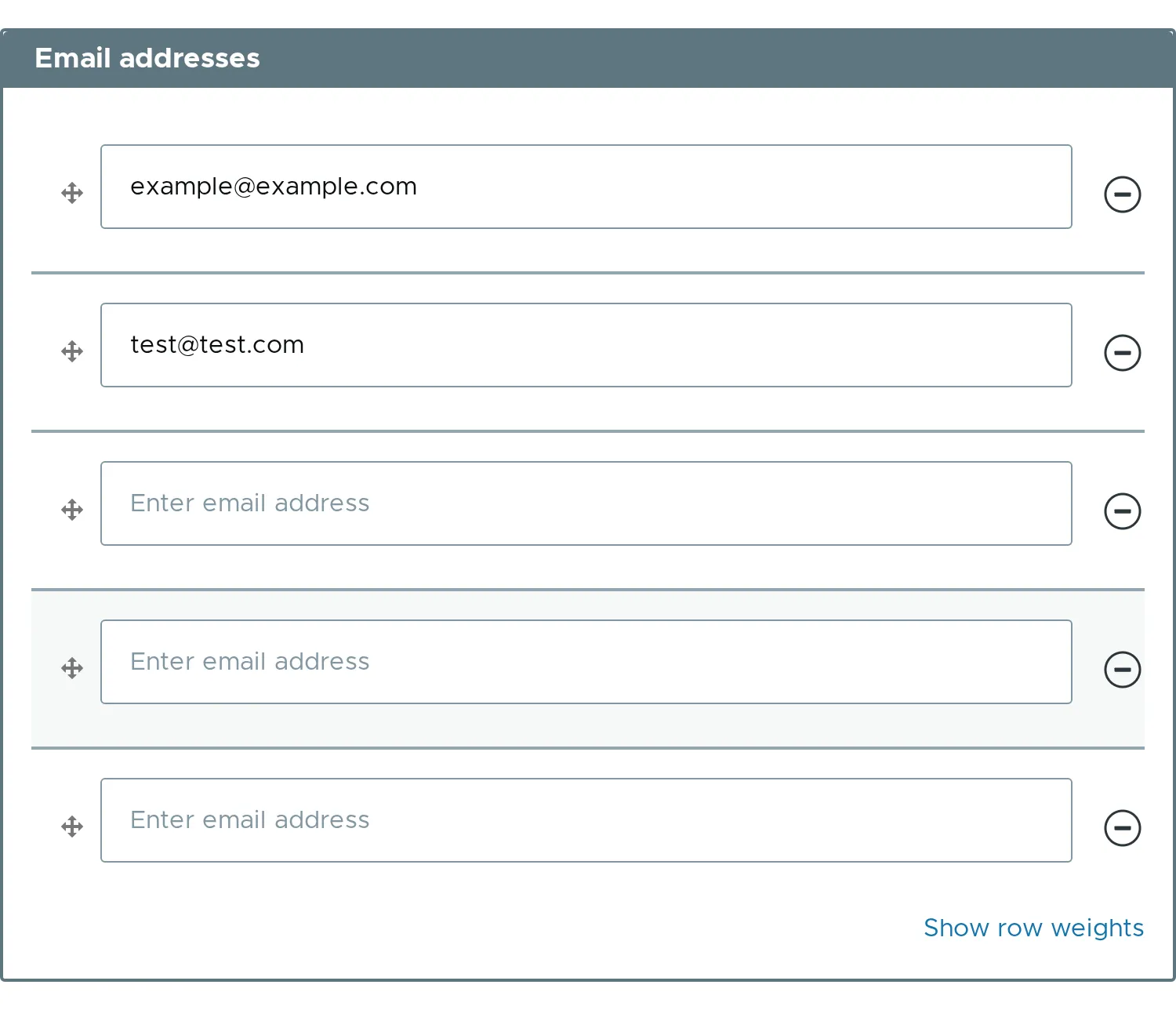
When the limit is reached, the plus buttons and the “Add more” control disappear. The picture shows the list after typing 3 and clicking Add.
Unlimited
Section titled “Unlimited”The default is no limit. You can say it with the constant. FALSE means the same.
use Drupal\element_multiple\Element\ElementMultiple;
$form['links'] = [  '#type' => 'element_multiple',  '#title' => $this->t('Links'),  '#cardinality' => ElementMultiple::CARDINALITY_UNLIMITED,  '#element' => [    '#type' => 'url',    '#title' => $this->t('Link'),    '#title_display' => 'invisible',    '#placeholder' => $this->t('Enter link'),  ],  '#default_value' => ['https://example.com', 'https://example.org'],];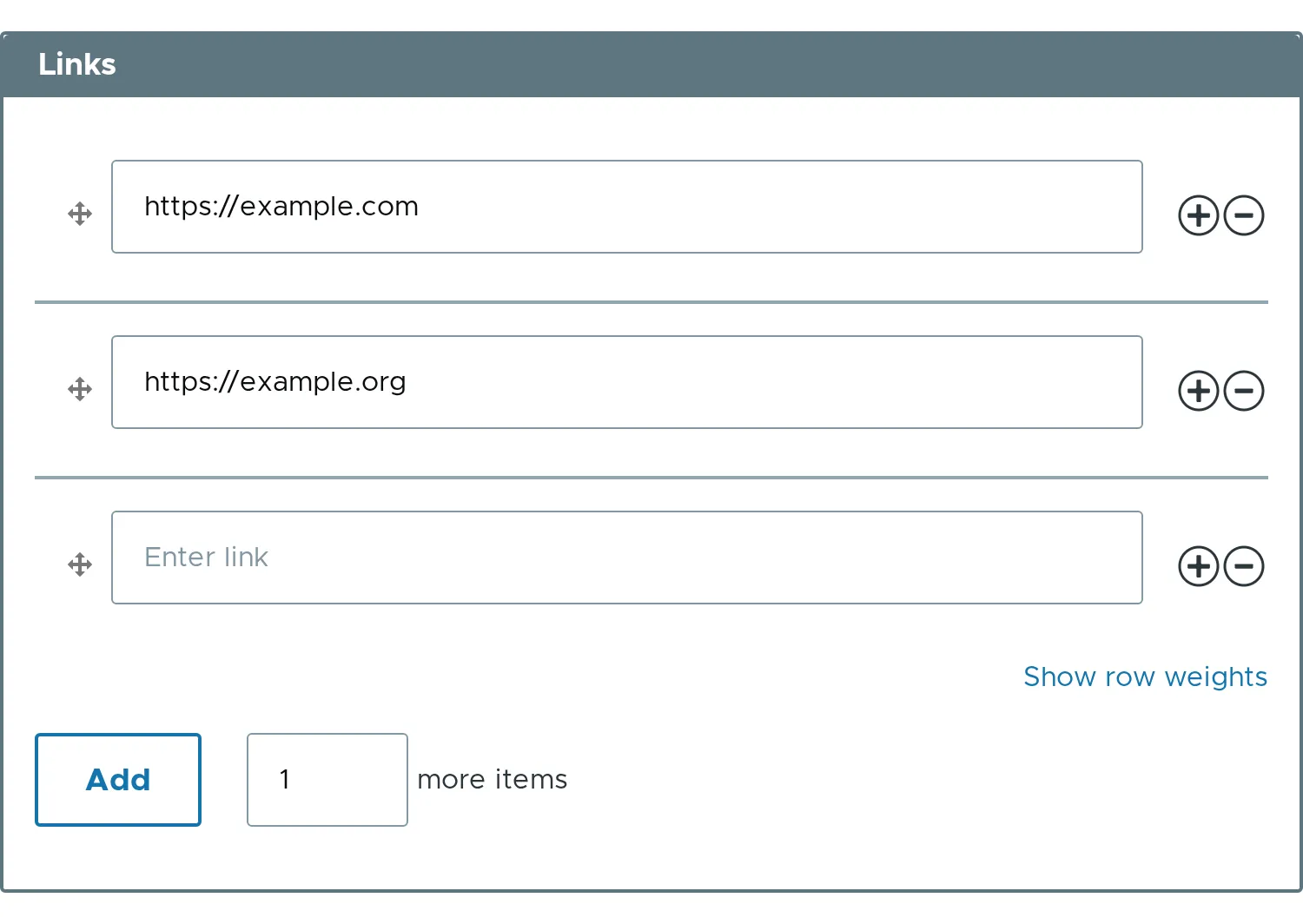
Hard cap
Section titled “Hard cap”Even an unlimited list stops at #max_items, which is 1000 by default. This protects the site from requests that ask for millions of rows.
$form['links']['#max_items'] = 200;#min_itemsand#empty_itemsare cut to#cardinality.- Related properties:
#cardinality,#max_items.