Operations and add more
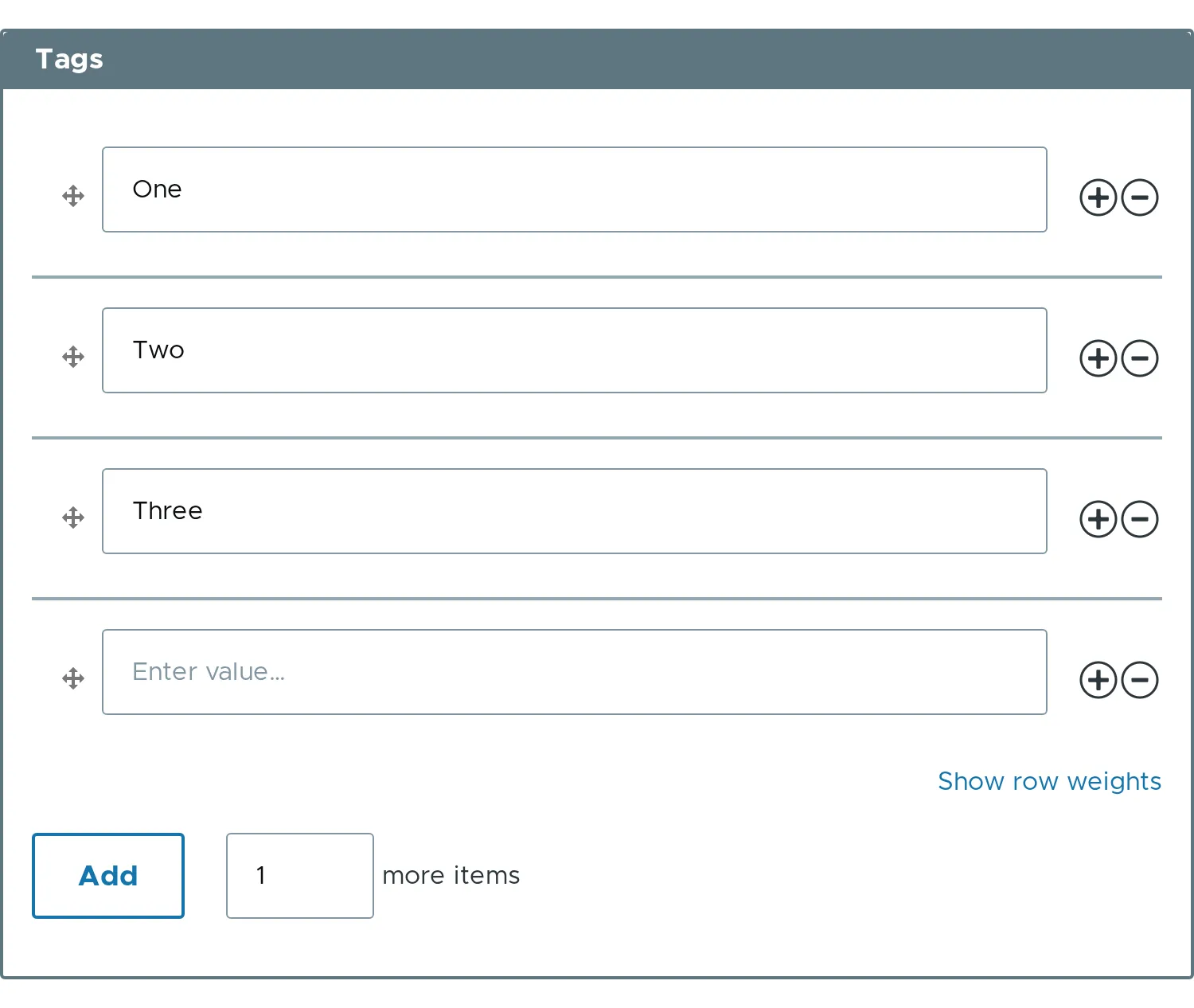
The element has two kinds of controls. The row buttons are in the operations column. The “Add more” control is below the table.
Add several rows at once
Section titled “Add several rows at once”The number input next to the button sets how many rows one click adds. It starts at #add_more_items, which is 1. Type 3 and click Add.
$form['rows'] = [ '#type' => 'element_multiple', '#title' => $this->t('Rows'), '#default_value' => ['One', 'Two', 'Three'],];To start the input at another number, set #add_more_items.
$form['rows']['#add_more_items'] = 3;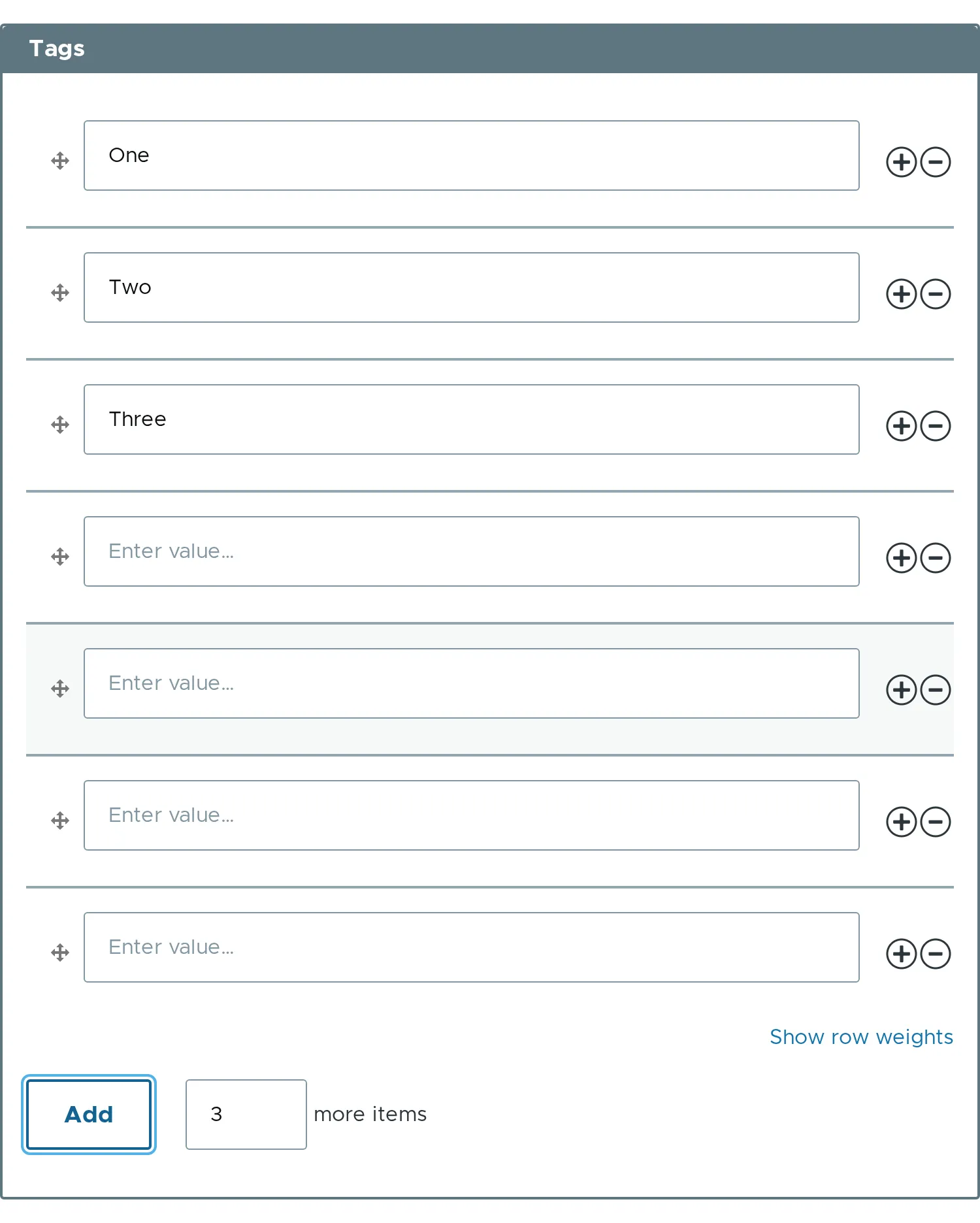
No operations column
Section titled “No operations column”#operations => FALSE removes the column. The rows can only be reordered and edited. “Add more” stays.
$form['rows']['#operations'] = FALSE;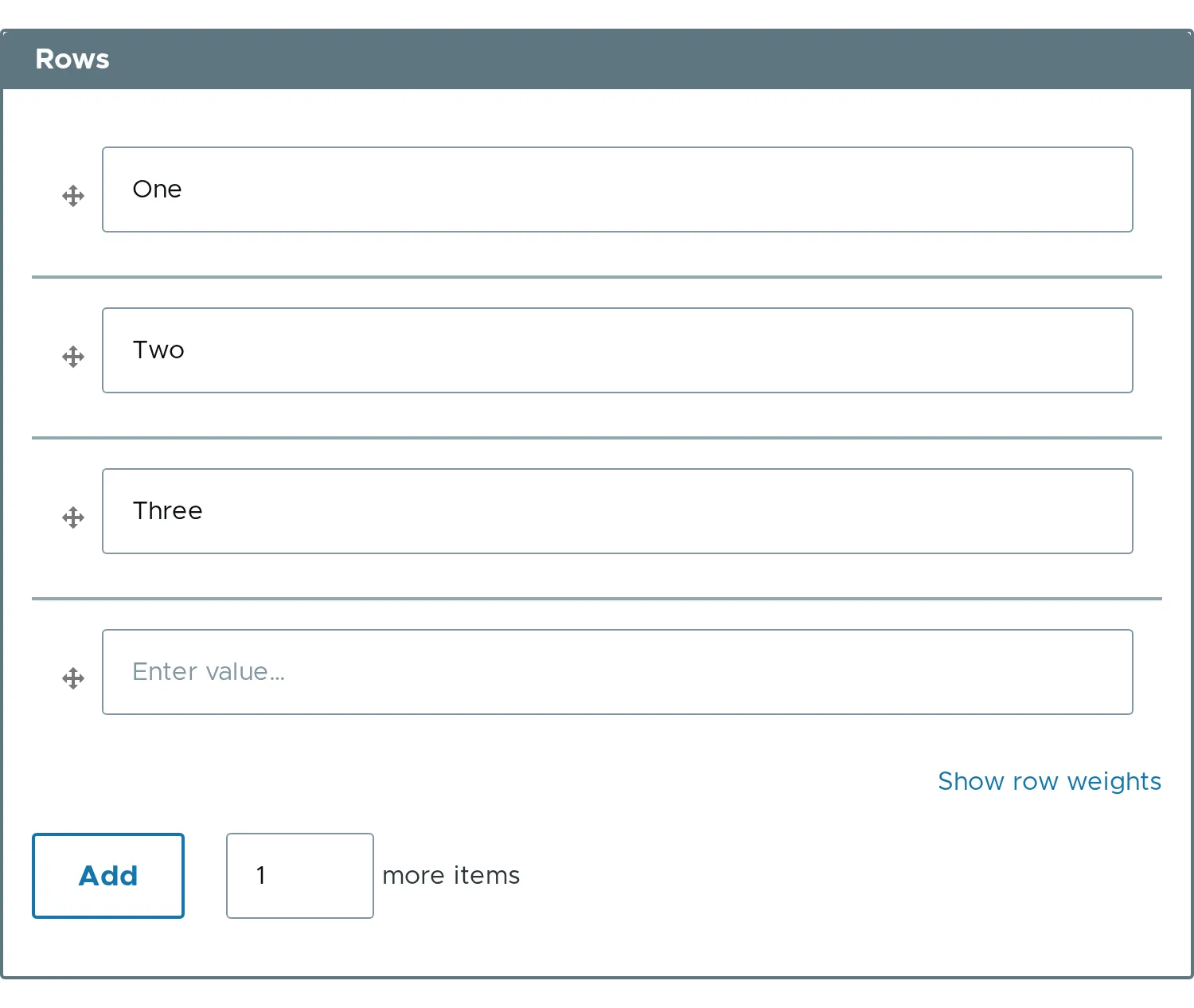
No “Add more”
Section titled “No “Add more””#add_more => FALSE removes the control below the table. The row buttons stay.
$form['rows']['#add_more'] = FALSE;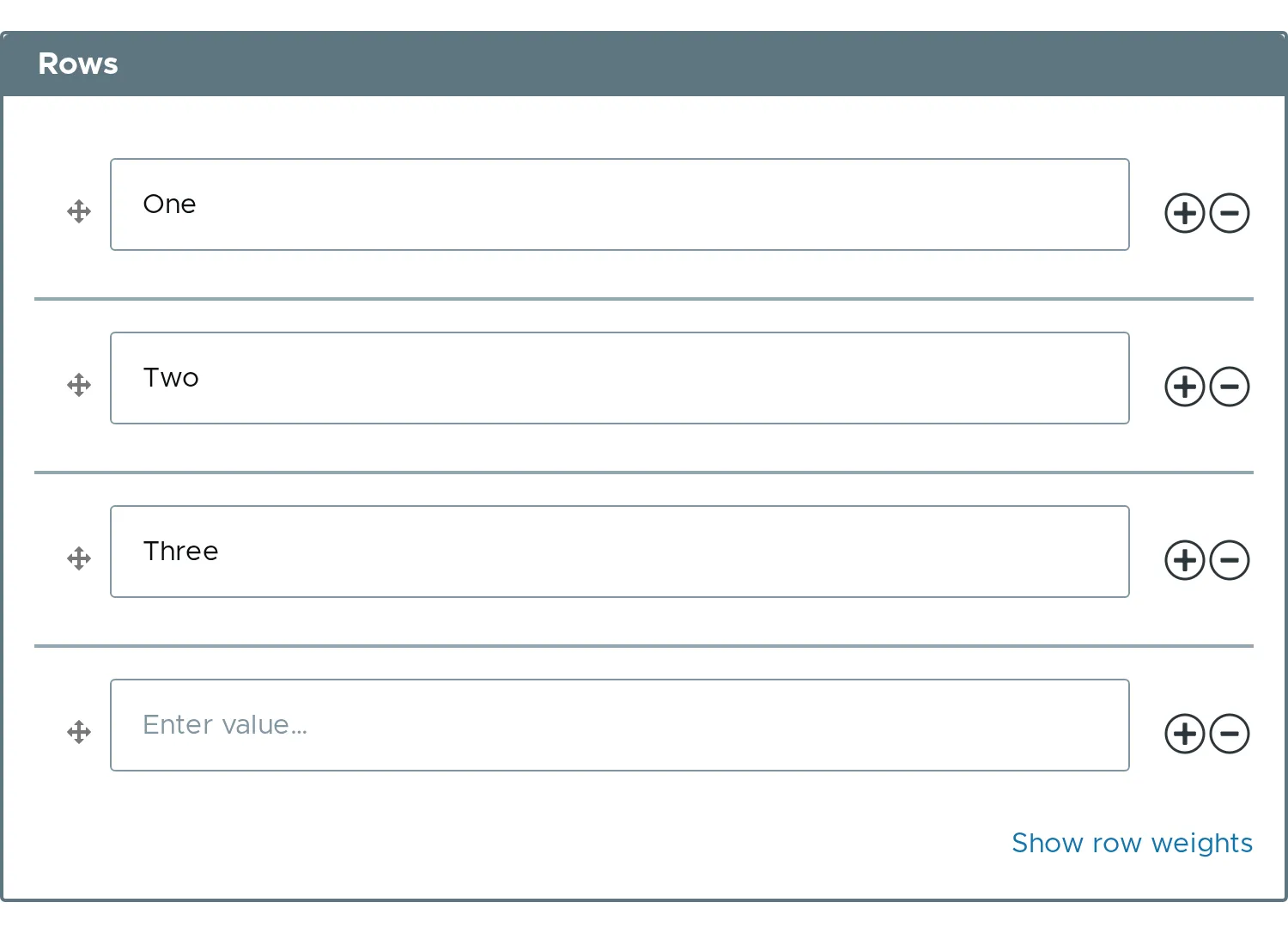
No number input
Section titled “No number input”#add_more_input => FALSE keeps the button and removes the number. A click adds #add_more_items rows.
$form['rows']['#add_more_input'] = FALSE;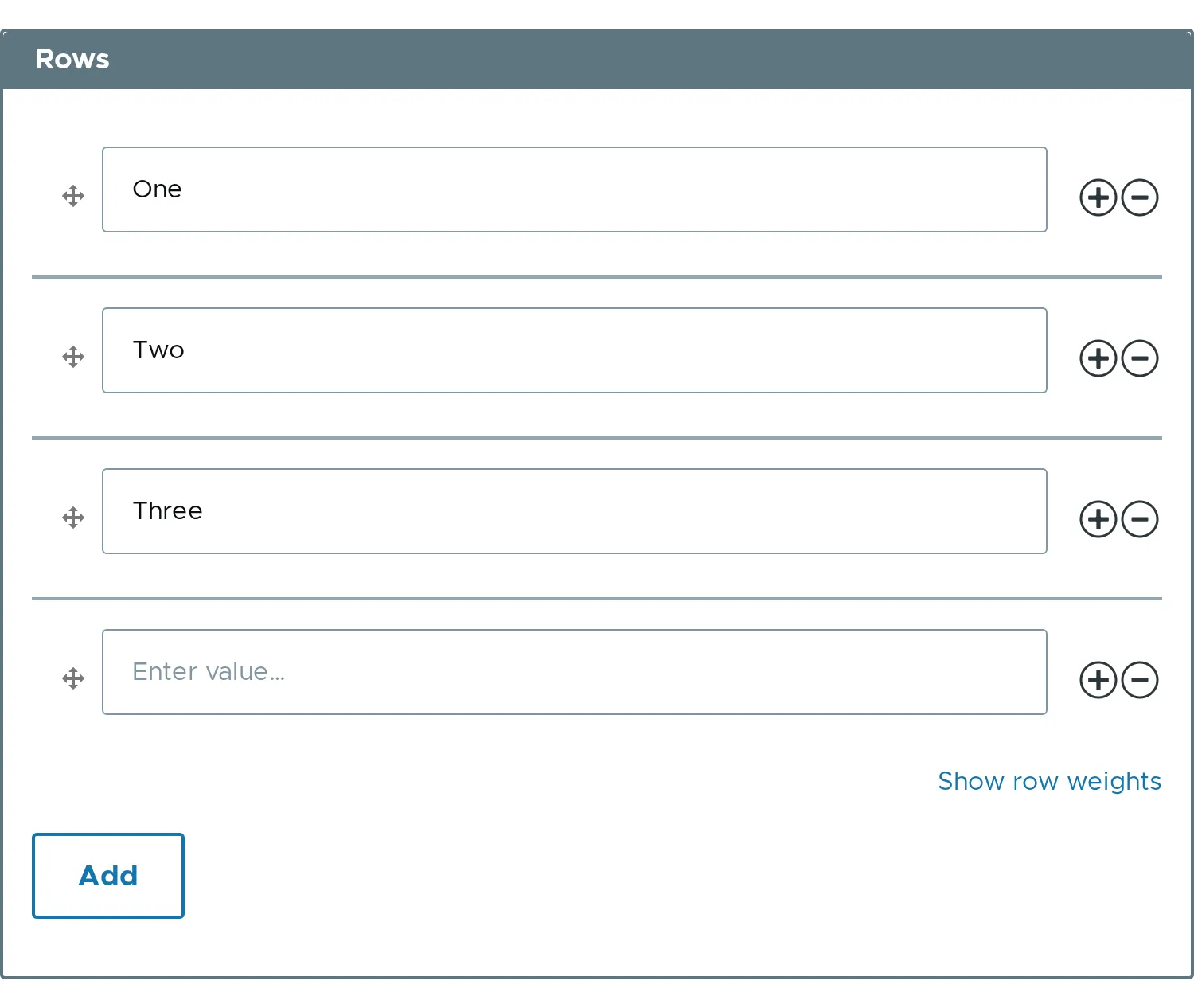
Only plus or only minus
Section titled “Only plus or only minus”#add => FALSE removes the per-row plus. #remove => FALSE removes the per-row minus.
$form['rows']['#add'] = FALSE;$form['rows']['#remove'] = FALSE;- A row cannot be removed below
#min_items. - The button titles use
#item_label, for exampleRemove item 2. - Related properties:
#operations,#add,#remove,#add_more,#add_more_items,#add_more_input.