Min and empty items
The number of rows at first is the number of default values plus #empty_items. It is at least #min_items and at most #cardinality.
No rows at all
Section titled “No rows at all”Set both to 0 and the table is replaced by a message. #no_items_message changes the message.
$form['notes'] = [ '#type' => 'element_multiple', '#title' => $this->t('Notes'), '#min_items' => 0, '#empty_items' => 0,];The message is No items entered. Please add items below.. To change it, set #no_items_message.
$form['notes']['#no_items_message'] = $this->t('No notes yet. Use the button below.');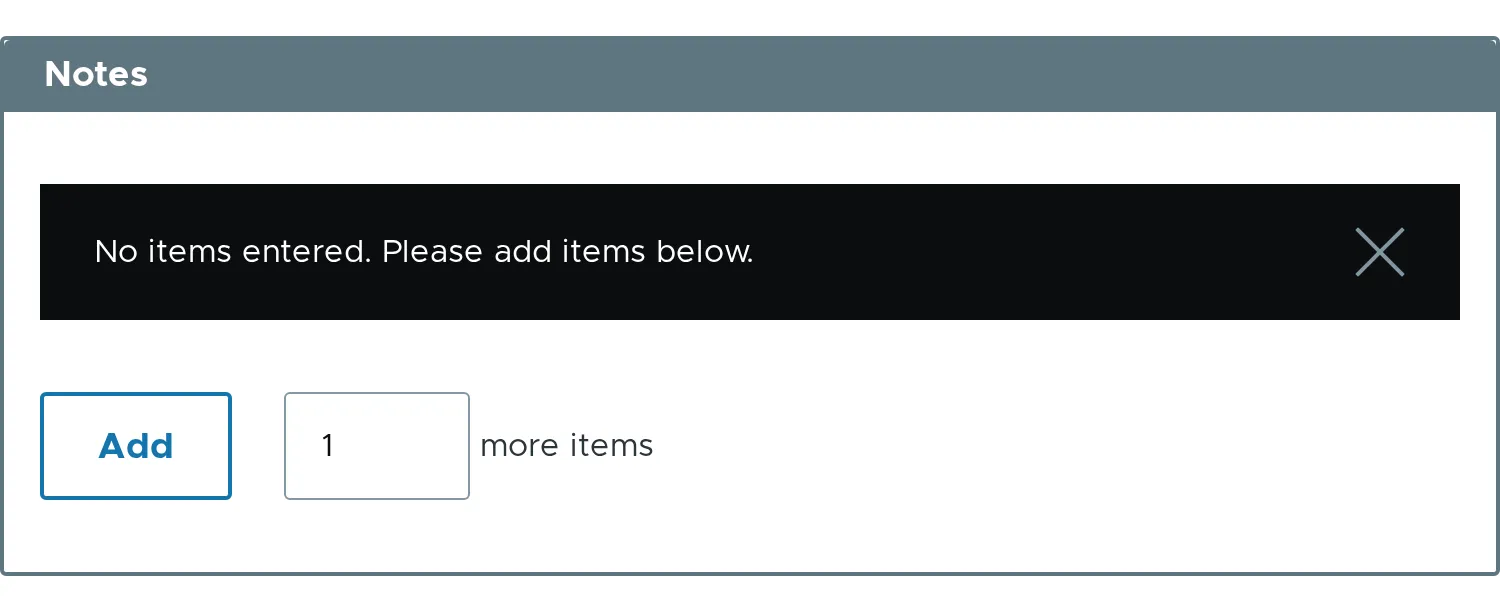
At least some rows
Section titled “At least some rows”#min_items keeps a number of rows on screen, even when there are no values. A row cannot be removed below it.
$form['notes'] = [ '#type' => 'element_multiple', '#title' => $this->t('Notes'), '#min_items' => 3,];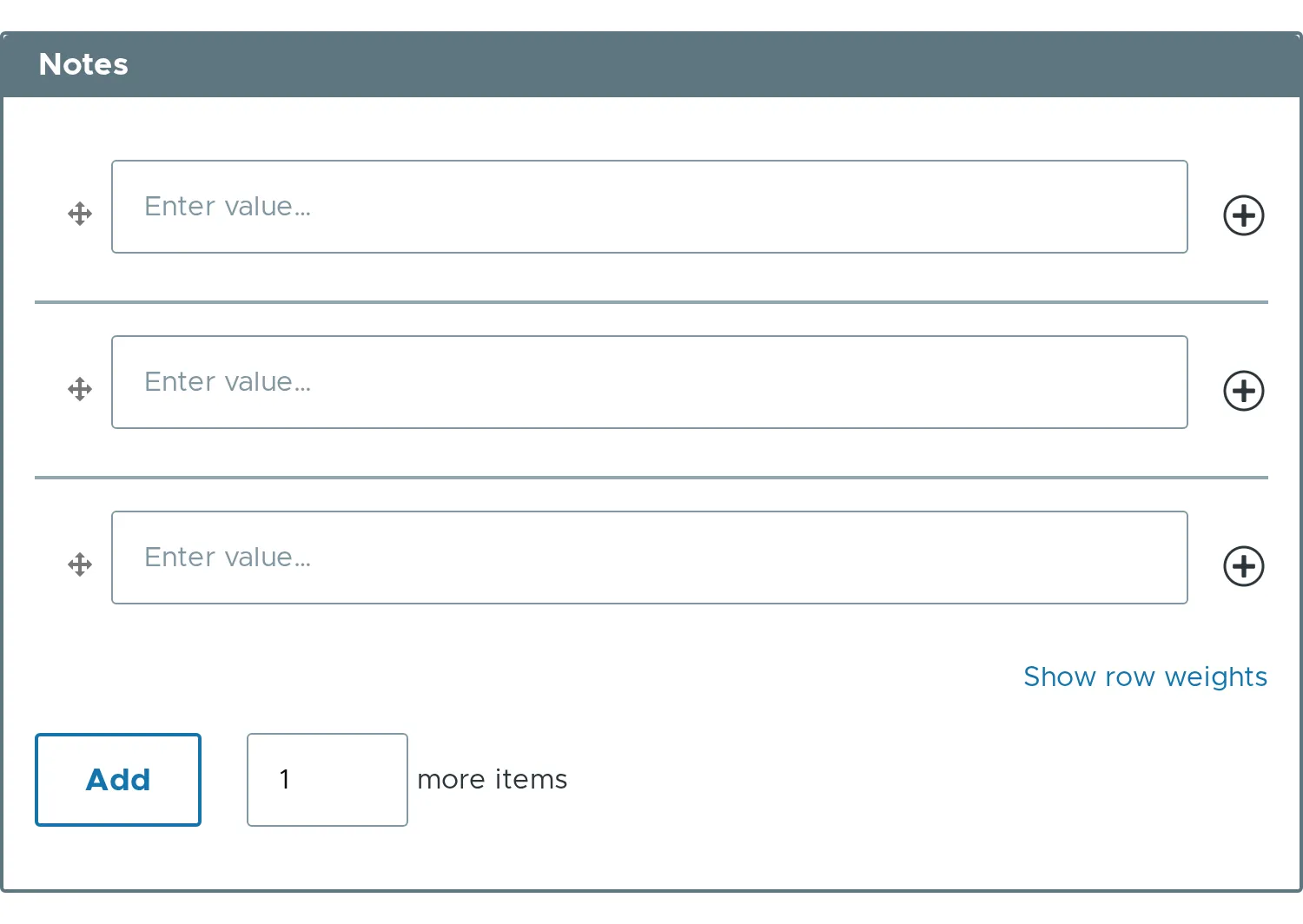
- The default for
#min_itemsis0, or1when the element is#required. - The default for
#empty_itemsis1. #item_labelchanges the word in the row button titles.- Related properties:
#min_items,#empty_items,#no_items_message,#item_label.