Custom attributes and labels
Attributes
Section titled “Attributes”Three properties add attributes to three levels of markup. Pass any attribute, for example class, data-* or id.
$form['tags'] = [ '#type' => 'element_multiple', '#title' => $this->t('Tags'), '#header' => TRUE, '#ajax_attributes' => ['class' => ['custom-ajax']], '#table_wrapper_attributes' => ['class' => ['custom-table-wrapper']], '#table_attributes' => ['class' => ['custom-table']], '#element' => [ 'textfield' => [ '#type' => 'textfield', '#title' => $this->t('Tag'), '#label_attributes' => ['class' => ['custom-label']], '#wrapper_attributes' => ['class' => ['custom-wrapper']], '#attributes' => ['class' => ['custom-element']], ], ],];The resulting markup, simplified:
<div class="custom-ajax" id="edit-tags-table" data-drupal-selector="edit-tags-table"> <!-- #ajax_attributes --> <fieldset id="edit-tags"> <legend>Tags</legend> <div class="custom-table-wrapper element-multiple-table"> <!-- #table_wrapper_attributes --> <table class="custom-table"> <!-- #table_attributes --> <!-- header cell: label has class custom-label --> <!-- cell: wrapper has class custom-wrapper, input has class custom-element --> </table> </div> </fieldset></div>The id of the outer div comes from the id of the element and changes on every AJAX call, because core makes ids unique again. Target the data-drupal-selector attribute in your CSS and scripts, not the id.
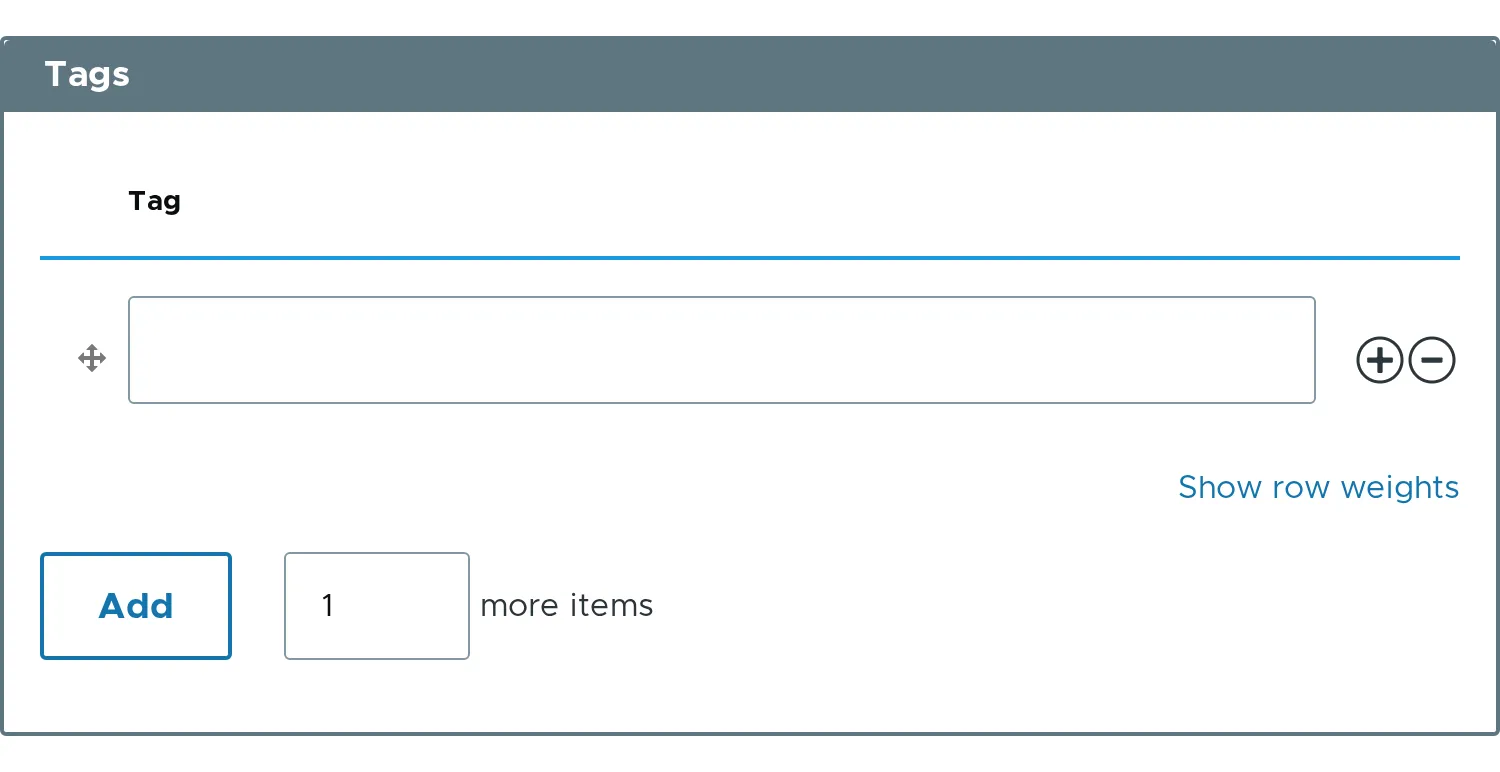
Children accept the usual attributes: #attributes for the input, #wrapper_attributes for the wrapper and #label_attributes for the label and the header cell.
Labels
Section titled “Labels”The texts of the controls can be changed.
$form['tags'] = [ '#type' => 'element_multiple', '#title' => $this->t('Tags'), '#add_more_button_label' => $this->t('Add tags'), '#add_more_input_label' => $this->t('more tags'), '#default_value' => ['One', 'Two', 'Three'],];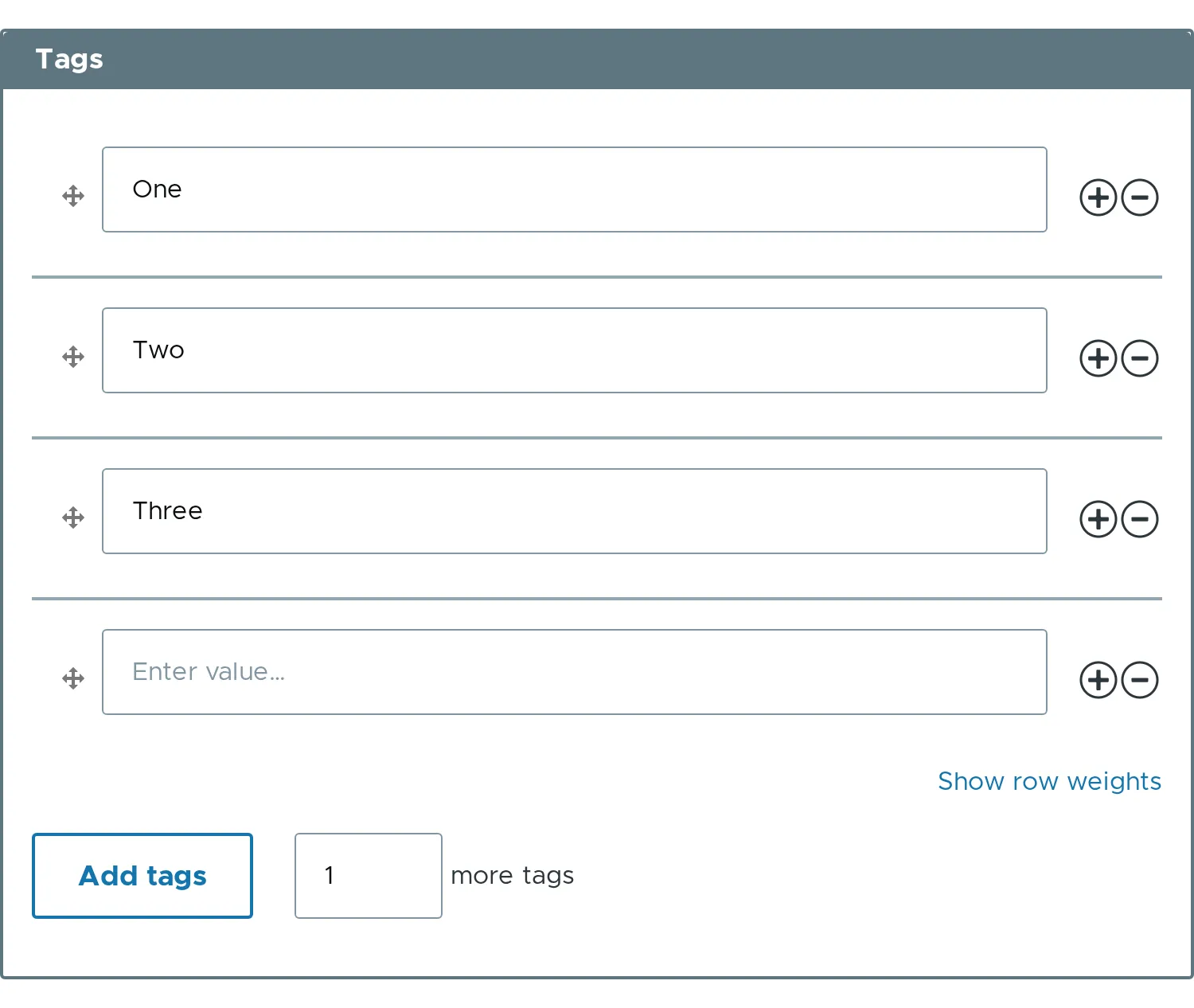
#item_label and #no_items_message change two more texts.
$form['tags']['#item_label'] = $this->t('tag');$form['tags']['#no_items_message'] = $this->t('No tags yet.');The row buttons then have the titles Add new tag after tag 1 and Remove tag 1.
- Related properties:
#ajax_attributes,#table_attributes,#table_wrapper_attributes,#add_more_button_label,#add_more_input_label,#item_label.