Single element
A single element repeats one input. The submitted value is a flat list of strings.
Default text field
Section titled “Default text field”Without #element, each row is a text field.
$form['tags'] = [ '#type' => 'element_multiple', '#title' => $this->t('Tags'), '#default_value' => ['One', 'Two', 'Three'],];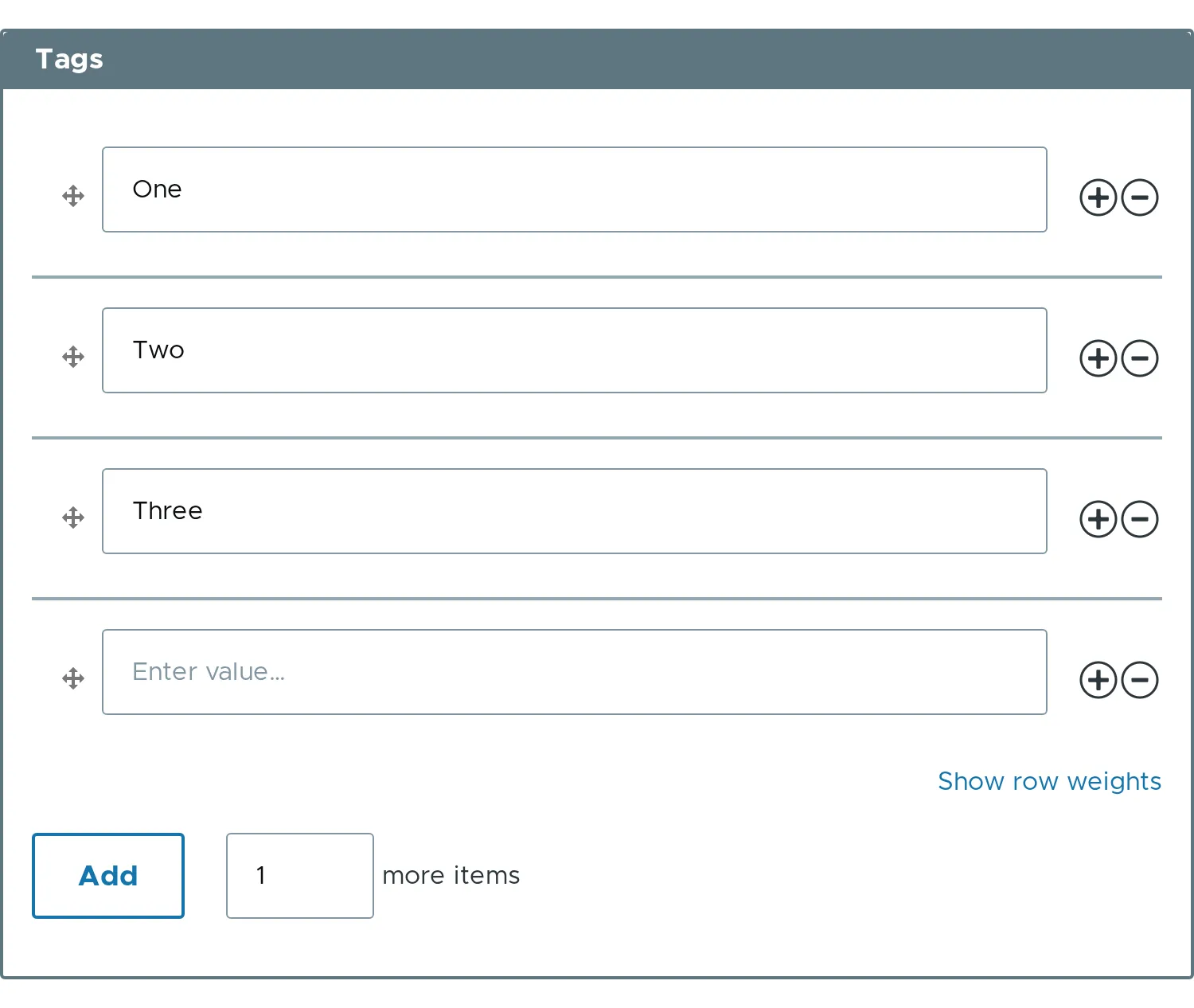
The value is ['One', 'Two', 'Three']. The empty fourth row is dropped.
Another input type
Section titled “Another input type”Set #element to any input element. Use #title_display => 'invisible' so the title does not repeat in every row.
$form['emails'] = [ '#type' => 'element_multiple', '#title' => $this->t('Email addresses'), '#element' => [ '#type' => 'email', '#title' => $this->t('Email address'), '#title_display' => 'invisible', '#placeholder' => $this->t('name@example.com'), ], '#default_value' => ['example@example.com'],];Add a row after a given row
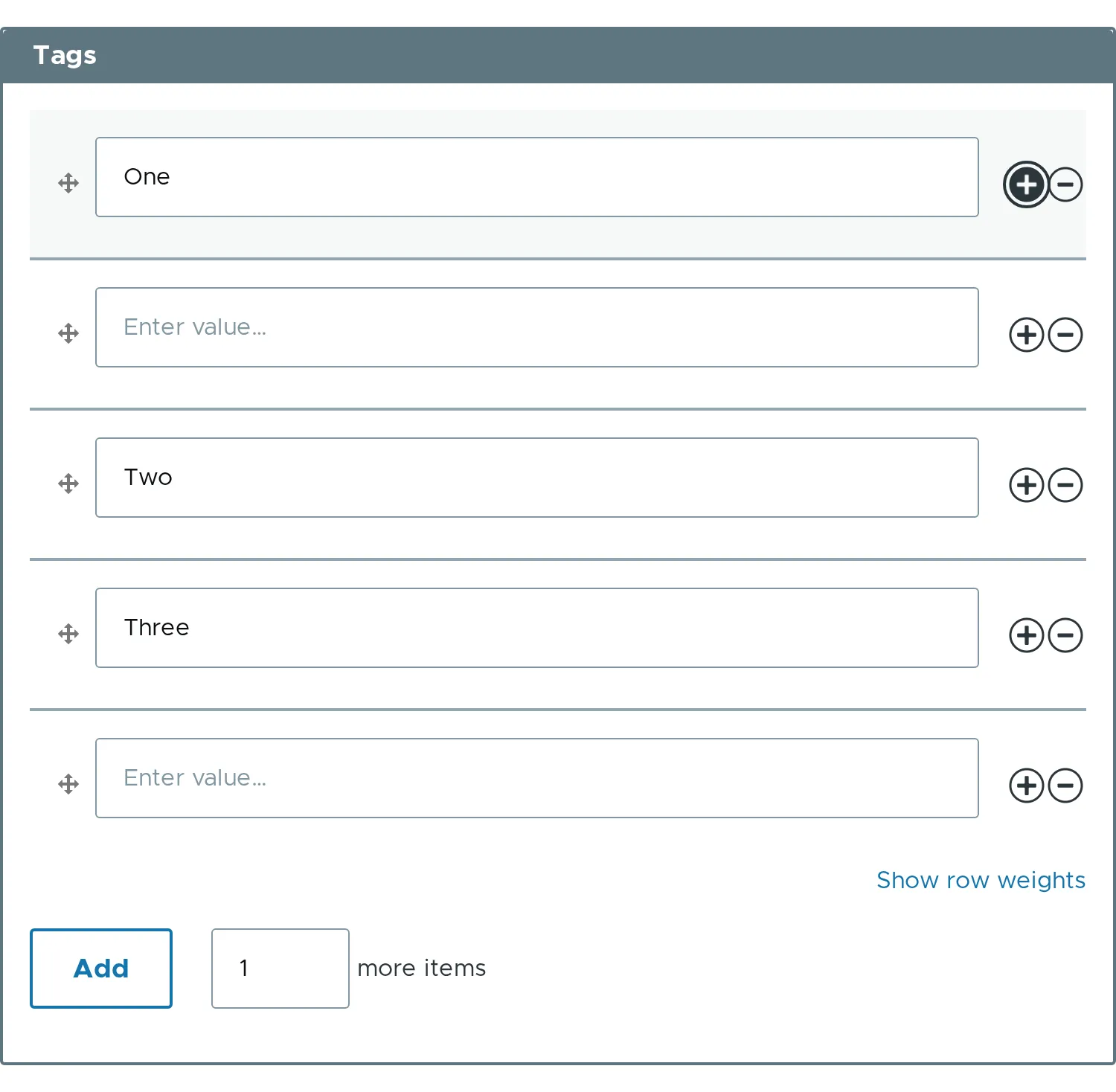
Section titled “Add a row after a given row”The plus button of a row adds a blank row right after it. The page does not reload.
- Blank rows are dropped from the value.
- To show a column title, set
#headertoTRUE. See Composite with header. - Related properties:
#element,#default_value.