Replay & Testing
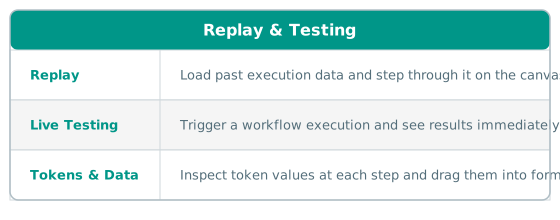
The Modeler lets you visualize past workflow executions and run live tests directly from the editing interface. This helps you understand how your workflow behaves and debug issues without leaving the modeler.
These features live in the Review flow mode of the unified Property Panel -- enter it from a selected event node by clicking the Review flow button in the panel header.
Overview
Availability
Replay and testing features are only available when the model owner has configured the necessary backend endpoints:
| Feature | Required endpoint | Description |
|---|---|---|
| Replay | replay_url |
Loads past execution data for an event. |
| Testing | test_url |
Triggers a live test execution. |
If neither endpoint is configured, the Review flow button is not shown.
For new models that have not been saved yet, both features are unavailable -- you must save the model first. If you click Review flow with unsaved changes, the modeler offers to Save and review flow before continuing.
Sections
- Viewing Replay Data -- load and navigate past executions
- Live Testing -- trigger and observe test executions
- Tokens & Data -- inspect and use token values from executions