Add conference sessions
Create and attach Conference session first.
- Open Content → Add content → Conference and enter a title.
- In Sessions, enter Opening keynote as Session title.
- Fill two Topics slots with Community and Accessibility.
- Enter Confirm the room before publication. as Internal note.
- Save and reopen the form to check the values.
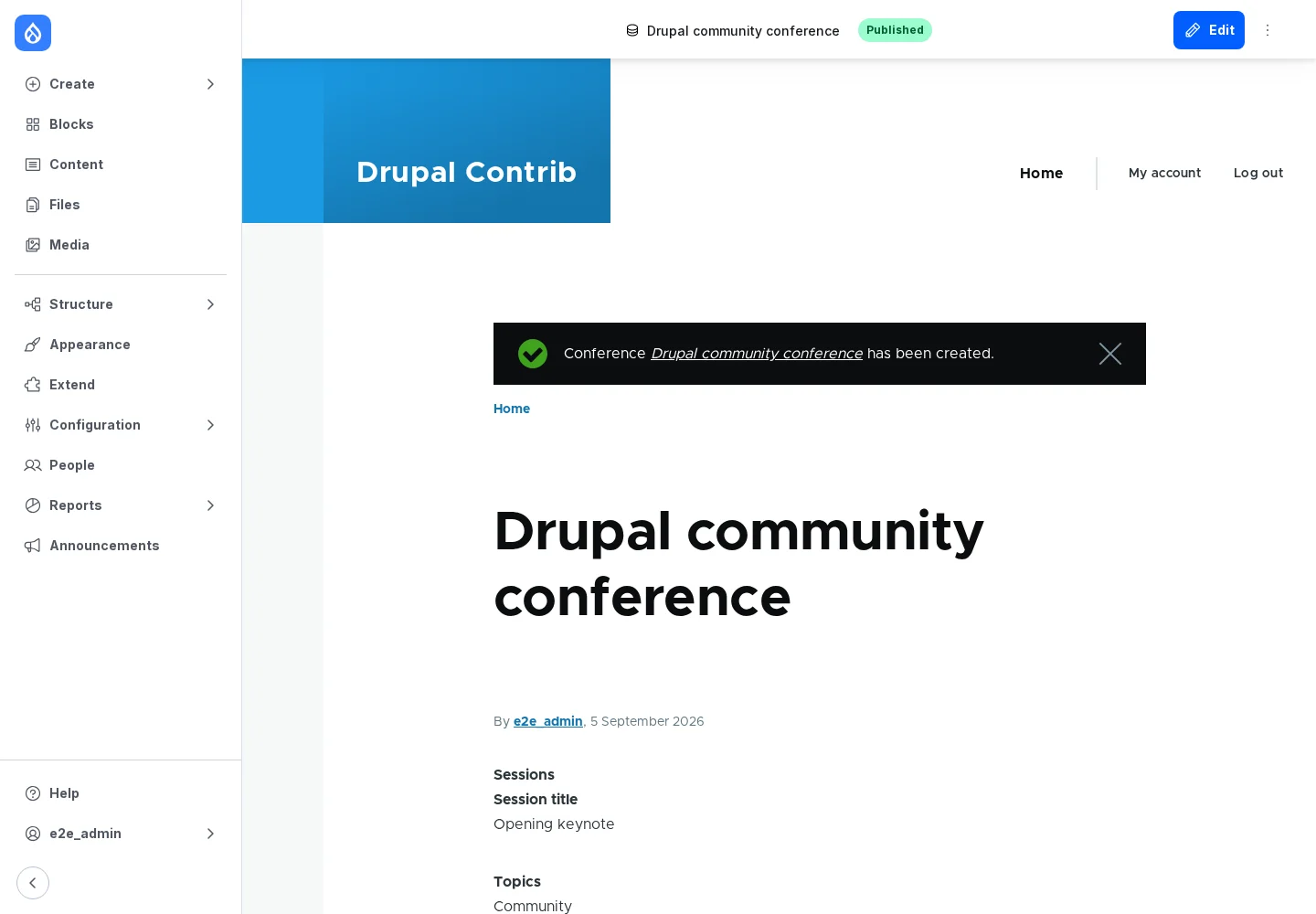
The default formatter shows Internal note. Its name does not make it private. Hide it on the display and apply access rules for restricted information. Use Sessions' Add another item button to add another session.