Install and first draft
This page takes a new Drupal site to a first draft written in the chat and published from it, then lists what to check when a step fails. Every step was run on a new site on 2026-10-05, with:
| Package | Version |
|---|---|
| Drupal core | 11.4.8, standard profile, PHP 8.3 |
| Site Agent | 1.0.0-rc1 |
| AI | 1.5.0 |
| Tool API | 1.0.0-beta11 |
| Tool Belt | 1.0.0-alpha6 |
| Key | 1.22.0 |
| Anthropic Provider | 1.2.2, with claude-sonnet-5-5 |
| Drush | 13.8.0 |
The screenshot scripts repeat these steps on a new site, so a release can check them again.
1. Install the modules
Tool API and Tool Belt have no stable releases yet. A dependency's stability
flags don't apply to the root project, so a site must allow their stability in
its own root composer.json. Add an AI provider that returns streamed tool
calls; see Providers for the ones checked.
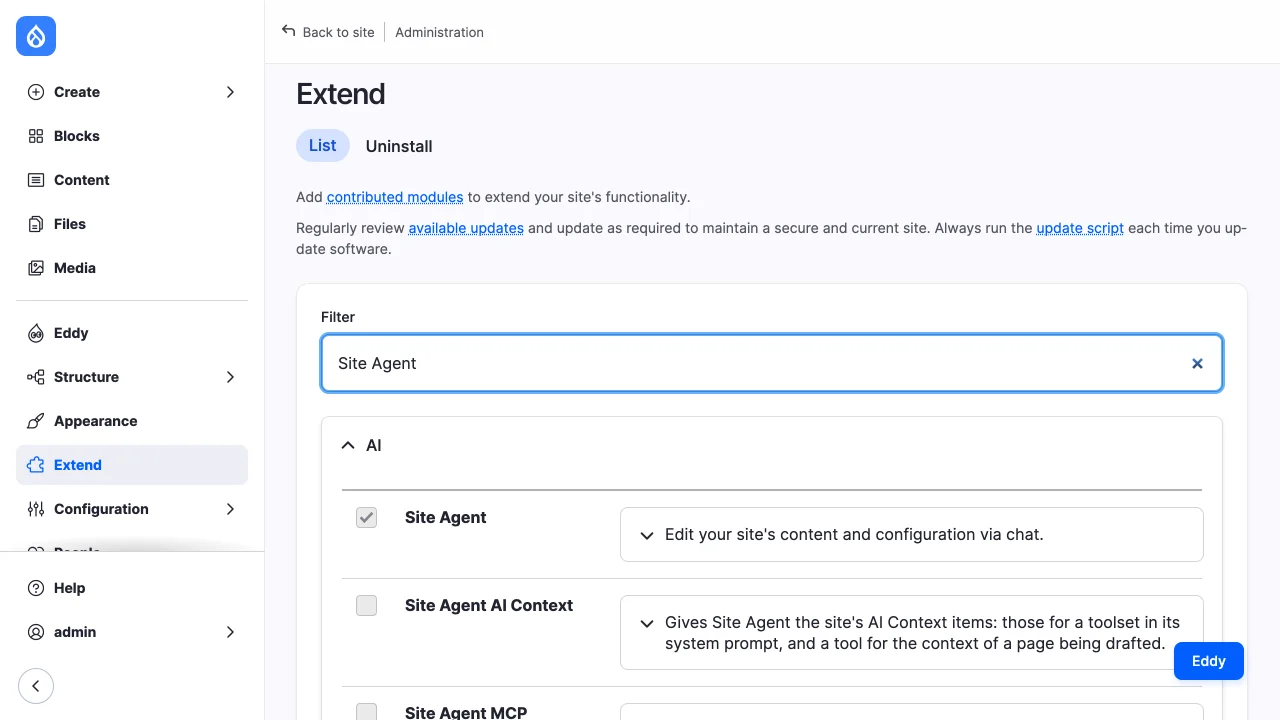
Enabling Site Agent enables what it depends on: AI and Key, Tool API and its
AI connector, Tool Belt's tool_belt_content, Node, Media and Options. It
installs the Editor and Site builder toolsets.
The standard profile of Drupal 11.4.8 made no content types on the site these steps were run on. Without one there is nothing for the Editor toolset to write. Core's recipes add the Basic page and Article types and an image media type:
2. Choose the model
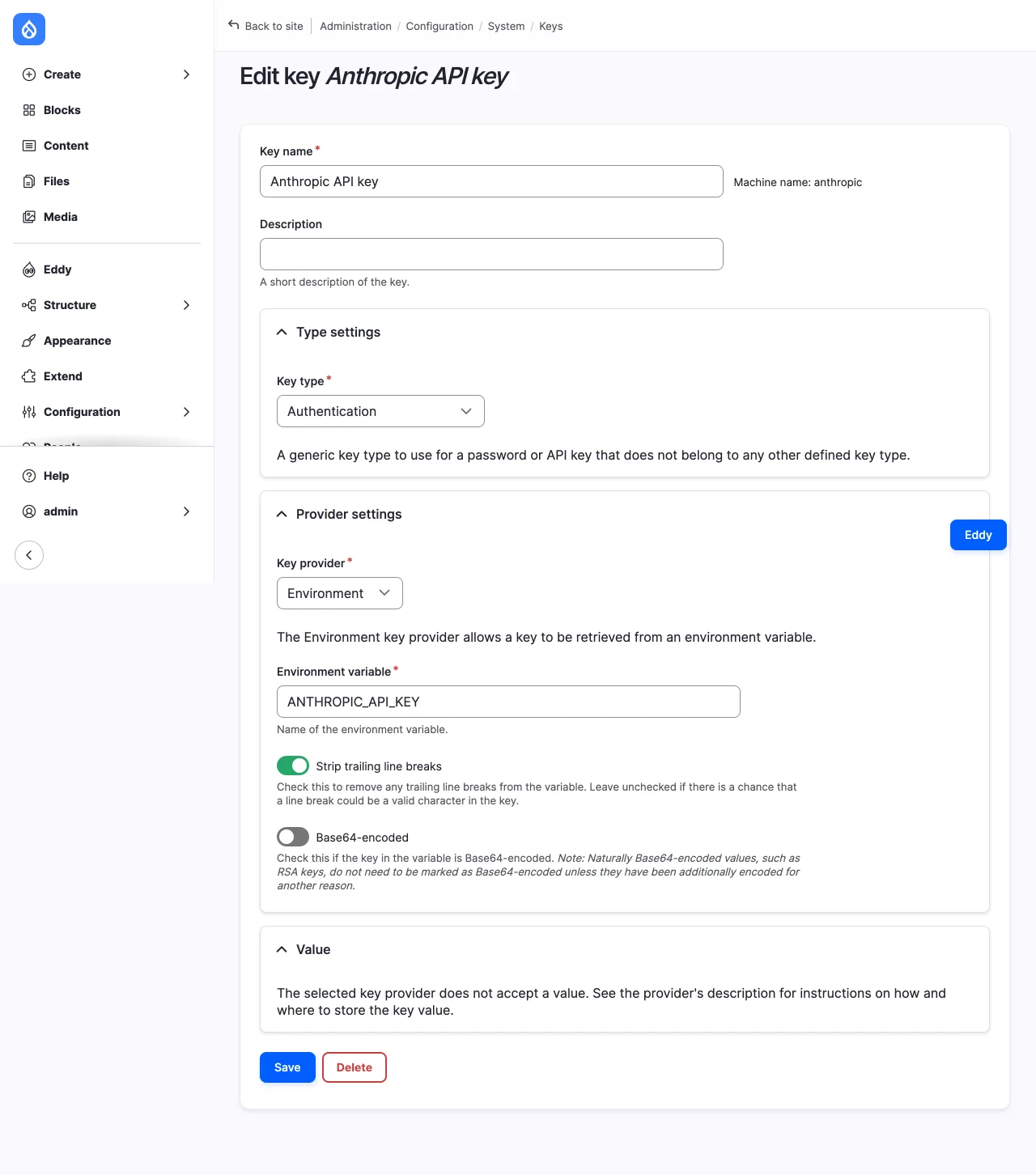
- At
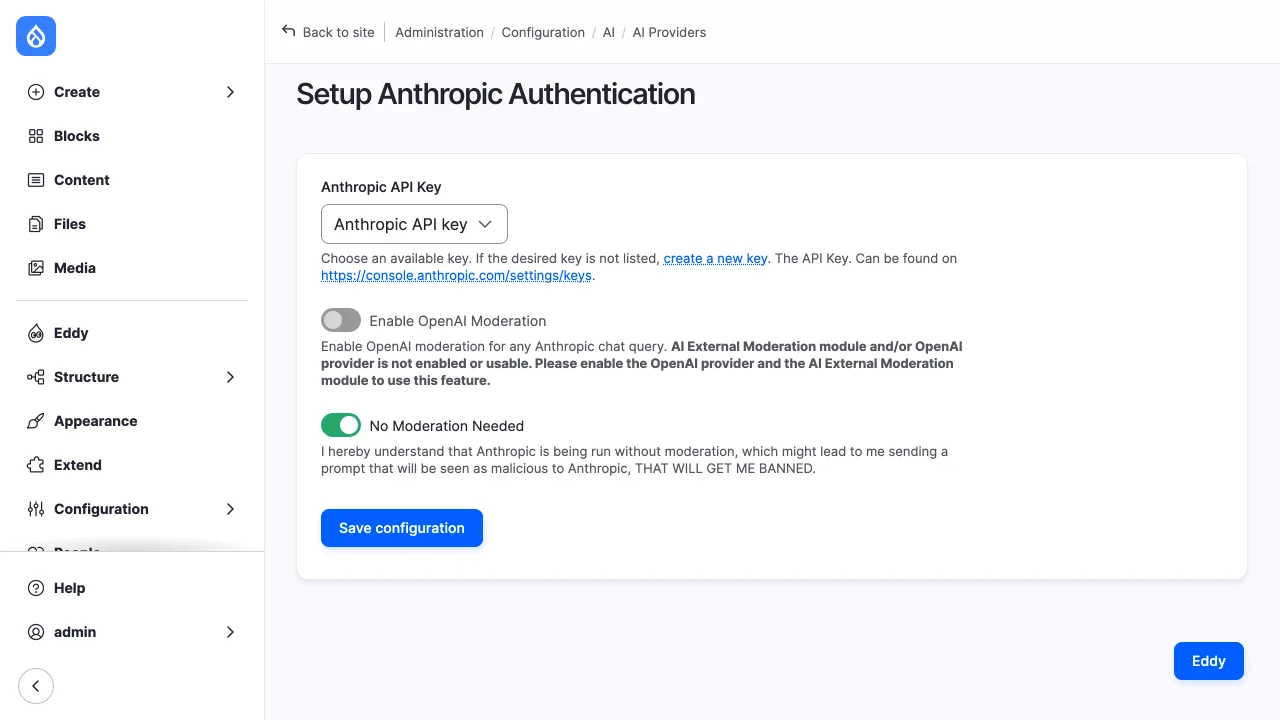
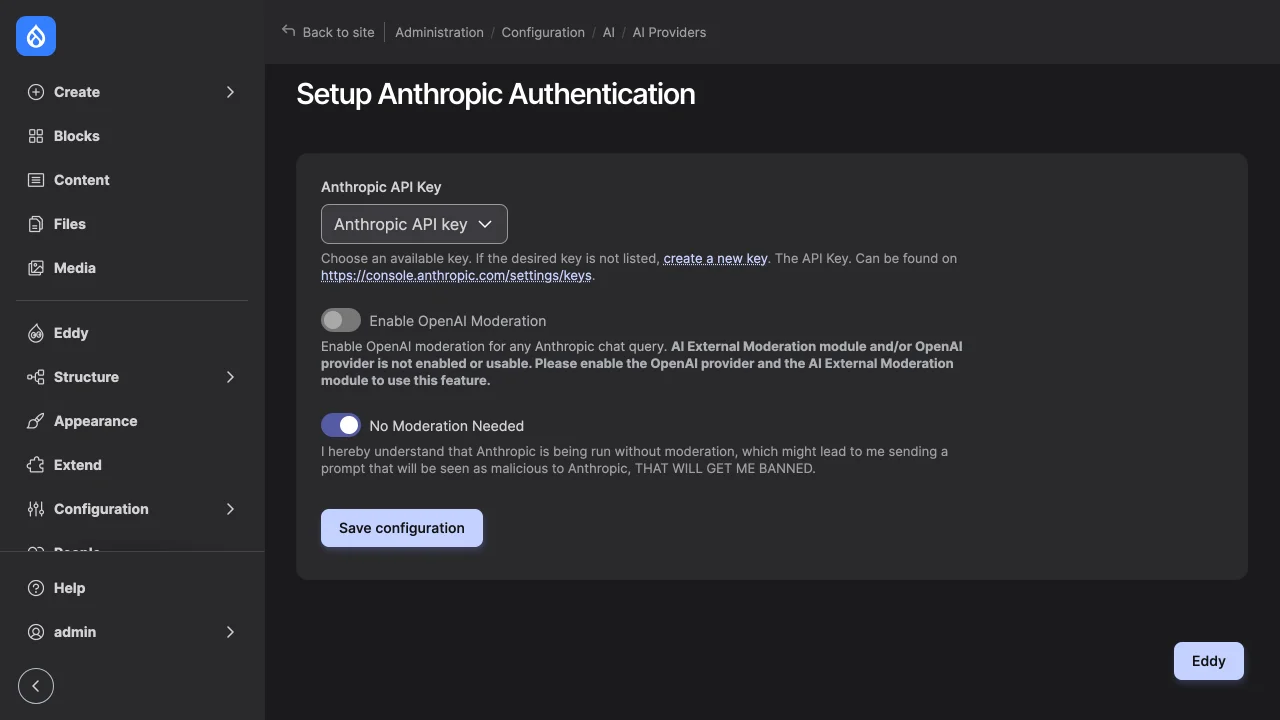
/admin/config/system/keys, add a key of the Authentication type that holds the provider's API key. The Environment provider reads it from an environment variable, so it stays out of configuration exports. - At the provider's settings,
/admin/config/ai/providers/anthropicfor Anthropic, choose that key. - At
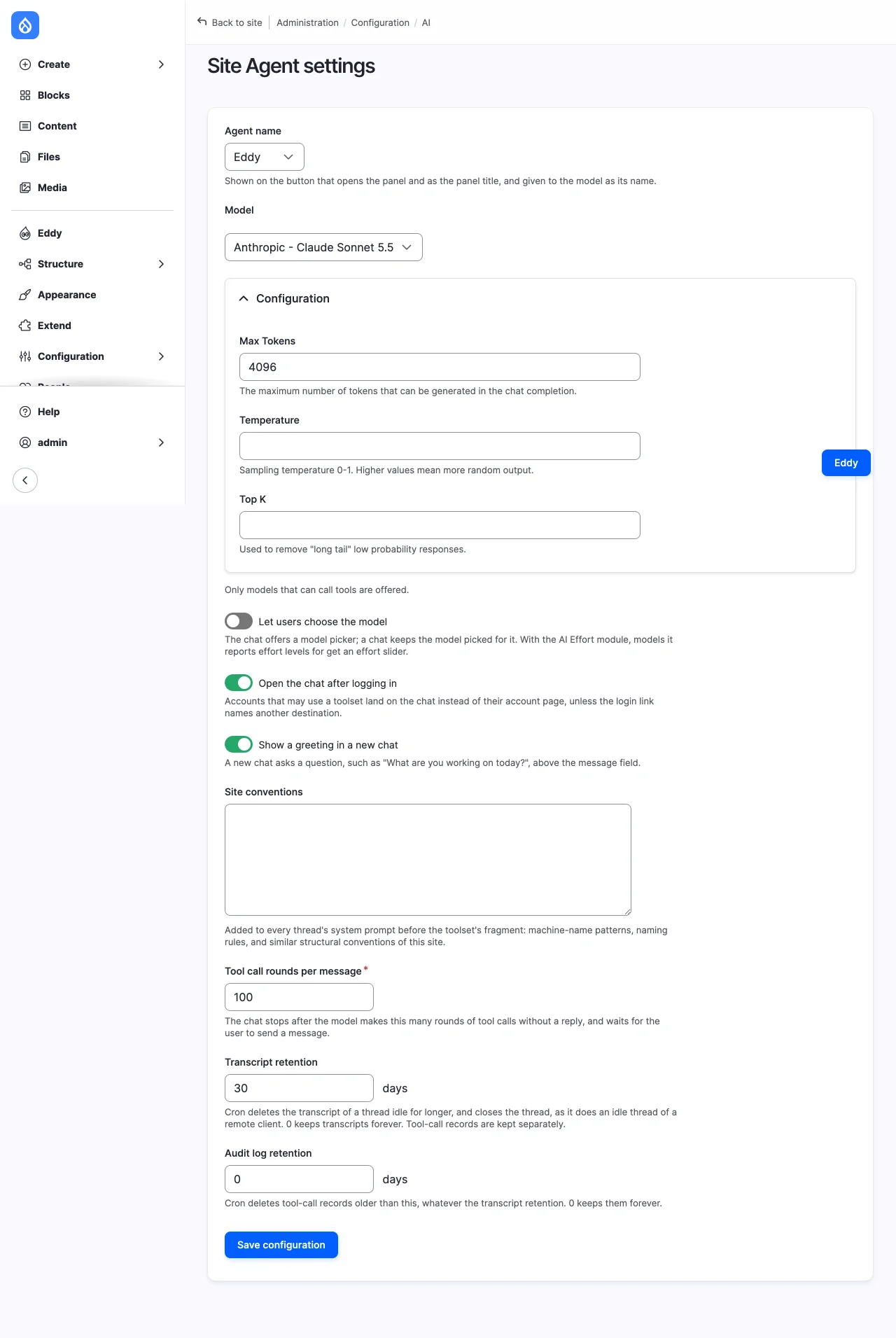
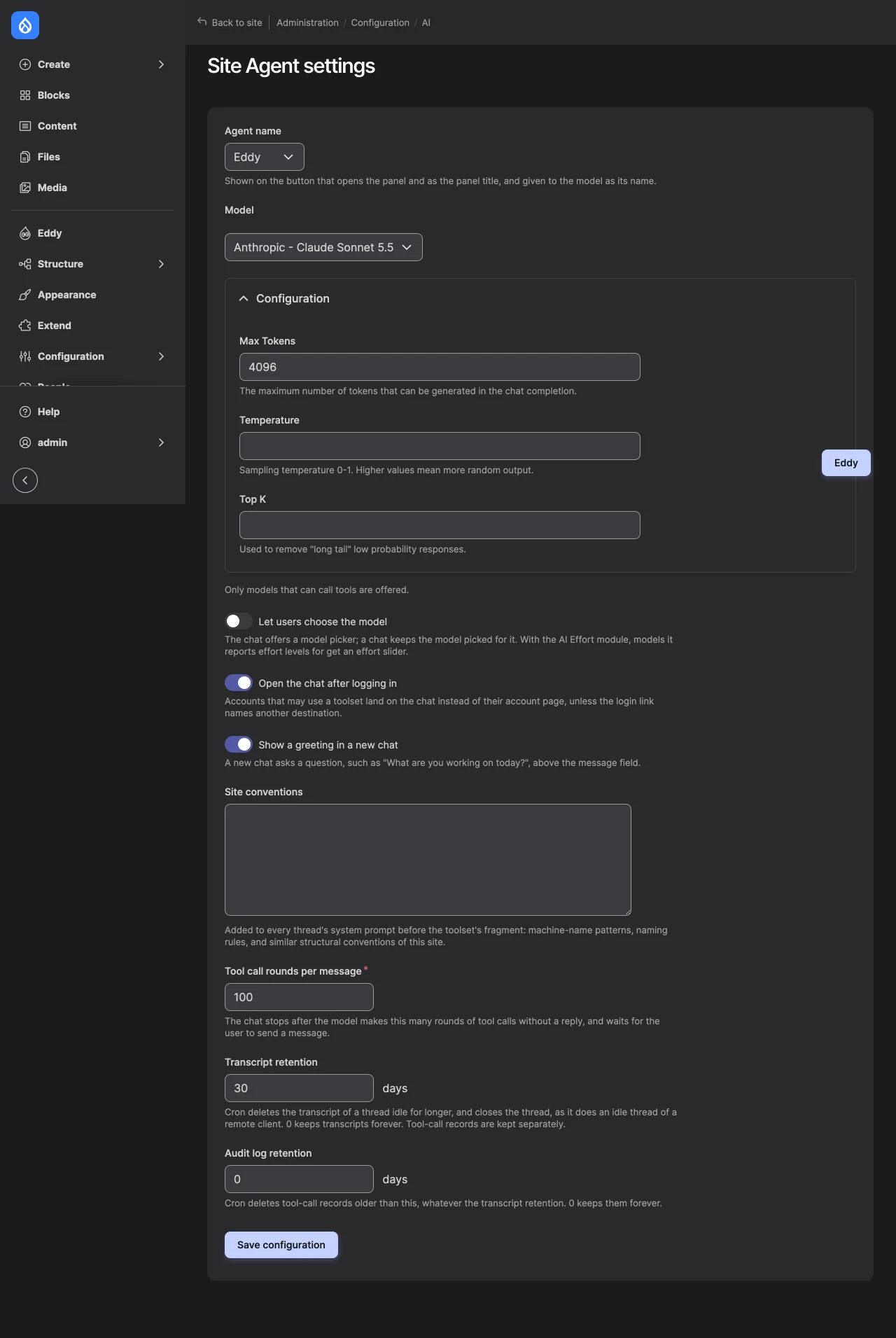
/admin/config/ai/site-agent/settings, choose the model. Default uses the site's default provider forchat_with_tools; the list offers only models with the ChatTools capability. See Settings.
3. Check the toolsets
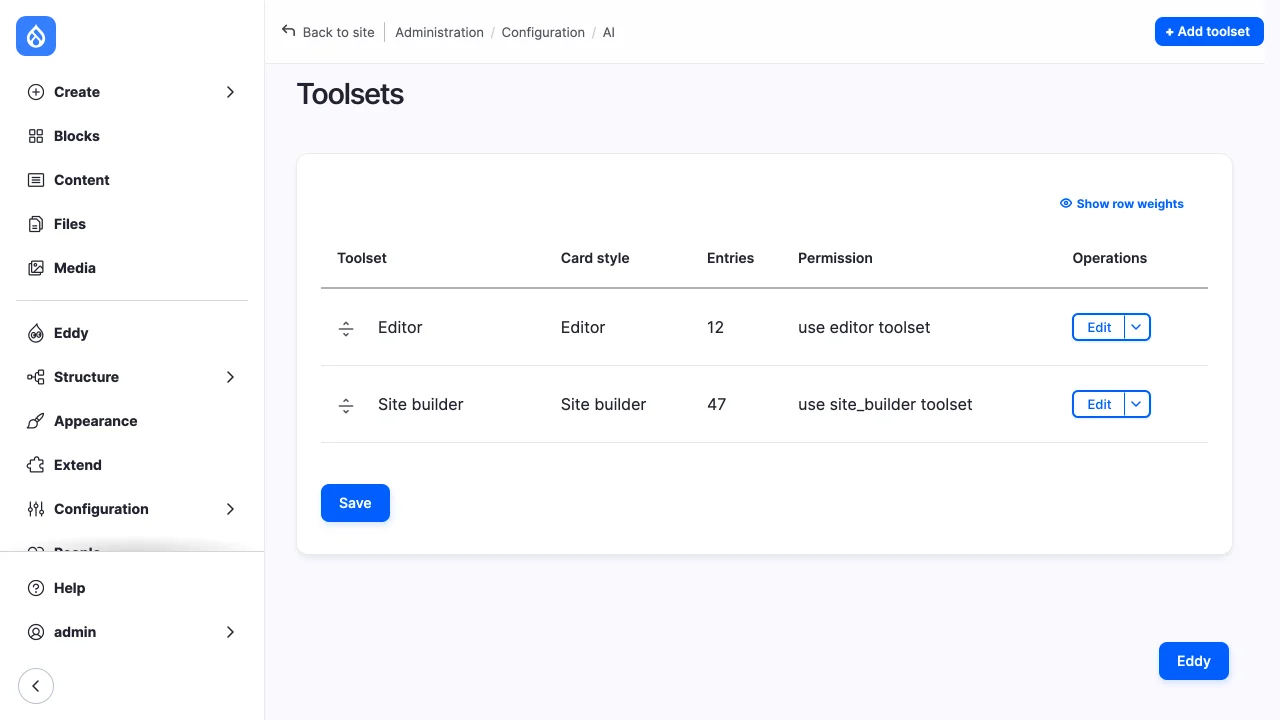
A toolset lists the tools a chat may call, each with its approval mode. The
two shipped toolsets are at /admin/config/ai/site-agent/toolsets; an entry
names a Tool API tool and the tools to fall back to where it isn't installed.
The Editor toolset prefers Content Deployment's content spec tools and falls
back to Tool Belt's field tools. See Toolsets.
drush site-agent:tools lists the tools a toolset gives an account, as the
model sees them. Without a toolset, it lists what a chat of the account gets
from every toolset it may use:
With Tool Belt alone, an editor who may create and edit pages gets:
 [notice] Configuration is locked here.
 ------------------------------------------- ------------------------------------------ ---------------- --------------- ---------
  Function                                    Tool                                       Classification   Approval mode   Toolset
 ------------------------------------------- ------------------------------------------ ---------------- --------------- ---------
  tool_belt__entity_field_value_definitions   tool_belt:entity_field_value_definitions   read             pre_approved    editor
  tool_belt__entity_list                      tool_belt:entity_list                      read             pre_approved    editor
  tool_belt__entity_load_by_property          tool_belt:entity_load_by_property          read             pre_approved    editor
  tool_belt__entity_load_by_id                tool_belt:entity_load_by_id                read             pre_approved    editor
  tool_belt__entity_field_values              tool_belt:entity_field_values              read             pre_approved    editor
  tool_belt__text_format_explain              tool_belt:text_format_explain              read             pre_approved    editor
  tool_belt__entity_create                    tool_belt:entity_create                    content_write    always          editor
  tool_belt__entity_update                    tool_belt:entity_update                    content_write    always          editor
 ------------------------------------------- ------------------------------------------ ---------------- --------------- ---------
The field tools' writes don't draft by themselves, so each one waits for approval whatever the entry says. "Configuration is locked here" means the Site builder's structure changes are refused on this site; see Staging and locked configuration.
4. Grant access
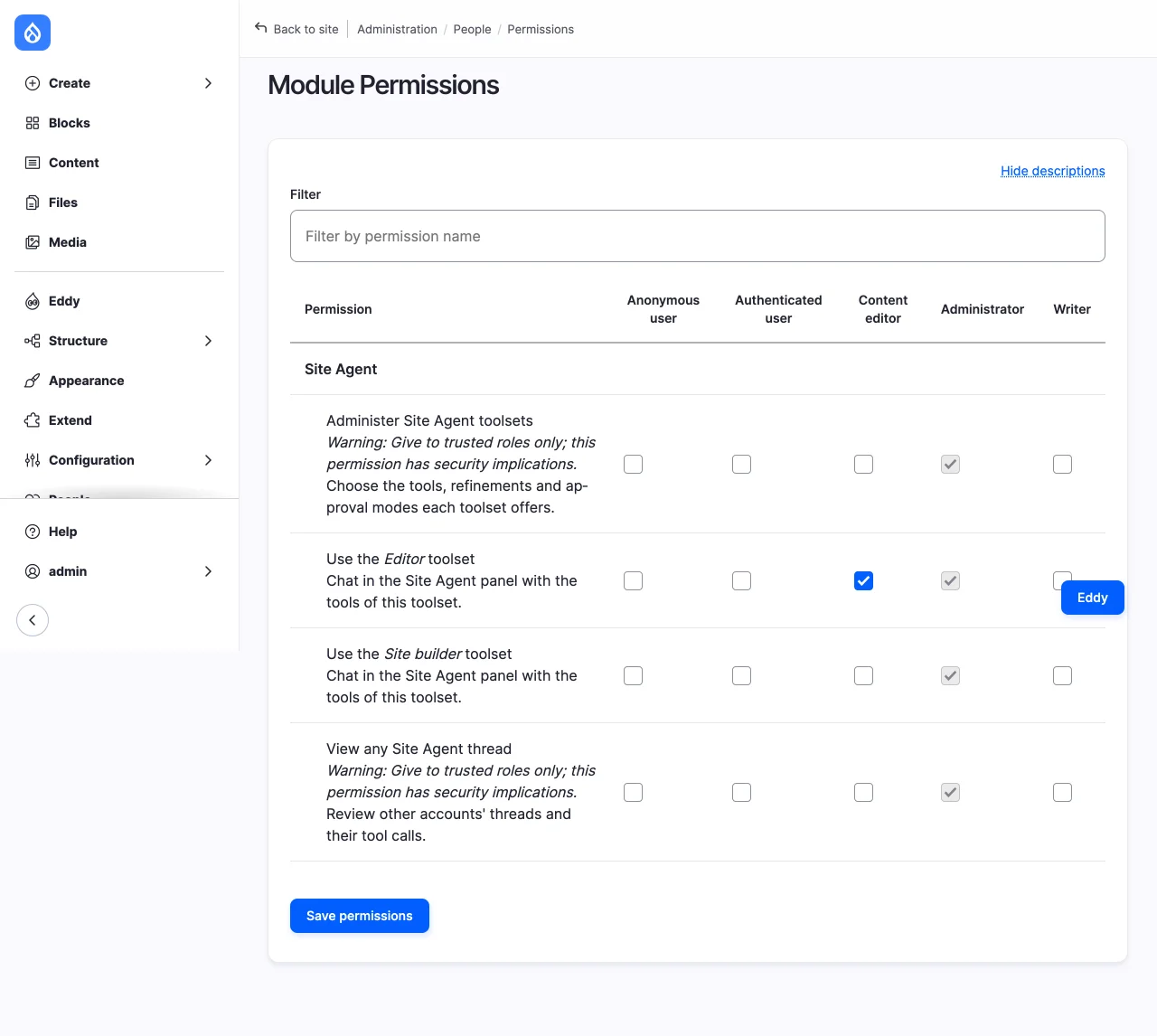
At /admin/people/permissions/module/site_agent, grant a role "Use the
Editor toolset". An account may open the chat when it may use a toolset;
others get "Access denied".
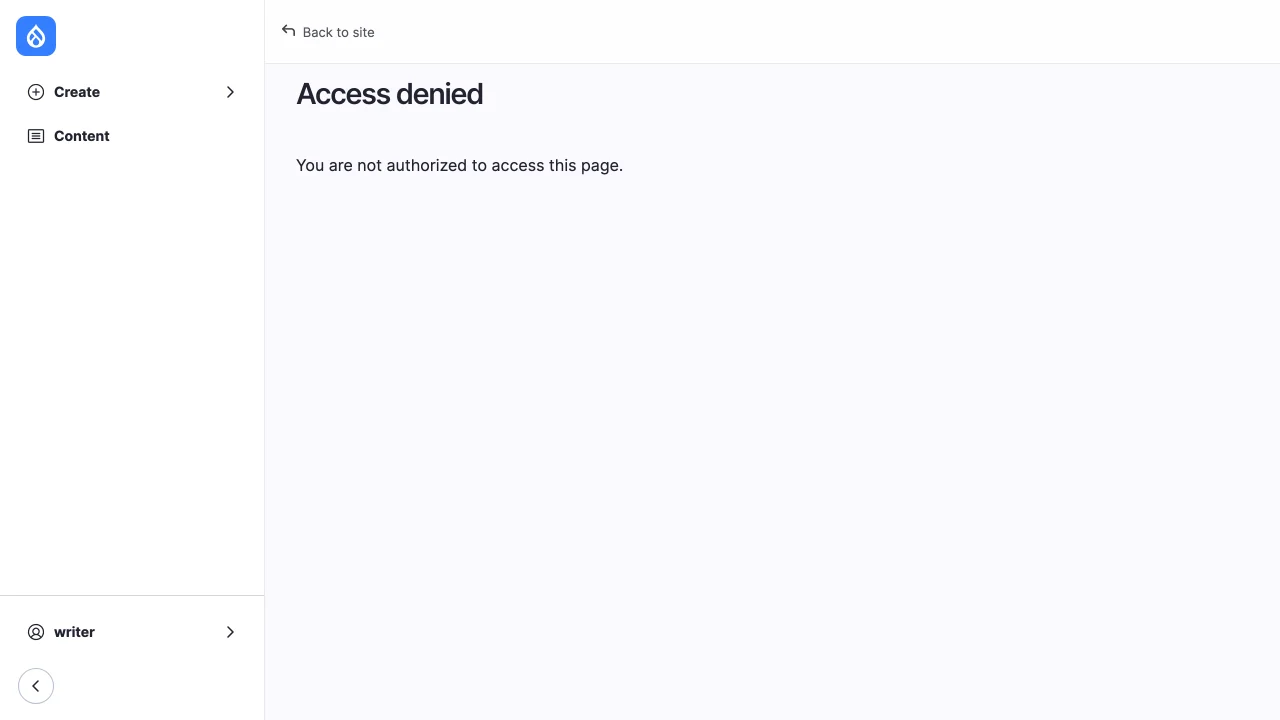
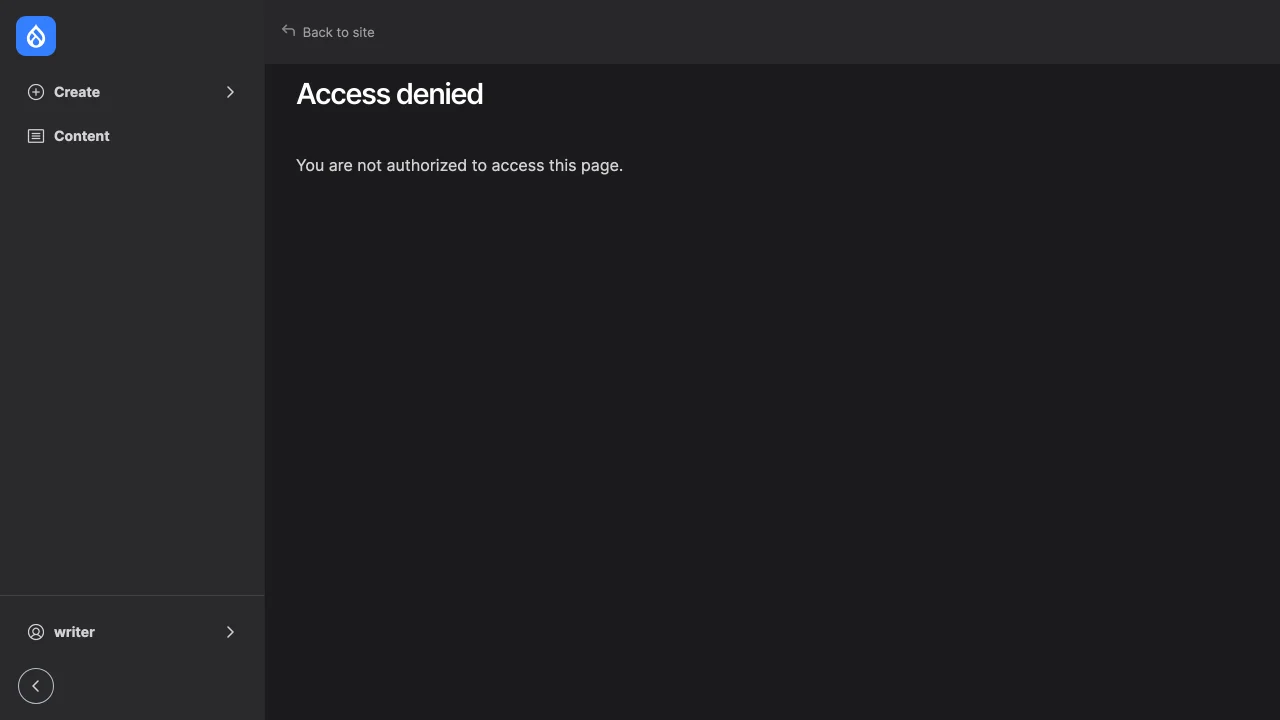
The toolset's permission doesn't let the chat do what the account can't. Each tool checks the account's own permissions when it is listed and again when it runs, so the role needs the permissions its tools act with:
- create and edit for each content type: "Basic page: Create new content", "Basic page: Edit any content";
- "View any unpublished content" and "View the latest version", to read drafts;
- the text formats the pages use, such as "Use the Basic HTML text format";
- with a workflow, its transitions, such as "Editorial workflow: Use Create New Draft transition" and "Use Publish transition";
- for images, "Image: Create new media".
An account without a write permission gets no write tool, and the model says it can't make the change. Approving a call never grants a missing permission.
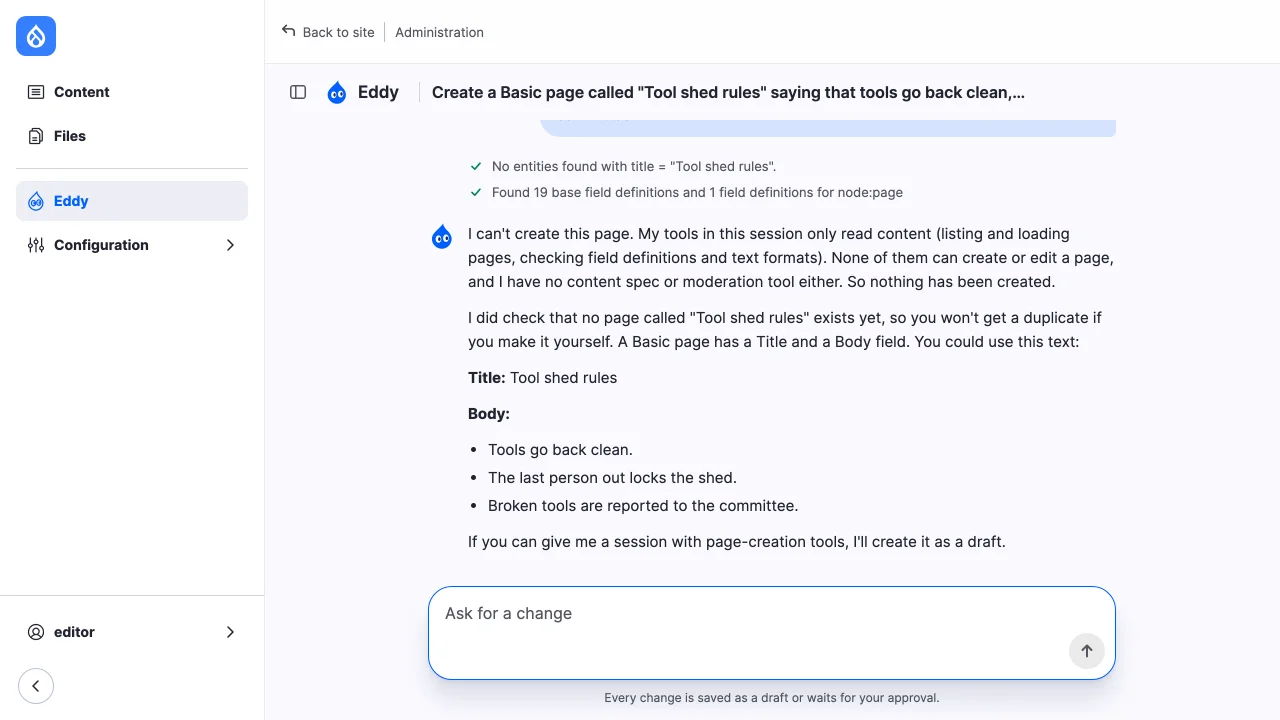
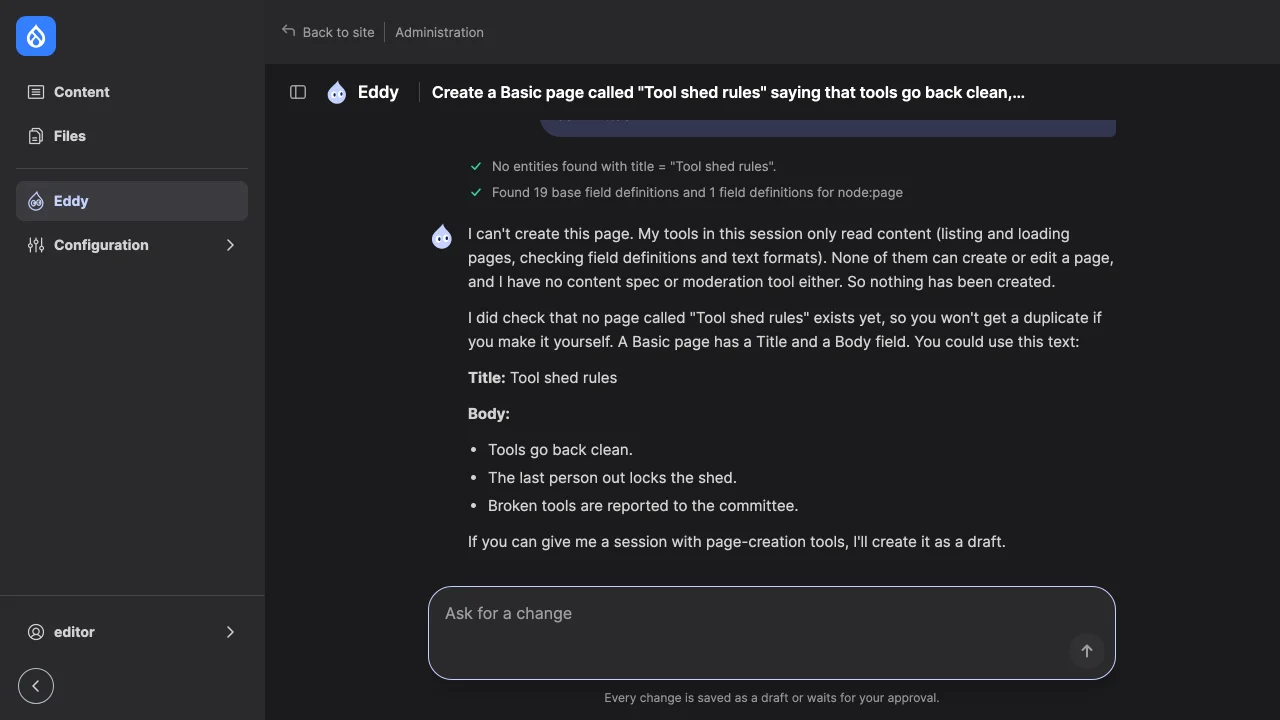
5. Draft and publish
With Content Moderation's editorial workflow on the content types, and Tool Belt's moderation tools, a new page and an edit of a published page are saved as drafts:
Then, at /admin/config/workflow/workflows/manage/editorial, apply the
workflow to the content types.
Start with a question that reads the site and changes nothing, such as "Which pages does this site have, and which of them are published?". Its answer shows that the model and the read tools work.
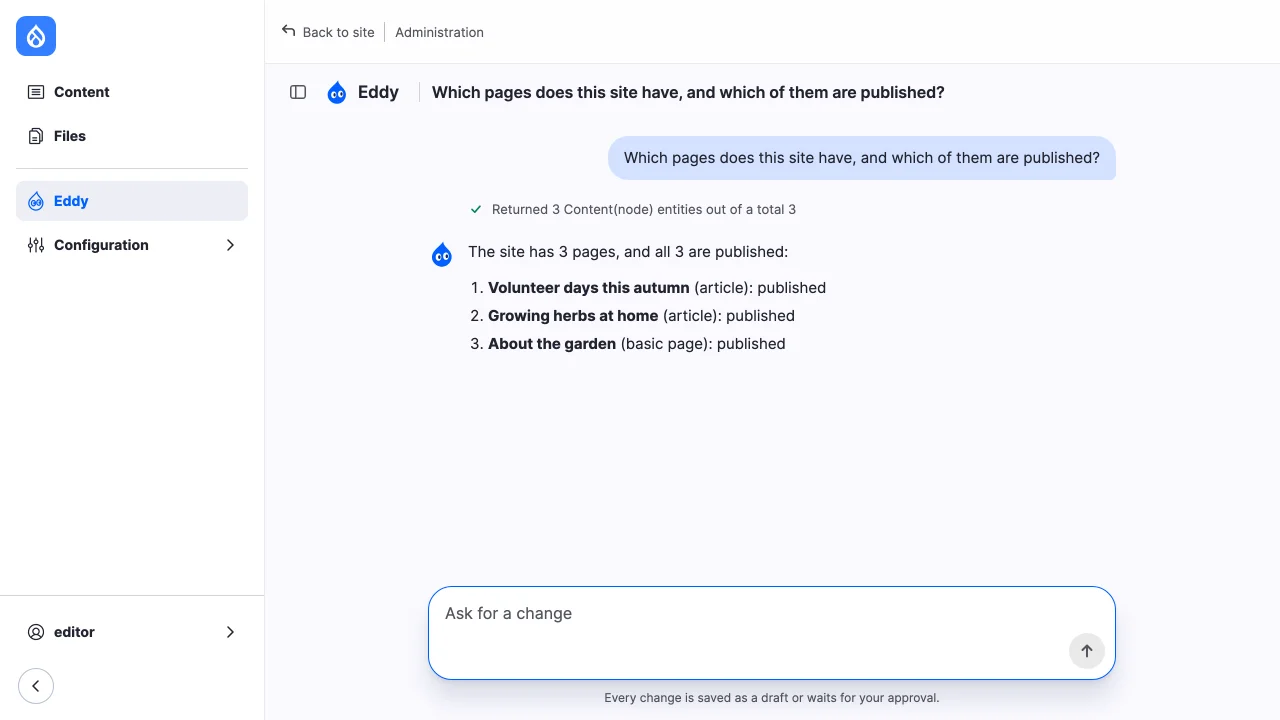
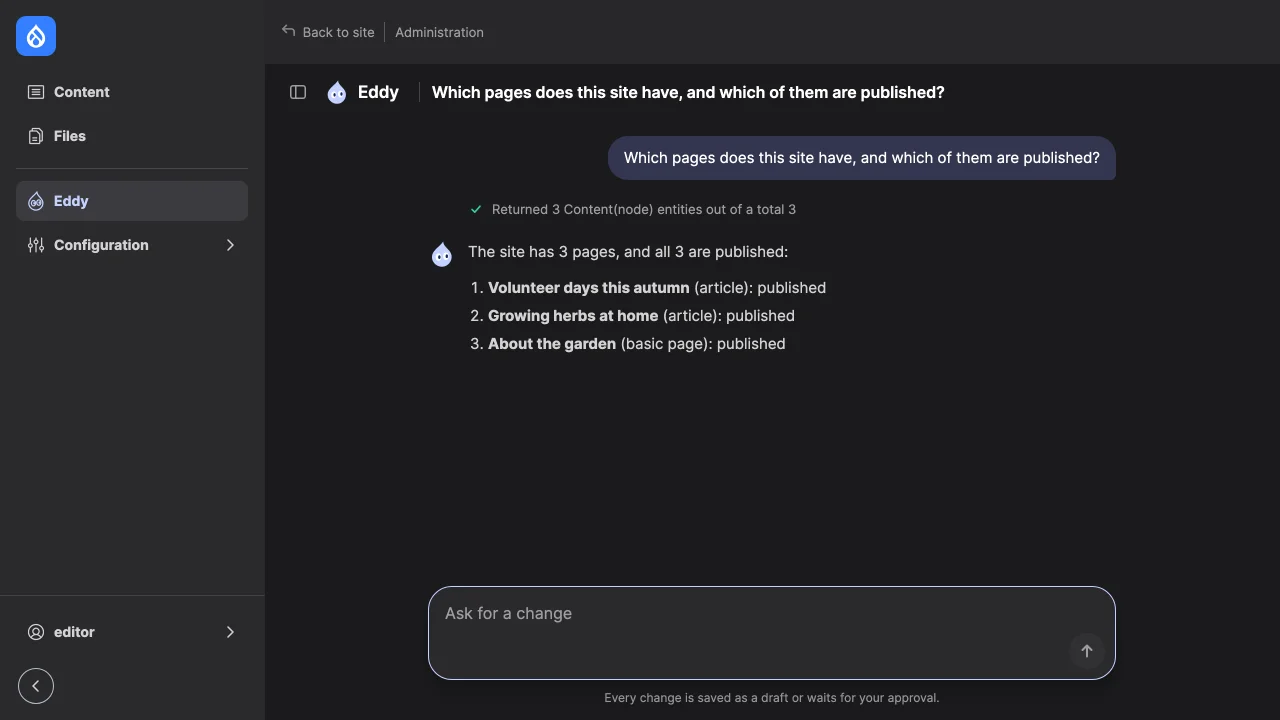
Then ask for a page. The field tools' create waits for approval; its card lists the fields with their values, and the workflow state the page starts in.
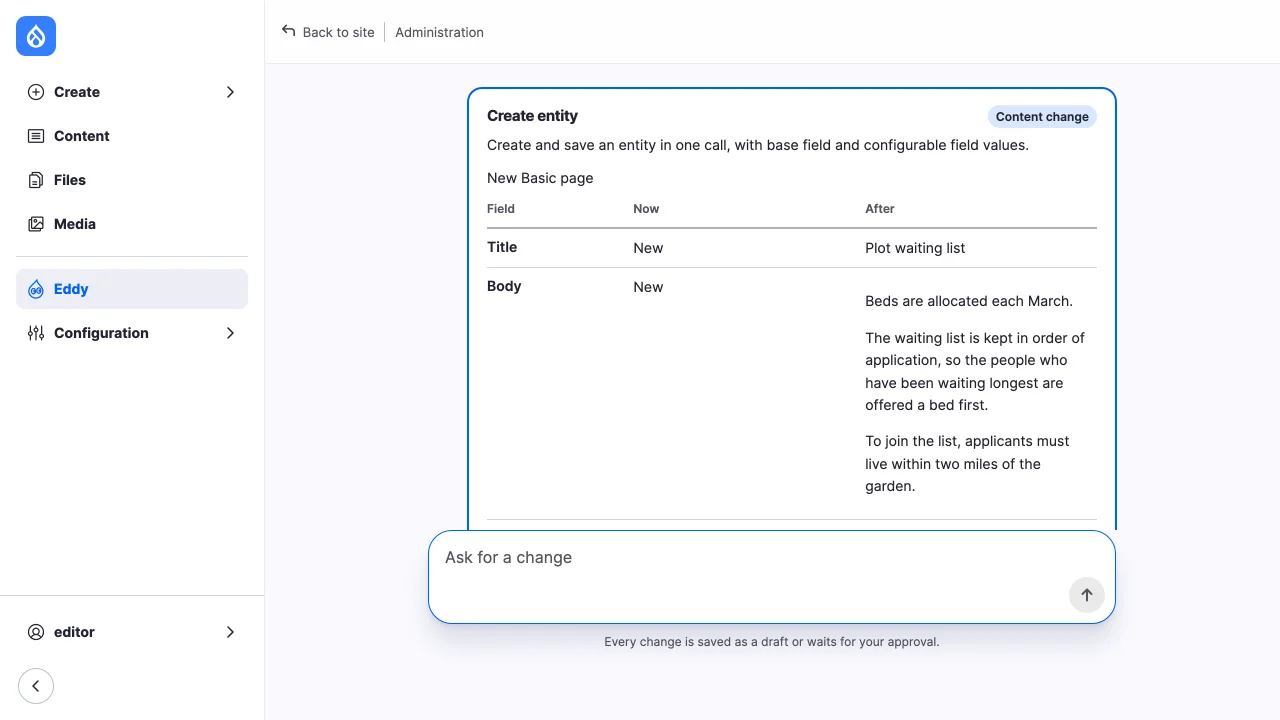
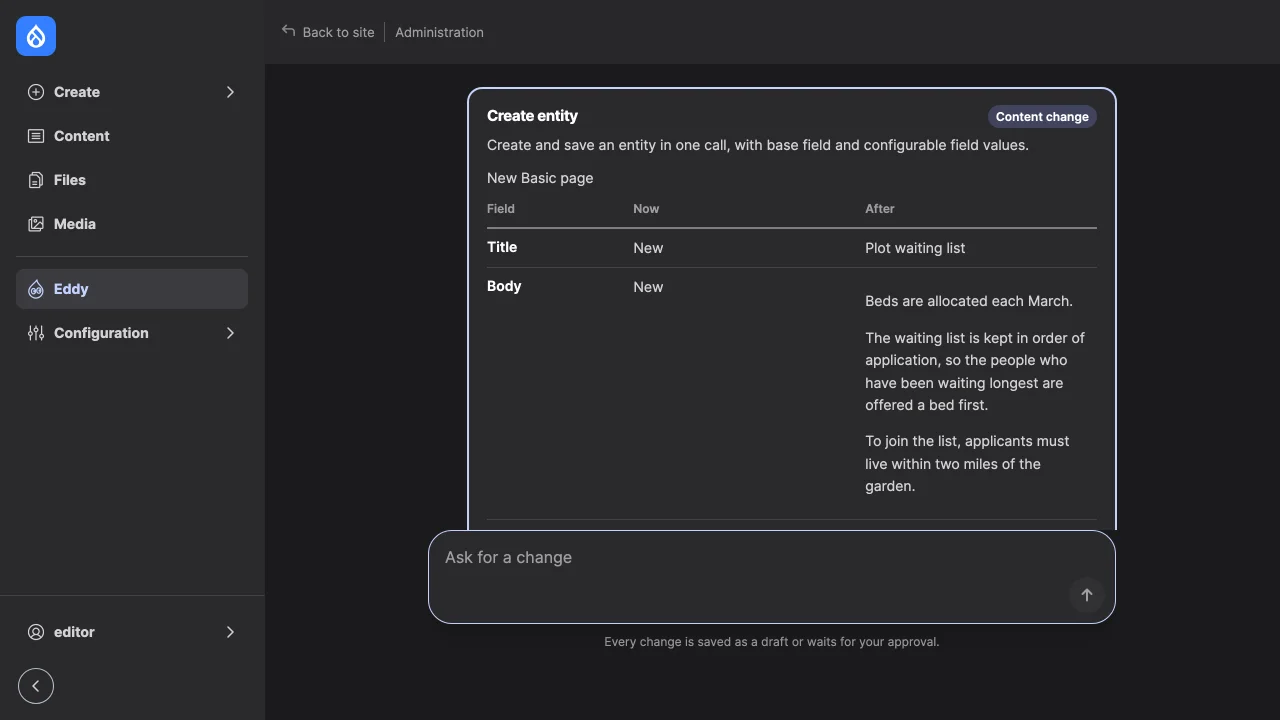
After approval, the result card says the page isn't published and offers Publish to accounts that may use the workflow's Publish transition.
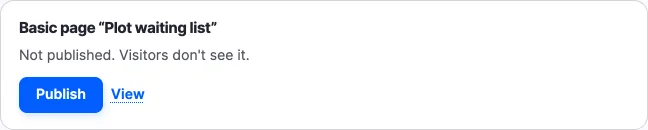
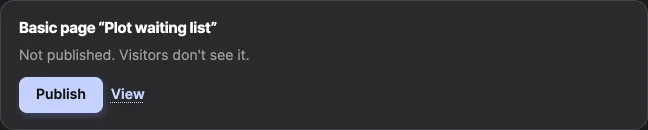
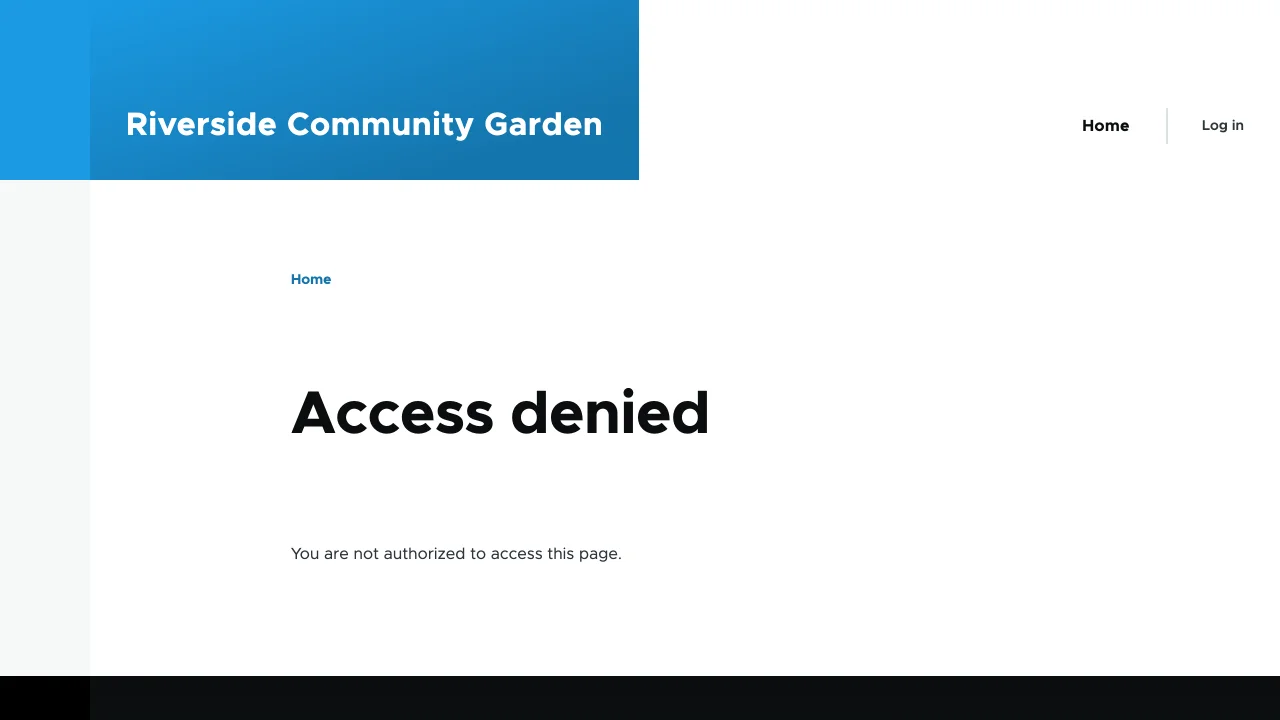
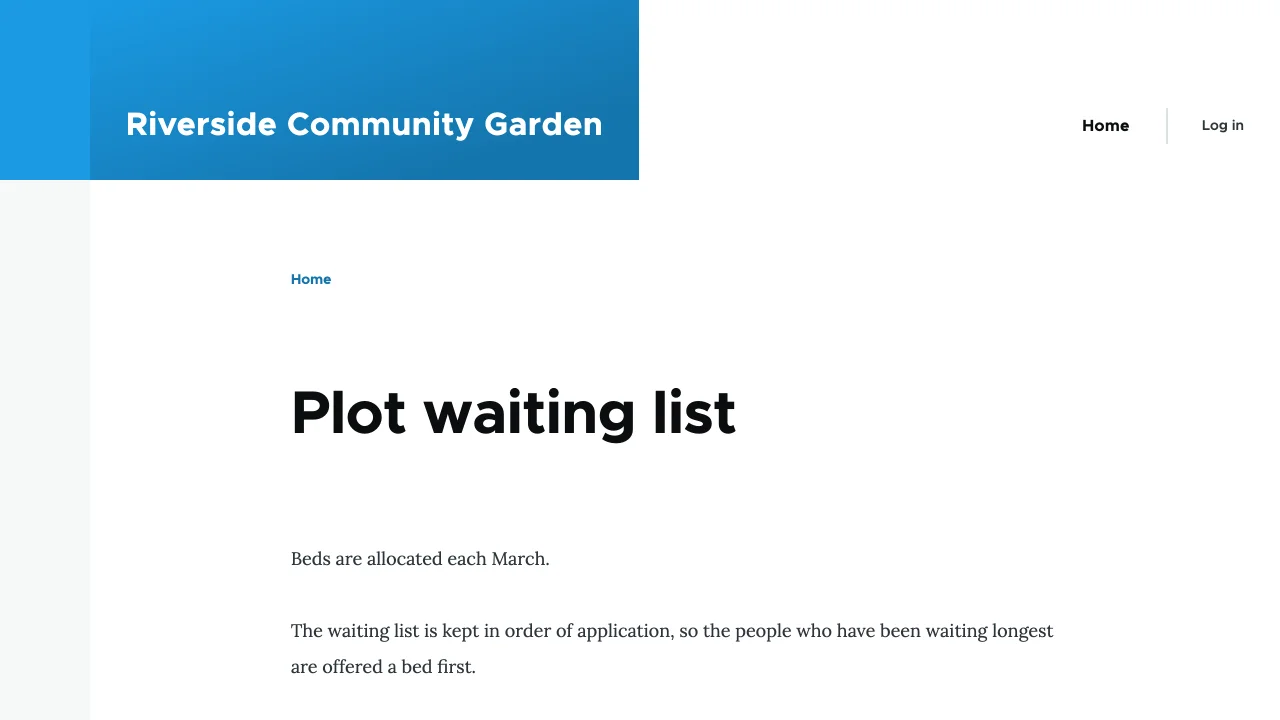
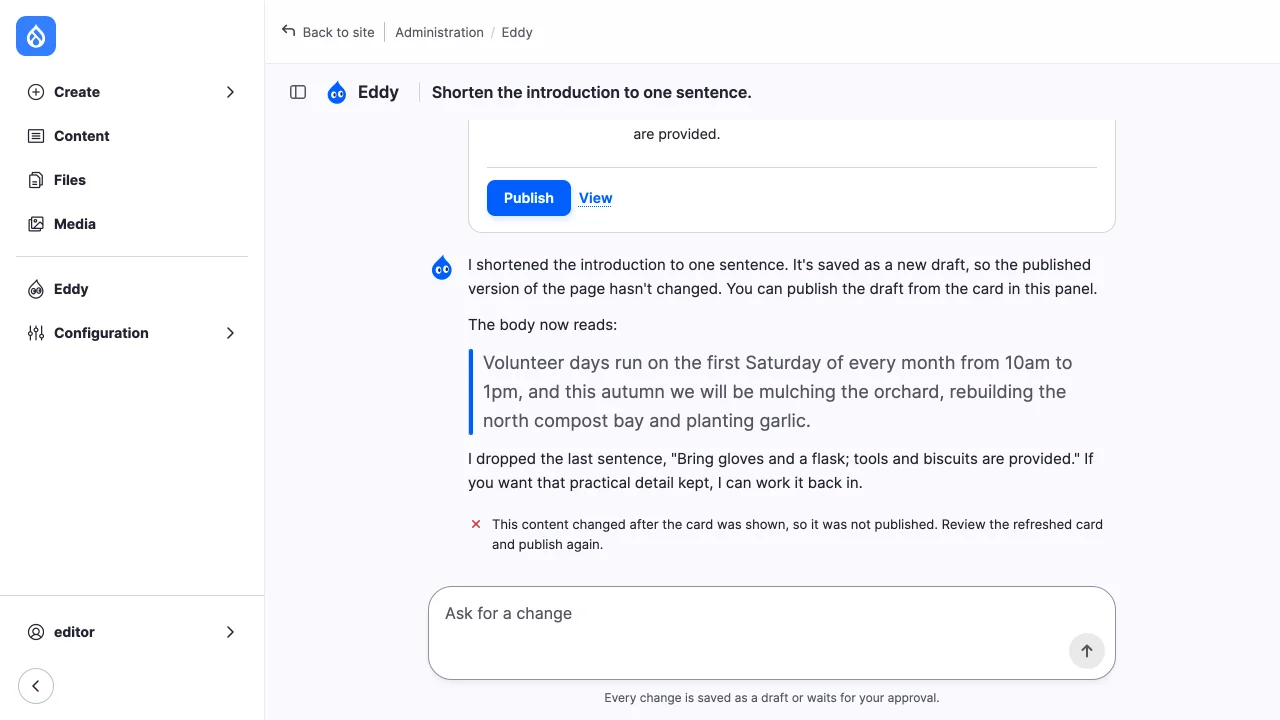
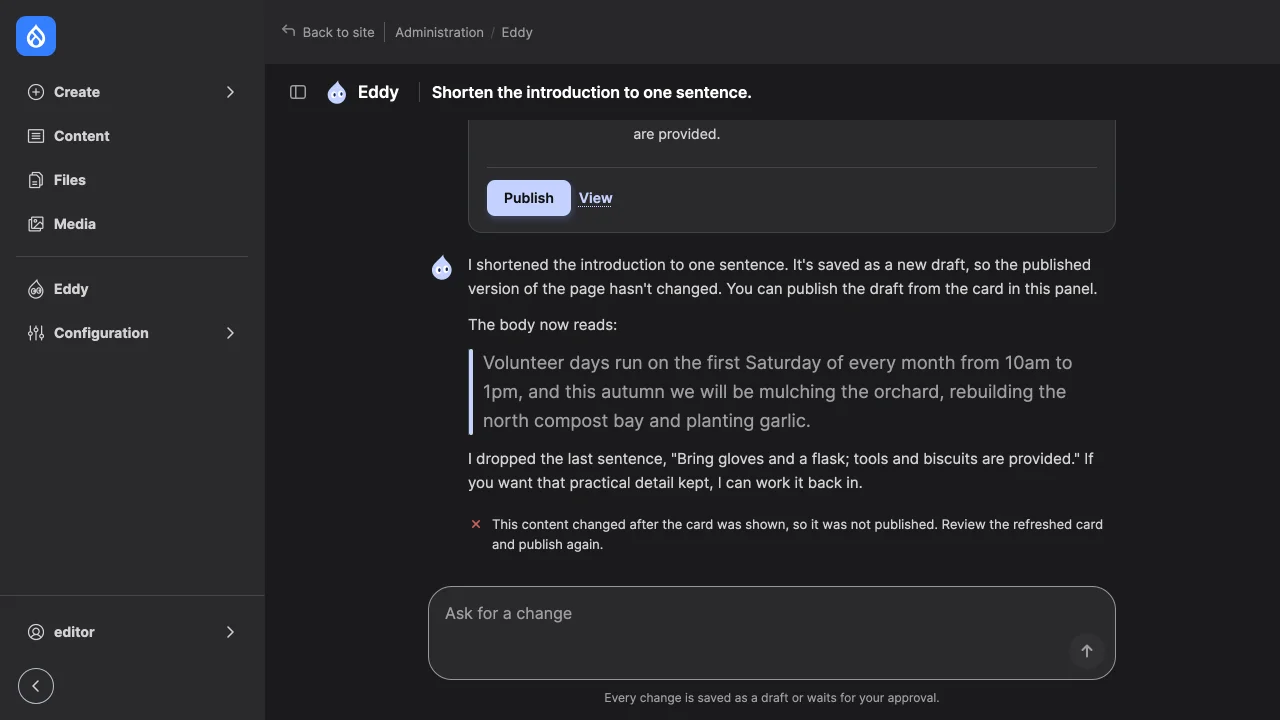
Publish publishes the version the card shows. It checks the account's transition and that the content hasn't changed since the card was shown.


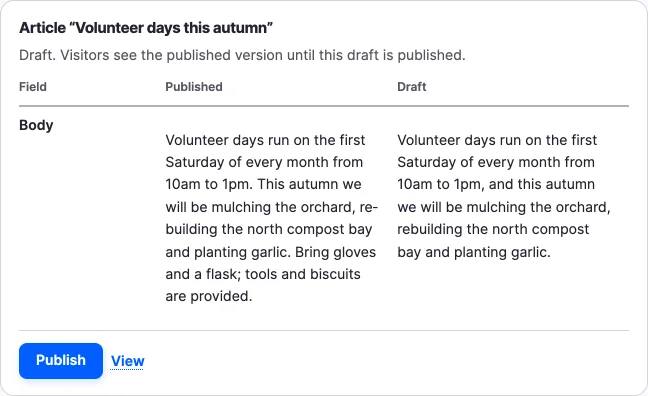
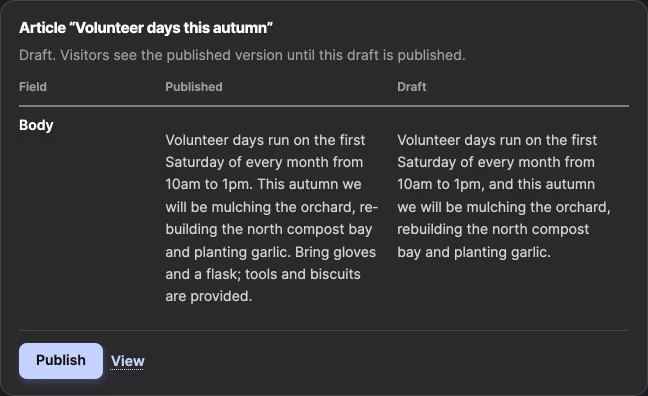
An edit of a published page, asked from its edit form with the chat button, is saved as a new draft. Visitors see the published version until the draft is published, and the card compares the two.
Without a workflow
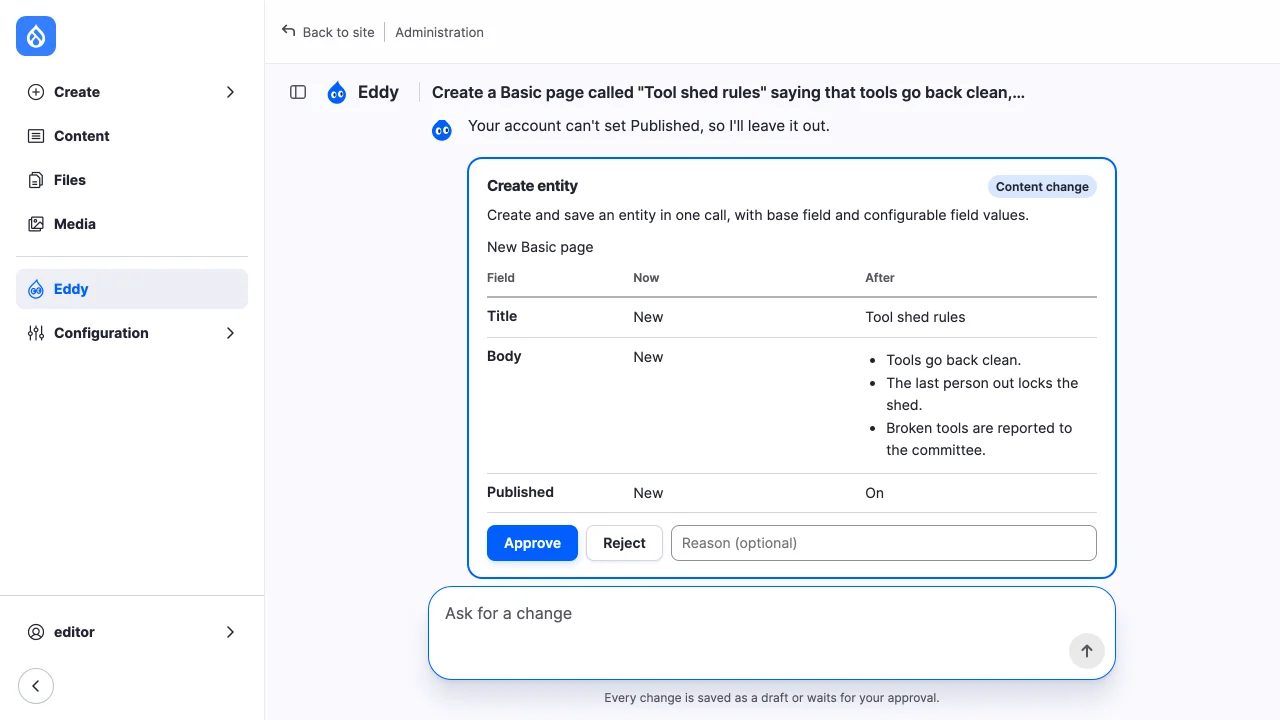
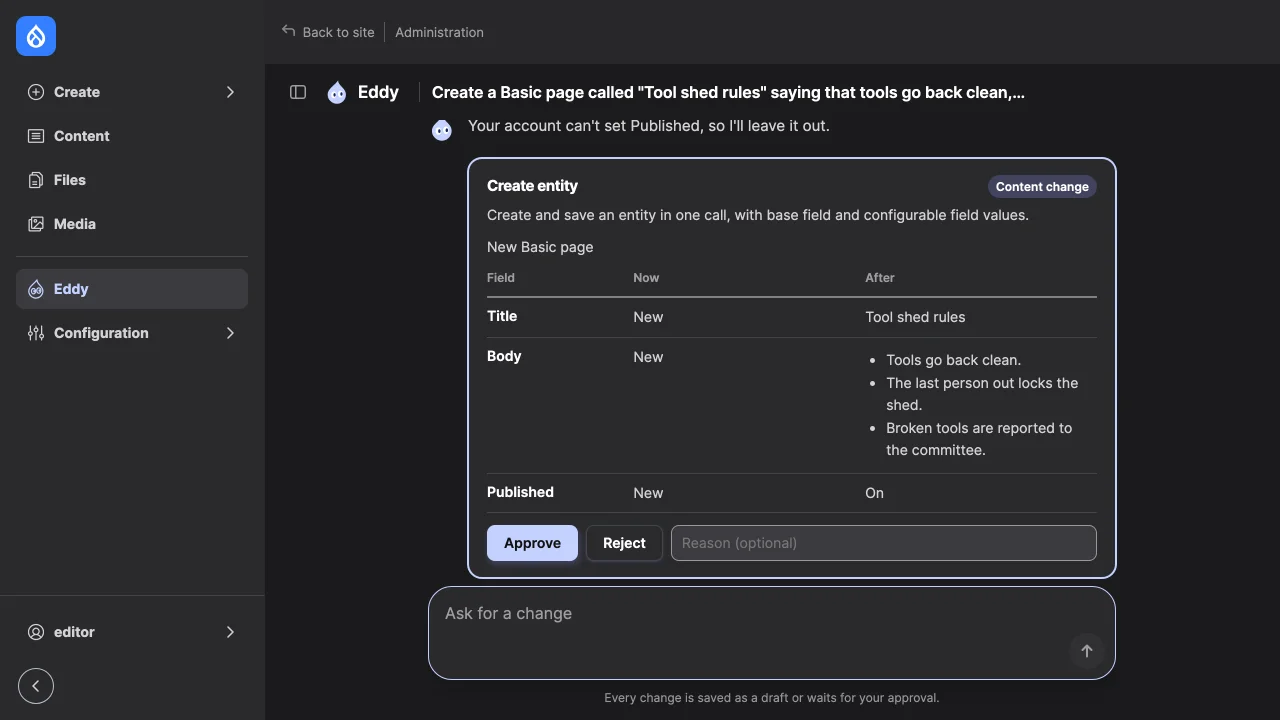
Without a workflow, each write waits for approval and takes effect when approved: there is no draft. A new page gets its content type's default publishing status, which for Basic page is published. The model sets Published off where the account may; an editor without "Administer content" may not, and the card then shows that the page will be published.
Recover
| What you see | Where it fails | What to do |
|---|---|---|
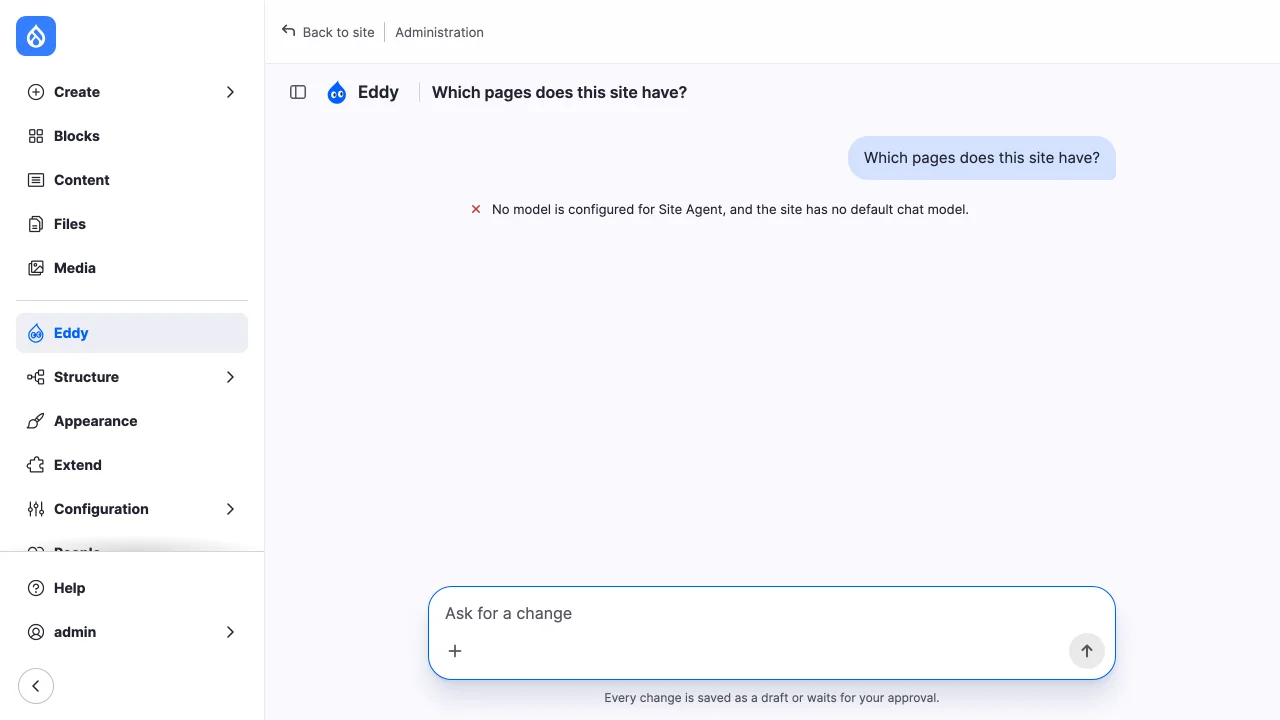
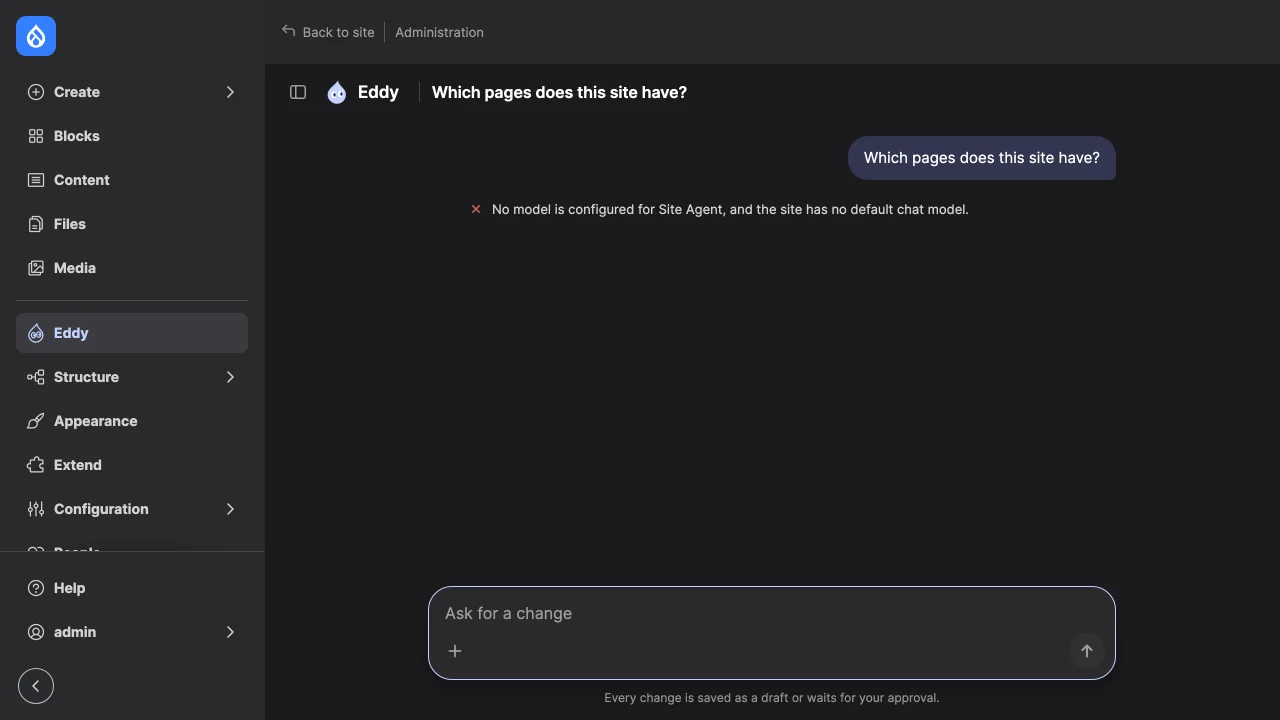
| "No model is configured for Site Agent, and the site has no default chat model." | Settings | Choose a model in step 2. |
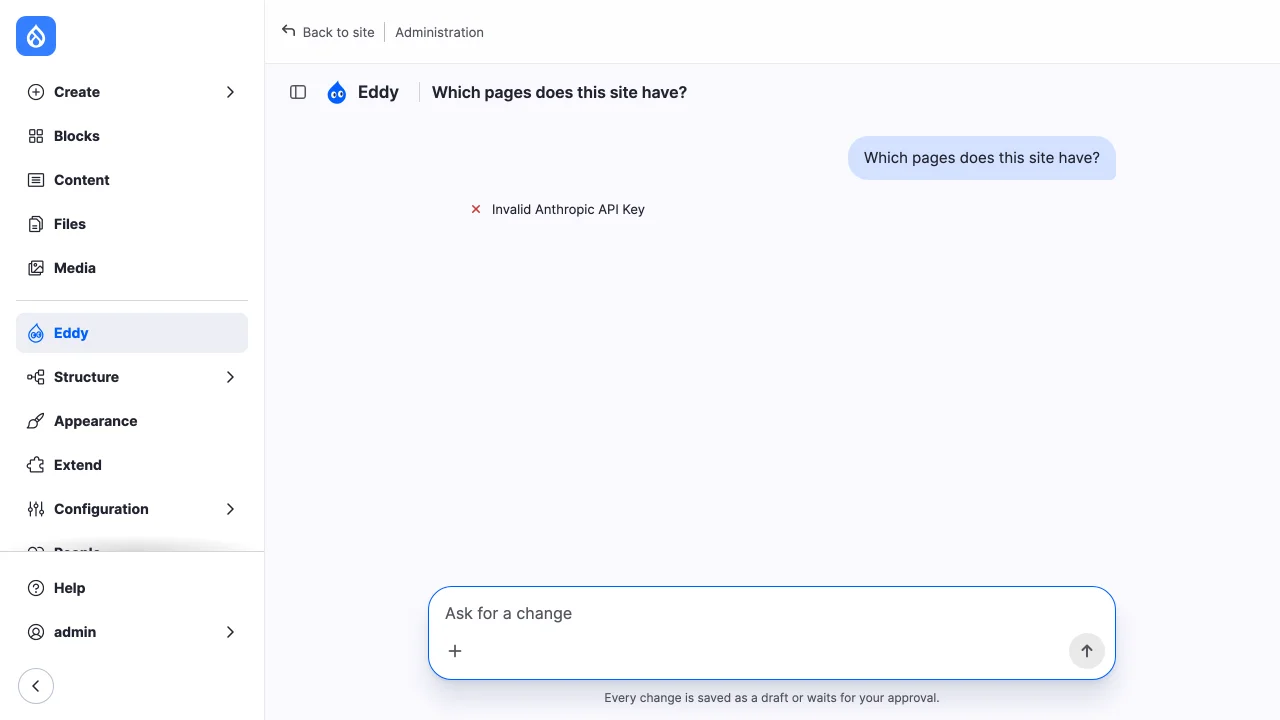
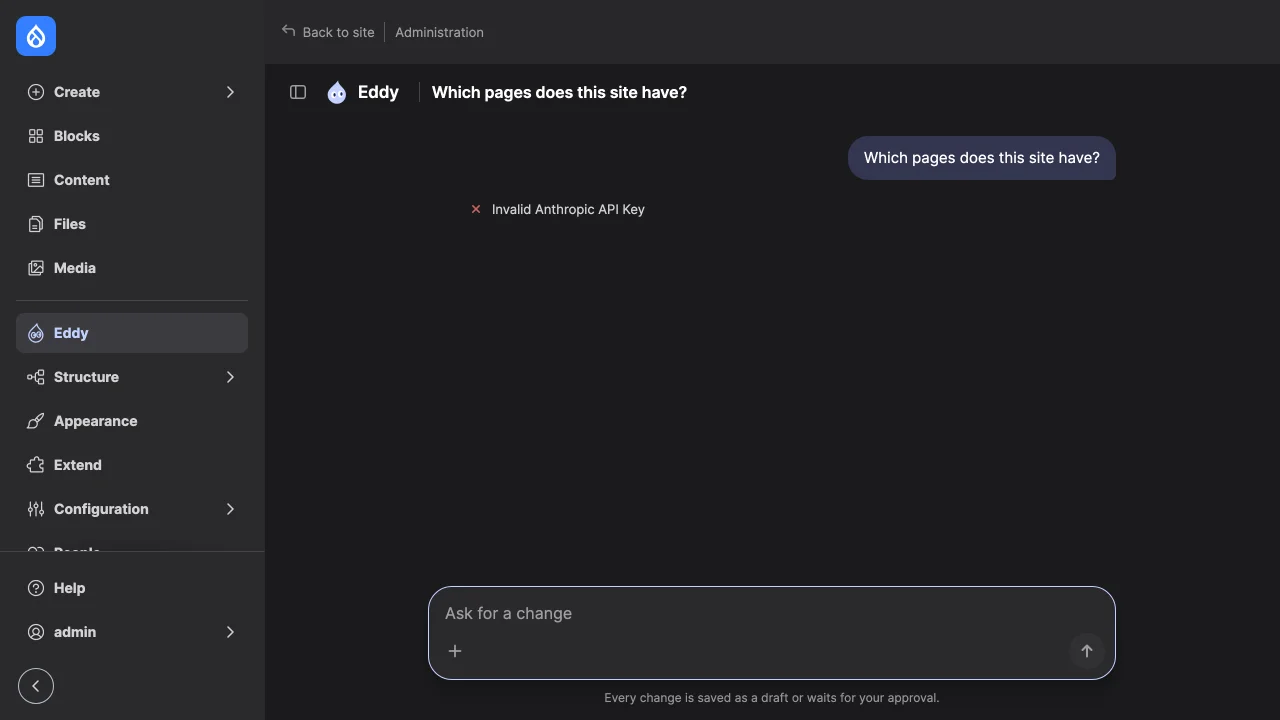
| The provider's error, such as "Invalid Anthropic API Key" | Provider | Check the key and the provider's settings. The error is the provider's own. |
"Access denied" at /admin/site-agent |
Toolset permission | Grant the role a toolset's permission, and check that the toolset is enabled. |
| "You can't use any toolsets now, so this chat can't continue. Ask an administrator." | Toolset permission | The account may use no enabled toolset any more. Grant the role a toolset's permission, or enable the toolset; the chat goes on where it stopped. |
| The model says it can't create or change something | Tool permissions | Run drush site-agent:tools --uid=UID for the account: it lists the tools of every toolset the account may use. Grant the toolset that has the tool, or what the missing tools need. |
| A red line under a call, such as "The current user may not edit these fields: status." | The tool, at execution | The tool refused the call. The model usually retries without what was refused. |
| "This content changed after the card was shown, so it was not published." | Publish | Someone saved the content after the card was built. Review the refreshed card and publish again. |
| The composer has no "+" menu, and dropped images are ignored | Uploads | Set $settings['file_private_path']. The status report says so too. |
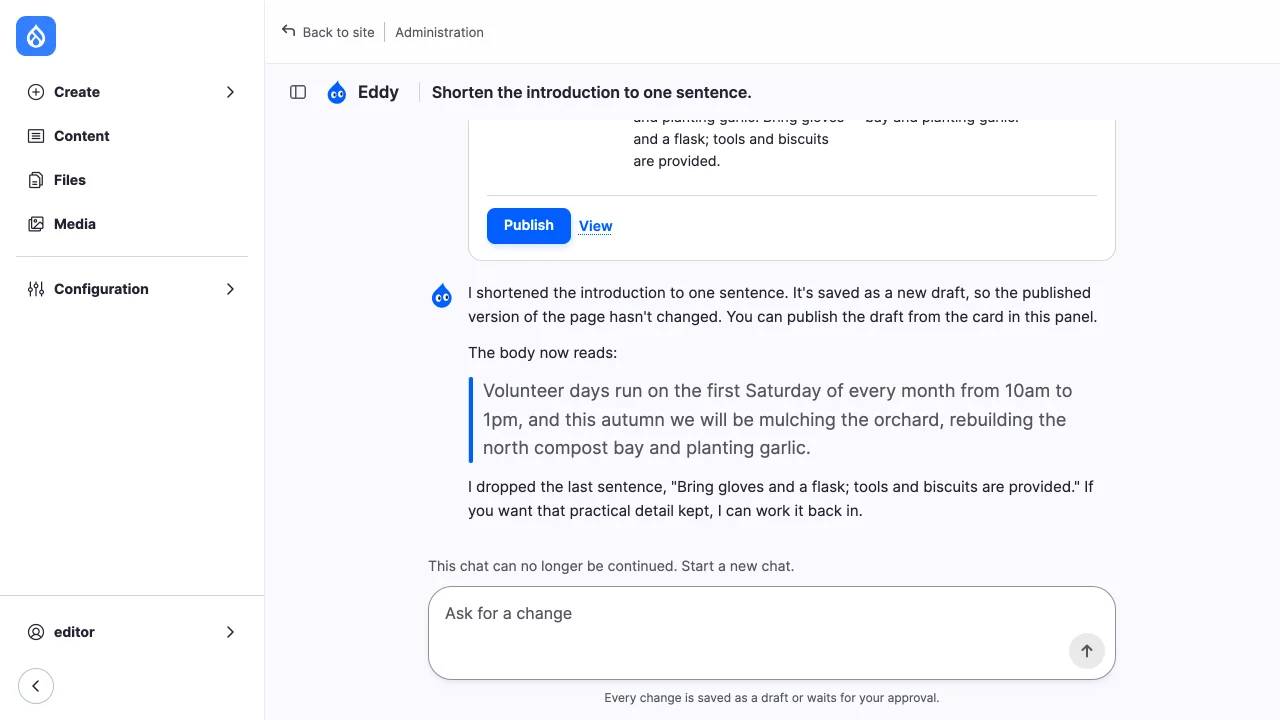
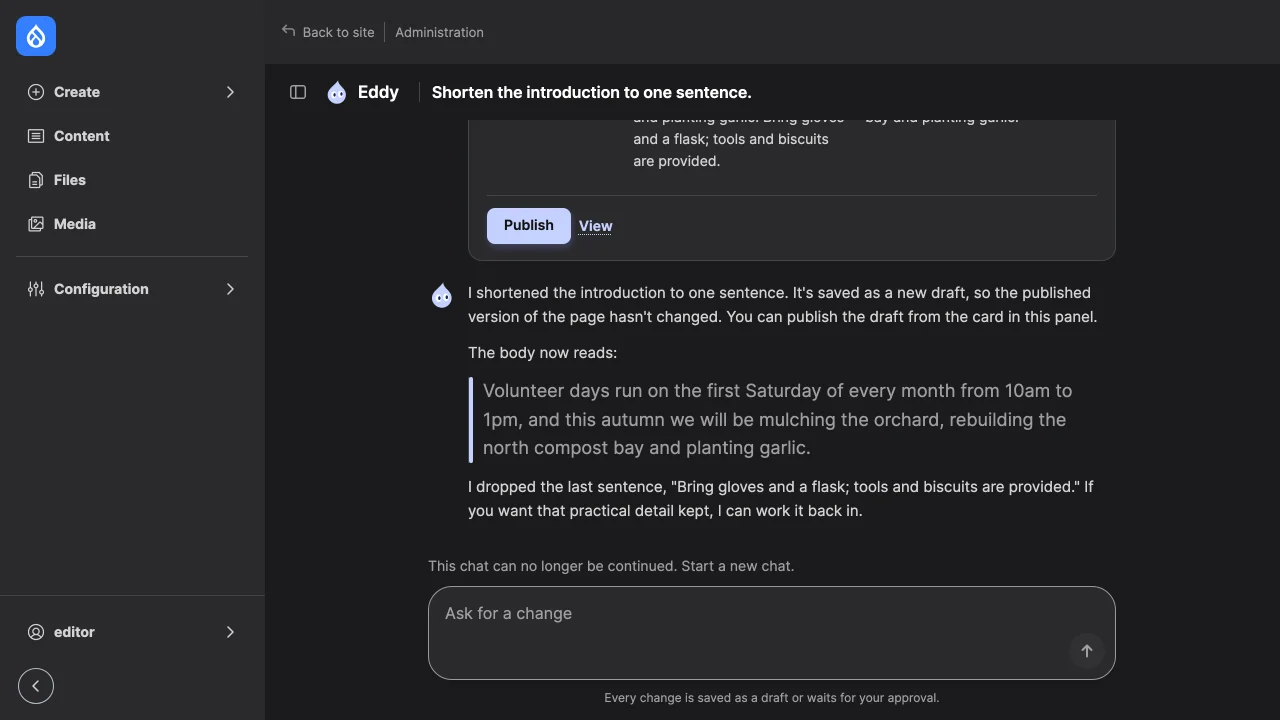
| "This chat can no longer be continued. Start a new chat." | Thread | The thread was closed, as cron does after Transcript retention, or the account may use no enabled toolset. |
| Structure changes are refused | Locked configuration | See Staging and locked configuration. |
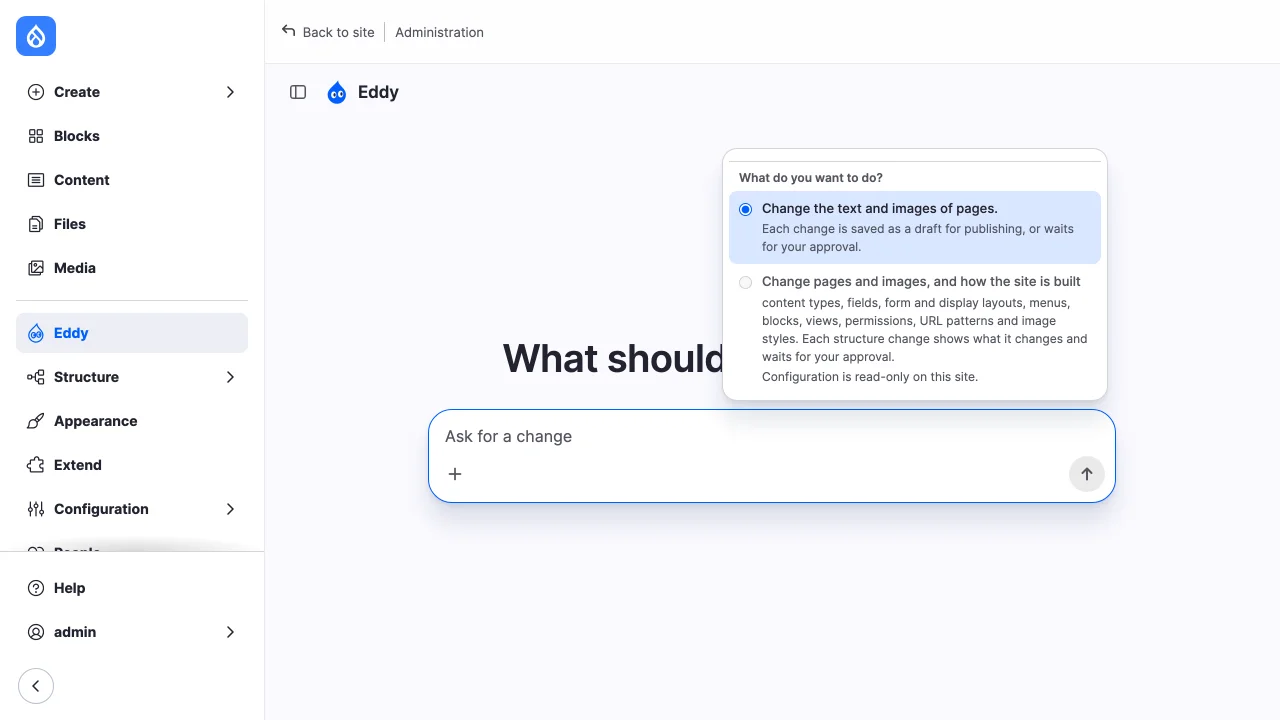
Calls an account may not make are listed in the refused calls report, and tool failures in the site's log. Report what you can't resolve in the issue queue.