Data, permissions and approvals
This page is for site owners: what Site Agent stores, what it sends to the AI provider, who can read it and how long it is kept, and what an approval does and doesn't allow.
What is stored and sent
| Data | Stored in | Who can read it | Sent to the provider | Deleted |
|---|---|---|---|---|
| User messages and the model's replies, with its tool calls and their arguments | The thread's transcript, table site_agent_transcript |
The thread's owner, and accounts with "View any Site Agent thread" | Yes: each model call sends the whole transcript | With the thread, or by cron after Transcript retention |
| Tool results: the tool's message and outputs, up to 50 KB each | The transcript | As above | Yes | As above |
| The system prompt: site conventions, the prompts of the toolsets the account may use, the page the chat was opened from, and sections other modules add, such as AI Context items | Not stored; built for each model call | Administrators of the settings and toolsets | Yes | — |
| Threads: owner, title (the first line of the first message), the page the latest message came from | site_agent_thread |
The owner, and "View any Site Agent thread" | The page's type, id and title, in the system prompt | By the owner. Cron closes a thread idle for longer than Transcript retention. |
| Tool-call records: the tool, the arguments it ran with, the decision, who decided and when, the result's summary, a rejection reason | site_agent_tool_call |
Whoever may view the thread; once the thread is deleted, "View any Site Agent thread" | No | By cron after Audit log retention. Deleting a thread keeps them. |
| Uploaded images | A temporary file in private://site-agent-uploads, owned by the uploader |
The uploader | No. The model gets a note with the file's id, name and alt text, never the image. | See Images |
| Revision log messages written by tools and by Publish | The content's revisions | Whoever may view the revisions | No | With the revisions |
Log messages, channel site_agent |
The site's log | Who may read the log | Only through a tool that reads the log, such as the Site builder's recent log entries, which needs "View site reports" | As the log is pruned |
Anything a tool reads is sent to the provider as that tool's result: the field values of content the account may read, configuration, AI Context guidance. The provider processes it under its own terms. Site Agent sends nothing on its own: what leaves the site is what the toolset's tools return and what the prompt holds.
Decisions for a site owner
- The provider. Every model call sends the thread's transcript and the
system prompt to the provider and model set at
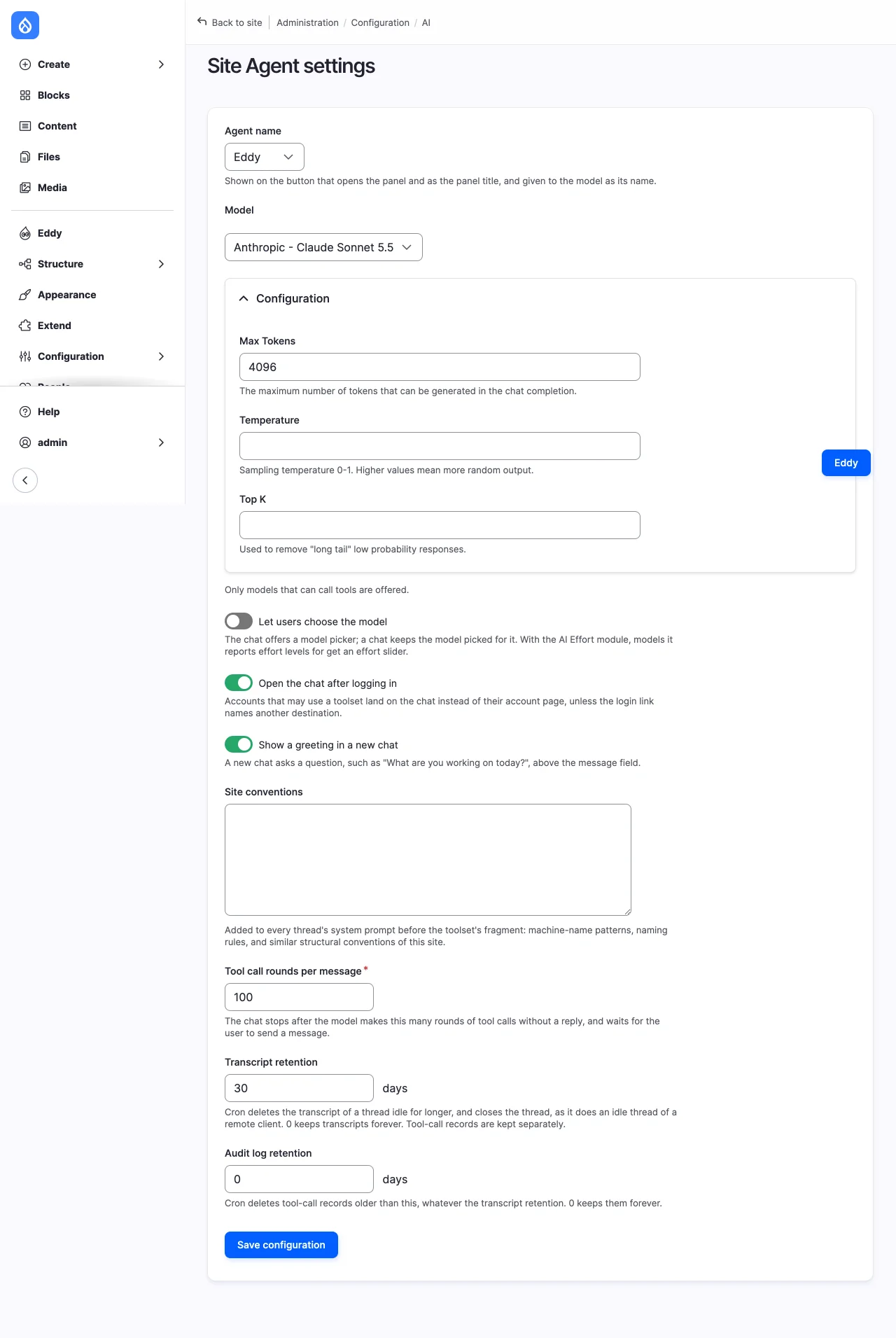
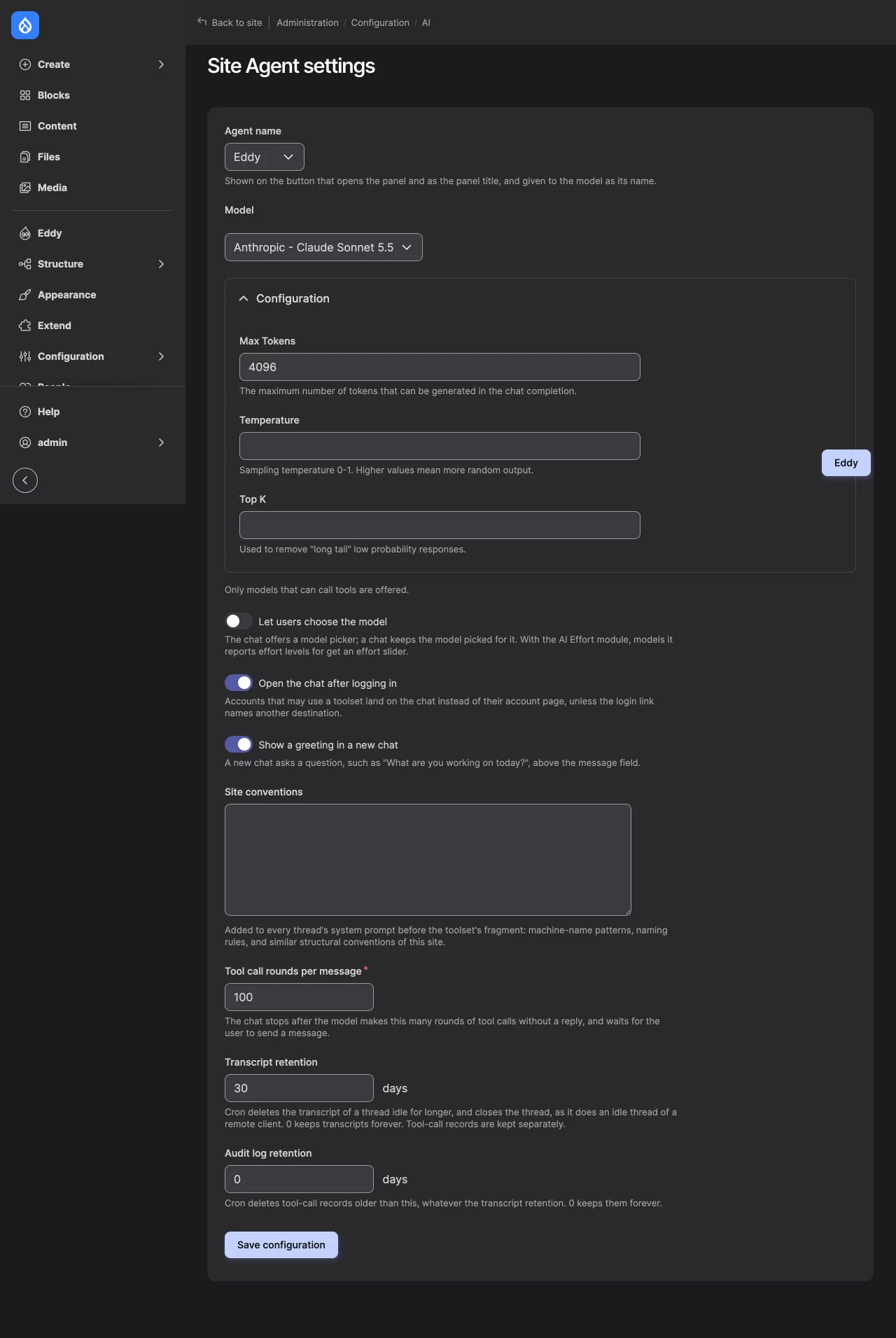
/admin/config/ai/site-agent/settings. Choose a provider whose terms suit the content the toolsets can read, and toolsets that read only what their users need. See Toolsets. - Retention. Transcript retention (30 days by default) deletes the transcript of a thread idle for longer, and closes the thread, which cancels its calls waiting for a decision. Audit log retention (0 by default, which keeps them) deletes older tool-call records. See Settings.
- Who may read threads. "View any Site Agent thread" lets an account read every thread and the records of deleted ones, and the refused calls report. Only the owner may continue, rename or delete a thread, whatever their permissions.
A thread's title, the first line of its first message up to 80 characters, is also written into the revision log of the content its tools change, as "Eddy thread 12: Shorten the introduction to one sentence." Anyone who may view those revisions reads it.
Approval is not authorization
An approval is a person's decision to run one proposed call. It grants no permission. When an approved call runs, it is checked again, as the account that owns the thread:
- the thread is still open, and the account may still use at least one enabled toolset;
- the tool is still in the account's tool list, built again from the toolsets it may use now: installed, allowed by the refinements that apply, with its declared permission, its access hint, and, for a structure change, where configuration is writable;
- the arguments still validate, the account may use the text formats they
name, and the tool's own
access()allows them; - the call is the one shown: its payload's hash matches the card's. A call changed since, because what the chat can do changed, such as a toolset edited or granted, doesn't run.
A tool that refuses an approved call says why, and the model may try another way.
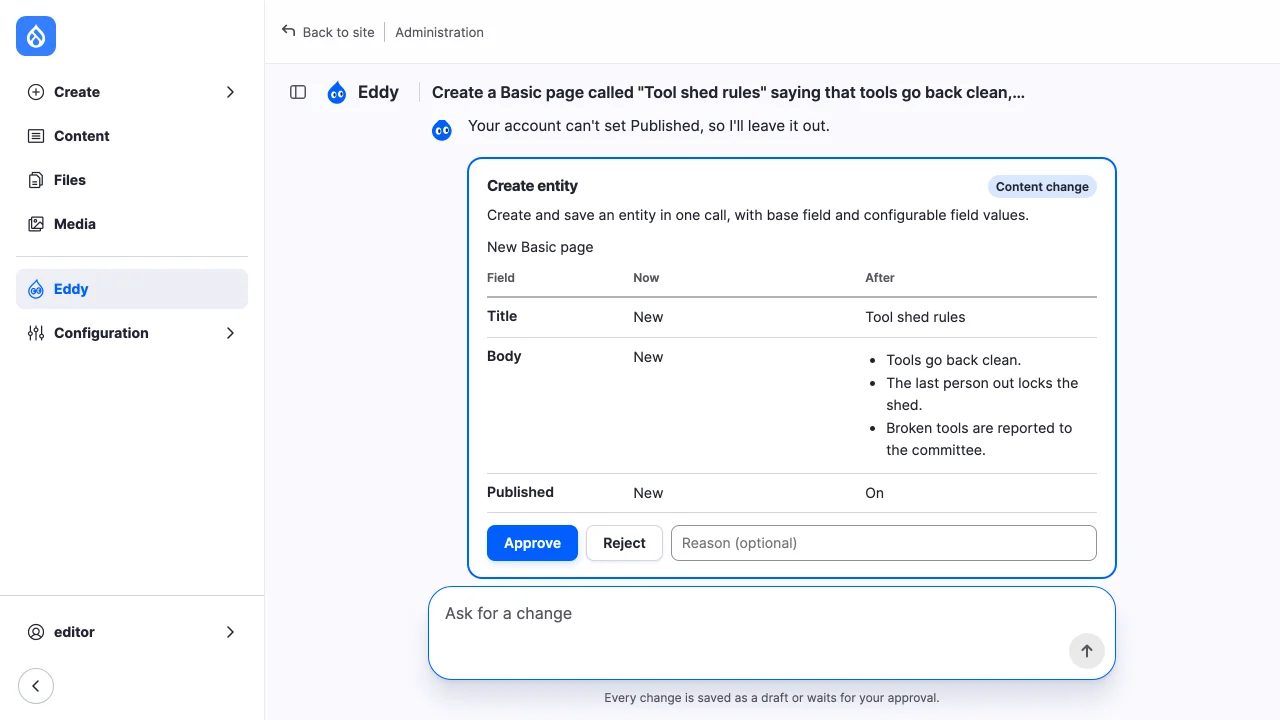
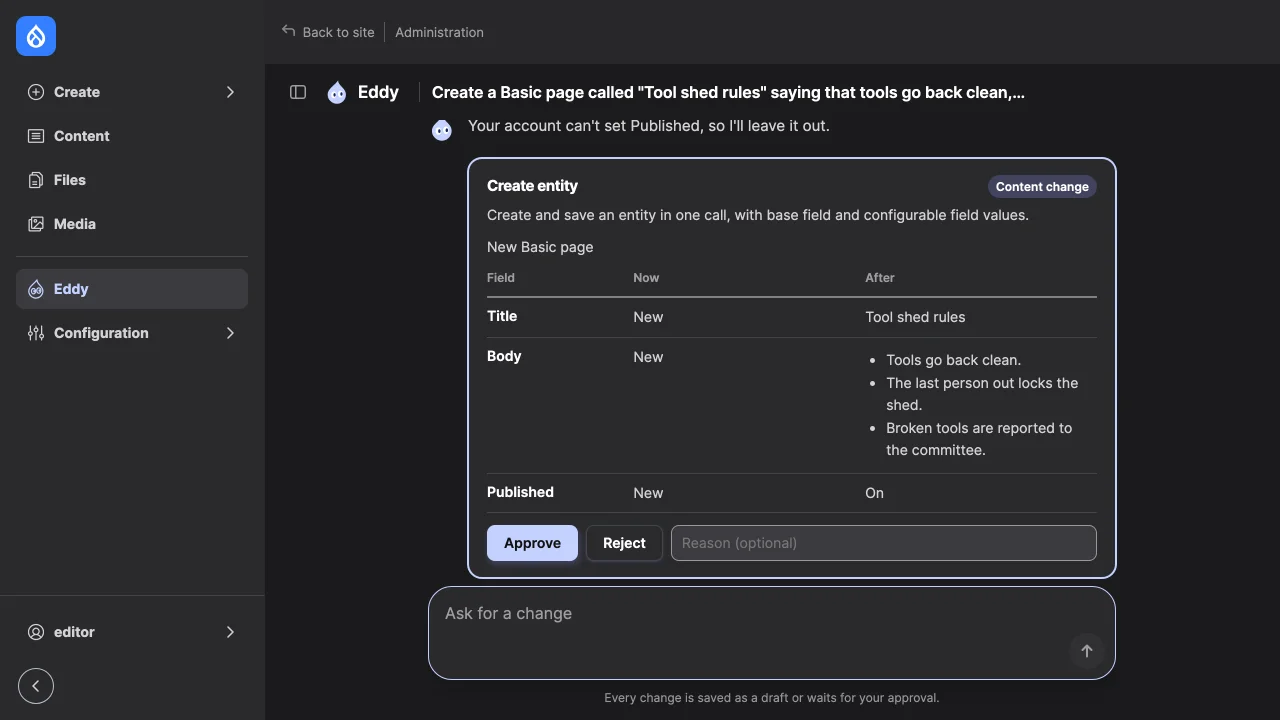
Publish, from a result card, publishes only what the account may publish: with a workflow, its transition to a published state; without one, edit access to the content and its published status. It publishes the version the card showed, and refuses if the content changed since. The model can't publish.
When a call waits for approval
Each toolset entry sets an approval mode:
- Pre-approved: the call runs without asking.
- Once per session: the first call to the tool in a thread asks; later ones in that thread run.
- Always: every call asks. This is the default.
Some calls ask whatever the entry says: a destructive tool, a content write that doesn't save drafts, a drafting tool's call that publishes or writes content without revisions, and a tool with no classification, which counts as a destructive structure change. Structure changes don't run at all where configuration is locked. See Approvals and publishing.
A thread with a call waiting takes no new message. Closing or deleting the thread cancels the call, and its record says so.
Images
An image uploaded in the chat is saved as a temporary file in the private
file system, under private://site-agent-uploads, which only its uploader
may download. Without a private file system the chat offers no upload; see
Install and first draft.
When content uses the image, as a media item does, the file moves to that field's upload location and becomes permanent. On most sites that location is public, so the image can be reached by its URL from then on, even while the page that shows it is a draft. A media item added with Content Deployment's media ingest tool is published at once, and its card says so.
An image no content uses stays temporary, and Drupal's cron deletes it after
the age set at /admin/config/media/file-system. Deleting a thread doesn't
delete its uploads.
Remote clients
The Site Agent MCP submodule is experimental. A remote MCP client, such as Claude, gets the tools of every toolset the account may use and the same checks and records as the chat. What differs:
- The client receives the toolsets' prompts and the prompt sections, without the agent's name or a page.
- The client's own model gets the tool results, under the client's terms.
- Approval cards, with their content previews, are sent to the client: as an MCP App, or as a question the client asks its user. The site can't tell that a person clicked or answered.
- The card's MCP App loads the MCP Apps SDK from
unpkg.com. - Remote threads keep tool-call records but no transcript. Cron closes an idle one after Transcript retention, as it does a chat's thread.
See Remote clients for connecting a client and the OAuth scopes a token carries.