Chat
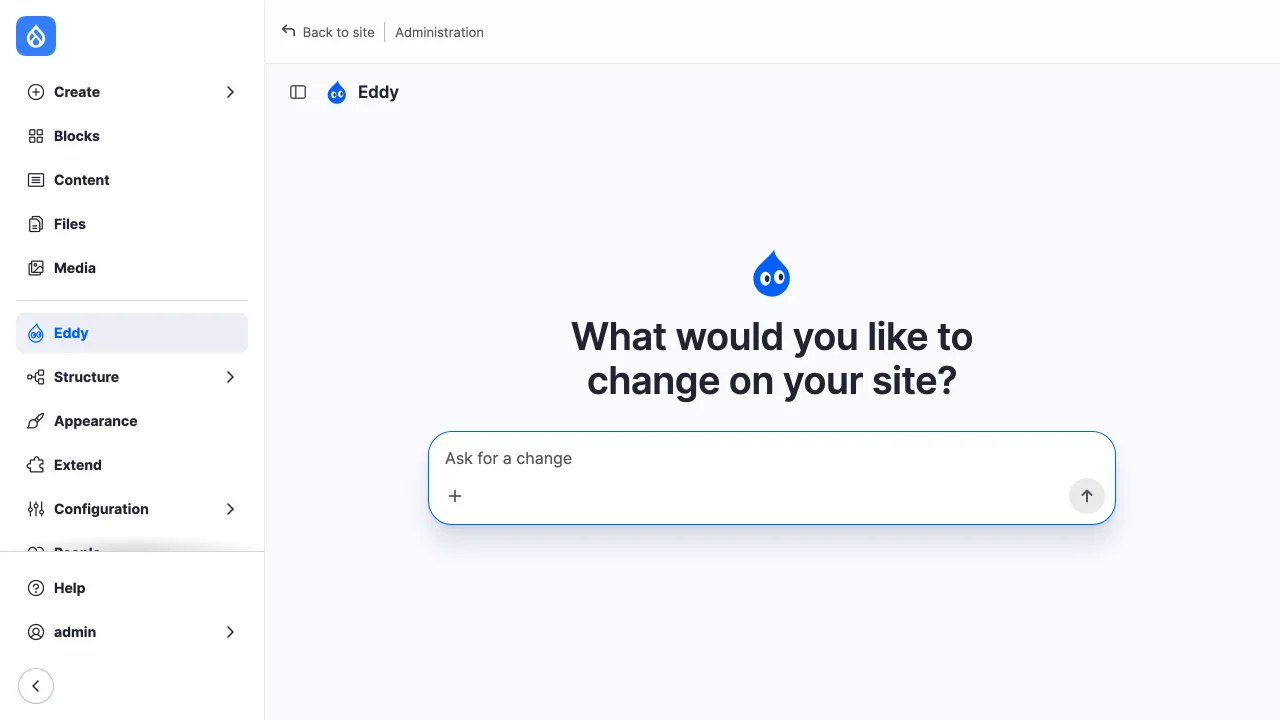
The chat is a page at /admin/site-agent, linked from the admin menu as the
agent's name. Accounts that may use a toolset land on it after logging in
through the login form, unless the login URL names a destination; the
"Open the chat after logging in" setting turns that off. Every other admin
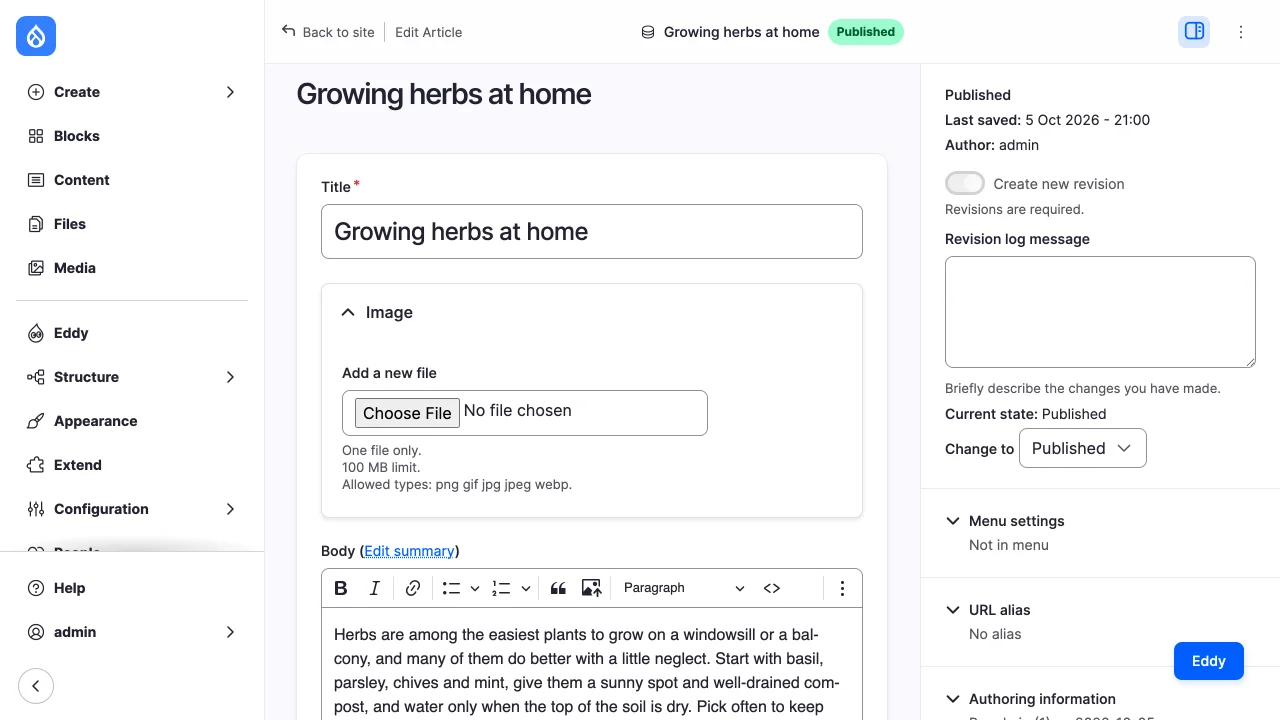
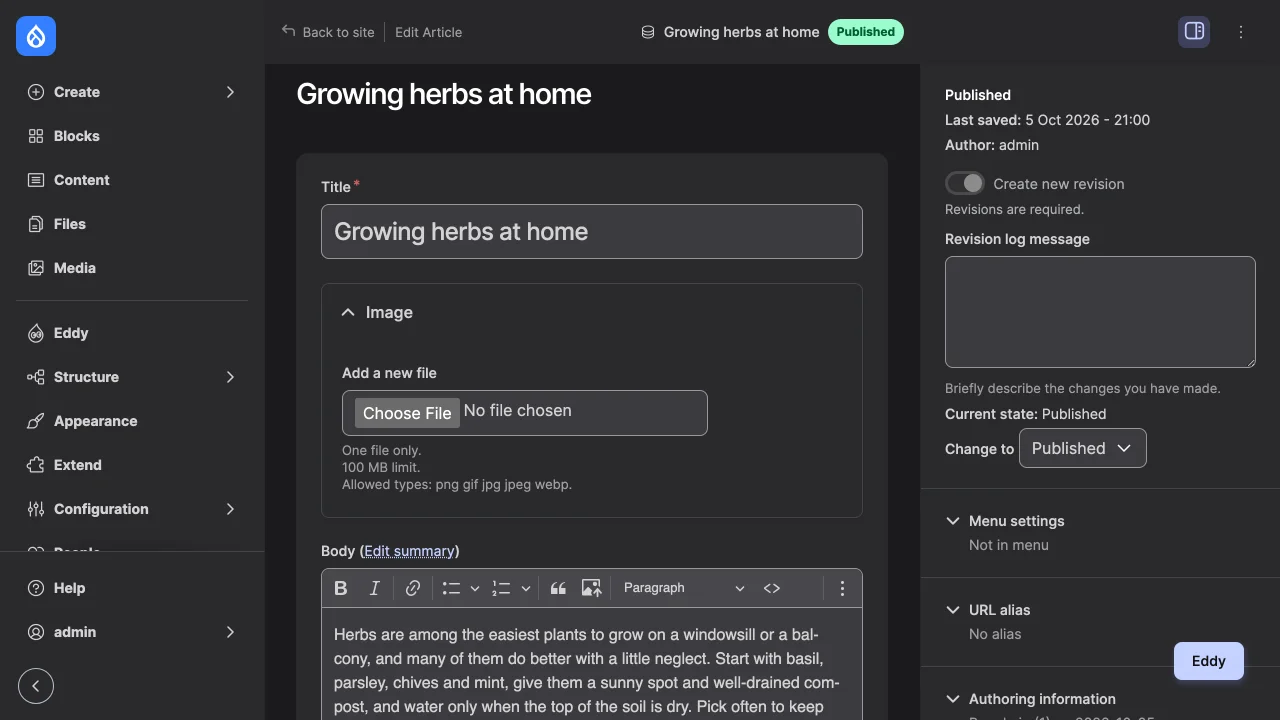
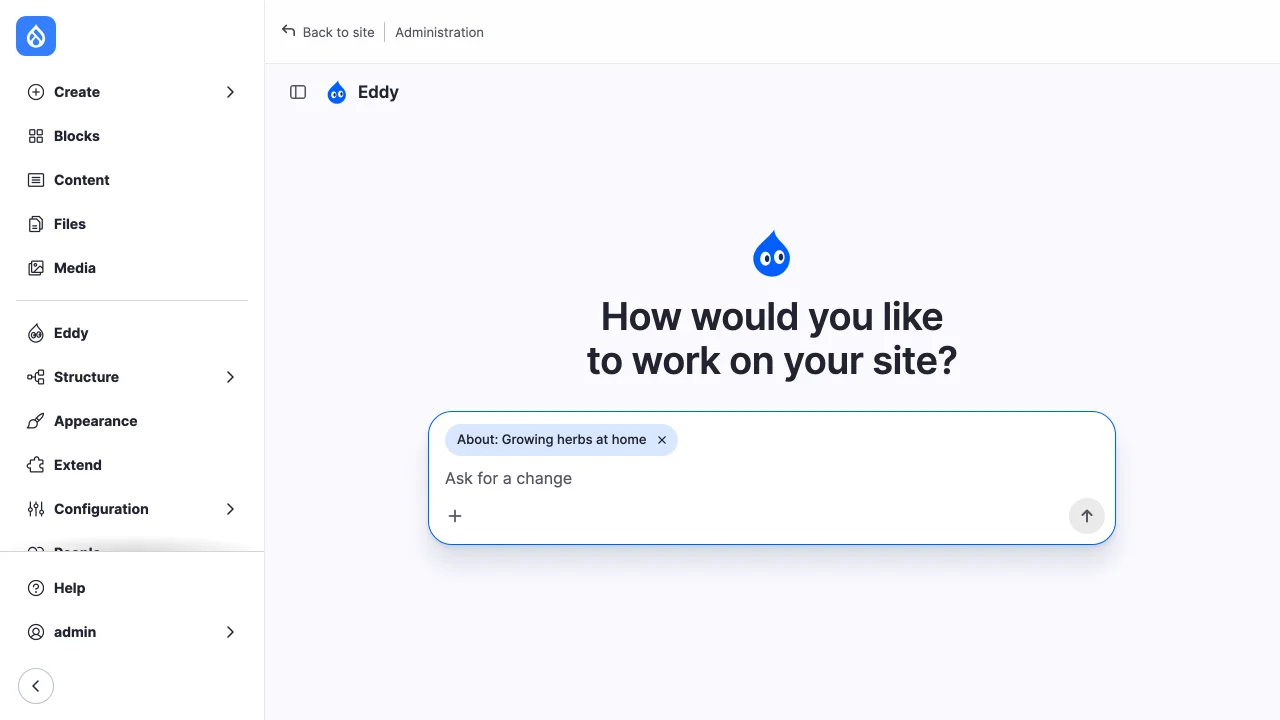
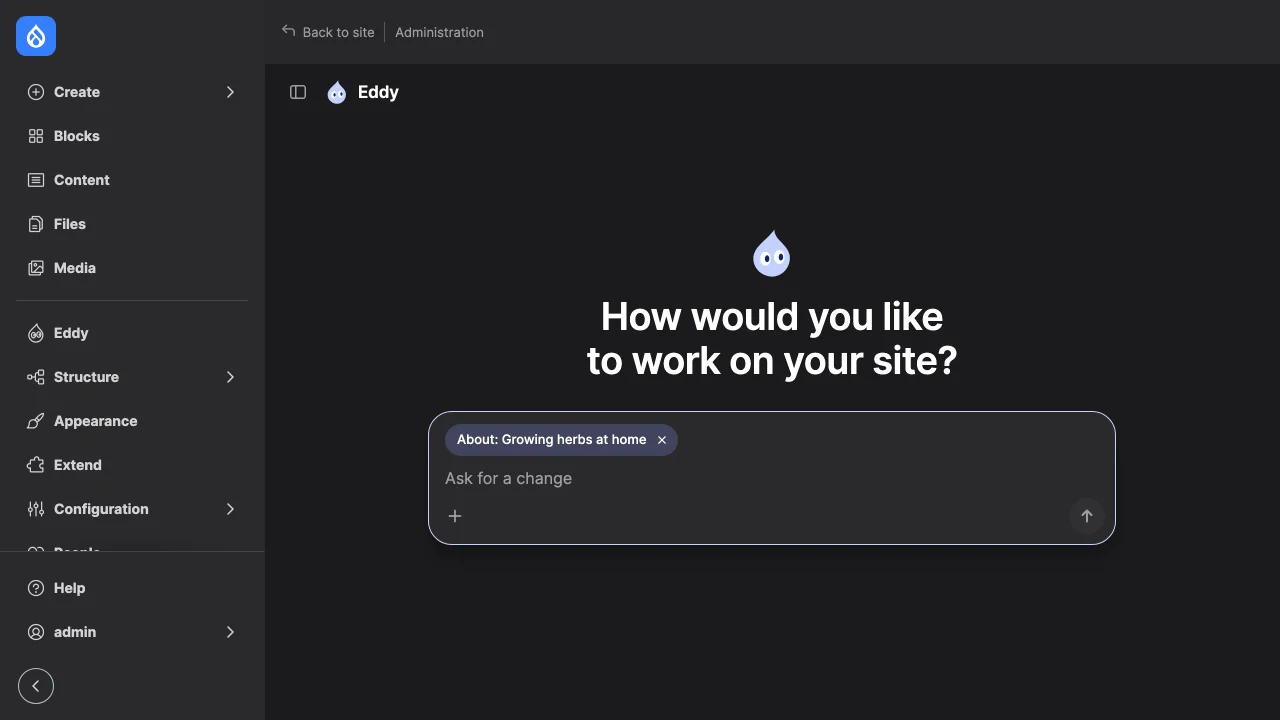
route has a button that opens the chat. On an entity's admin page the button
passes the entity's type and id, and the new chat is about that entity: the
server checks that the account may view it, the composer shows its title,
and it travels with each message as the route context, named in the system
prompt as what "this page" means, until the user removes it.
The page has the account's chat history on the left: up to 500 threads,
latest first, grouped by when each last changed, with a search field that
filters by title. Remote clients' threads aren't listed. A thread is titled
by its first message until its owner renames it. Only the owner may rename
or delete a thread, open or closed; deleting it deletes its transcript and
cancels its calls waiting for a decision, and keeps its tool-call records,
under the audit retention setting. Each thread
has its own URL, /admin/site-agent/THREAD; "New chat" returns to /admin/site-agent.
Accounts with view any site_agent thread can open others' threads there,
read only, as they can a closed thread.
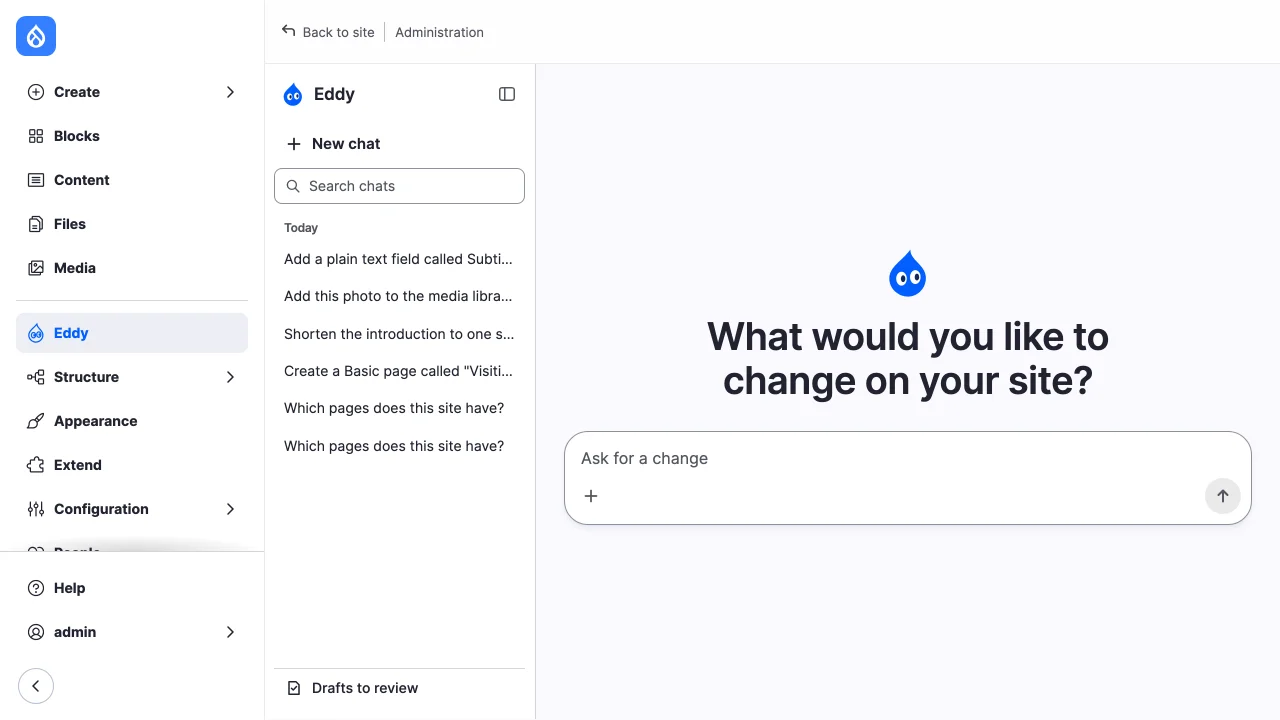
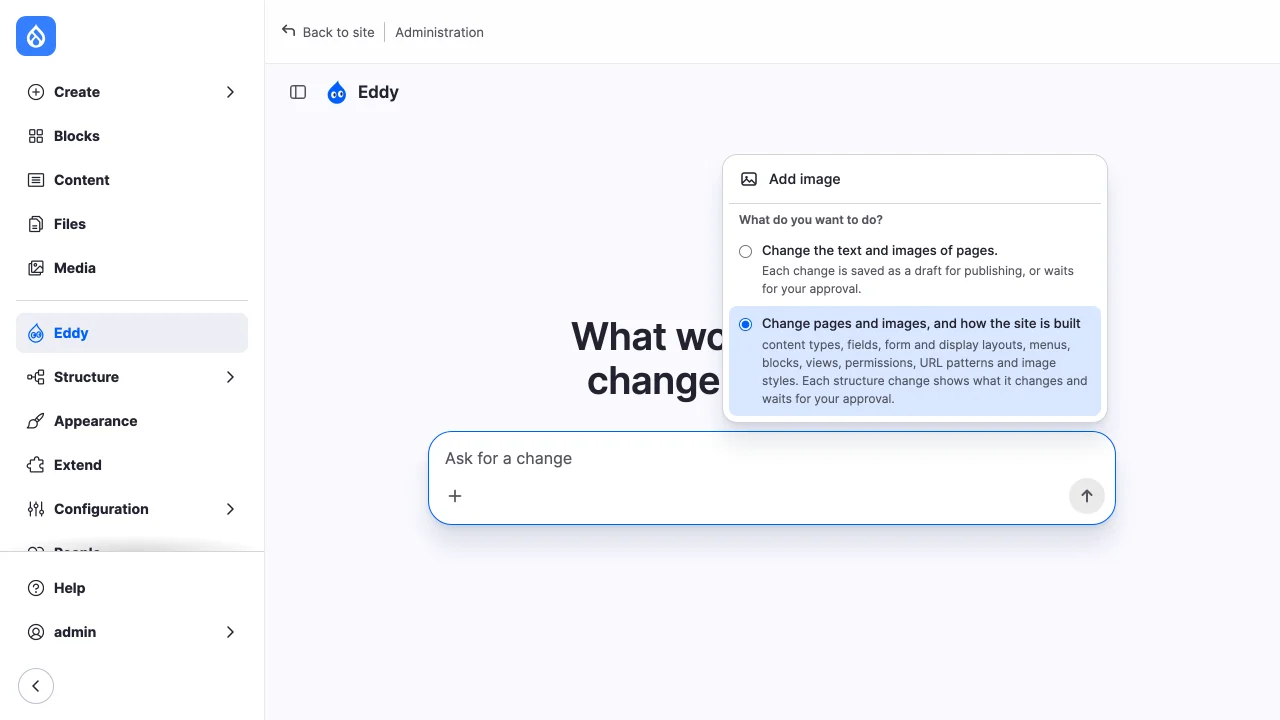
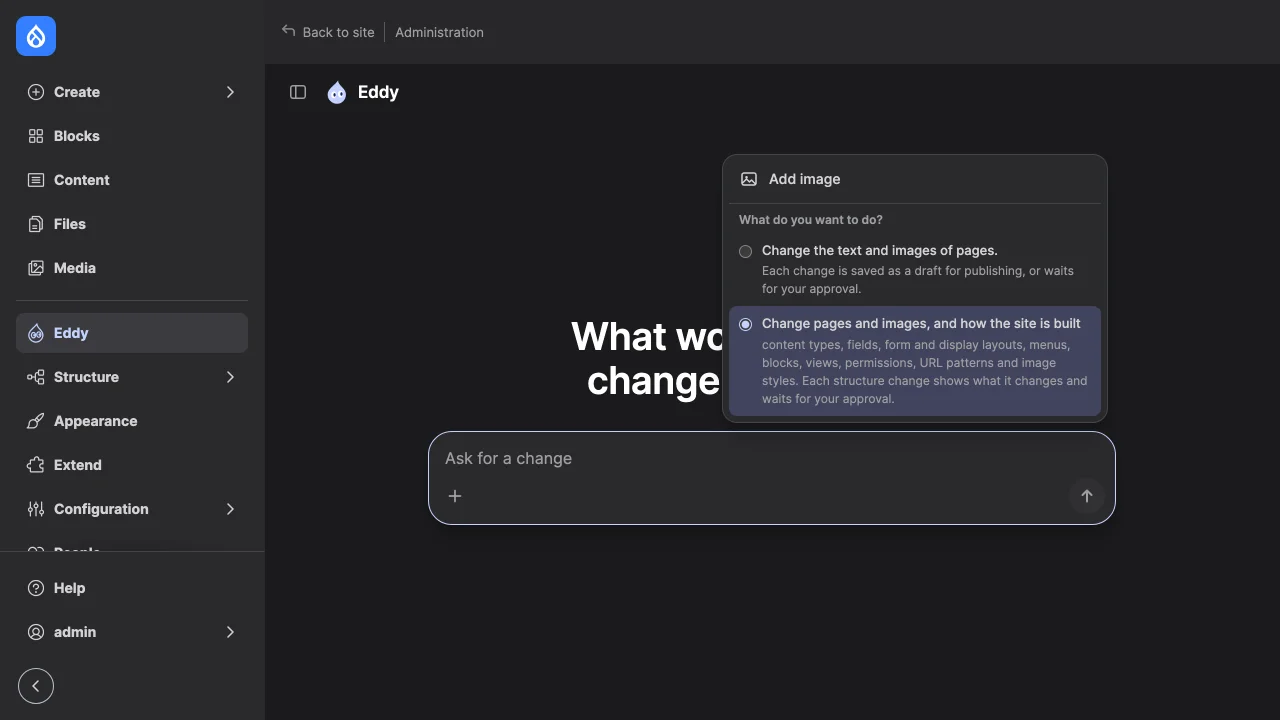
A chat has the tools of every toolset its account may use, new or old; the composer offers no choice of toolset. See Many toolsets in one chat. Disabling a toolset, or revoking its permission, takes its tools out of every chat from the next turn. When the account may use no toolset any more, its chats can't be continued, nor their calls decided or their cards published, until it may use one again. The composer's "+" menu holds "Add image", and is shown only where the chat takes images.
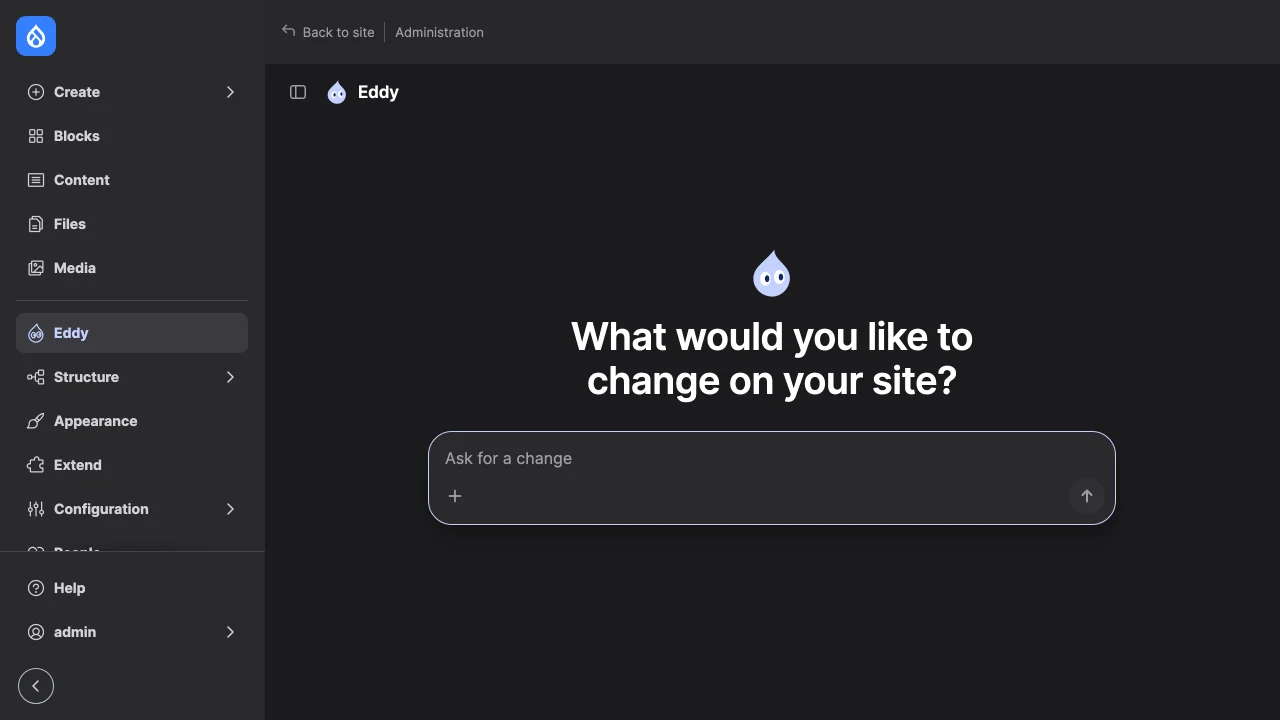
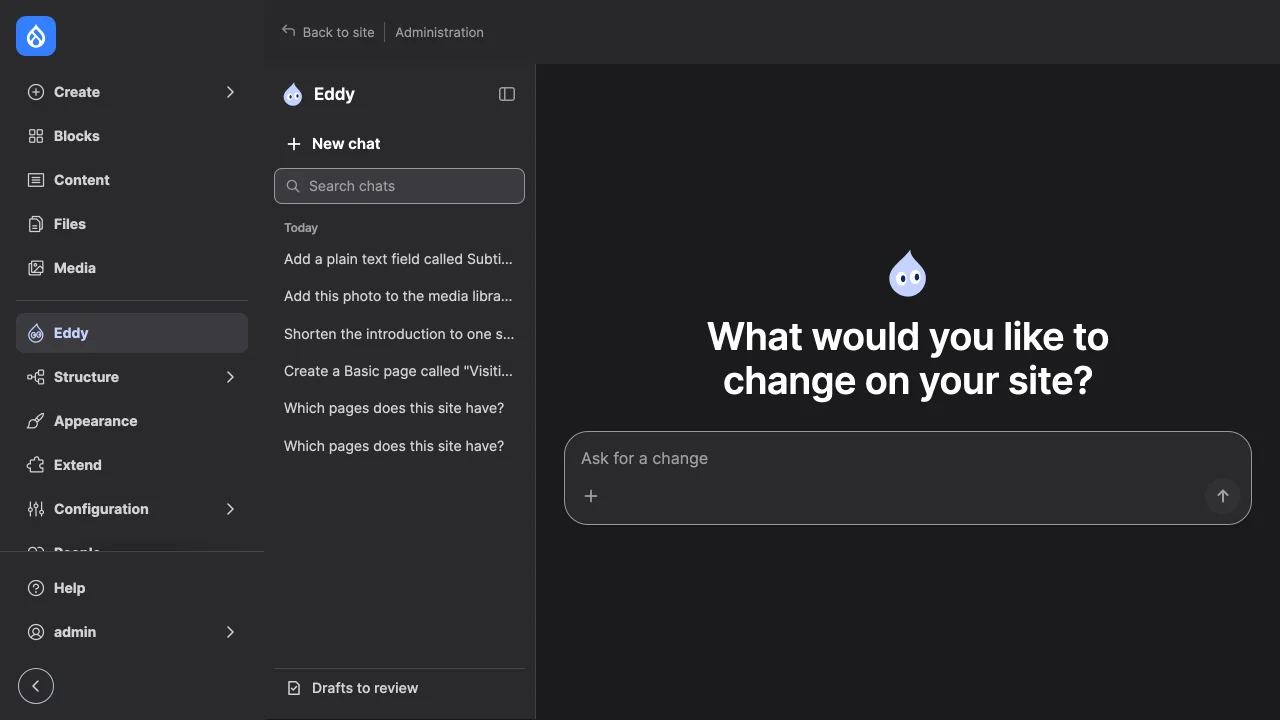
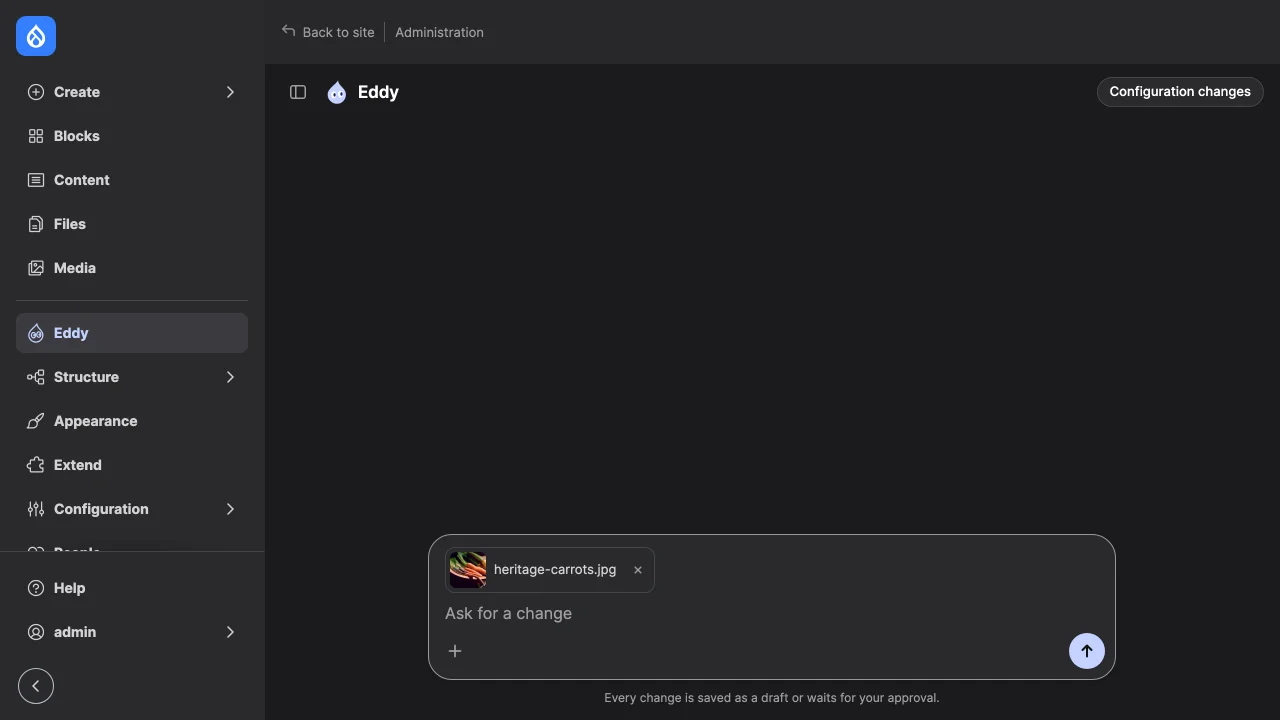
The page follows the Drupal brand guidelines: Drupal Navy, Dark Blue and Light Blue, the Site Agent logo as the agent's mark, ZT Gatha for headlines and Noto Sans for everything else. It fills the content area beside core's Navigation, without the page title band. The history starts hidden, with the agent's name beside the button that shows it; the choice is remembered in the browser. A new chat asks one of a few questions at random, unless the greeting is turned off. Links in replies and cards open in a new tab.
On a narrow screen the history opens as a drawer and replies drop their indent:
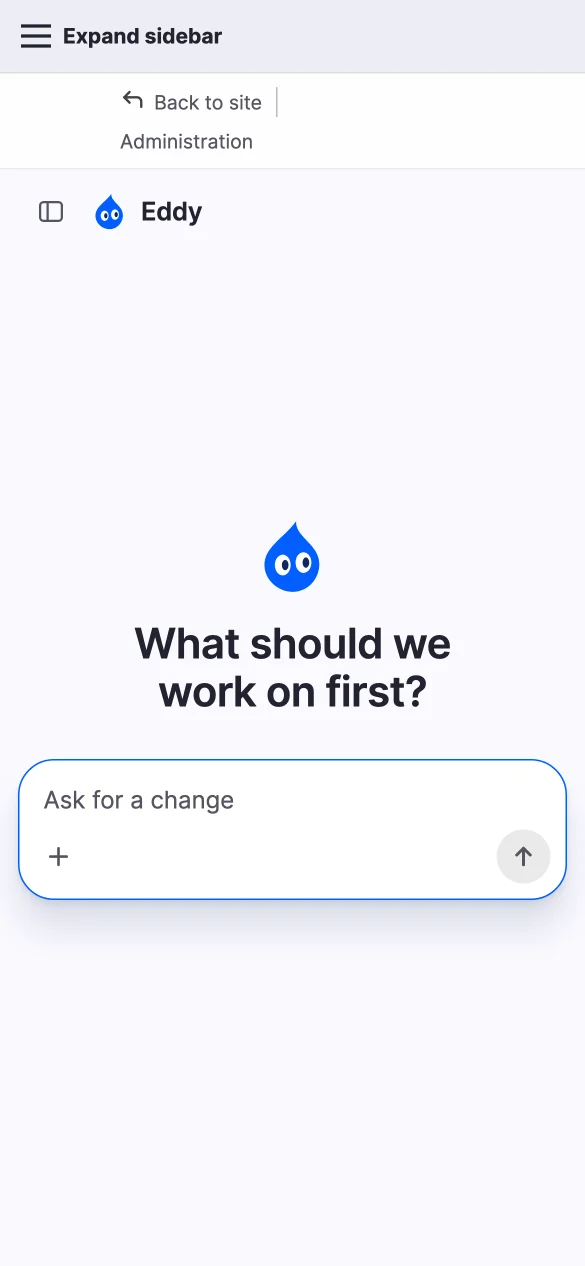
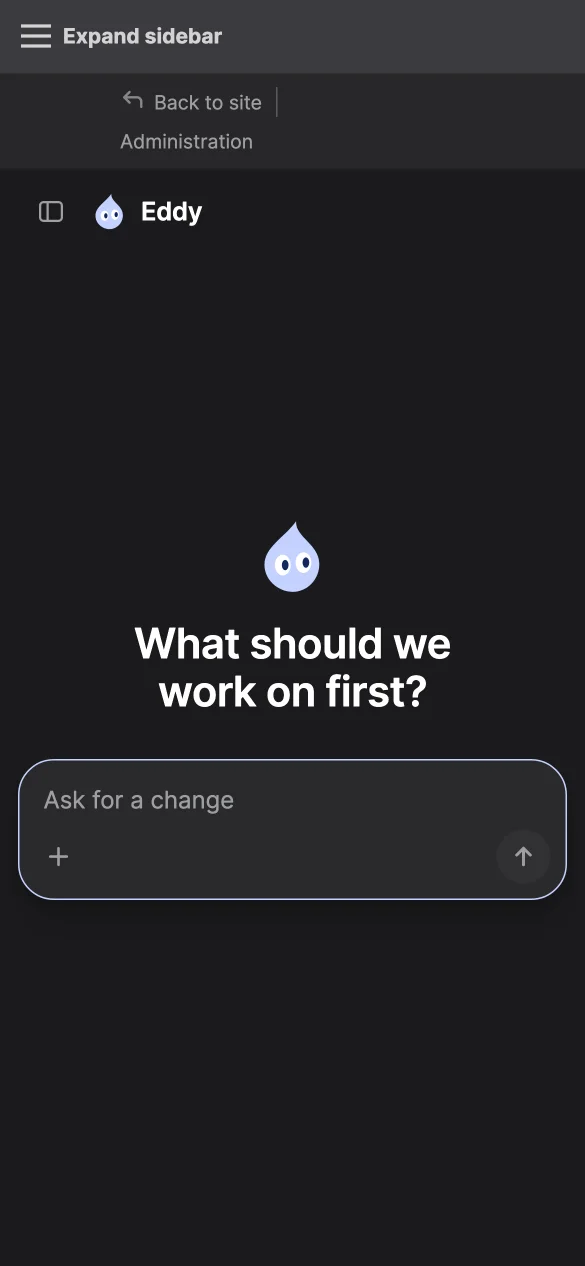
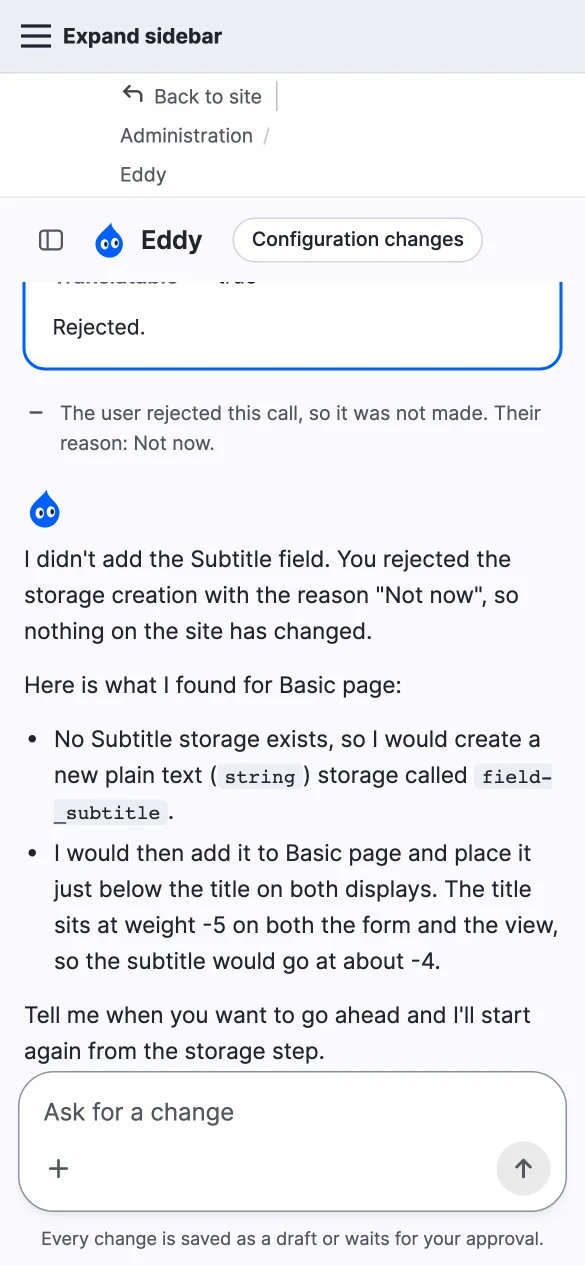
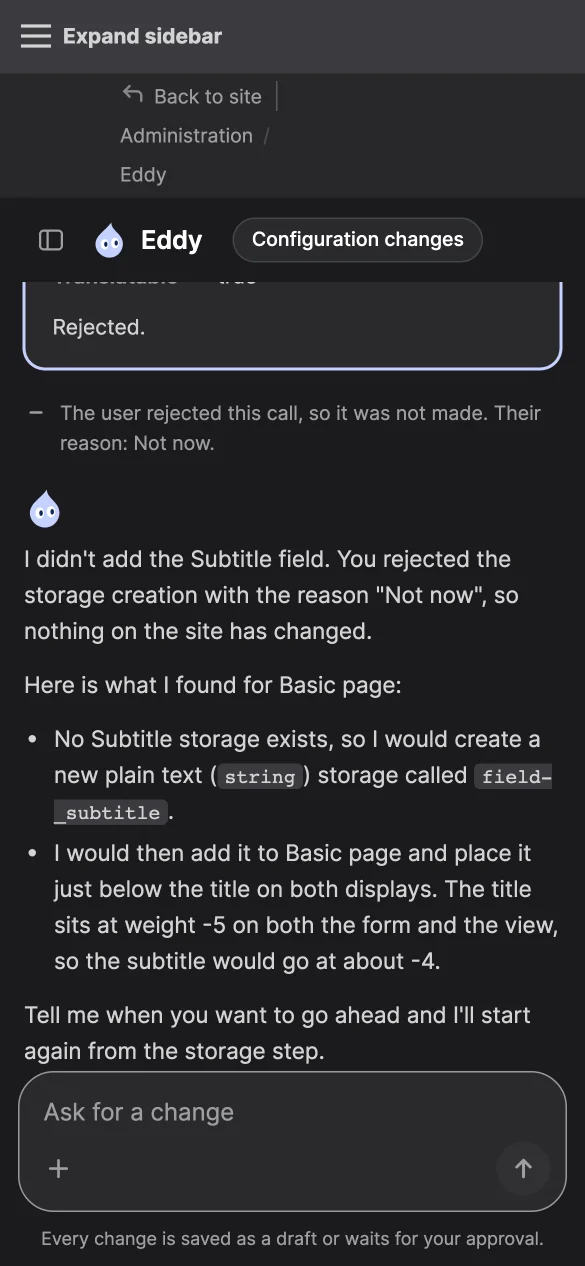
Noto Sans ships in fonts/noto-sans under the SIL Open Font License, and ZT
Gatha SemiBold, and the Bold the documentation site uses, in fonts/zt-gatha,
as published free by Zelow Type on dafont.com.
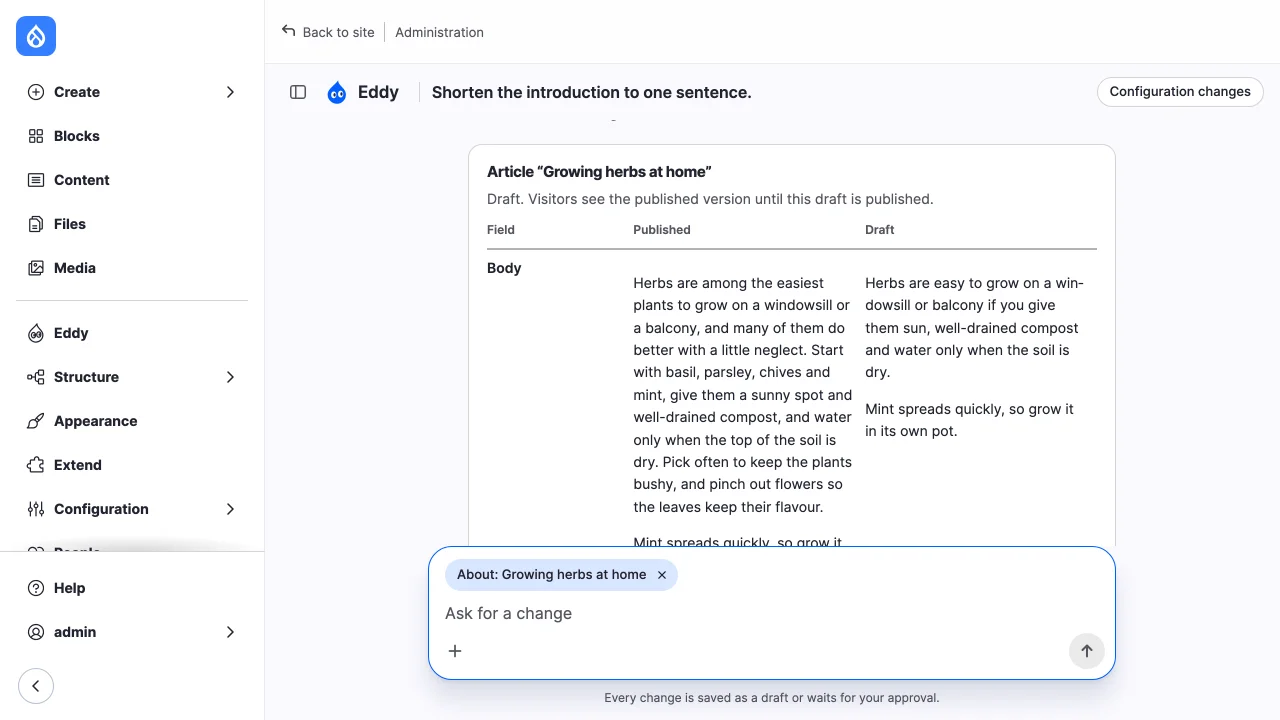
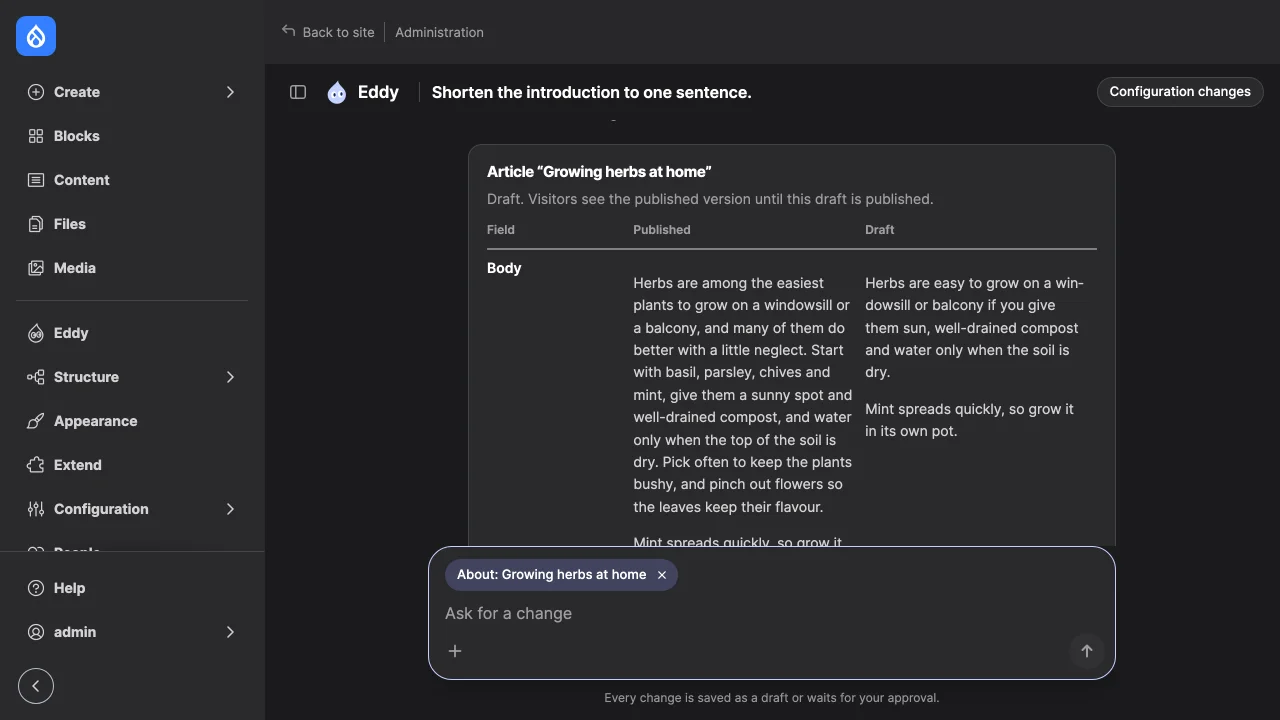
The chat (js/chat.js, css/chat.css, templates/site-agent-chat.html.twig;
Drupal behaviors, no build step) reads each turn's event stream with
fetch(), shows the model's text as it streams, lists tool results by the
first line of their summary, and shows an approval card for a pending call.
While the agent works, before its reply streams and after each tool runs, it
shows Drupal's progress throbber.
When a turn ends, its reply is shown again as HTML rendered from its Markdown
with HTML input escaped, unsafe links dropped, and the result filtered to a
short list of tags. The card is rendered on the server from the stored
payload: the tool and the arguments the call runs with, never the model's
summary of it. When a turn ends in continue, the chat starts the next one;
after a dropped stream it reads the thread's state. Accounts that may see
core's moderated content listing get a "Drafts to review" link to it; the
chat keeps no review queue of its own.
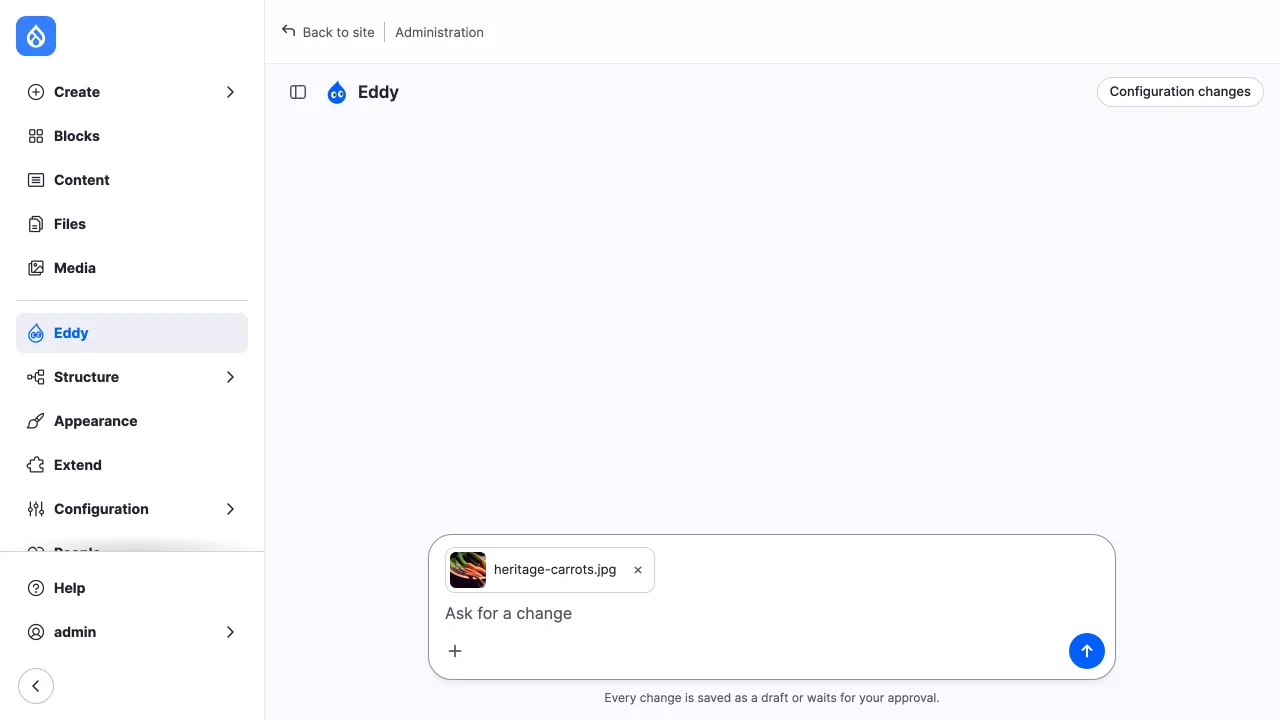
"Add image", in the composer's "+" menu, or an image dropped onto the chat,
uploads a PNG, GIF, JPEG or WebP image of up to 10 MiB (less where PHP's upload
limit is lower) at once; up to ten images ride on one message, each shown as a
chip that can be removed before sending. Other files, and images over the
byte limit, are refused in the browser and again on the server. The server
also limits images to 20 megapixels and 8,192 pixels on either side before
decoding them; resize larger images before uploading. The image is saved
as a temporary file in private://site-agent-uploads, owned by the uploader,
who alone may download it. Content that uses it moves it to the location its
field keeps files in, as an upload through that content's own form would be,
and makes it permanent; cron deletes it otherwise. The chat refuses uploads
on a site without a private file system, and the status report says so. The
next message names each file to the model. An image has no alt text when it is
uploaded: the model is told to ask the editor what it shows and to use their
words as its alt text, and the runner refuses any write that leaves an image's
required alt text empty. The upload endpoint still accepts alt text from other
clients.
Threads and transcripts
A site_agent_thread content entity is one conversation: its owner, the
route context of its latest message, status (open or closed), the
staging workspace when a dev thread uses one, and its origin: chat, or
mcp for a remote client's thread, which has no transcript. Only the owner
may continue a thread, while it is open and the owner may use at least one
enabled toolset; view any site_agent thread grants reading others.
A thread isn't bound to a toolset. Each turn, and each approval decision, works with every toolset its owner may use at that moment.
Transcripts are stored through AI's ChatMemoryInterface, by the
site_agent_thread ChatMemory plugin, in the site_agent_transcript table.
Tool calls are stored as plain id, name and arguments.
Chat endpoint
| Route | Method | Does |
|---|---|---|
/site-agent/threads |
GET | Lists the account's threads, latest first: id, title, URL, last change and whether each is open. |
/site-agent/threads |
POST | Starts a thread. No body; a toolset an older client sends is ignored. |
/site-agent/threads/{thread}/turn |
POST | Runs one turn and streams it as server-sent events. Body: {"message": TEXT, "context": {"entity_type", "id", "route"}, "uploads": [FILE_UUID]}; the message and uploads are optional. |
/site-agent/threads/{thread}/uploads |
POST | Uploads an image, multipart: file and, optionally, alt. |
/site-agent/threads/{thread} |
GET | Reads the thread's state, transcript and pending calls. |
/site-agent/threads/{thread}/config |
GET | Lists the configuration the thread changed that differs from the sync directory. |
/site-agent/threads/{thread}/stop |
POST | Asks the running turn to stop. |
/site-agent/threads/{thread}/rename |
POST | Renames a thread. Body: {"label": TEXT}. |
/site-agent/threads/{thread}/delete |
POST | Deletes a thread and its transcript. |
/site-agent/tool-calls/{record}/approve, .../reject |
POST | Decides a pending call. Body: {"hash": PAYLOAD_HASH, "reason": TEXT}. |
/site-agent/tool-calls/{record}/publish |
POST | Publishes the latest revision of the entity a write changed. Body: {"version": VERSION}, or for a write of several entities {"items": [{"target": "node:12", "version": VERSION}]}. |
POST routes need a logged-in session and the X-CSRF-Token header from
/session/token. Turns, stops, decisions, renames and deletions are refused
to anyone but the thread's owner. The route context is checked on the server: it is kept only
when the account may view the entity.
A turn's stream carries thread, text, tool, pending and state events,
each with a JSON payload. Calls waiting from the model's previous reply run in
the request, before the stream starts; only the model call runs inside it, and
it finishes even if the browser disconnects. A state of continue means the
browser should start the next turn; awaiting_approval means a call waits for
a decision. After a dropped stream the chat reads the state rather than
sending its message again.