Approvals and publishing
Each call gets the approval mode of its toolset entry, the strictest one when two toolsets offer the tool, except that destructive and unclassified tools, and content writes that don't land as drafts, prompt on every call. A draft waits for publishing, which is its approval; a write that goes live at once can't.
- A pre-approved call runs at once; so does a call to a tool approved earlier
in the same thread under
once. - The first call needing approval is stored as pending, with its tool, arguments and a hash of the payload, and the turn ends. Later calls from the same reply wait behind it. A new message is refused while a call is pending.
- Before a call is stored as pending, its arguments are validated and the
tool's
access()runs with them, so nobody is asked to approve a call they couldn't make. A refusal goes back to the model as a tool error. - Approving checks the call again, access included, and runs it. Rejecting sends the rejection to the model, and skips and reports the later calls of the same reply. Either way the browser starts the next turn.
- Decisions are bound to the call's record id, the thread owner and the payload hash shown to the user.
- A write whose new values use a text format the account may not use is refused before any card, with a message naming the field and the format. Tool Belt's input validation refuses it too, with a generic message; a tool that doesn't validate could store it, and a value rendered in a format the account couldn't choose could carry markup the account couldn't enter.
- A content spec applied to an existing entity is its whole desired state:
Content Deployment empties each configurable field the spec leaves out. A
spec that leaves out a field with a value is refused before it runs, with a
message naming the fields, so a model that sends only the fields it changes
doesn't blank the rest of the page in a draft that runs without a prompt. A
field emptied on purpose is given as
[]. The tool's classification marks it (changes.whole, seesite_agent.api.php).
Every call leaves a site_agent_tool_call record, the audit log: thread, tool,
arguments, payload hash, status (pending, approved, rejected, run or
failed), outcome, approval mode, classification, who decided, when, and a
result summary. Records are kept apart from transcripts; the audit retention
setting purges old ones, never pending ones.
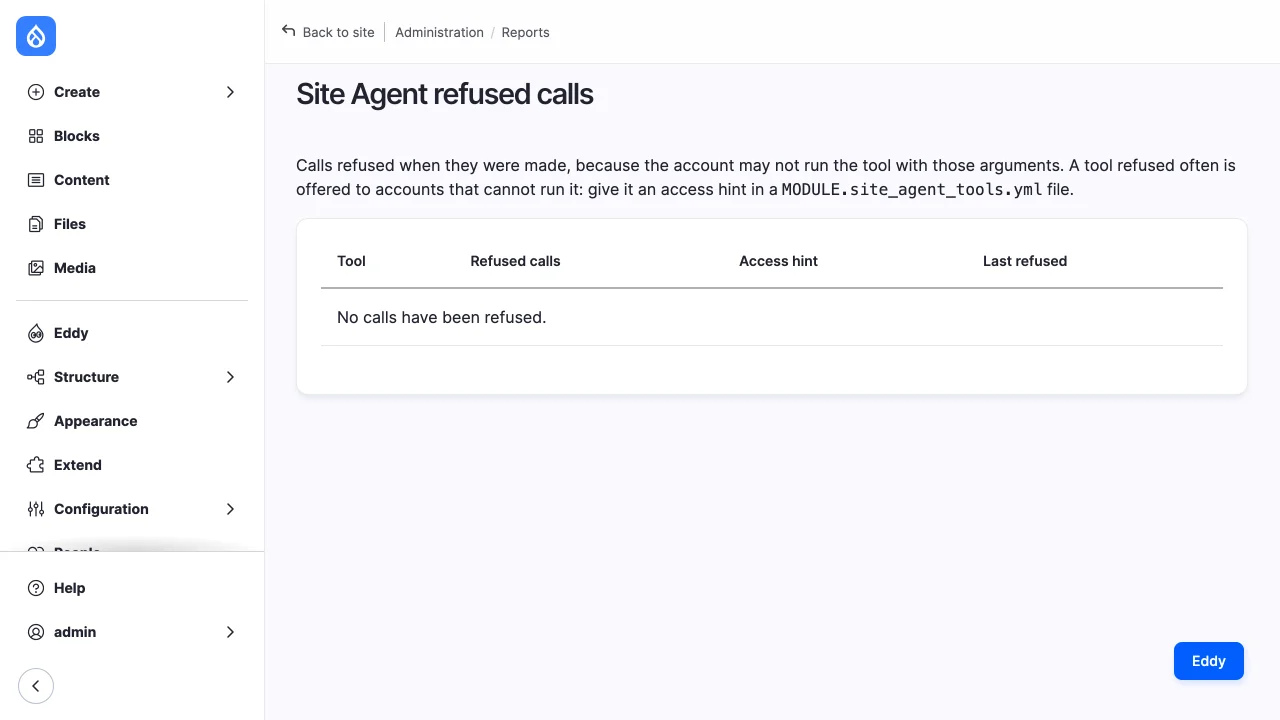
Reports > Site Agent refused calls (/admin/reports/site-agent/refused-calls)
counts the calls refused by access checks per tool, with the time of the latest
and whether the tool has an access hint. A tool refused often is offered to
accounts that can't run it, and needs a hint.
Cards
In every thread:
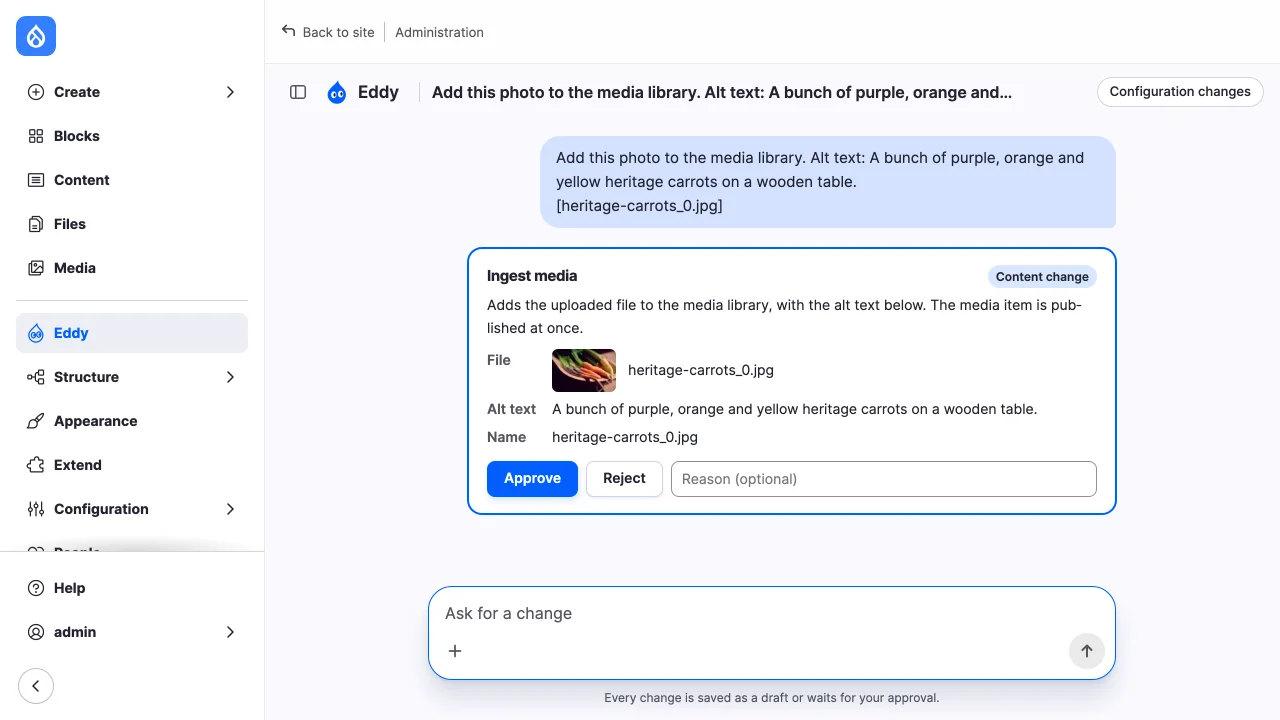
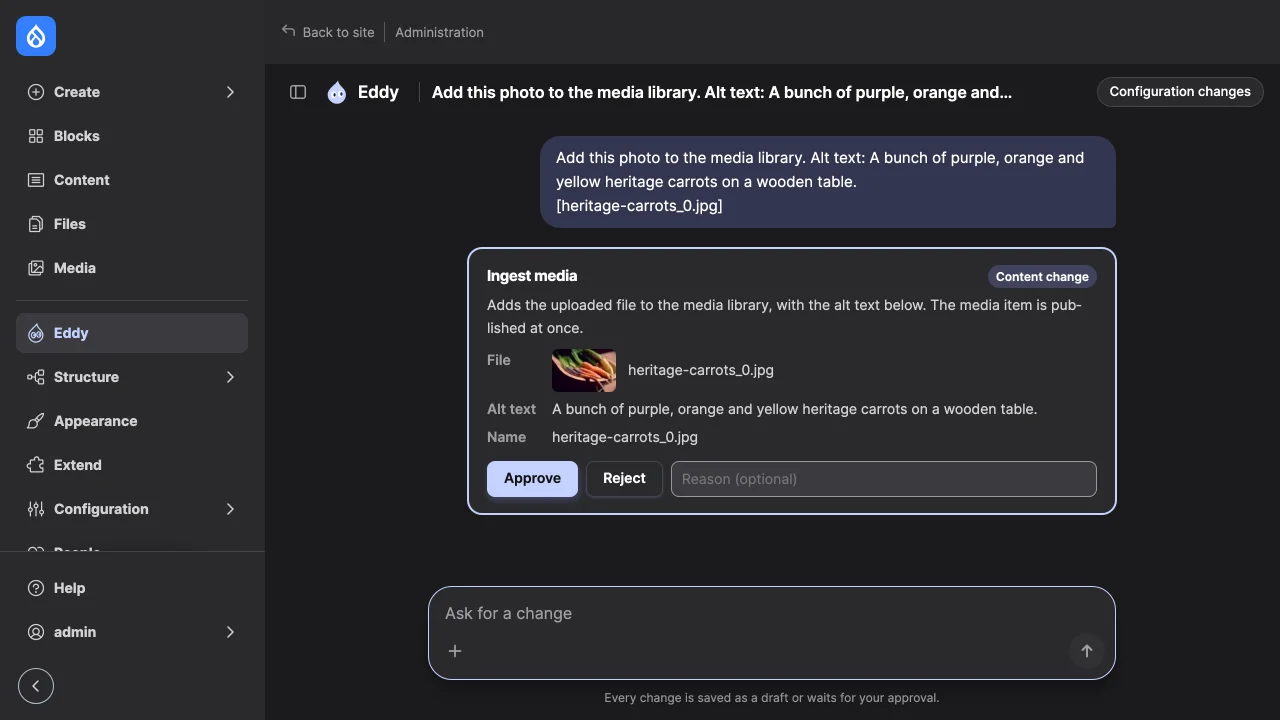
- The approval card of a content write names the entity by bundle and title,
and shows each changed field by its label with its current and proposed
values, rendered with the bundle's default view display and filtered with
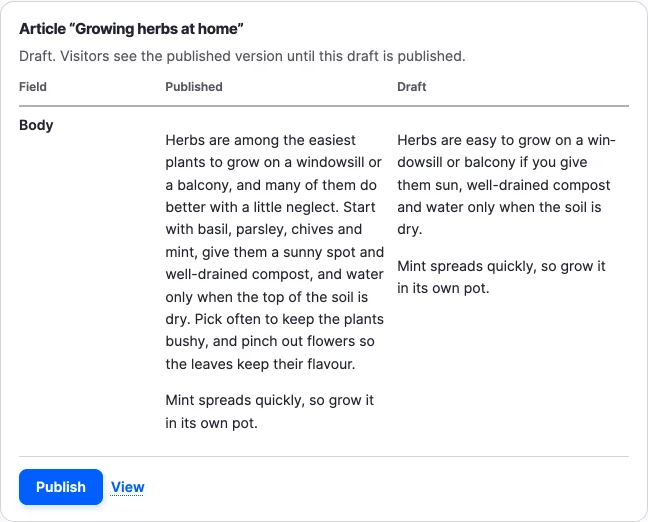
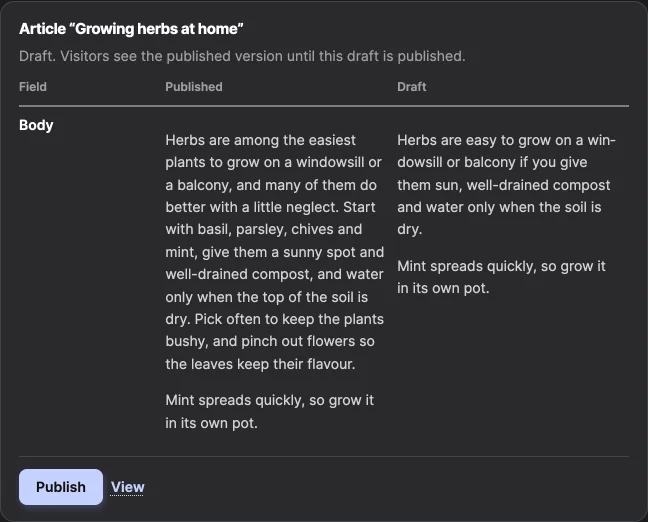
Xss::filterAdmin(): a proposed value comes from the model. A revert's card compares the revision it restores with the latest version instead. - After a write runs, its result card says whether visitors see the change. For a draft it compares the draft with the published version: the fields the payload set, or, for a content spec, whose values aren't field values, or a payload that sets none, such as a revert's, each field visitors see that differs, the label and the default view display's fields.
- A write of a translation compares that language's draft with the language
as visitors see it, each field labelled with the language. A content spec
with
translationscompares each language it left a draft in. - The approval card of a write of several entities shows every item, numbered in the payload's order, each with its change as above. A bulk delete's card names each entity, by bundle, title and ID, with its status. The payload hash covers every item, so an approval approves exactly those.
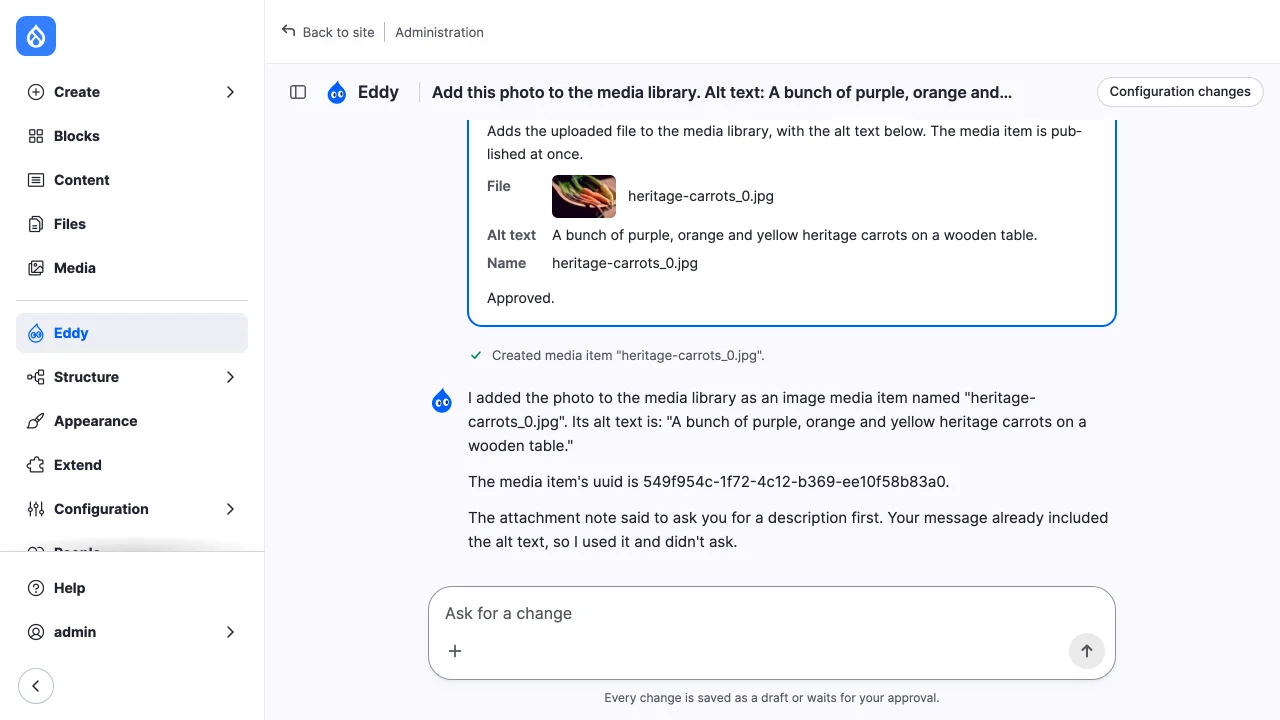
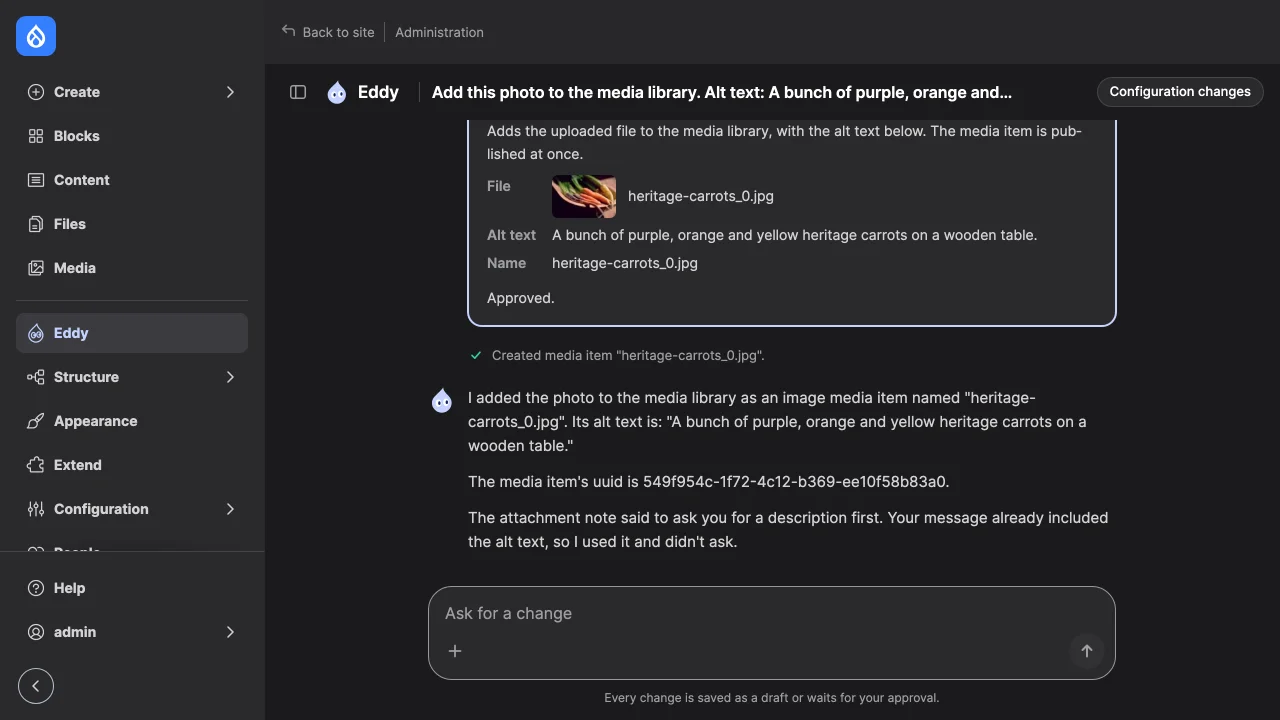
- The result card of a write of several entities lists each entity written, with its status, its comparison and its own Publish, and offers Publish all. A bulk write that stopped part way has a result card for the entities it saved.

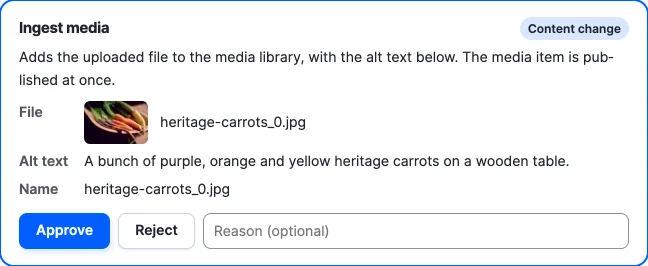
A content spec write's approval card lists its arguments. An argument that is
the uuid of a file the account may view shows as the file's name, with a
thumbnail of an image. An approval card describes the tool with its
classification's card_description where it has one, since a tool's own
description is written for the model.
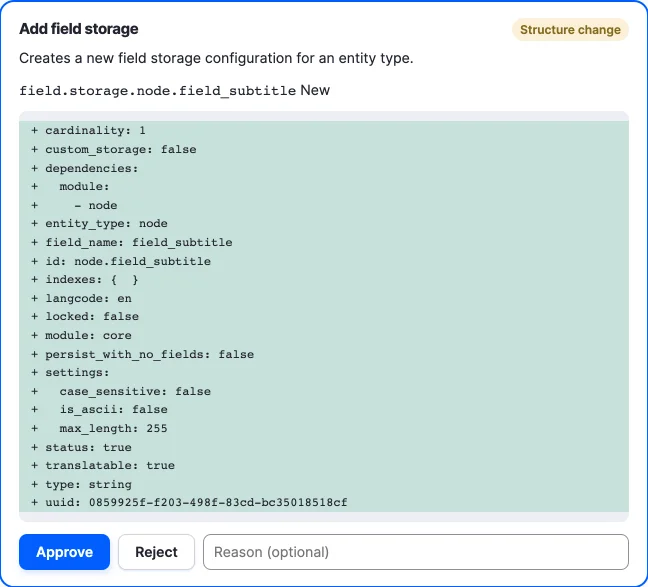
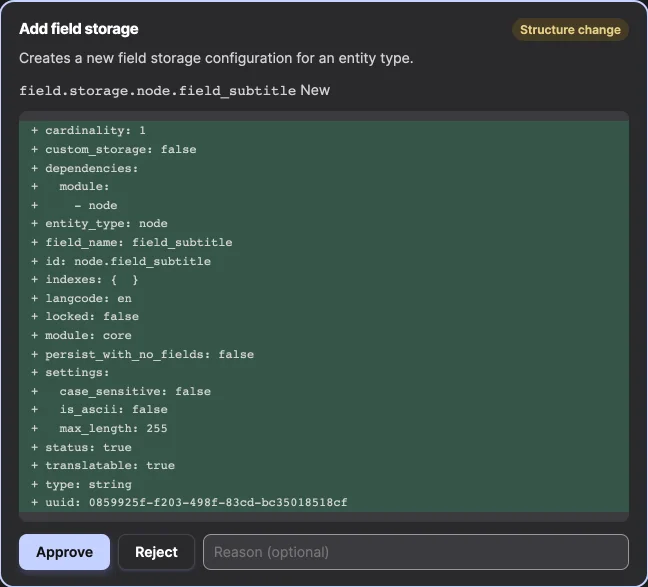
The approval card of a configuration write shows, for each config item it
would save or delete, a YAML diff against active configuration. The tools of
this project's submodules build that configuration themselves
(proposeConfig()); Tool Belt's configuration tools are mirrored in
\Drupal\site_agent\Config\ToolBeltProposals, and a kernel test compares
each proposal with what the tool saves. A proposal goes through what a save
does to it: the entity's preSave(), the storage's record mapping and the
schema's casting. Fields and field storages skip preSave(), which creates
and alters database tables, so building a card changes nothing. A UUID made on
save, such as a new image effect's, differs from the card's. Both sides of a
diff have their keys sorted, so a diff shows changes rather than key order. A
configuration write without a proposal shows its arguments.
Other cards list a call's arguments. Which inputs name the entity and its
values comes from the tool's classification (changes, see
site_agent.api.php).
A reopened chat shows the cards the chat showed while it ran: each call's result card, and the approval card of each call a person decided, saying "Approved." or "Rejected.". A decided card lists the arguments without the change or diff, which would compare the payload with the site as it is now.
Configuration changes
Every write records the configuration it saved, deleted or renamed, caught
from configuration events while it runs, whatever tool or hook made the
change. Once a thread has changed configuration, and where configuration is
writable, the chat's "Configuration changes" button lists the configuration
the thread changed that differs from the sync directory, each item with its
YAML diff, and the command that exports it: drush config:export. The sync
directory is only read.
Publishing
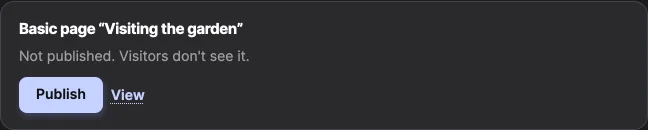
A result card offers Publish to accounts the site's workflow allows: with
Content Moderation, a transition from the draft's state to a published state;
without it, update access and access to the published flag. Publishing runs as
that account, names the thread in the revision log, and leaves a tool-call
record with the tool id site_agent:publish. The model can't publish; the
Editor toolset only lets it start drafts.
Each language the write left a draft in is published on its own, as core's moderation form publishes a translation: a new revision from that language's draft, with the other languages as visitors see them. Publishing a Greek draft leaves an English draft a draft.
On the result card of a write of several entities, each entity's Publish publishes that one; Publish all publishes each one the account may publish, in turn, each checked against the version the card showed and recorded on its own. One refused leaves the others published, and the refreshed card shows where each stands.