DOC to HTML
This documentation covers 2.1.x. Where 2.0.x differs, a box says so. See Versions for the differences between 7.x-1.x, 8.x-1.x, 2.0.x and 2.1.x.
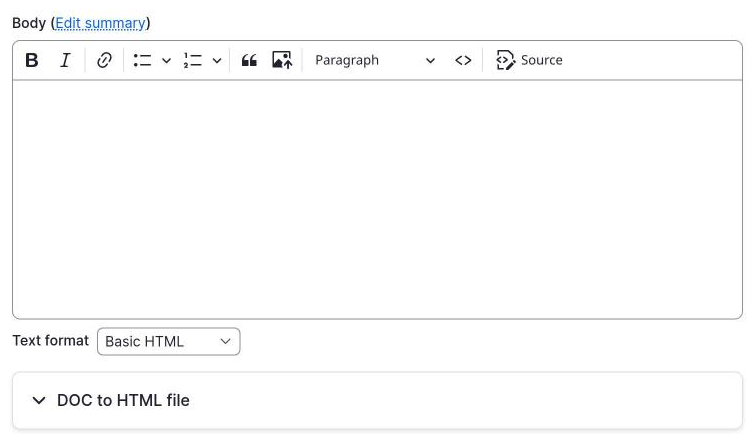
DOC to HTML converts a document into HTML inside a Drupal node edit form. The editor opens a section on a text field, uploads a document, clicks Convert, checks the result, and saves the node.
The conversion runs on your own server with LibreOffice. The document is not sent to any external service.
What it does
- Converts DOC, DOCX, ODT, RTF and PPTX files to HTML.
- Works as a form widget on
text_longandtext_with_summaryfields. - Moves images from the document into managed files, so they show up on the page.
- Can keep the original document on the node, in a file field you choose.
- Removes scripts, frames and dangerous links from the converted HTML.
- Can drop the first heading of the document and use it as the title.
- Provides a formatter with a template and a library, so the converted content can be themed.
- Lets other modules change the options or the result through hooks and events.
- Provides Drush commands for scripts and checks.
What it needs
- Drupal ^11.2 or ^12, and PHP 8.3 or later.
- LibreOffice on the machine where PHP runs. The tests run with 7.4 and 25.2.
- The PHP function
proc_open. - The core module Editor. The update installs it if it is missing.
- On Drupal 12, the contrib module
drupal/text_with_summaryfor fields with a summary.
LibreOffice is a real dependency with a real cost: it takes disk space and has to be installed and updated. See Installation. If you cannot install it on your hosting, read the comparison for tools that work in the browser.
Where to start
- Install the module and LibreOffice.
- Follow Getting started to set up the Article content type.
- Read Configuration for the three admin pages.
- Read How the data flows if you need to know where files go.
- Read Upgrading if you come from 2.0.x.
Support
Report bugs and ask questions in the issue queue.