Editing content
With frontend editing on, hovering an editable entity outlines it and reveals its action links.

The label on the left names the bundle, so an editor can tell a Text paragraph from an Image Text one without opening anything. The pencil opens the form. The rest of the links depend on what the parent field allows; see Managing items.
Which visual treatment the hover uses is the Enable Hover Highlight Mode setting: a thin border by default, or a background highlight and extra margin.
The sidebar
Clicking the edit link opens the entity form in an iframe beside the page. The page stays where it was, so the content being edited stays in view.
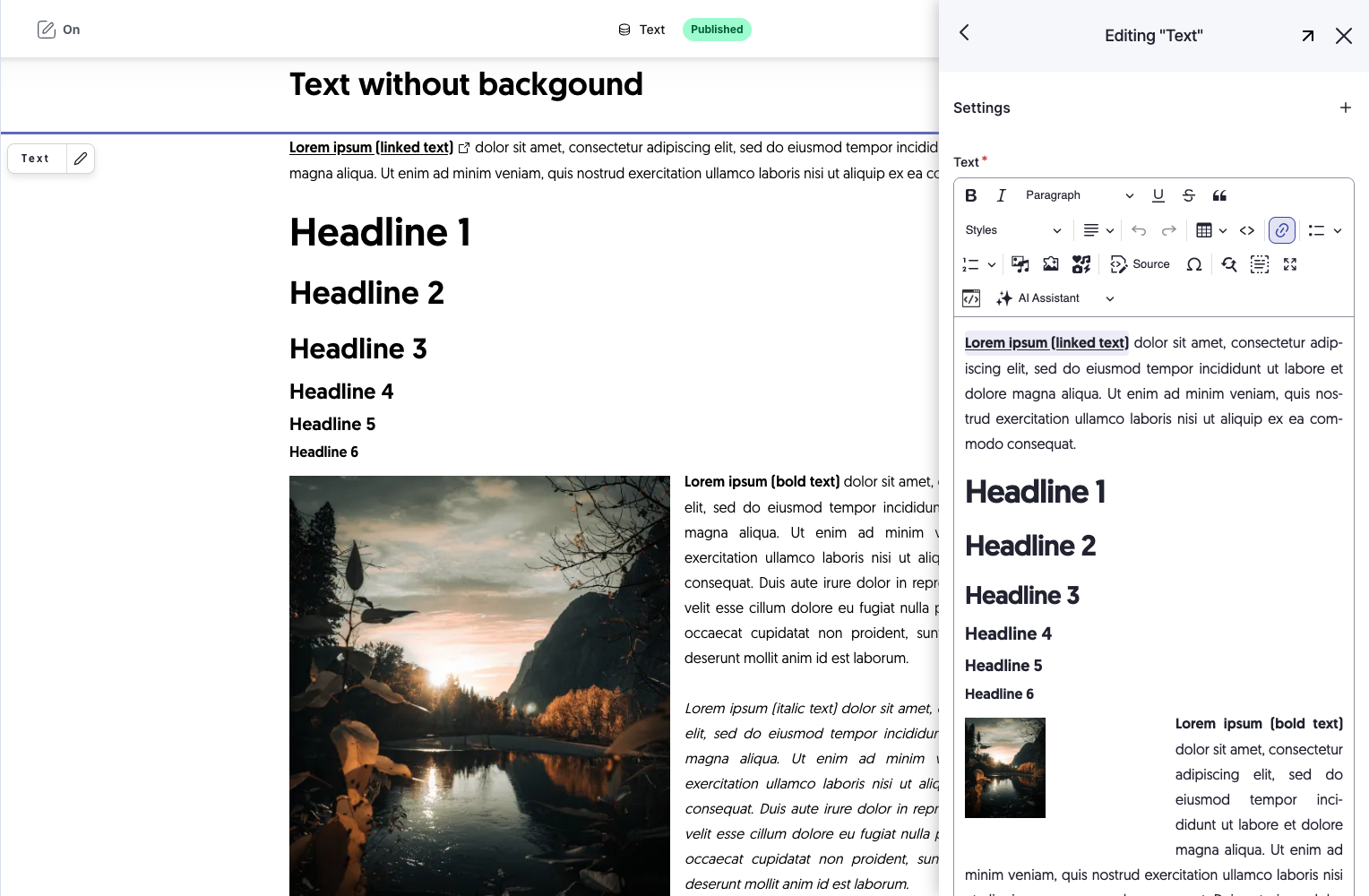
The sidebar header holds three controls:
| Control | Does |
|---|---|
| Width toggle | Widens the sidebar from the Sidebar width percentage to the Full width percentage, and back |
| Open in Admin UI | Opens the same form as a normal admin page |
| Close | Closes the sidebar. It asks first when the form has unsaved changes |
Drag the edge of the sidebar to resize it by hand.
With Allow detach enabled, the sidebar can also be popped out into a child browser window, which suits a second monitor.
Saving
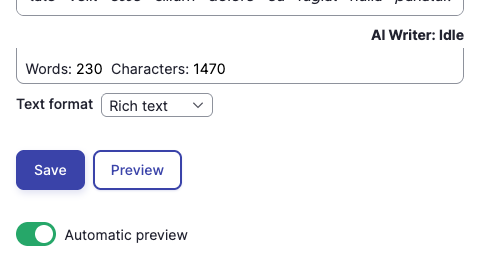
Save writes the entity and updates the page. When the parent field has ajax content update enabled, only that field re-renders; otherwise the page reloads.
Preview
With All Entity Preview installed, the form also carries Preview and an Automatic preview toggle.
- Preview renders the current, unsaved values onto the page behind the sidebar.
- Automatic preview does it continuously as you type. Its starting state comes from the Automatic preview setting.
Preview values come from a tempstore, so nothing is written to the entity until you save. Closing the sidebar without saving discards them.
Preview covers the fields the module can locate in the render array. On a display managed by Display Builder, reference fields such as a paragraphs field are covered, because each referenced entity is rendered through its own view builder. A plain field placed directly on a Display-Builder-managed display is not. See Display Builder.
Contextual links
Paragraphs Edit pulls in core's Contextual module, which adds its own pencil to everything and competes with the Frontend Editing links. The Hide contextual links setting removes them, in one of two ways:
| Mode | Behaviour |
|---|---|
php |
The links are never built. Nothing reaches the DOM. |
css |
The links are built but hidden while frontend editing is on. Switching frontend editing off brings them back. |
Pick css when someone still needs the contextual links with frontend editing switched off, and
php when they should be gone entirely.