Using SEO Checklist
SEO Checklist provides a helpful to-do list of SEO-related tasks and tools that you can use to boost your site's visibility. This guide explains each checklist item in plain language so you can make informed decisions about which actions to take.
Access the SEO Checklist
The SEO Checklist is installed with the SEO Tools recommended add-on. If you haven't already, Install and explore SEO Tools in Drupal CMS.
Access the SEO Checklist by navigating to Configuration > Search and metadata > SEO Checklist (admin/config/search/seo-checklist).
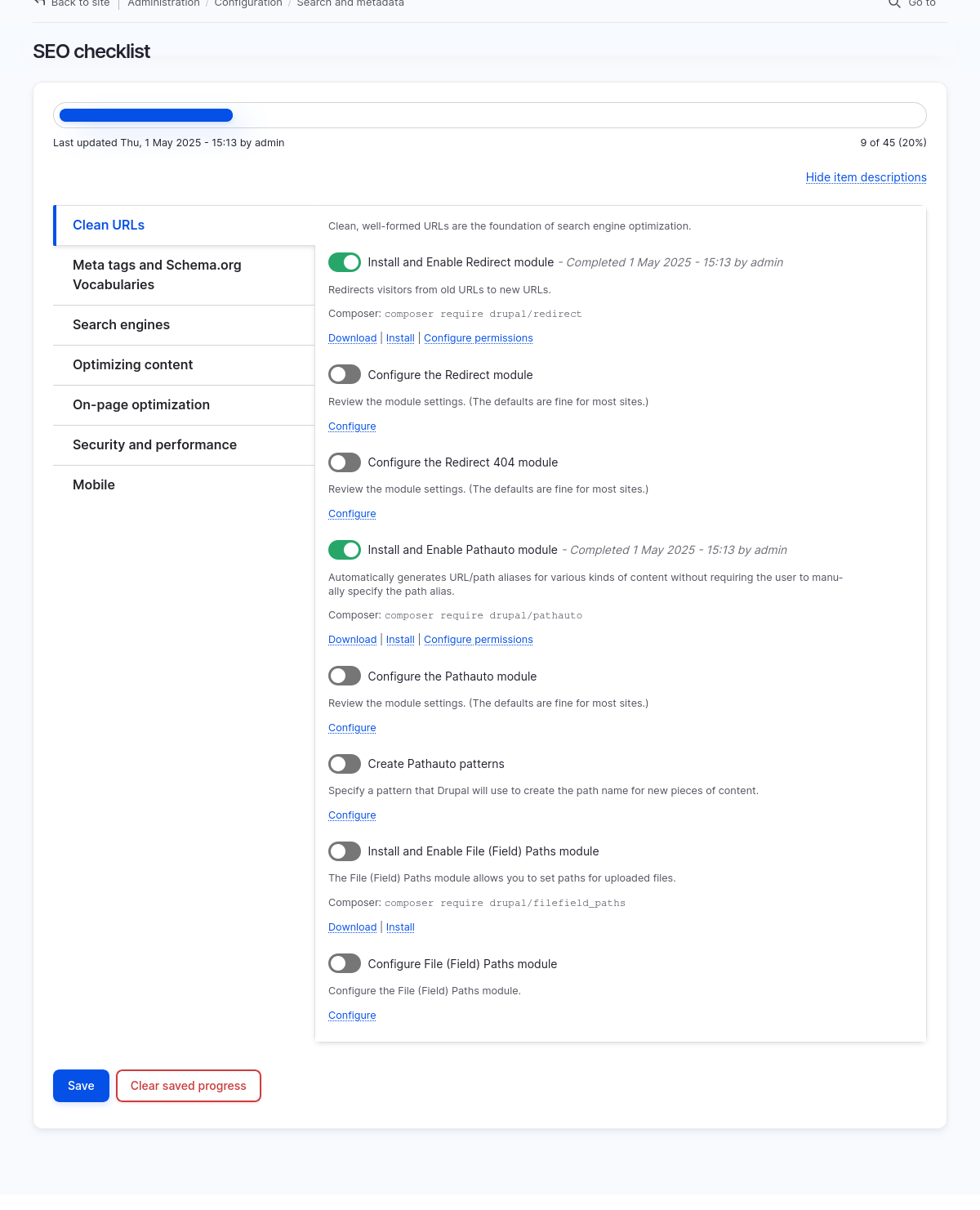
First action: confirm pre-checked items
When you first install the SEO Tools add-on, certain items in the SEO Checklist were automatically completed, so they are already toggled "on" but the form is only temporarily saved. You should review these items, and then save your progress.
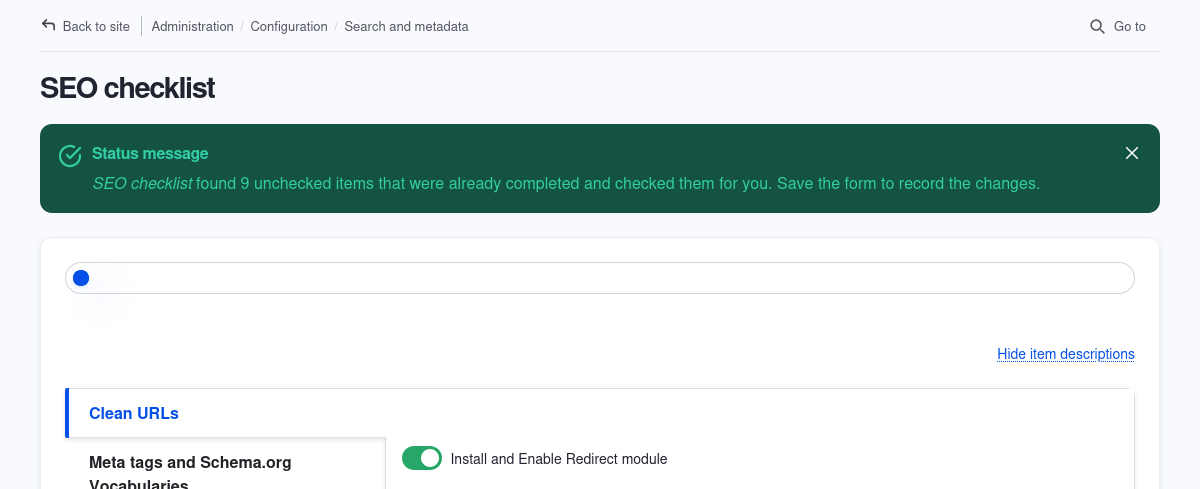
- Navigate to Configuration > Search and metadata > SEO Checklist (
admin/config/search/seo-checklist). For each group, take note of the items that are toggled "on" in each group. These actions have already been completed by the system when you installed Drupal CMS and installed the SEO Tools add-on. - Save the form to record the changes. You'll see a note next to the item with the date it was completed and the user that saved the form when the item was toggled "on".
Using SEO Checklist
For action items that involve installing a module, once the module is installed, the item will be automatically toggled "on".
Manually toggle "on" other types of items once you've completed the recommended course of action, for example, configuring a module's settings.
Resetting the SEO Checklist form
Next to the Save button is a Clear saved progress button.

Clearing saved progress will do the following:
- All items manually toggled "on" by a user will be toggled "off".
- The items already completed by the system, such as modules already installed, will be toggled "on" and the same initial message about saving the form to record the changes will be displayed.
- Save the form to record the changes completed by the system.