Classic toolbar
On sites that use the core Toolbar without the Navigation module, the module adds a Rebuild Cache button with a recycle icon to the black top bar.
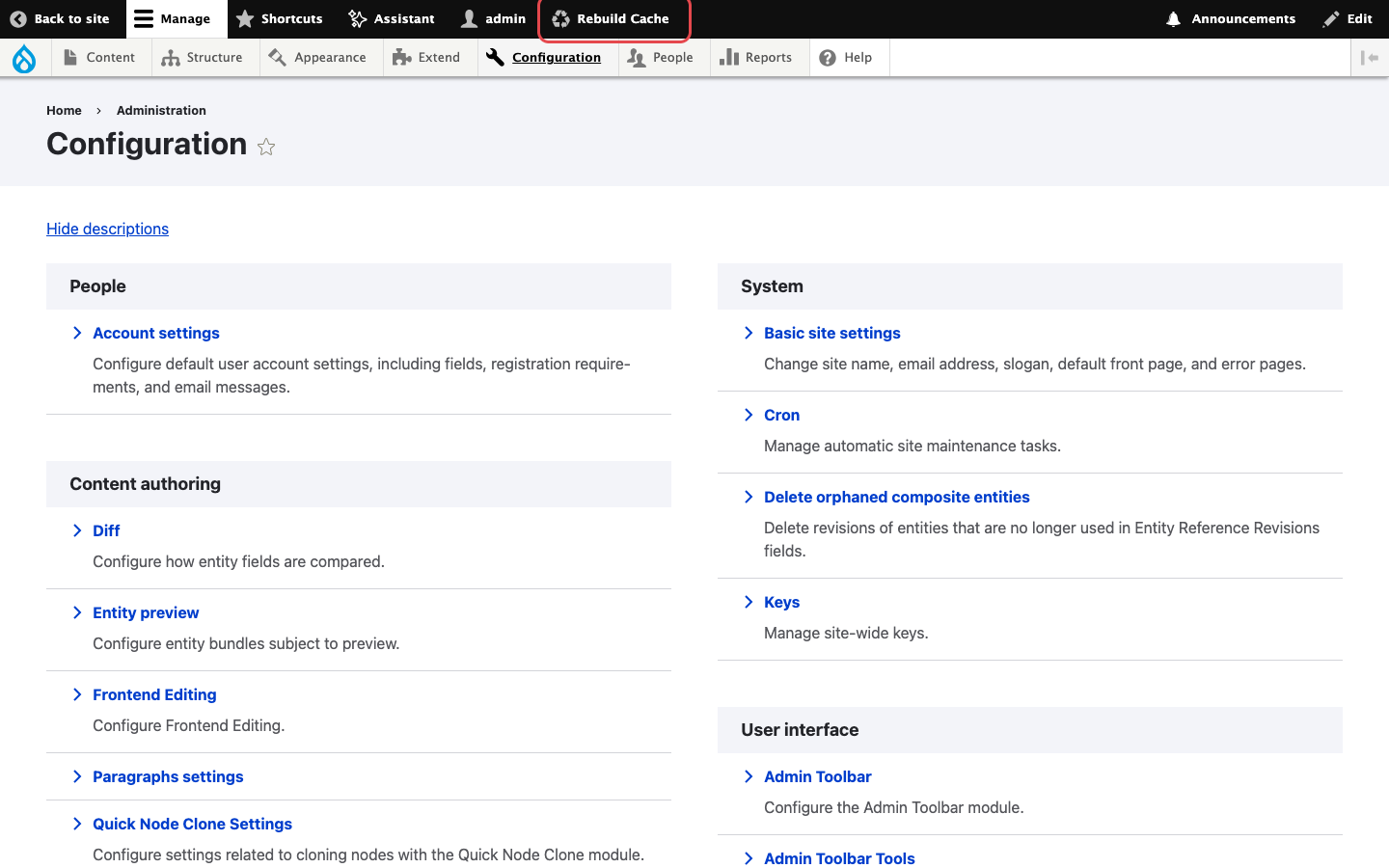
The Rebuild Cache button in the administrator's toolbar.
The button shows up for every role with the permission, including roles with a very small admin menu:

A content editor with the Rebuild Cache permission.
Steps
- Log in with a user whose role has the Rebuild Cache and Use the toolbar permissions.
- Click Rebuild Cache in the top bar.
- The page reloads with the message All caches cleared.
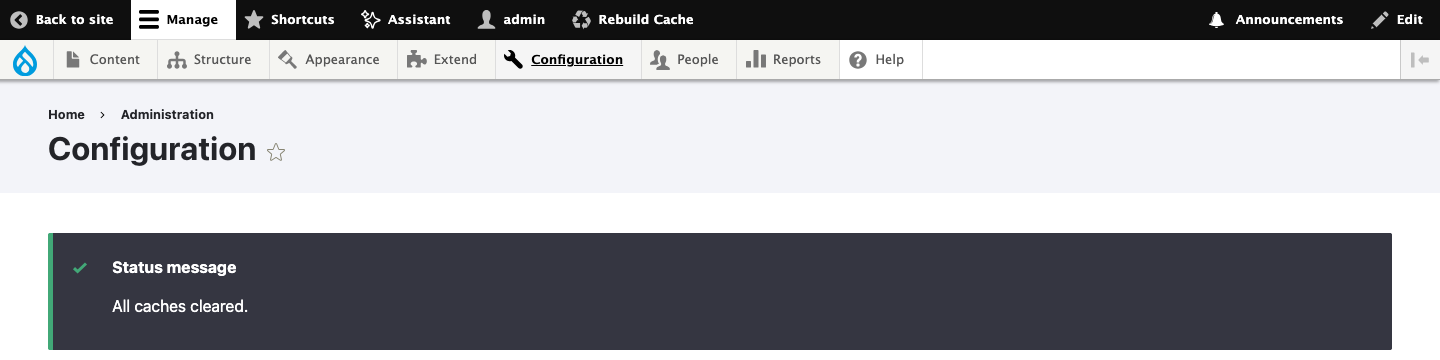
The confirmation message after a rebuild from the toolbar.
Note
When the Navigation module is enabled, Drupal hides the classic Toolbar and this button with it. Use the Navigation sidebar link instead.