Navigation sidebar
On sites with the core Navigation module, the module adds a Rebuild cache link to the sidebar, just above Help and the user menu.
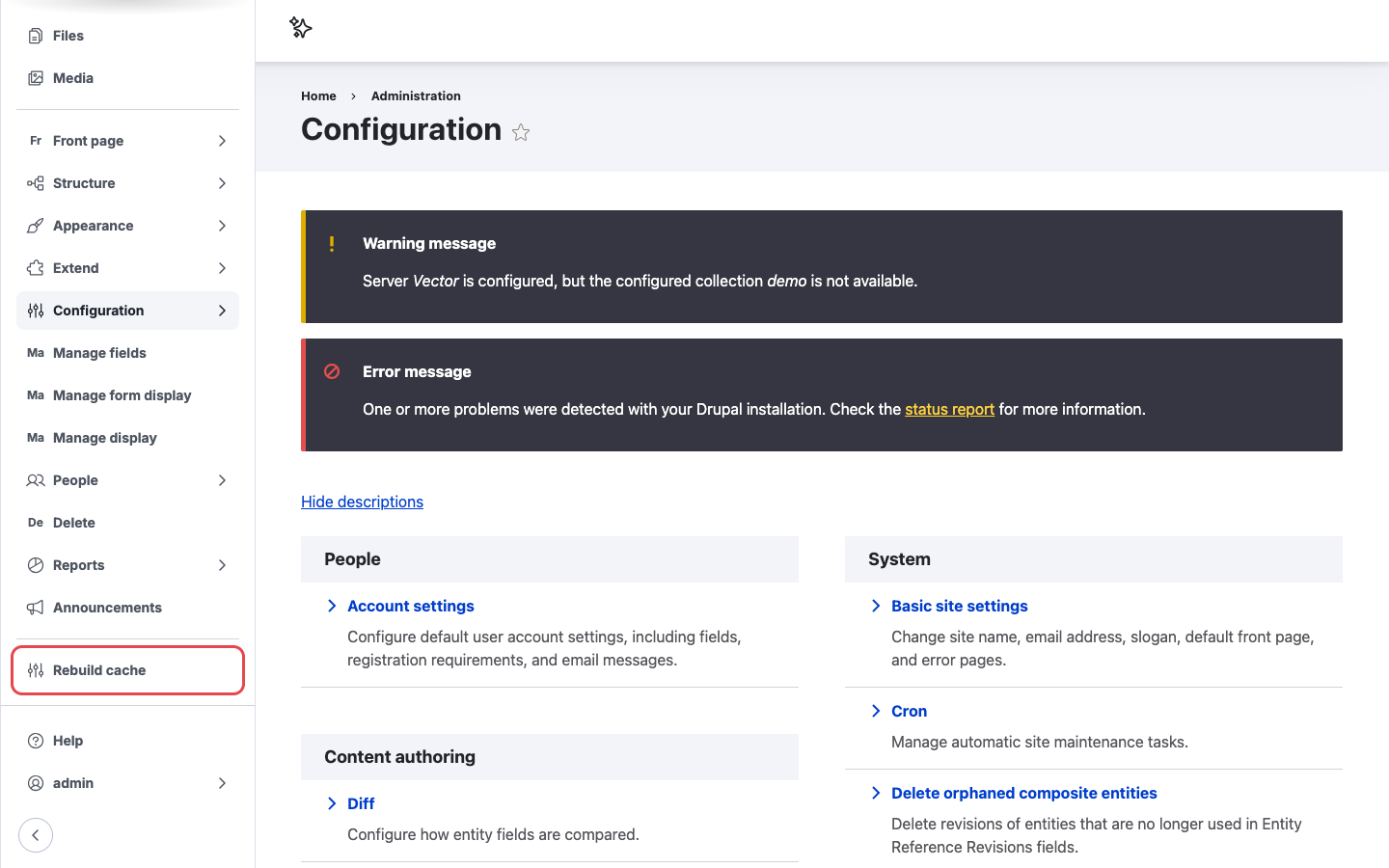
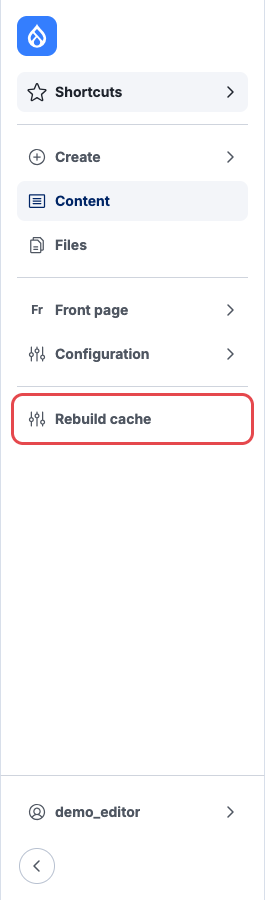
Left: an administrator's sidebar. Right: a content editor with only a few admin permissions sees the same link.
Steps
- Log in with a user whose role has the Rebuild Cache and Access navigation bar permissions.
- If the sidebar is collapsed, expand it with the arrow button at the bottom, or hover over the icons.
- Click Rebuild cache.
- The page reloads with the message All caches cleared.
On long menus you may need to scroll the sidebar to see the link.
The link is missing
- Check the role has both Rebuild Cache and Access navigation bar.
- Check the block is still in the Navigation layout. See Placing the Navigation block by hand.