Insert View button
Add a view
- Edit content in a field that uses a text format with the filter and the button enabled.
-
Open the toolbar overflow menu if needed and click Insert View.
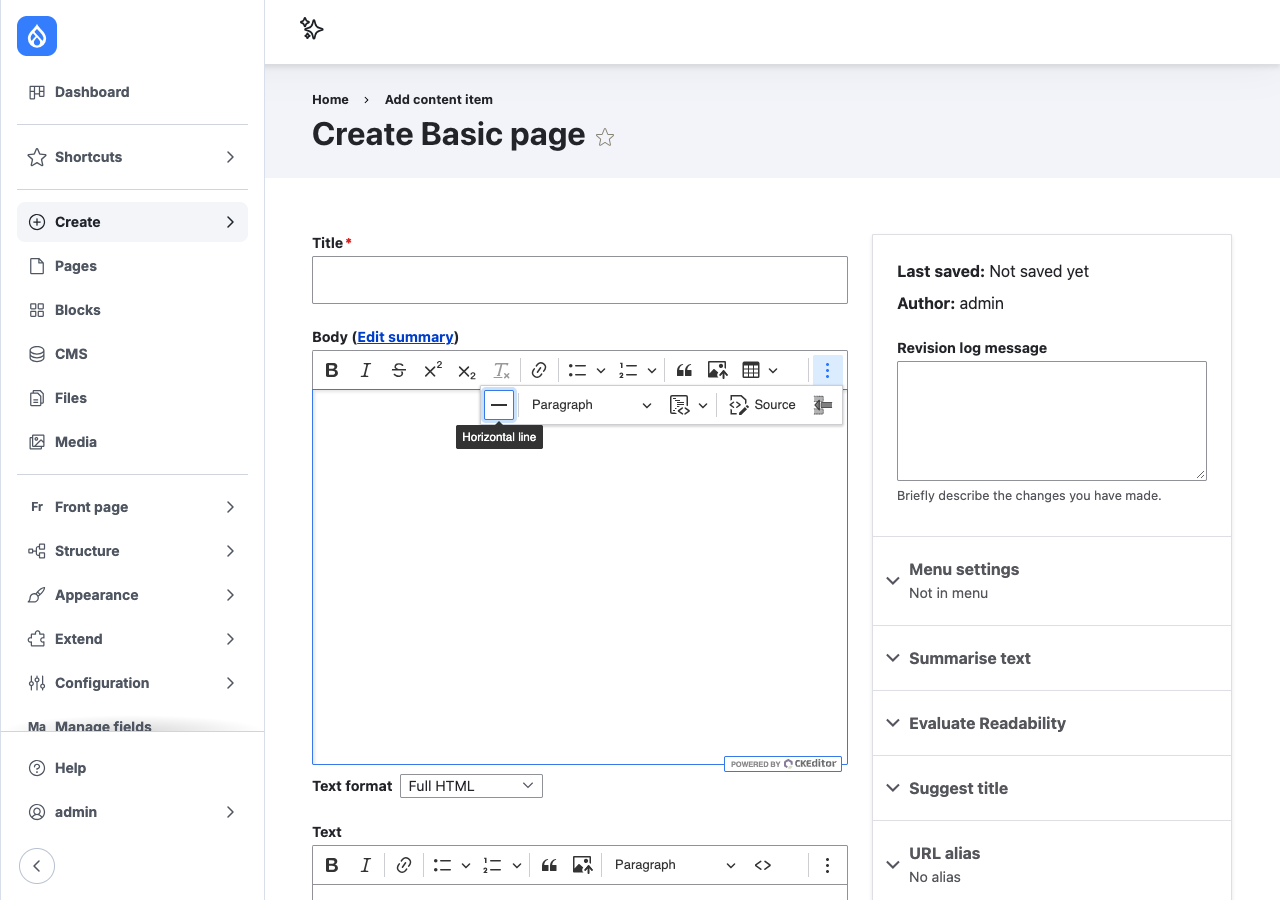
-
In Add or select view, choose a view display under View to insert.
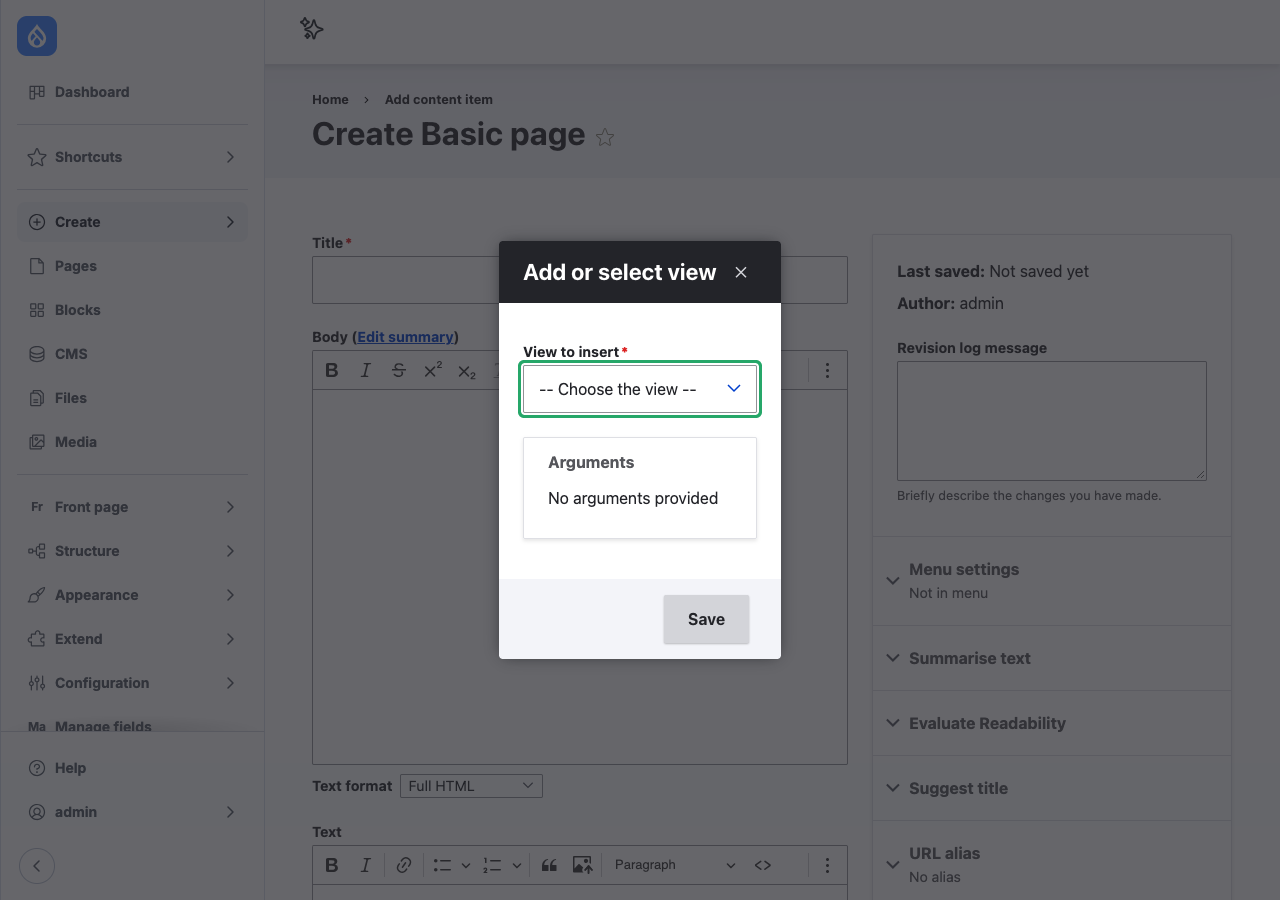
-
Fill in the arguments, if the display has any, and click Save.
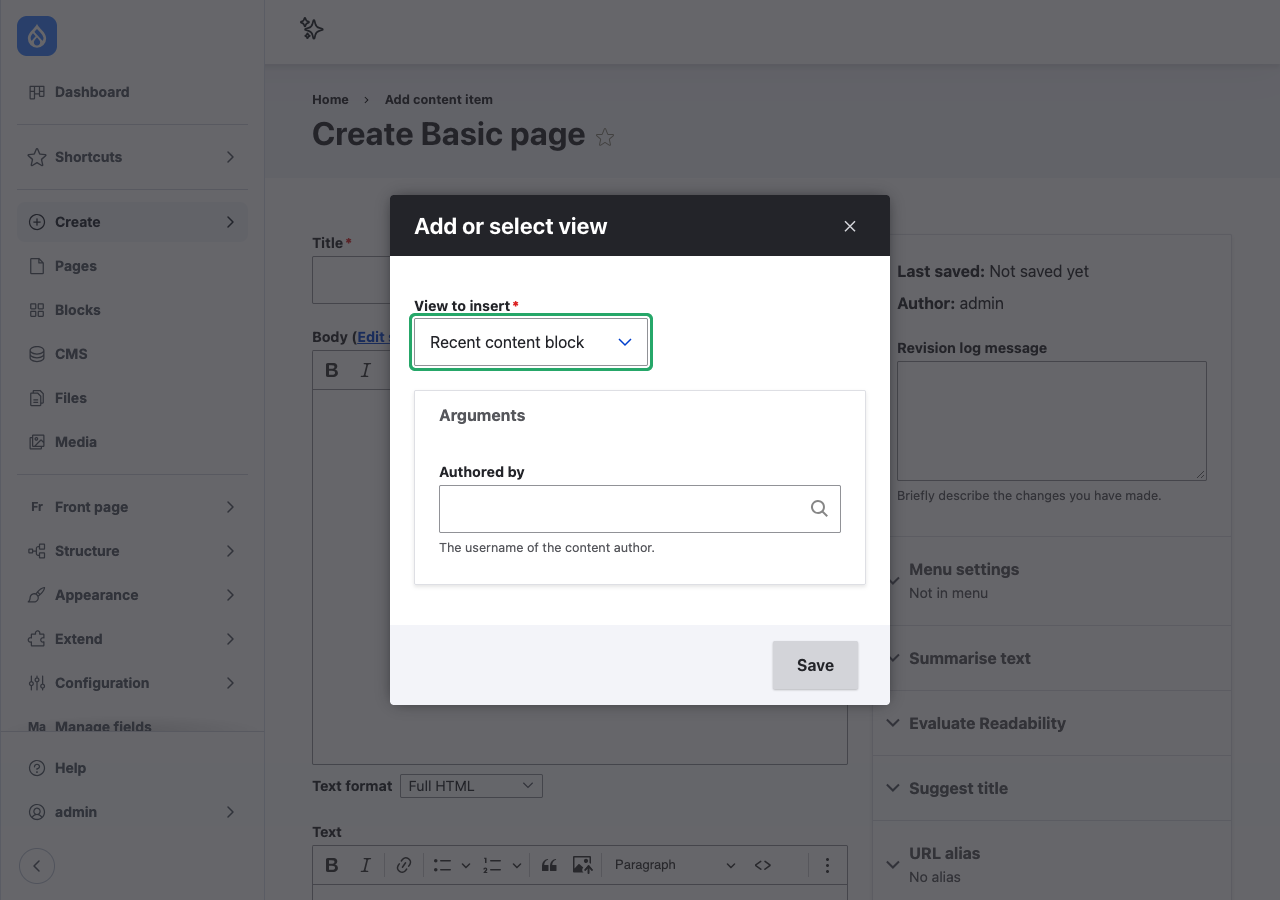
The editor stores the view as a <drupal-view> element:
<drupal-view data-view-id="recent_content" data-display-id="block_1" data-arguments="1"></drupal-view>
The element is converted into the rendered view when the text is displayed.
Edit an inserted view
Select the view in the editor and click the Insert View button again. The dialog opens with the stored values.
Live preview
The CKEditor 5 plugin is configured with a preview URL, /insert-view-adv/preview/{filter_format}, which returns the rendered view for the editor. In CKEditor 4, the preview can be turned off in the plugin settings.