Installation
Install the module
composer require drupal/insert_view_adv
drush en insert_view_adv
The module depends on the core views, editor and filter modules. The compiled CKEditor 5 assets are committed to the repository, so no front-end build is needed.
Optional modules:
| Module | Purpose |
|---|---|
| Entity Usage | Track entities used as view arguments. |
| BUEditor | Enable the insert_view_adv_bueditor submodule for the BUEditor button. |
Enable the filter and the button
- Go to Configuration > Content authoring > Text formats and editors (
/admin/config/content/formats) and configure a format that uses CKEditor 5. - Under Enabled filters, tick Advanced Insert View.
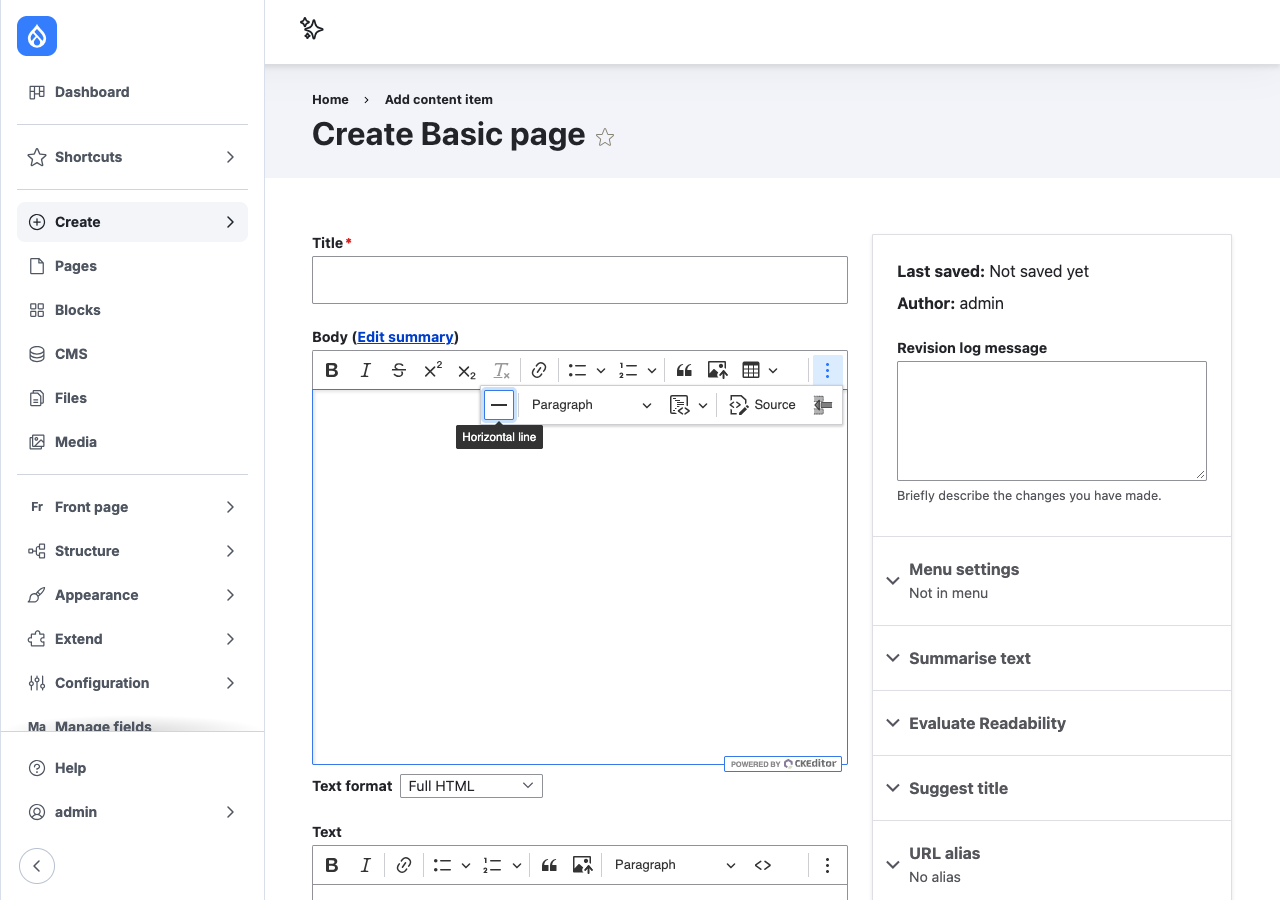
- In Toolbar configuration, drag Insert View from the available buttons to the active toolbar.
- Adjust the filter settings and save.
The filter needs to run after any filter that would strip the <drupal-view> element. If the format limits allowed HTML tags, the module adds <drupal-view data-view-id data-display-id data-arguments> to the allowed tags for you when the button is in the toolbar.