Usage
How the ratio is calculated
The ratio is the image width divided by its height, rounded to the two decimal places the field stores.
| Shape | Example size | Stored value |
|---|---|---|
| 16:9 landscape | 1920 × 1080 | 1.78 |
| 3:2 landscape | 1500 × 1000 | 1.50 |
| Square | 1200 × 1200 | 1.00 |
| 4:5 portrait | 1080 × 1350 | 0.80 |
| 9:16 portrait | 1080 × 1920 | 0.56 |
Greater than 1 is landscape, less than 1 is portrait, and 1 is square.
It is calculated when a media item is saved and any of these is true:
- The item is new.
- The source file is different from the one stored.
- The Aspect Ratio field is empty.
Saving an item with the same file and a value in the field keeps the value. This avoids reading the file again, which on remote file systems such as S3 means downloading it.
For a new item, the width and height that the image field already stores are used. When the file of an existing item is replaced, the dimensions are read from the new file.
Filter media by shape
The field is a decimal field, so it works with the numeric filter and sort in Views. Some useful filters:
| Wanted | Operator | Value |
|---|---|---|
| Landscape | Is greater than | 1 |
| Portrait | Is less than | 1 |
| Square | Is equal to | 1 |
| About 16:9 | Is between | 1.7 and 1.8 |
| Wide banners | Is greater than or equal to | 2.5 |
To let editors filter the media administration page by shape:
- Edit the Media View at Structure › Views.
- Add the filter Aspect Ratio (field_aspect_ratio), choose Expose this filter to visitors, and pick an operator such as Is between.
- Optionally add the Aspect Ratio field as a column.
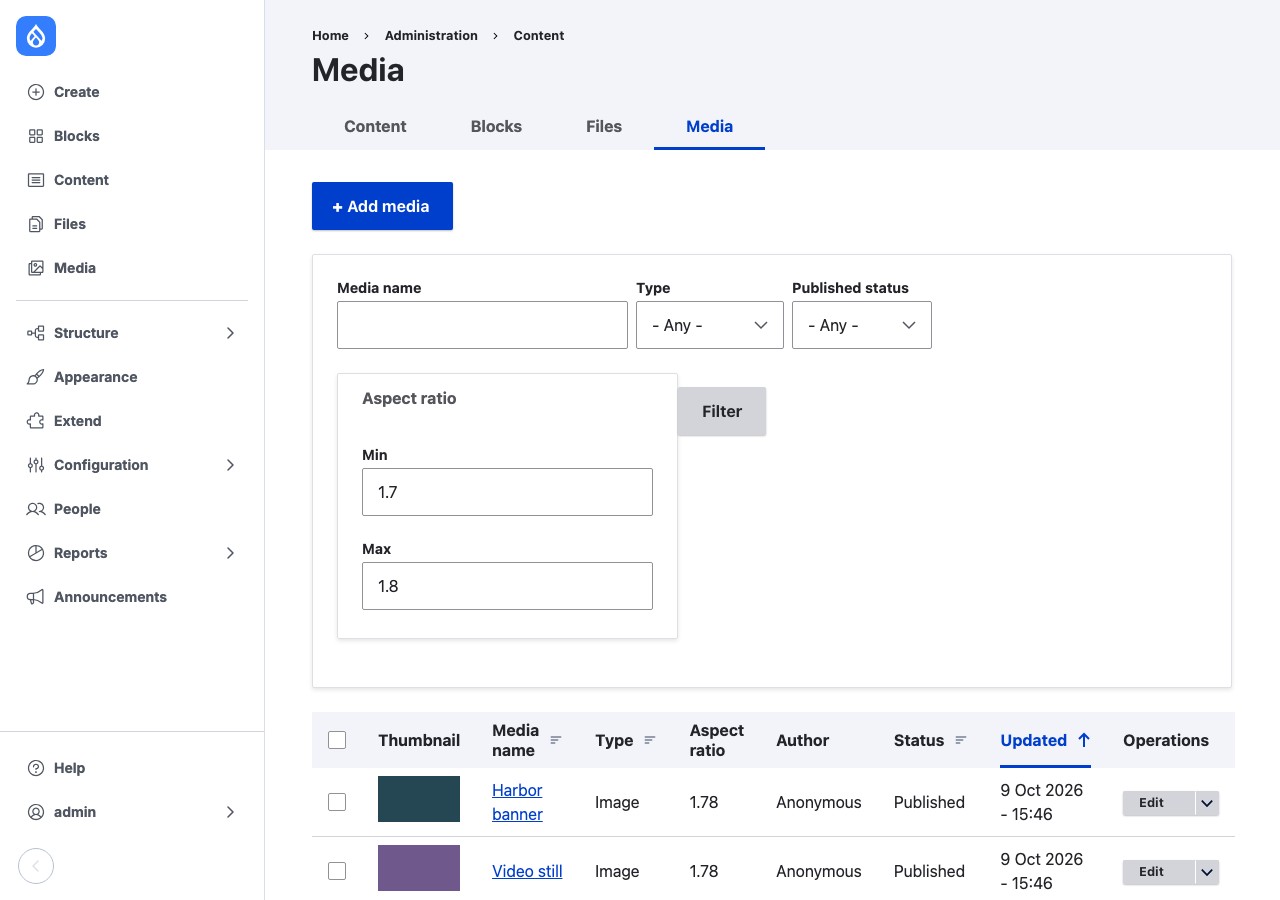
The same filter works in the Media Library View (media_library), so editors picking an image for a banner can limit the choice to wide images.
Calculate ratios for existing media
Go to Configuration › Media › Calculate Aspect Ratios (/admin/config/media/aspect_ratio/recalculate). The page shows how many media items have the field. Calculate all aspect ratios starts a batch that:
- covers every media type that has
field_aspect_ratio; - reads each image file again, so it also corrects values entered by hand;
- works through 50 items per request, in order of media ID;
- saves only the items whose value changed, and reports how many it checked and updated.
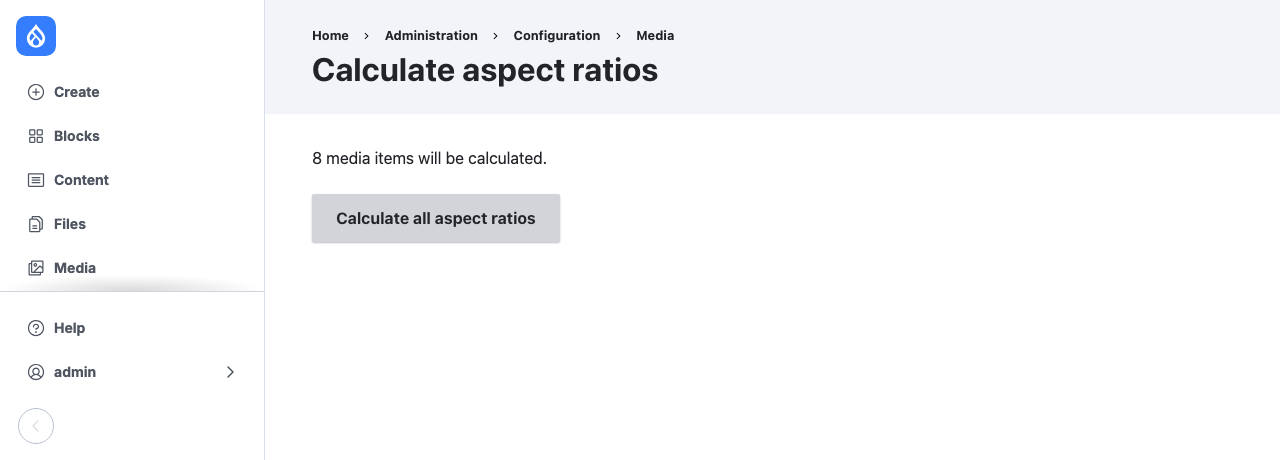
On a remote file system the batch downloads every image, so it can take a while on a large library.
The page needs the Administer media permission.