Configuration
The module has no settings page. Its behavior depends on which media types have the field_aspect_ratio field.
Add the field to another media type
The ratio is calculated for every media type that has field_aspect_ratio and whose source field is an image or file field.
- Go to Structure › Media types and choose Manage fields for the media type.
- Choose Re-use an existing field and pick Aspect Ratio (
field_aspect_ratio). - Save, then run the batch at Configuration › Media › Calculate Aspect Ratios to fill in that type's existing media.
For a file source, only files with an image/* MIME type get a ratio.
Show the field
Installing the module does not place the field on any form or display.
- To see or correct the value on the edit form, enable Aspect Ratio at Manage form display for the media type.
- To show it on a rendered media item, enable it at Manage display.
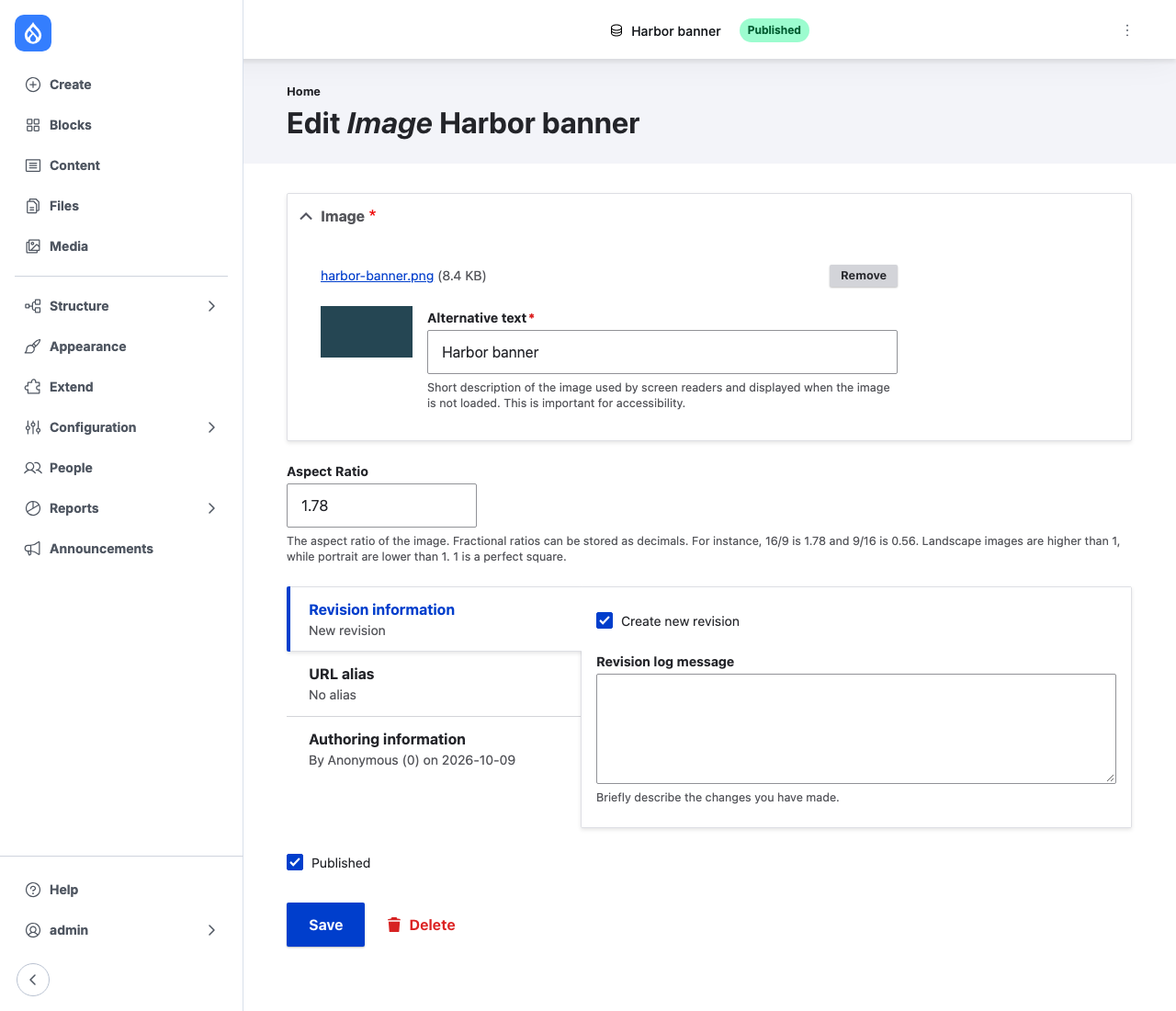
A value typed in the form is kept until the image file is replaced. Clearing the value and saving fills it in again from the image.
Permissions
The module defines no permissions. The Calculate Aspect Ratios page needs core's Administer media permission.