Search and replace text in entity fields.
Count where a string appears across text fields, then replace it directly in the field tables or by saving new revisions.
For Drupal 10.3, 11 and 12 · Site administrators
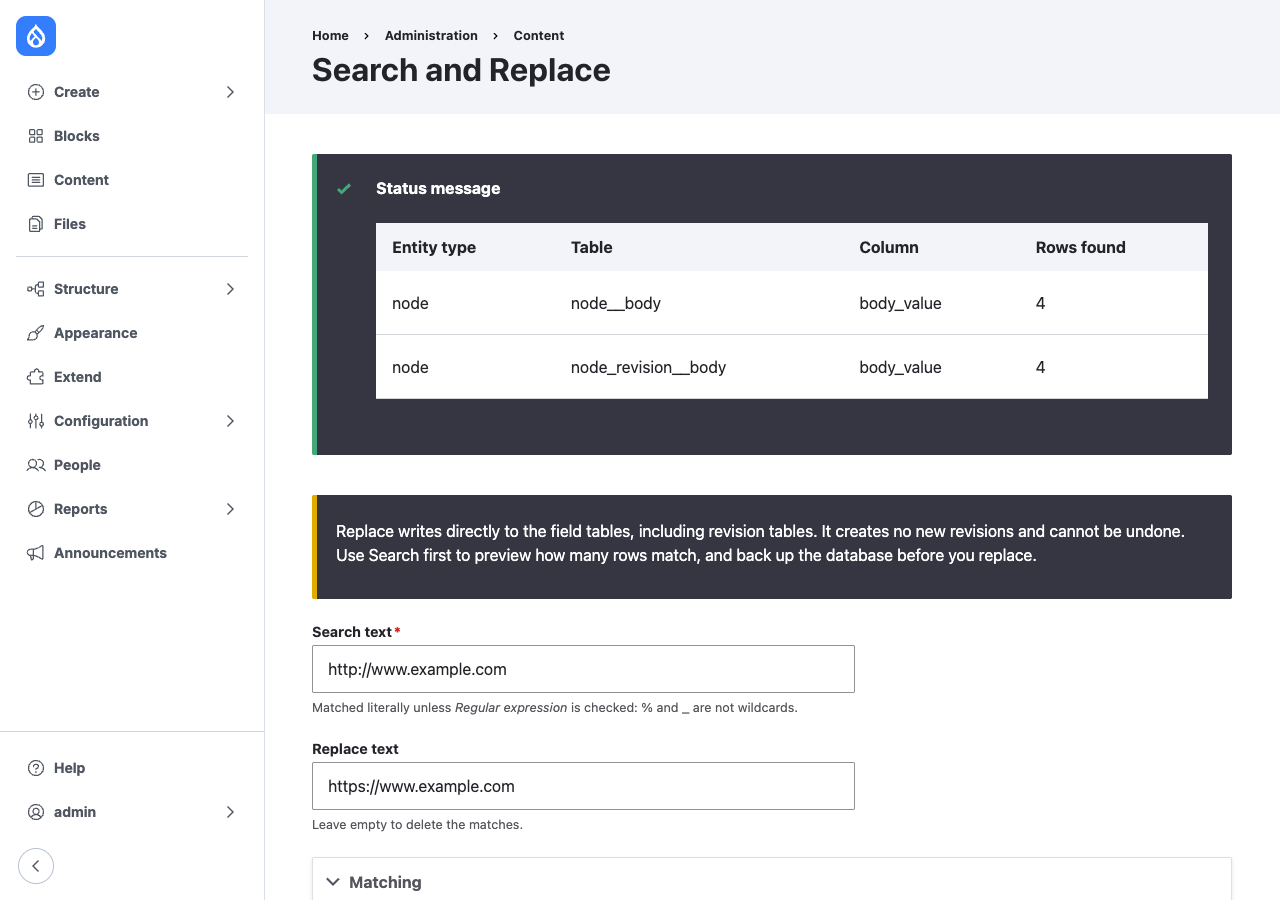
For site administrators who need to change the same text in many entities at once: absolute URLs to relative ones, file paths after a directory moves, an old domain to a new one, or a string to find before cleaning it up.
1. Select fields
The form lists the text columns of every stored field: titles, bodies, summaries, link URIs, email addresses, image alt text. Filter by entity type, bundle, field, column or type.
2. Search
Search counts the matching rows or entities. Nothing changes. Match case, whole words only, or a regular expression.
3. Confirm and replace
Replace shows the targets and a backup warning, and runs only after you confirm. Results are listed per table or per field.
Two modules
| Module | Changes | Revisions | Undo |
|---|---|---|---|
Search and Replace (snr) |
Runs SQL REPLACE() on the current and revision tables of each selected column. Clears the cache of each changed entity. |
None. Earlier revisions are rewritten too. | Restore a database backup. |
Safe Search and Replace (snr_safe) |
Loads each matching entity, replaces the text in every value and translation of the field, and saves it. Skips entities the user may not update. | A new revision per changed entity, with a log message. | Revert to the previous revision. |
Use Safe Search and Replace for content that editors maintain. Use Search and Replace when every stored copy must change, earlier revisions included, and only with a backup.
Requirements
- Drupal core 10.3 or later, 11 or 12.
- Entity types stored in SQL tables (core's default storage).
- Safe Search and Replace works on revisionable entity types only.
See Installation and Usage.