
Settings
The settings choose the entity types whose default language may be changed. Open Configuration, Regional and language, Entity Change Default Language, at /admin/config/regional/entity-change-default-language. The page needs the permission Administer Entity Change Default Language.
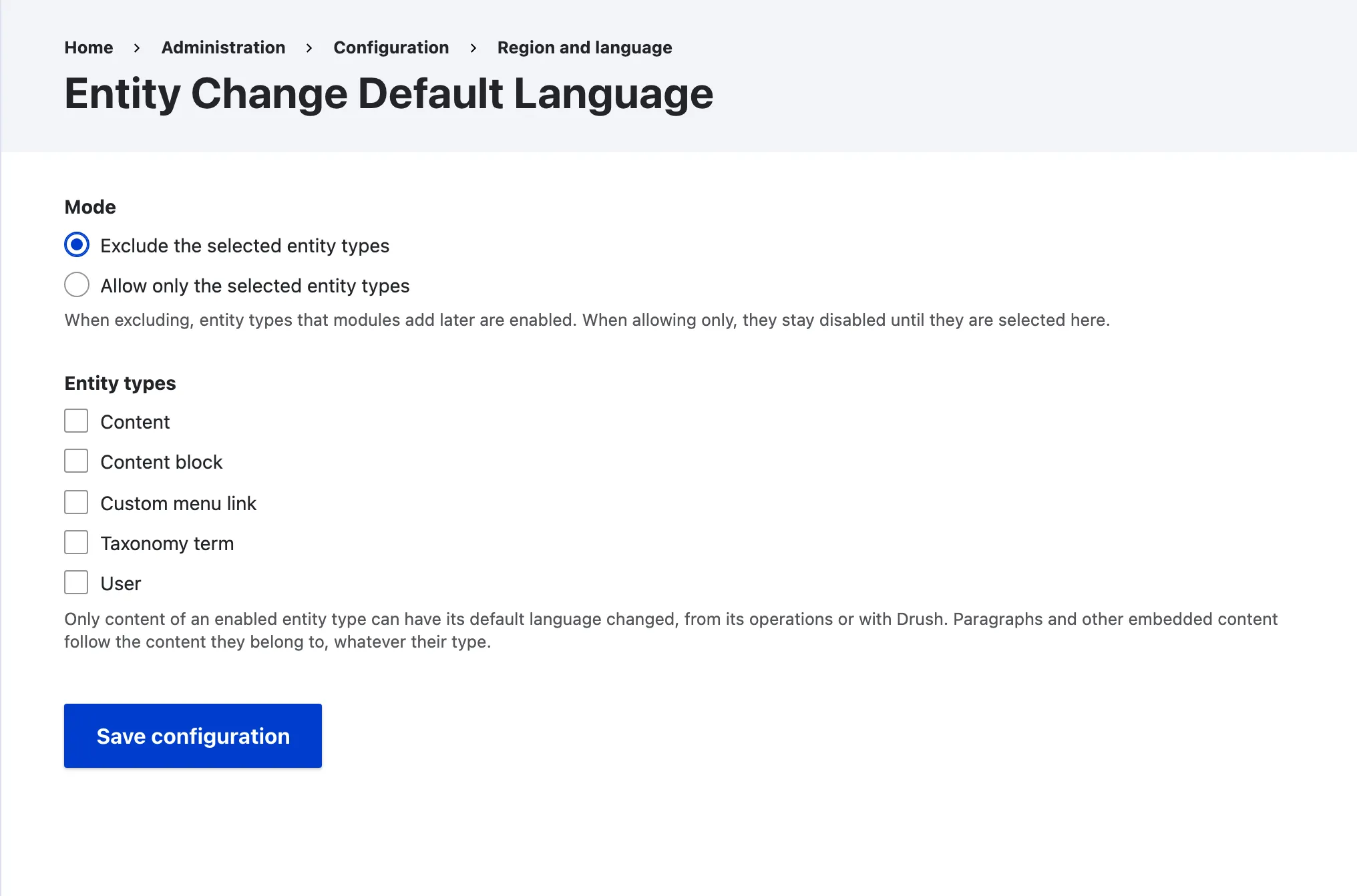
The mode says what the checked entity types mean. The list below it offers every translatable content entity type of the site.
| Mode | Meaning |
|---|---|
| Exclude the selected entity types | The default. Every translatable content entity type is enabled except the checked ones. Entity types that modules add later are enabled too. |
| Allow only the selected entity types | Only the checked entity types are enabled. Entity types that modules add later stay disabled until you check them. |
The default, Exclude with no entity type checked, enables every translatable content entity type. A site updated from 1.0.x gets the same default, so it works as before.
Allow only content
Section titled “Allow only content”To let editors change the default language of content and nothing else, pick Allow only the selected entity types, check Content, and save.
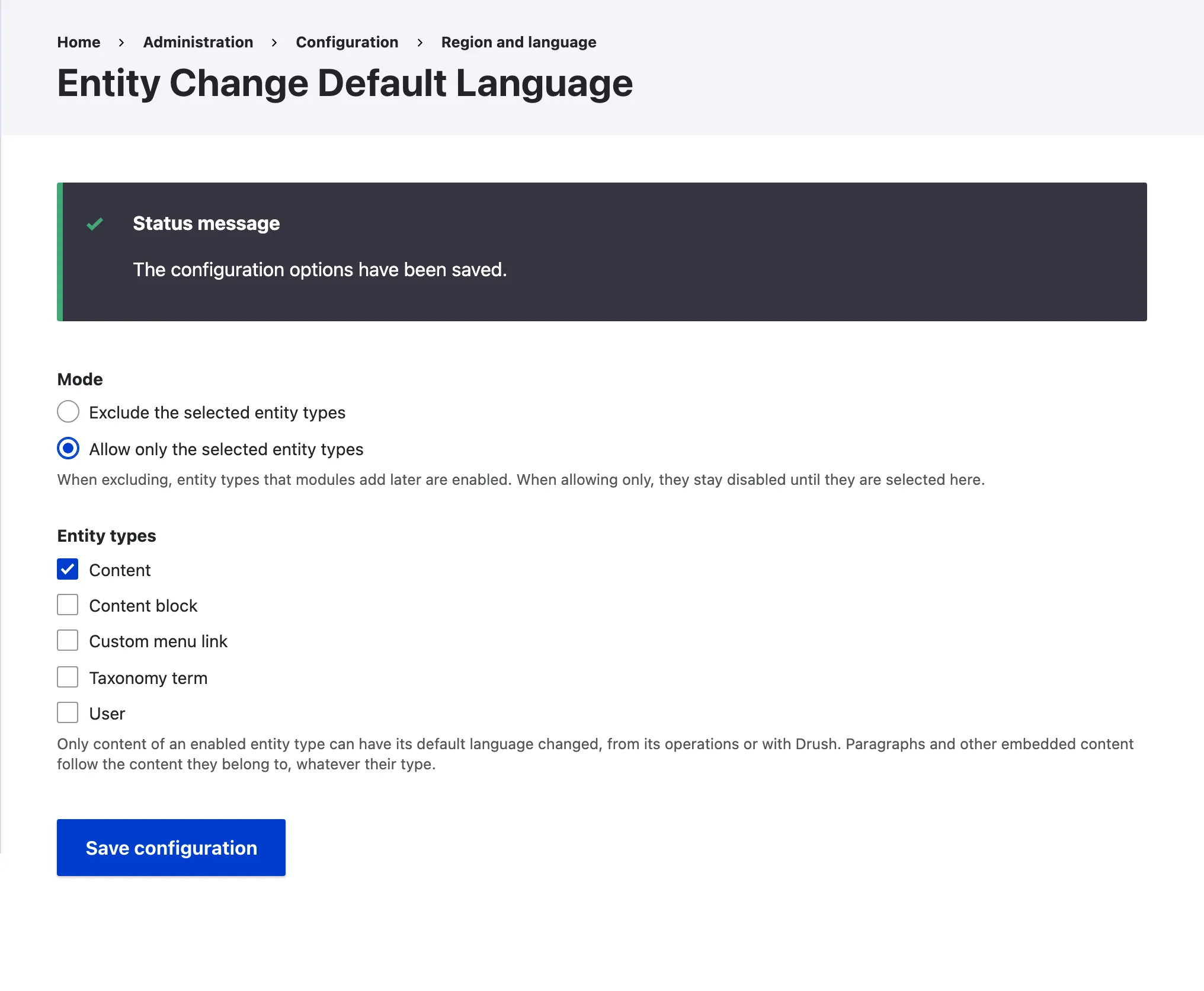
What the settings change
Section titled “What the settings change”Every part of the module reads the same settings.
- The Change default language operation and its form are only offered for an enabled entity type.
- The Drush commands refuse an entity type that is not enabled.
- The queue worker skips an item whose entity type is not enabled, and logs it.
- The service refuses an entity of a type that is not enabled, logs it and returns
FALSE. - Paragraphs and other composites always follow their host, whatever their own type.
- A reference field to follow must target an enabled entity type. Drush and the form refuse one that does not, and the service skips it with a warning.
With only Content allowed, Drush refuses a taxonomy term.
$ drush ecdl:cdl taxonomy_term 1 es -y
  Taxonomy term entity type is not enabled! Enable it in the Entity Change  Default Language settings first.