
Getting started
Entity Change Default Language changes the default language of a content entity. An article written in English becomes an article written in Spanish, and the English text stays as a translation unless you ask to drop it.
Requirements
Section titled “Requirements”- Drupal
^11.4 || ^12and PHP 8.3 or later. - The Language and Content Translation modules. The module depends on both, so installing it installs them.
- Drush 13 or later, only for the Drush commands.
- The entity must be translatable, and its entity type must be enabled in the settings, which enable every translatable content entity type by default.
Note: Sites on Drupal 9, 10 or 11.0 to 11.3 stay on the 1.0.x branch.
Install
Section titled “Install”composer require drupal/entity_change_default_languagedrush pm:install entity_change_default_languageNote: The module does not install Drush. Add
drush/drushto your project if you want the commands.
Check your languages
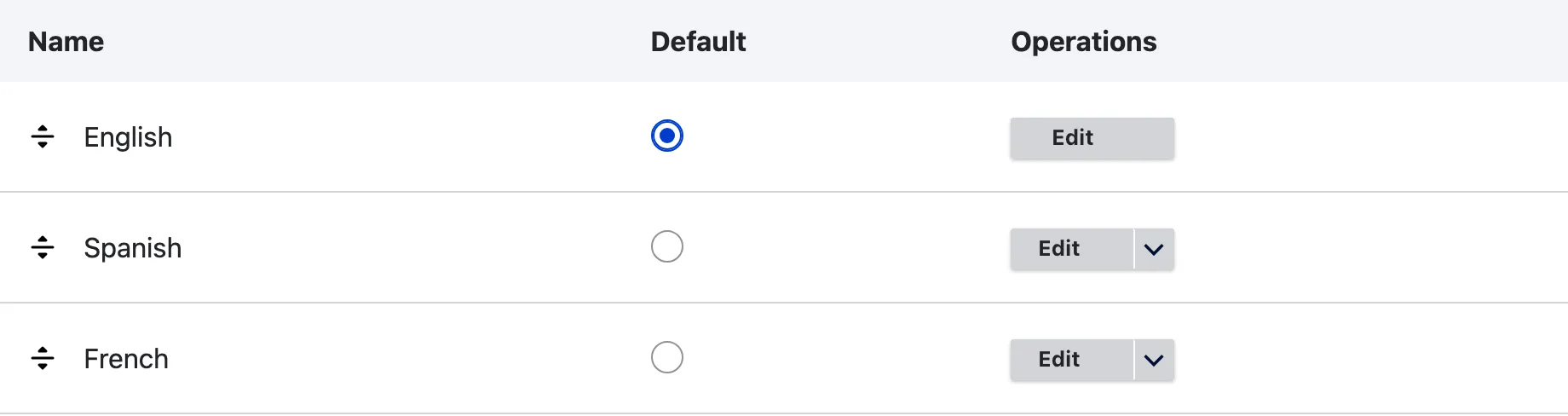
Section titled “Check your languages”The demo site used in this documentation has English as its default language, and Spanish and French added. Open Configuration, Regional and language, Languages to see the same list on your site.
Ways to use it
Section titled “Ways to use it”- Choose the entity types the module works on: see Settings.
- From the content list: see User interface.
- From code: see Using the service.
- From the command line: see Drush commands, and The queue for a whole entity type.