Introduction
Note: Drupal core will soon provide a method for controlling available blocks in Layout Builder. See Add visibility control conditions to blocks within Layout Builder. This core solution should be sufficient for most site needs, so consider using that instead of Layout Builder Restrictions. For advanced use cases, Layout Builder Restrictions may still be useful.
Problem/motivation
The default Layout Builder interface shows all blocks (including all entity-specific fields), and all layouts registered in the system. This poses a usability problem, as the list of blocks is quite long. Additionally, for many sites, the ability to curate which blocks and layouts are available on a given entity is an information architecture necessity.
This module's solution
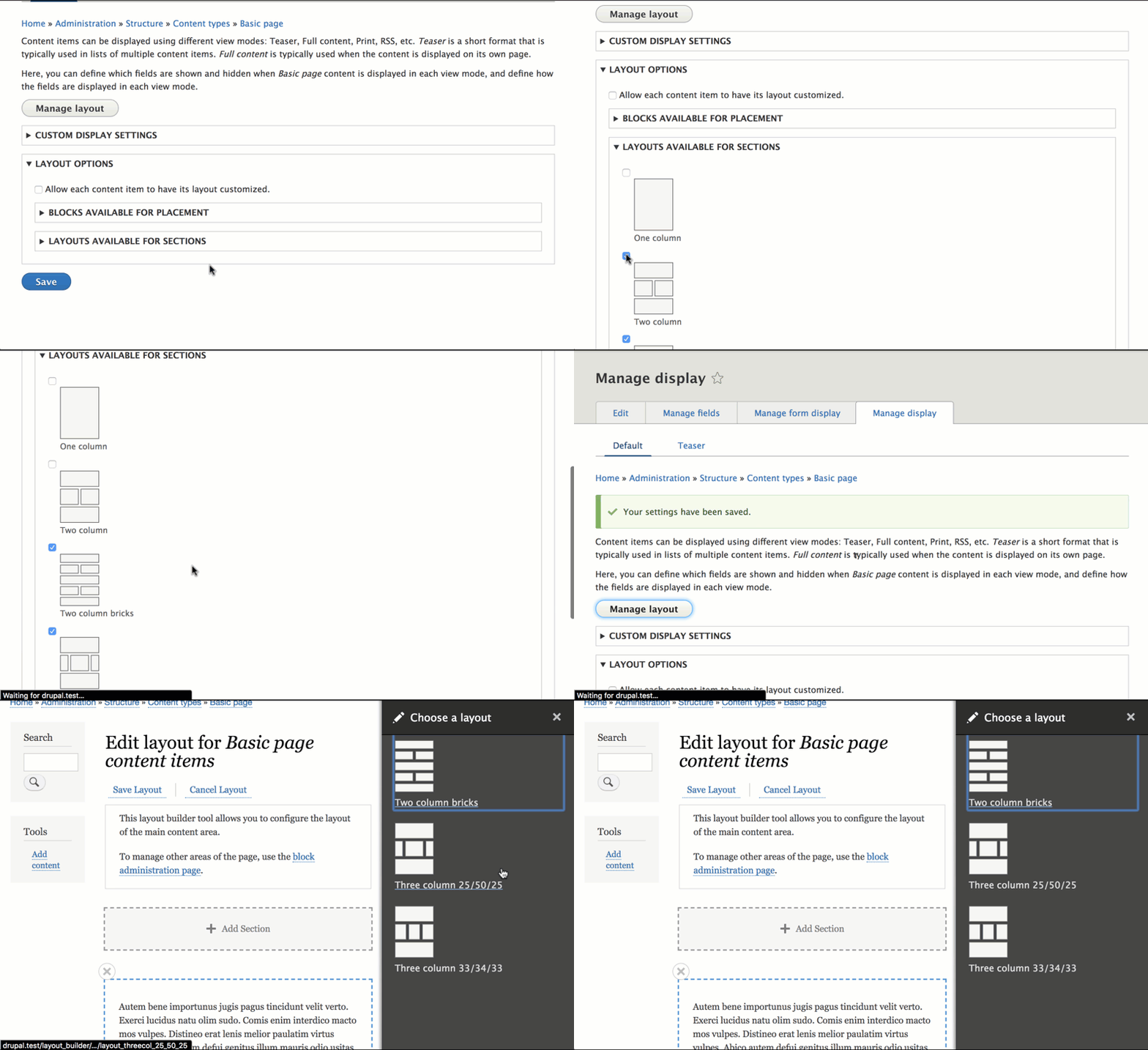
This module, Layout Builder Restrictions, provides a configurable UI for controlling which blocks and layouts are available for placement. Sites can allow all options from a certain provider, or restrict all options by provider, or specify individual allowed blocks & layouts.