Configuration
Add a field
At Structure » Content types » type » Manage fields (or the equivalent page for any fieldable entity type), add a field of type Currency.
Field storage settings
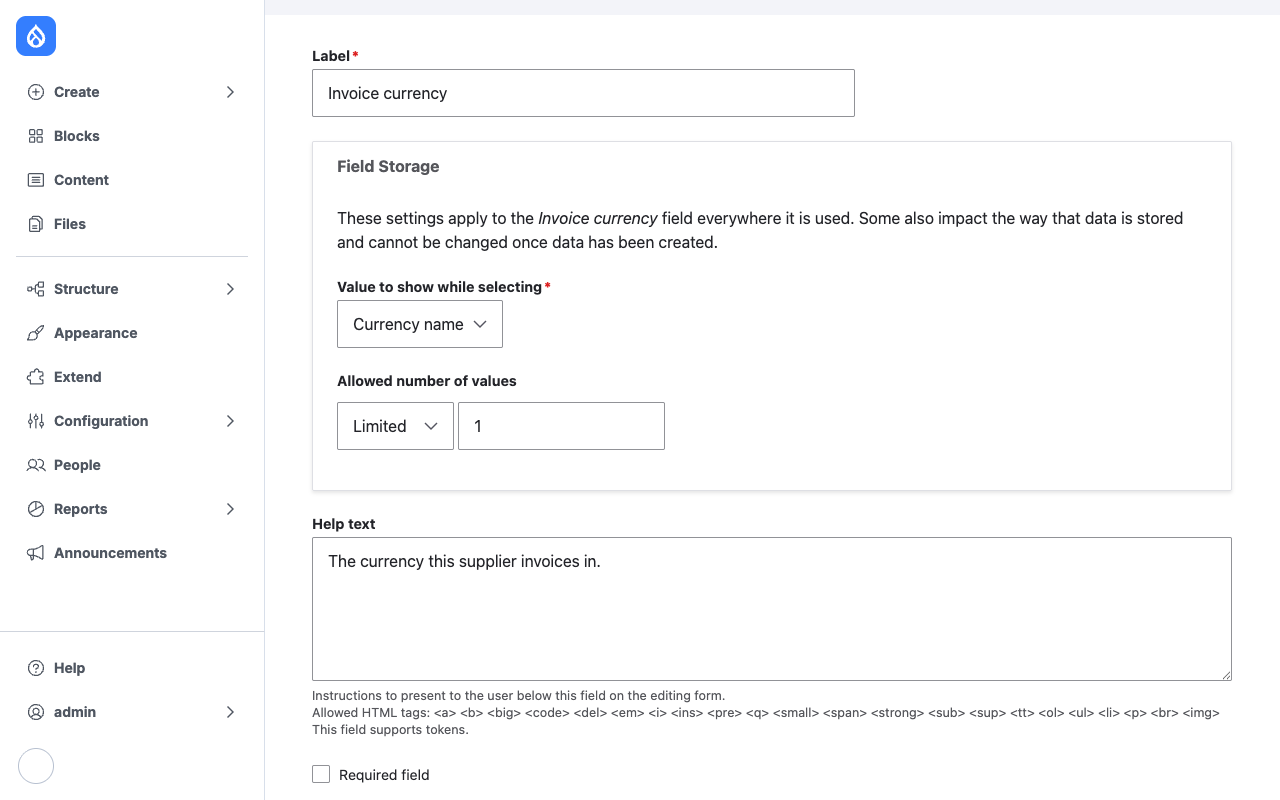
Value to show while selecting sets the widget's option labels:
| Option | Label for EUR |
|---|---|
| Alphabetic code | EUR |
| Currency name | Euro |
| Country name | One of the entities that use the currency (see Troubleshooting) |
The field always stores the alphabetic code, whichever label is shown. This is a storage setting, so it applies to the field on every bundle that shares its storage.
Allowed number of values works as for any field. The widget repeats the select for each value.
Widget
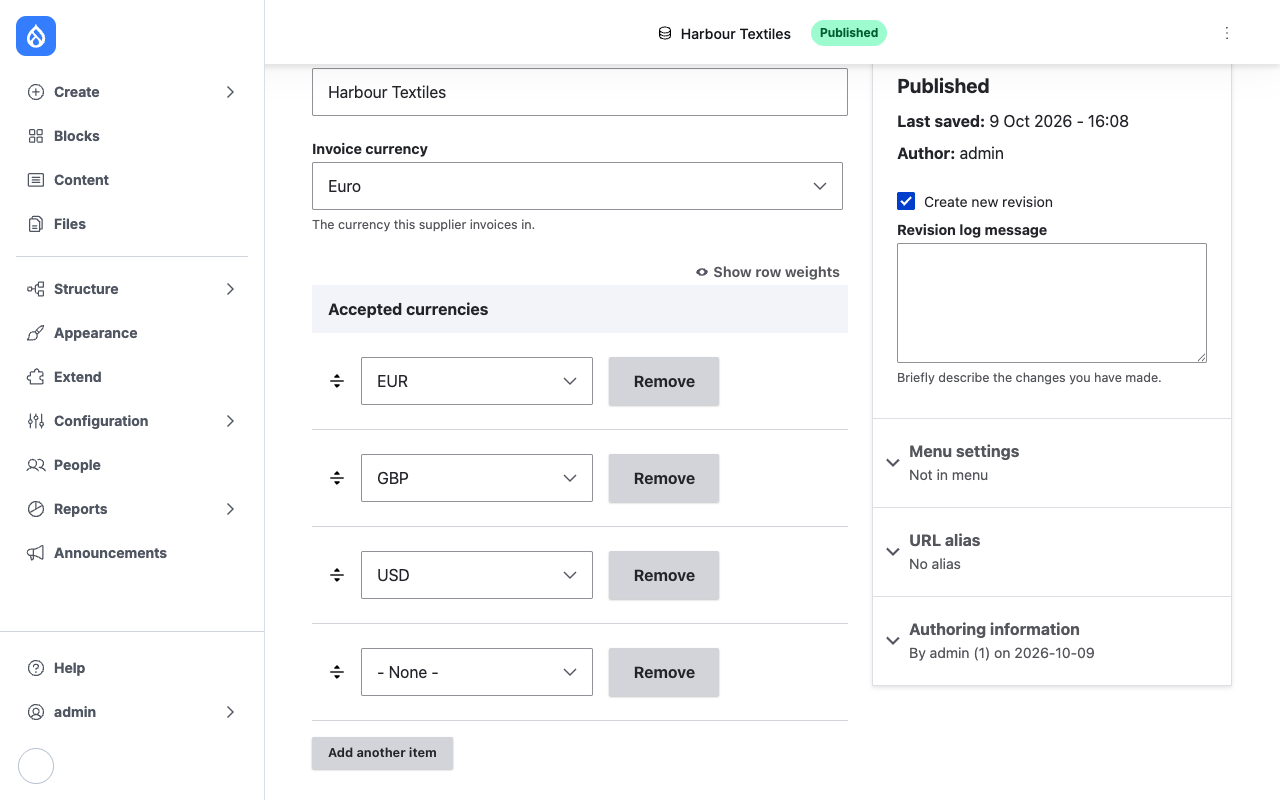
At Manage form display, the field uses Currency widget. It has no settings.
The widget:
- lists the currencies that ISO 4217 currently lists, not withdrawn ones;
- sorts options by their label;
- adds an empty option: - None - on optional fields, - Select - on required ones;
- keeps a withdrawn currency in the list for an item that already stores it, so editing an old record does not change its value.
Formatter
At Manage display, the field uses Currency formatter. Its Show setting picks the output:
| Show | Output for PEN |
|---|---|
| Alphabetic code (default) | PEN |
| Currency name | Sol |
| Country name | Peru |
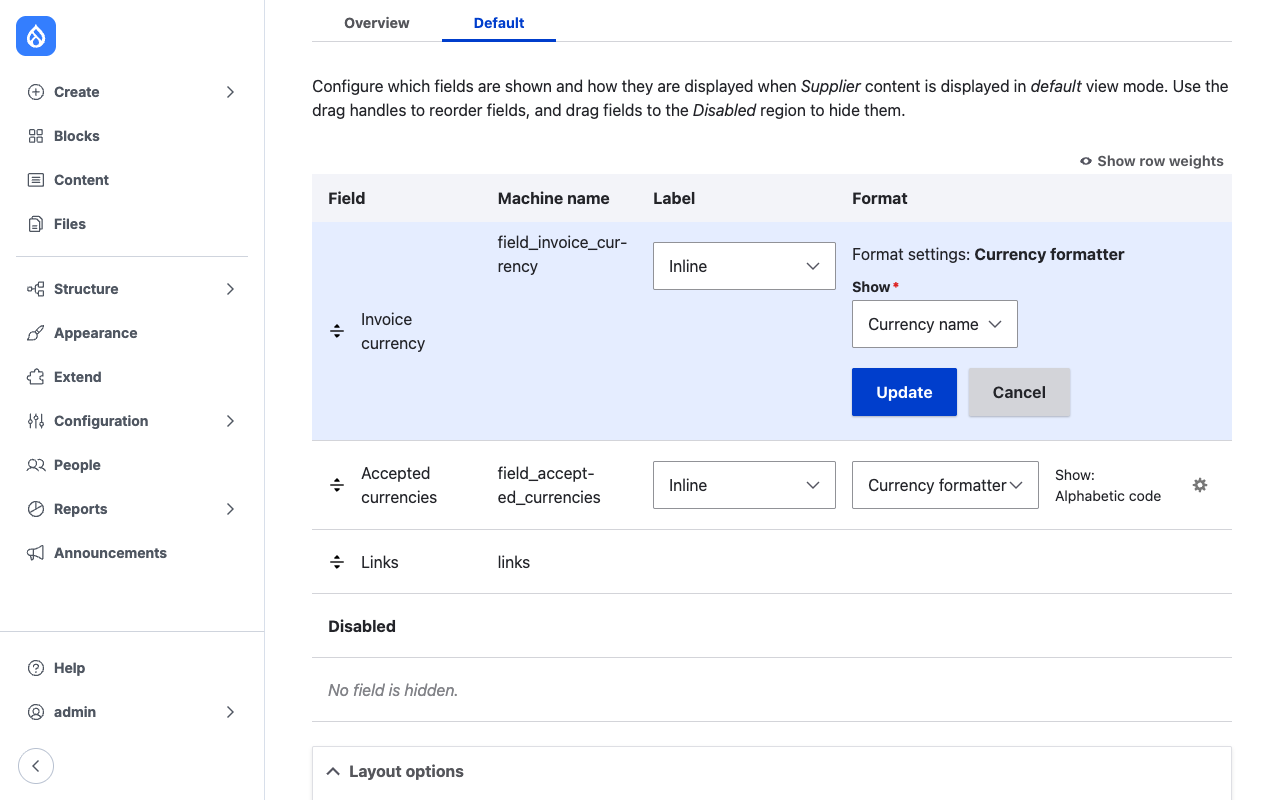
Names come from the bundled ISO 4217 list, in English, and are not translated. For a stored withdrawn currency the formatter uses the name from the historic list.